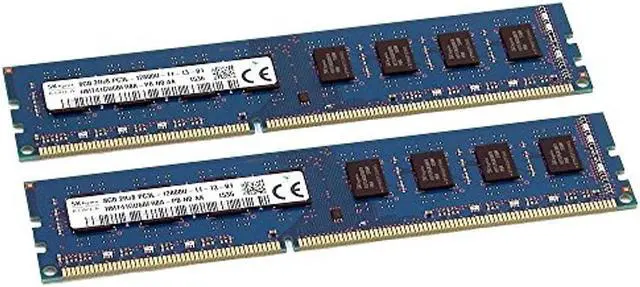
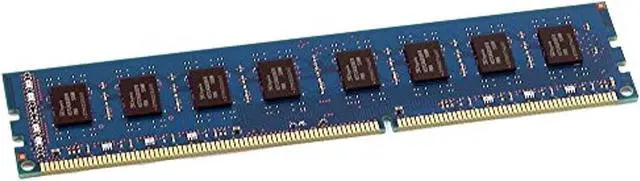
The SK Hynix HMT41GU6BFR8A-PB is a 16GB desktop memory kit with two 8GB DDR3-1600 (PC3L-12800) modules, suited to upgrading or maintaining compatible desktops that use 240-pin, non-ECC DDR3 memory.
Recommended For
- Owners of a compatible DDR3 desktop currently running 8GB who want 16GB for smoother multitasking with several browser tabs and everyday applications.
- People maintaining a supported older desktop, including systems such as ASUS H97M-PLUS builds, where this exact Hynix module appears on the motherboard’s memory compatibility list.
- Desktop repairers or refurbishers replacing memory in older DDR3 systems that call for 240-pin, non-ECC desktop DIMMs and support 8GB modules.
- Users extending the life of an older home or office desktop for routine work who need more memory capacity, rather than a newer memory generation or a broader system upgrade.
Real-World Use Scenarios
- Upgrading a compatible DDR3 desktop from 8GB to 16GB for everyday multitasking—such as keeping documents, email, and browser tabs open—can reduce slowdowns caused by running short of memory; the benefit depends on RAM being the bottleneck.
- Refreshing an older home-office PC for web browsing, office documents, and video calls: 16GB gives these tasks more room to run together when the previous memory capacity was limiting, but it will not fix a slow processor or hard drive.
- Replacing older or faulty memory in a supported DDR3 desktop: installing the two 8GB modules provides 16GB total, assuming the motherboard supports the module type and capacity.
- Using an older DDR3 desktop for light photo editing or working with several large documents: 16GB can help keep files and applications available together when 8GB was causing memory pressure, though editing speed also depends on the CPU and storage.
- Keeping an older DDR3 gaming PC usable while a game, voice chat, and a browser are open: 16GB may reduce memory-related slowdowns compared with a constrained setup, but it does not guarantee higher frame rates.
Spec Summary
| Attribute | Value |
|---|
| Best For | Desktop systems needing a 16GB (2×8GB) DDR3 memory kit |
|---|




 here!