

Your Browsing History

Meet Your Seller


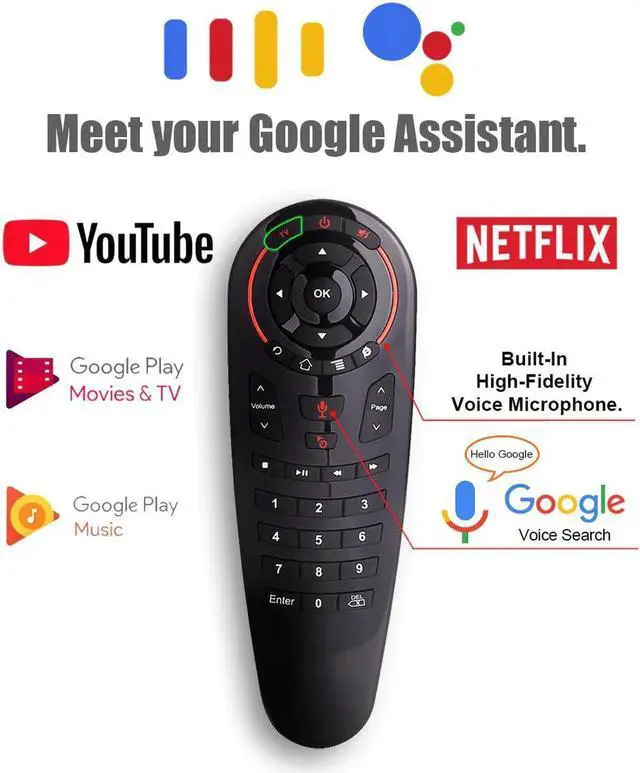
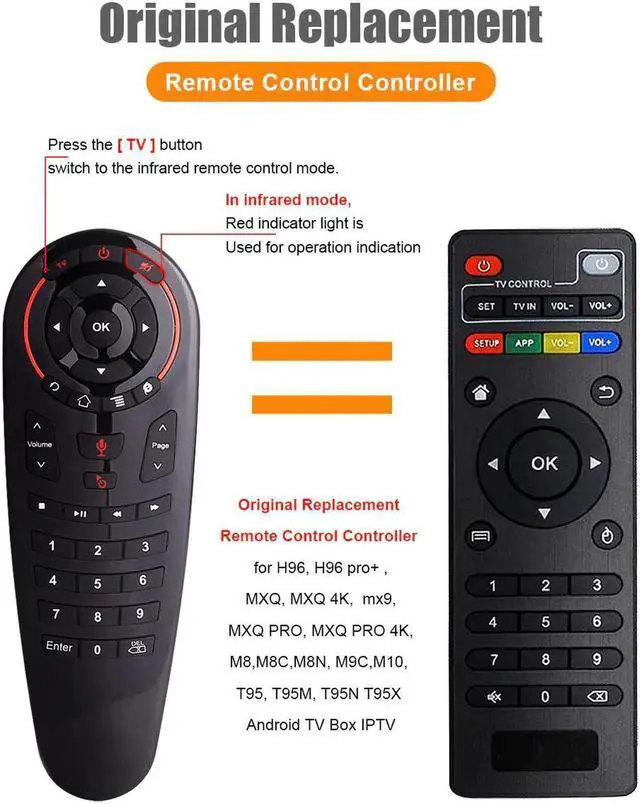
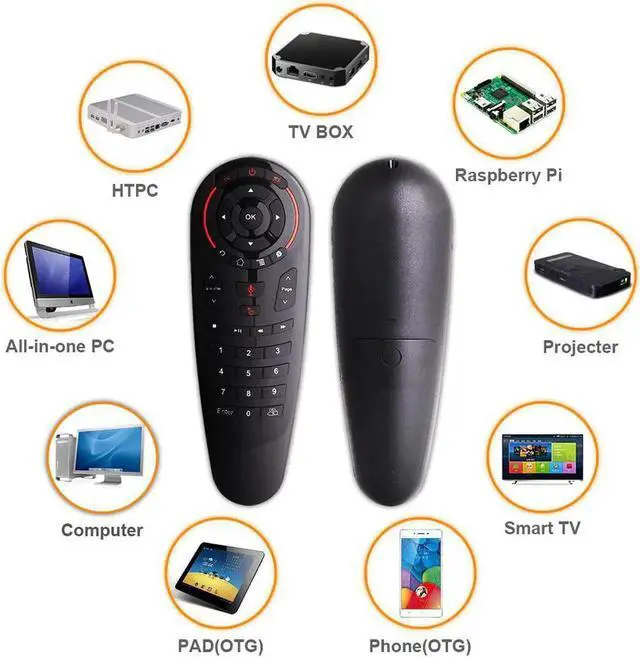
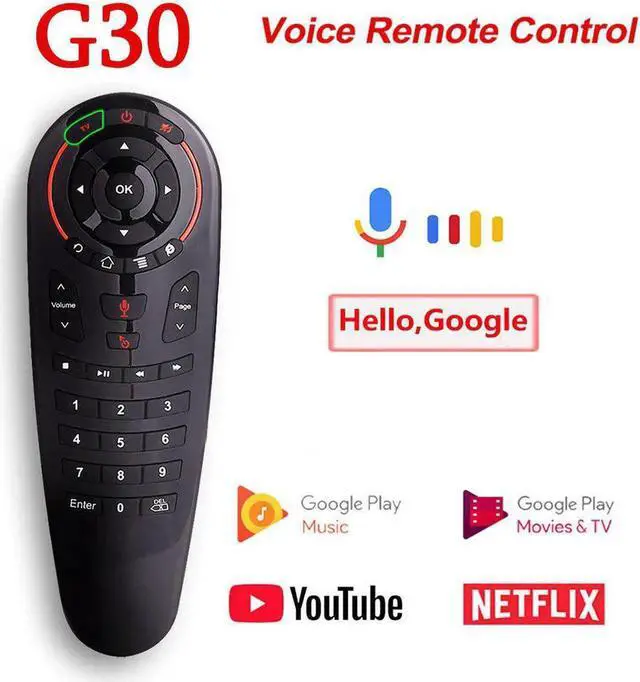
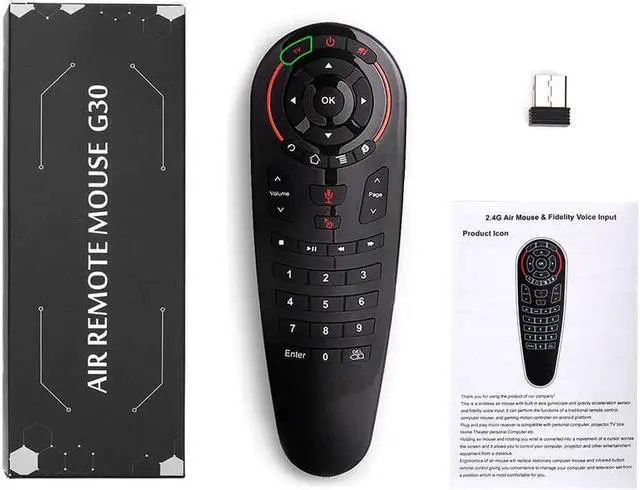


Voice Remote Control 2.4G Wireless Air Mouse G30 33 keys IR learning Gyro Sensing Smart Remote for Android TV BOX Game PC
- Enjoy Your Shopping
+
+
Overview
Specs
Reviews

Any questions? Our AI mode will help you find out quickly.
Try me now
G30 Voice Remote Control 2.4G Wireless Air Mouse 33 keys IR learning Gyro Sensing Smart Remote for Smart Android TV BOX Game PC
This is a wireless air mouse with built-in axis gyroscope and gravity acceleration sensor
and fidelity voice input; it can perform the functions of a traditional remote control,
computer mouse, and gaming motion controller on android platform.
Plug and play micro receiver is compatible with personal computer, projector,TV box,
Home Theater personal Computer etc.
This product has 33 buttons can be used for IR learning
Voice Remote control
Learning Funcion :
This product has 33 buttons can be used for IR learning.(except "TV" button)
The operation steps of infrared learning function are as follows:
1.In IR mode, press and hold the "TV" button for 3 seconds.
2.When the red LED light flickers slowly, prompts to enter the IR learning state.
3.The tube of the infrared remote control faces the tube of the air mouse
about 2-3CM, Press the infrared remote control button, When the infrared code value is
recognized, the red LED light turns to flash fast.
4.When the red light flashed for 3 seconds, press any button to save (except "TV" button).
When the functional storage is completed, the red LED lights turn to slow flash again, and
then you can continue to learn.
If you don't need to continue learning, press the "TV" button to quit the IR learning mode.
Press the "TV"+"DEL" button for 5 seconds, the red LED flashes, prompting to restore the
factory settings.
Warranty & Returns
Warranty, Returns, And Additional Information
Warranty
- Please contact the Seller directly for warranty information. Warranty information may also be found on the Manufacturer's website.
- CONTACT
Return Policies
- Return for refund within: 30 days
- Return for replacement within: non-replaceable
- This item is covered by Leionhernut Return Policy
Manufacturer Contact Info
- For a directory of all our manufacturers, please click below.
- Manufacturers Directory
LOADING...