

Your Browsing History

- Free 30-day Returns
$55.99


Meet Your Seller

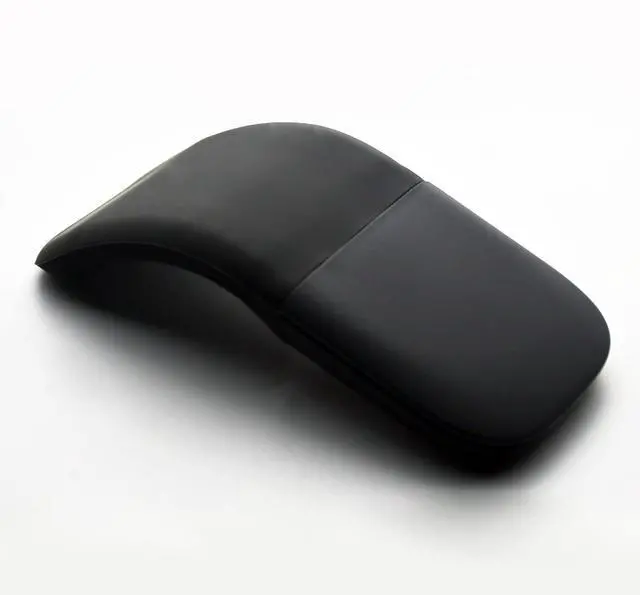


Foldable Mouse Bluetooth Folding Wireless Mice with Touch Panel-Black
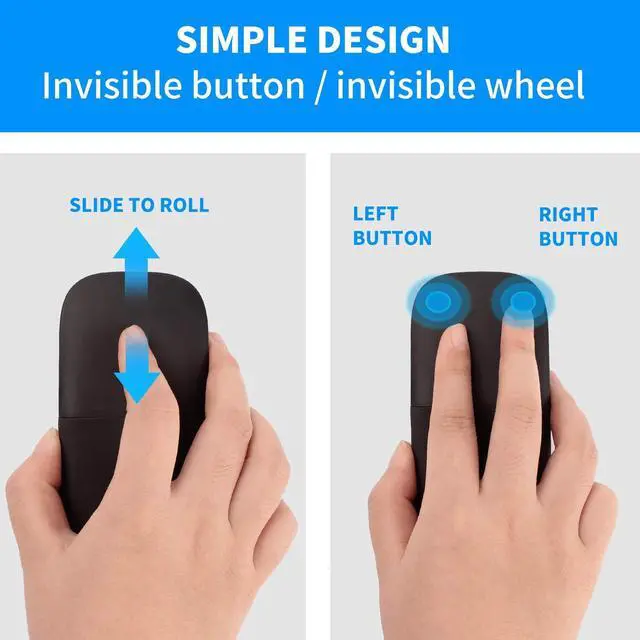
- Innovative full scroll planeThe full touch plane let you scroll both vertically. Wireless range: 32.8 feet (10 meters) in open area, and 16.4 feet (5 meters) in office environment. Note: This is not original Microsoft mouse .
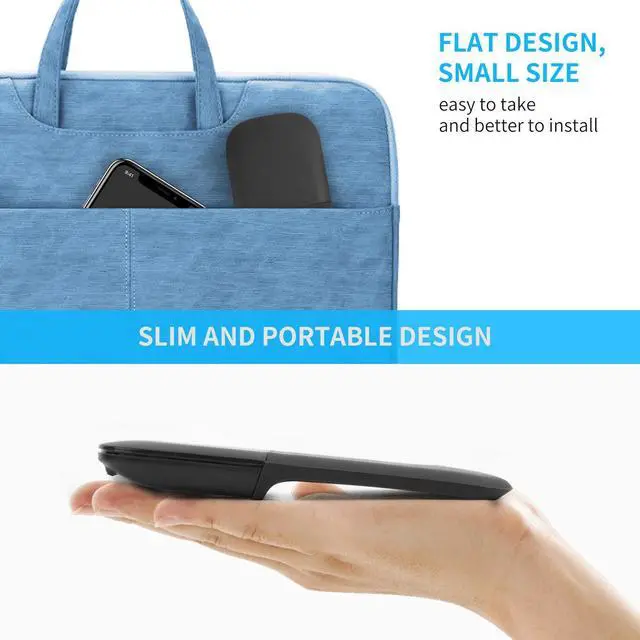
- Ultra slim and lightweightUltra thin design and very light weight, you can carry the mouse anywhere.
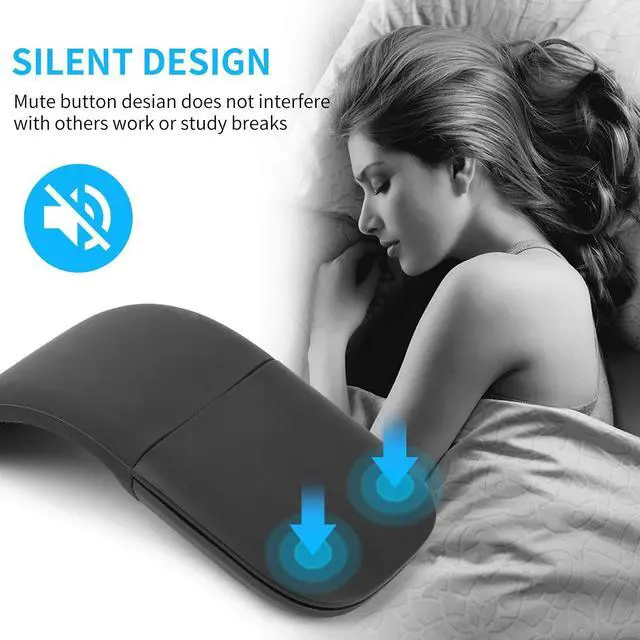
- Bluetooth wireless connectionPls note: There is no USB receiver .Suitable for all versions of Bluetooth device.You only need to pair it with your device at the first time, the next time, you just need to click the left or right mouse button.
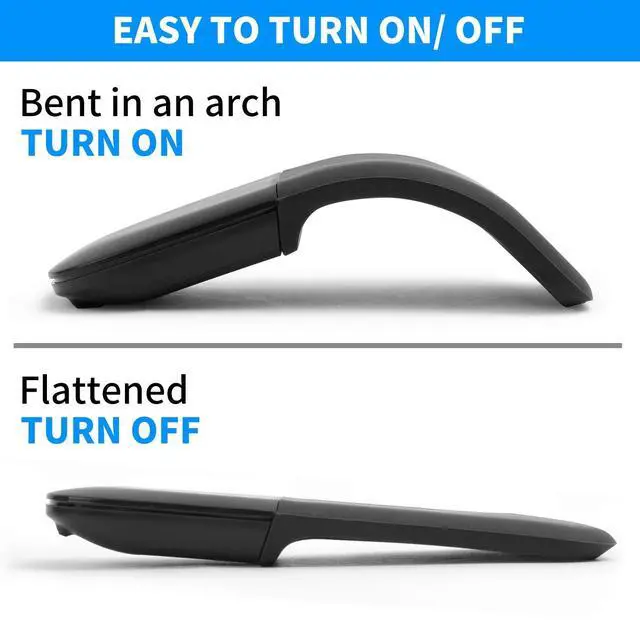
- Foldable designThe mouse is turned on when bent in an arch, and turned off when flattened.
- Wide CompatibleWorks with Bluetooth-enabled devices which run Windows VISTA, 8 ,10,Android and IOS sysmtem.
+
+
Overview
Specs
Reviews

Any questions? Our AI beta will help you find out quickly.
Try me now
Product Spec: Wireless
technology: Bluetooth
4.0W ireless distance: 10-15mProduct
Size:
133*55*12mmWeight:
755gResolution: 1200Operating
cycles: 1, 000, 000
cyclesBattery: 2*AAA dry battery (Not included)
Material: ABS
Plastic and siliconSystem requirement: Windows 2000/ 2003/ ME/ XP/ Vista/ Win7/ 8/ 10/ MAC OS/ LinuxHow to use it? 1. Insert the battery into the mouse. 2. Bent the mouse, when you hear a sound, it means the mouse is bent into correct position. The blue light will shake, and the mouse is turned on. 3. Press the bluetooth button on the mouse. 4. Open your computer Setting-Device- add bluetooth mouse5. The computer will search our mouse. After it find out our mouse, click to connection, then the mouse can work.
Note: 1. This is bluetooth mouse, no USB receiver. 2. This mouse can not be used on Win7 and XP system. 3. The mouse must be bent to the right position, otherwise it can not turn on.
technology: Bluetooth
4.0W ireless distance: 10-15mProduct
Size:
133*55*12mmWeight:
755gResolution: 1200Operating
cycles: 1, 000, 000
cyclesBattery: 2*AAA dry battery (Not included)
Material: ABS
Plastic and siliconSystem requirement: Windows 2000/ 2003/ ME/ XP/ Vista/ Win7/ 8/ 10/ MAC OS/ LinuxHow to use it? 1. Insert the battery into the mouse. 2. Bent the mouse, when you hear a sound, it means the mouse is bent into correct position. The blue light will shake, and the mouse is turned on. 3. Press the bluetooth button on the mouse. 4. Open your computer Setting-Device- add bluetooth mouse5. The computer will search our mouse. After it find out our mouse, click to connection, then the mouse can work.
Note: 1. This is bluetooth mouse, no USB receiver. 2. This mouse can not be used on Win7 and XP system. 3. The mouse must be bent to the right position, otherwise it can not turn on.
Warranty & Returns
Warranty, Returns, And Additional Information
Warranty
- Please contact the Seller directly for warranty information. Warranty information may also be found on the Manufacturer's website.
- CONTACT
Return Policies
- Return for refund within: 30 days
- Return for replacement within: 30 days
- This item is covered by CloudBeast Return Policy
Manufacturer Contact Info
- For a directory of all our manufacturers, please click below.
- Manufacturers Directory
LOADING...