Your Browsing History
- Free 30-day Returns
$55.99
Meet Your Seller
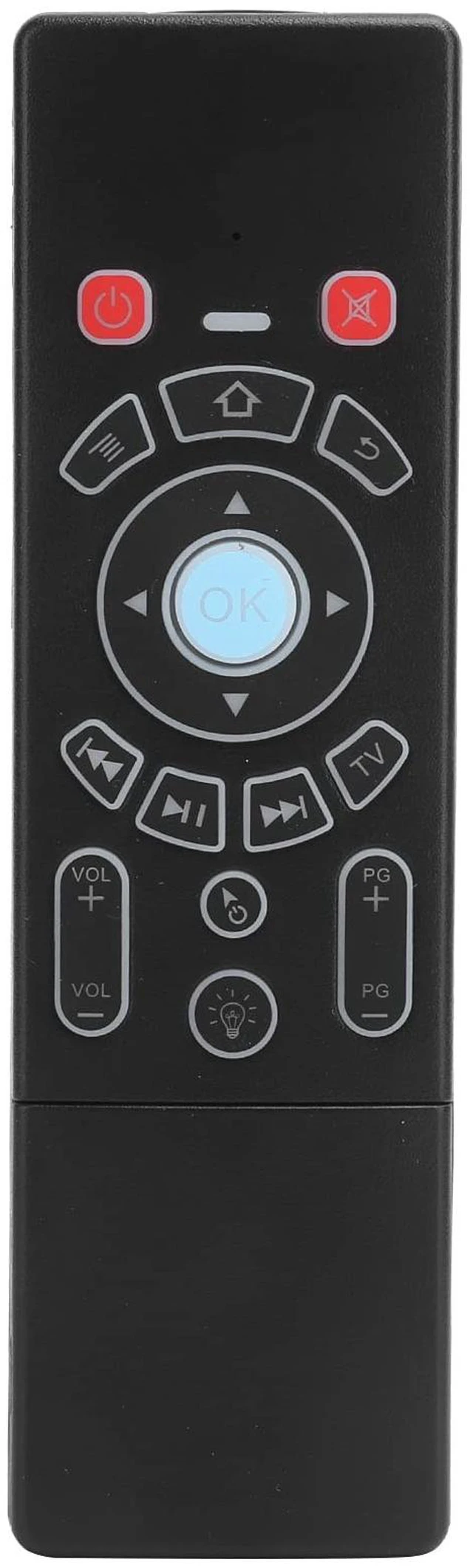
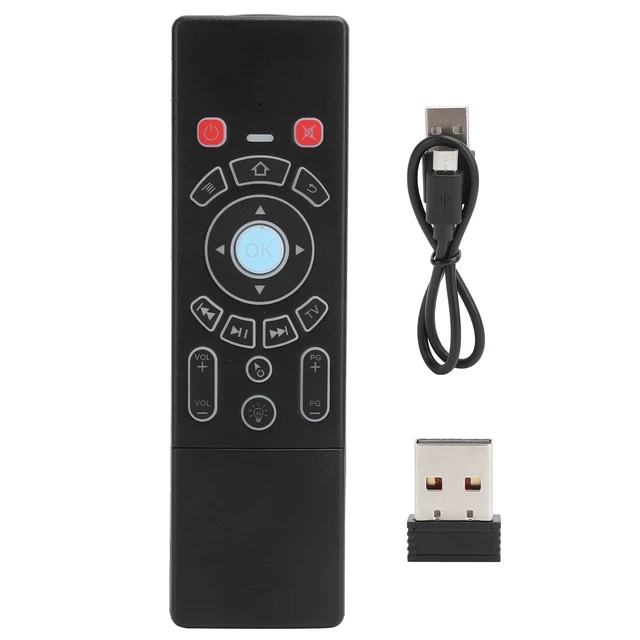
Air Mouse Remote, 2.4G 6Axes Keyboard Remote Control Touchpad Backlit Replacement for Android/Smart TV Box PC Projectors, Computers(Standard)
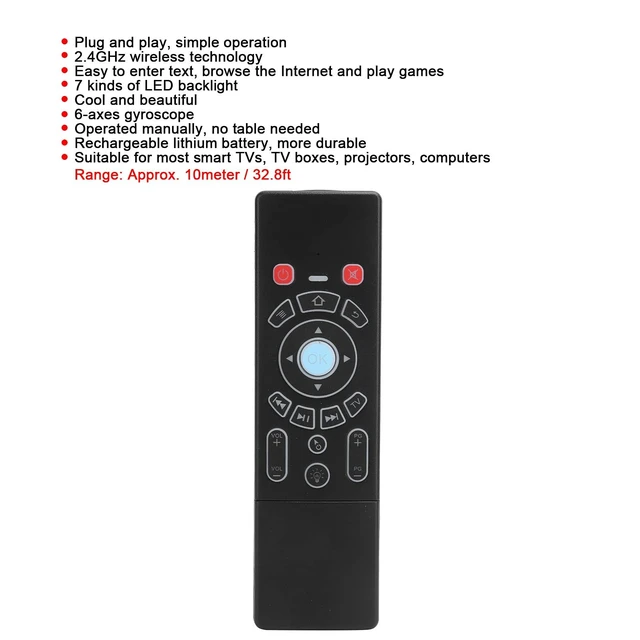
- Easy to Operate- Plug and play with simple , using the current 2.4GHz technology, easy to enter text, browse the Internet and play games
- Characteristic- Come with 7 kinds of LED backlight, cool and beautiful, you can enjoy a beautiful experience
- Advantages - The air mouse makes life , there is a 6-axes gyroscope inside, which only needs to be operated manually, no table is needed
- Built-in Rechargeable Lithium Battery - The product adopt rechargeable lithium battery, the power supply is more , very convenient
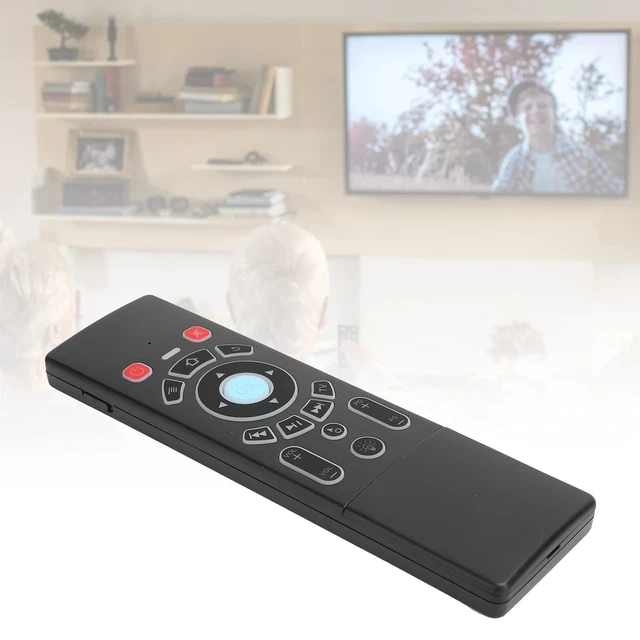
- Applicability - Air mouse is suitable for most smart TVs, TV boxes, projectors, computers, useful and practical
+
+
Overview
Specs
Reviews
Any questions? Our AI mode will help you find out quickly.
Try me now
Specification: Item
Type: Air Remote
Mouse Keyboard 2.4GRF:
Sensor: For 3- + for 3-gsensorNumber of
Keys:
63Range: Approx. 10meter / 32.8 ftBuilt-in
Rechargeable Lithium Battery: 300mAh/ 3.7VLED
Light Color: Red, green, dark blue, yellow,, light blue, goldHow to
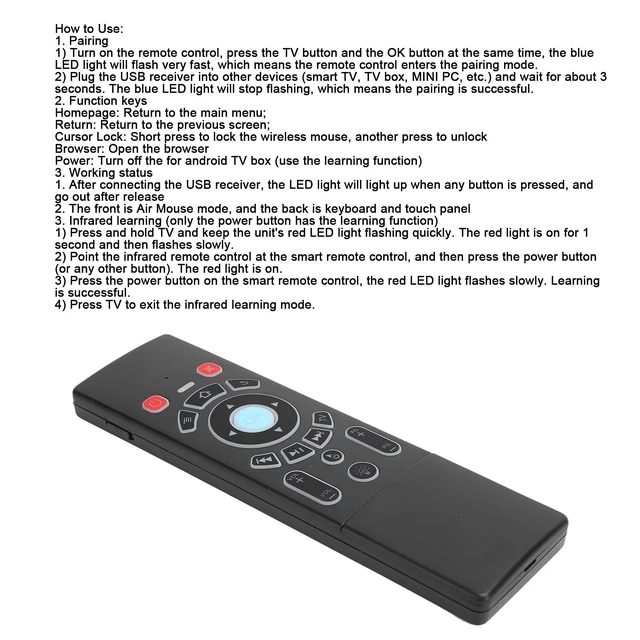
Use: 1. Pairing1) Turn on the remote control, press the TV and the OK at the same time, the blue LED light will flash very fast, which means the remote control enters the pairing mode. 2) Plug the USB receiver into other devices (, TV box, MINI PC, etc. ) and wait for about 3 seconds. The blue LED light will stop flashing, which means the pairing is successful. 2.
Function keysHomepage: Return to the main menu;
Return: Return to the previous screen;
Cursor Lock: Short press to lock the mouse, another
press to unlockBrowser: Open
the browserPower: Turn off the for TV box (use the learning function) 3. Working status1. After connecting the USB receiver, the LED light will light up when any is pressed, and out after release2. The front is mode, and the back is keyboard and touch panel3. Infrared learning (only the power has the learning function) 1) Press and hold TV and keep the unit\'s red LED light flashing quickly. The red light is on for 1 second and then flashes slowly. 2) Point the infrared remote control at the smart remote control, and then press the power (or any other ). The red light is on. 3) Press the power on the smart remote control, the red LED light flashes slowly. Learning is successful. 4) Press TV to exit the infrared learning mode.
Package List: 1 x Keyboard Remote Control1 x Charging Cable1 x User Manual1 x 2.4G Receiver

Type: Air Remote
Mouse Keyboard 2.4GRF:
Sensor: For 3- + for 3-gsensorNumber of
Keys:
63Range: Approx. 10meter / 32.8 ftBuilt-in
Rechargeable Lithium Battery: 300mAh/ 3.7VLED
Light Color: Red, green, dark blue, yellow,, light blue, goldHow to
Use: 1. Pairing1) Turn on the remote control, press the TV and the OK at the same time, the blue LED light will flash very fast, which means the remote control enters the pairing mode. 2) Plug the USB receiver into other devices (, TV box, MINI PC, etc. ) and wait for about 3 seconds. The blue LED light will stop flashing, which means the pairing is successful. 2.
Function keysHomepage: Return to the main menu;
Return: Return to the previous screen;
Cursor Lock: Short press to lock the mouse, another
press to unlockBrowser: Open
the browserPower: Turn off the for TV box (use the learning function) 3. Working status1. After connecting the USB receiver, the LED light will light up when any is pressed, and out after release2. The front is mode, and the back is keyboard and touch panel3. Infrared learning (only the power has the learning function) 1) Press and hold TV and keep the unit\'s red LED light flashing quickly. The red light is on for 1 second and then flashes slowly. 2) Point the infrared remote control at the smart remote control, and then press the power (or any other ). The red light is on. 3) Press the power on the smart remote control, the red LED light flashes slowly. Learning is successful. 4) Press TV to exit the infrared learning mode.
Package List: 1 x Keyboard Remote Control1 x Charging Cable1 x User Manual1 x 2.4G Receiver
Warranty & Returns
Warranty, Returns, And Additional Information
Warranty
- Please contact the Seller directly for warranty information. Warranty information may also be found on the Manufacturer's website.
- CONTACT
Return Policies
- Return for refund within: 30 days
- Return for replacement within: 30 days
- This item is covered by AetherWide Return Policy
Manufacturer Contact Info
- For a directory of all our manufacturers, please click below.
- Manufacturers Directory
LOADING...