

Your Browsing History
- Free 30-day Returns
$67.99

Meet Your Seller

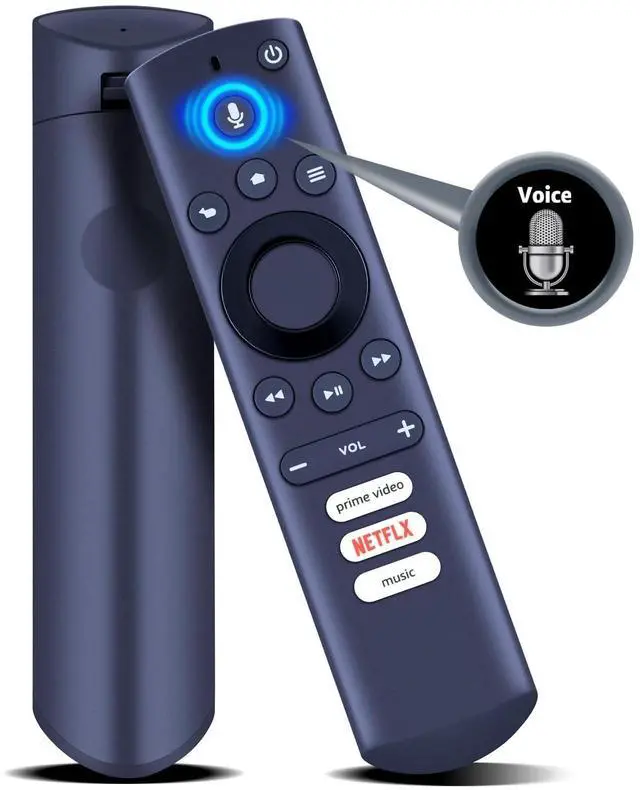
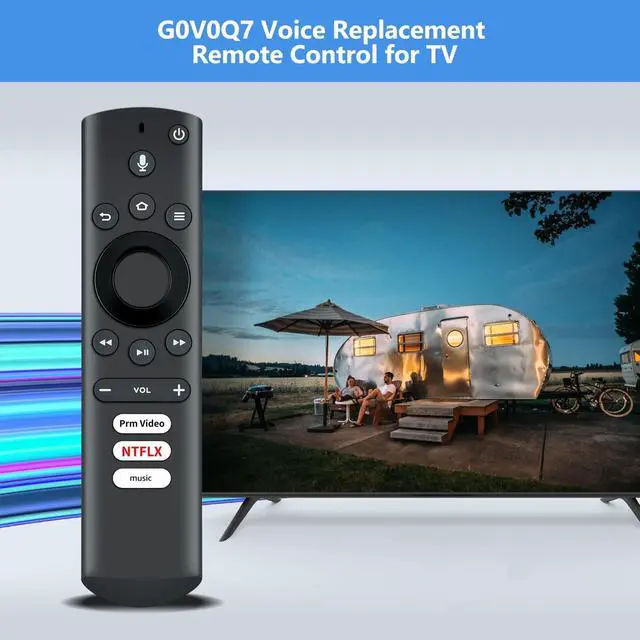
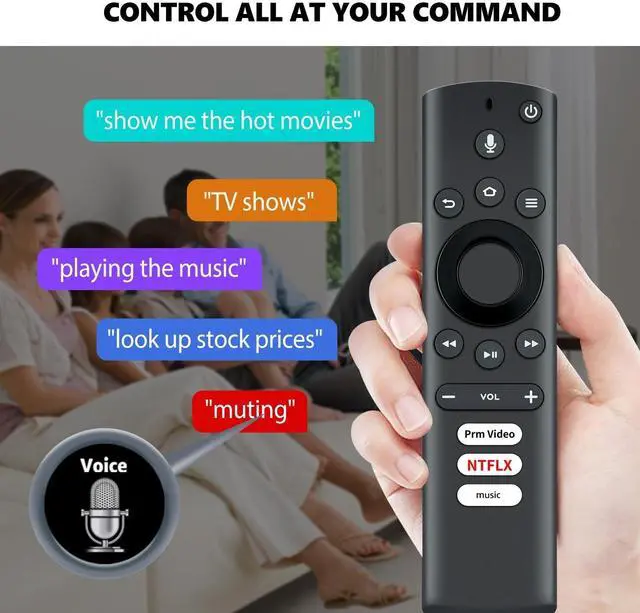
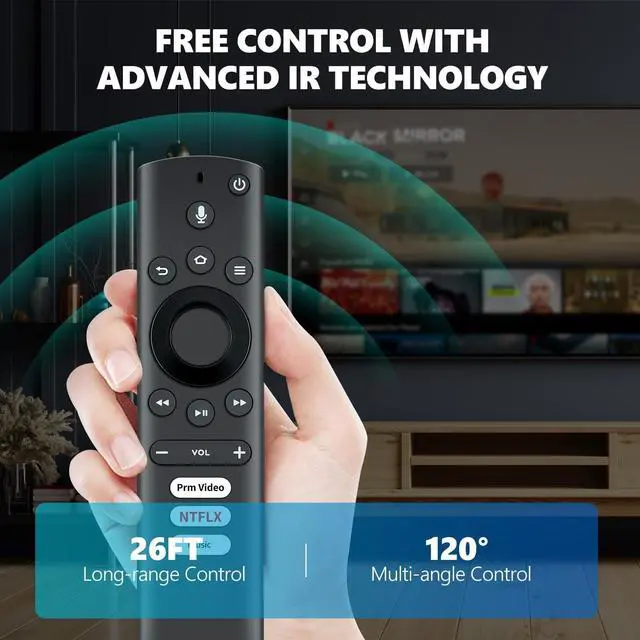


PZL G0V0Q7 Replacement Voice Remote Control Compatible with Element TV, for Westinghouse TV EL4KAMZ4317 WA43UFT1001 43GSR4100KN WA65UFT1001 EL4KAMZ5017 EL4KAMZ5517 EL4KAMZ6517
- Note: Only compatible with Element 2017 series, for Westinghouse 2017 series
- for Element 2017 series models - EL4KAMZ4317, EL4KAMZ5017, EL4KAMZ5517, EL4KAMZ6517
- for Westinghouse 2017 series models - WA43UFT1001, WA50UFT1001, WA55UFT1001, WA65UFT1001
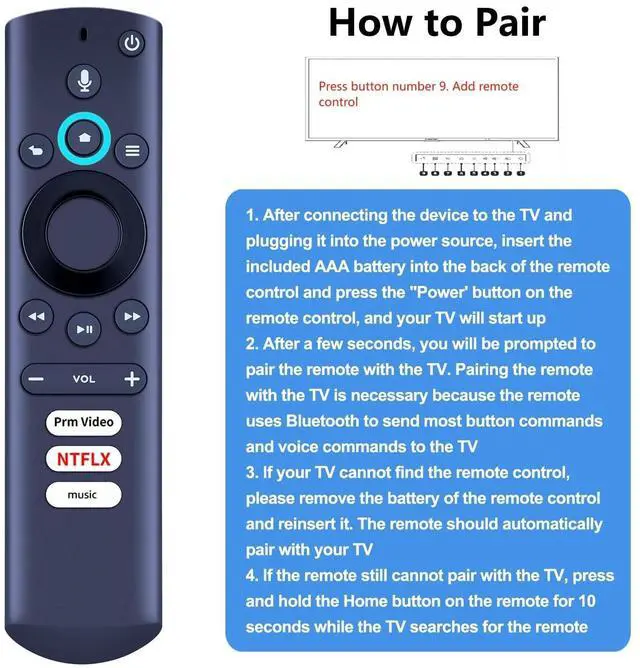
- How To Pair: 1)With the batteries in the remote, press [Power] on the remote control and the TV will start. 2)After a few seconds, you will be prompted to pair the remote control with your TV. 3)If your TV cannot find the remote control, remove the batteries from the remote control and reinsert them. The remote should automatically pair with your TV 4)If the remote still won't pair with your TV, press and hold the [Home] on the remote for 10 seconds while the TV searches for the remote
- Package Included: 1 x G0V0Q7 voice remote control (Batteries and Instructions are Not Included)
+
+
Overview
Specs
Reviews

Any questions? Our AI mode will help you find out quickly.
Try me now
PZL G0V0Q7 Voice Replacement Remote Control for Westinghouse TV, for Element TV.
Package Included: 1 x G0V0Q7 Voice Remote Control (Batteries and Instructions are Not Included).
Compatible with TV Models: EL4KAMZ4317 WA43UFT1001 43GSR4100KN WA65UFT1001EL4KAMZ5017 EL4KAMZ5517 EL4KAMZ6517If the TV does not find the remote control, remove and reinsert the remote control batteries. If the remote control is still not paired with the TV, press and hold the "Home" button on the remote control for 10 seconds while the TV searches for the remote control (Note: The TV starts searching for the remote control when the ninth button from right to left is pressed).
Package Included: 1 x G0V0Q7 Voice Remote Control (Batteries and Instructions are Not Included).
Compatible with TV Models: EL4KAMZ4317 WA43UFT1001 43GSR4100KN WA65UFT1001EL4KAMZ5017 EL4KAMZ5517 EL4KAMZ6517If the TV does not find the remote control, remove and reinsert the remote control batteries. If the remote control is still not paired with the TV, press and hold the "Home" button on the remote control for 10 seconds while the TV searches for the remote control (Note: The TV starts searching for the remote control when the ninth button from right to left is pressed).
Warranty & Returns
Warranty, Returns, And Additional Information
Warranty
- Please contact the Seller directly for warranty information. Warranty information may also be found on the Manufacturer's website.
- CONTACT
Return Policies
- Return for refund within: 30 days
- Return for replacement within: 30 days
- This item is covered by AetherWide Return Policy
Manufacturer Contact Info
- For a directory of all our manufacturers, please click below.
- Manufacturers Directory
LOADING...