• $58.99
  • Free 30-day Returns
  • Price alert
    Shop it at NeweggBusiness.

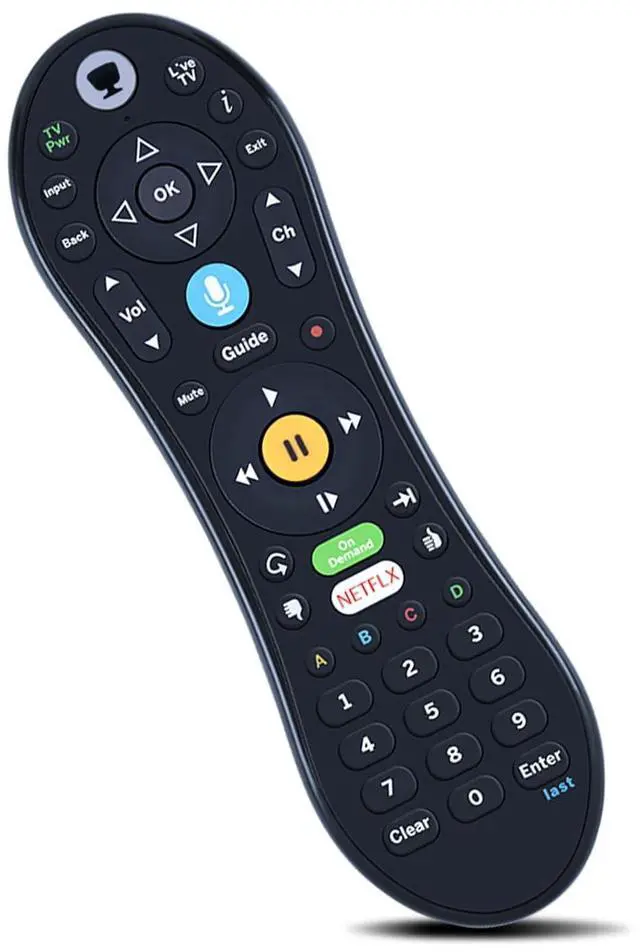
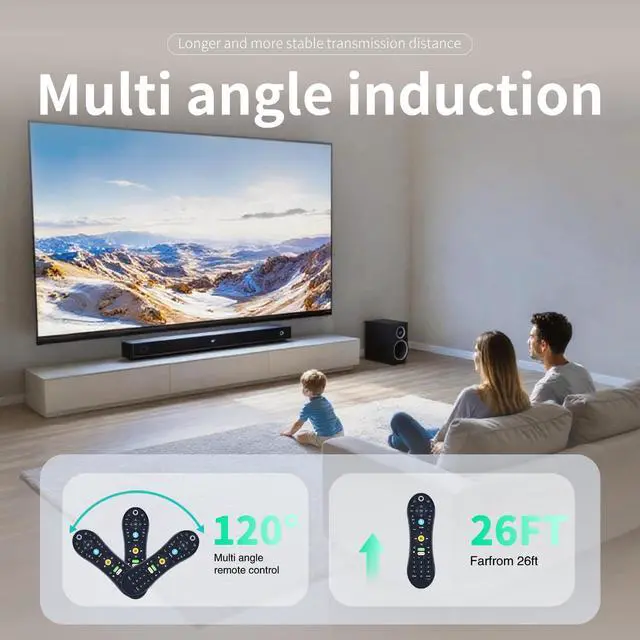
    ZWP Replacement Voice Remote Control for TiVo VOX, TiVo Edge and Bolt Series, and Mini VOX DVRs

    • Compatible with TiVo EDGE Series, TiVo BOLT Series, and TiVo Roamio Plus and Pro Without Backlight
    • How To Pairing : Step1 - To activate the pairing function the user will press any key. (The amber LED begins to flash slowly for 30 seconds, the flash rate shall be 3 flashes every 2 seconds) Step2 - Local Name: TiVo-S6V-Remote. Step3 - If the pairing is successful, the remote will flash the amber LED quickly 5 times. Step4 - If the remote has not successfully paired with a target after 20 complete cycles it will exit pairing mode and enter IR mode.
    • If the activity light ashes red with each button press, the remote is not fully paired, andvoice commands will not work. To pair it manually, go to Menu > Settings > Remote, CableCARD, &Devices > Remote Control Setup and follow the on-screen instructions.

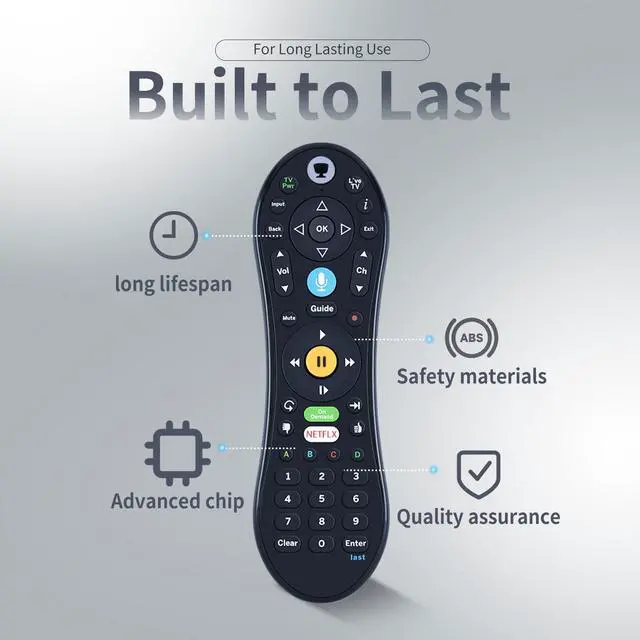
    • High QualityMade of High Quality ABS material, which is resistant to falling and has no peculiar smell, Built to Last for Long Lasting Use, and also keeps you and your children away
    +
    +
    Overview
    Specs
    Reviews
    avatar

    Any questions? Our AI beta will help you find out quickly.

    How To Pairing: Step1 - To activate the pairing function the user will press any key. (The amber LED begins to flash slowly for 30 seconds, the flash rate shall be 3 flashes every 2 seconds) Step2 -
    Local Name: TiVo-S6V-Remote. Step3 - If the pairing is successful, the remote will flash the amber LED quickly 5 times. Step4 - If the remote has not successfully paired with a target after 20 complete cycles it will exit pairing mode and enter IR mode. If the activity light ashes red with each button press, the remote is not fully paired, andvoice commands will not work. To pair it manually, go to Menu > Settings > Remote, CableCARD, &Devices > Remote Control Setup and follow the on-screen instructions.

    Warranty & Returns

    Warranty, Returns, And Additional Information

    Warranty

    • Please contact the Seller directly for warranty information. Warranty information may also be found on the Manufacturer's website.
    • CONTACT

    Return Policies

    Manufacturer Contact Info

    LOADING...