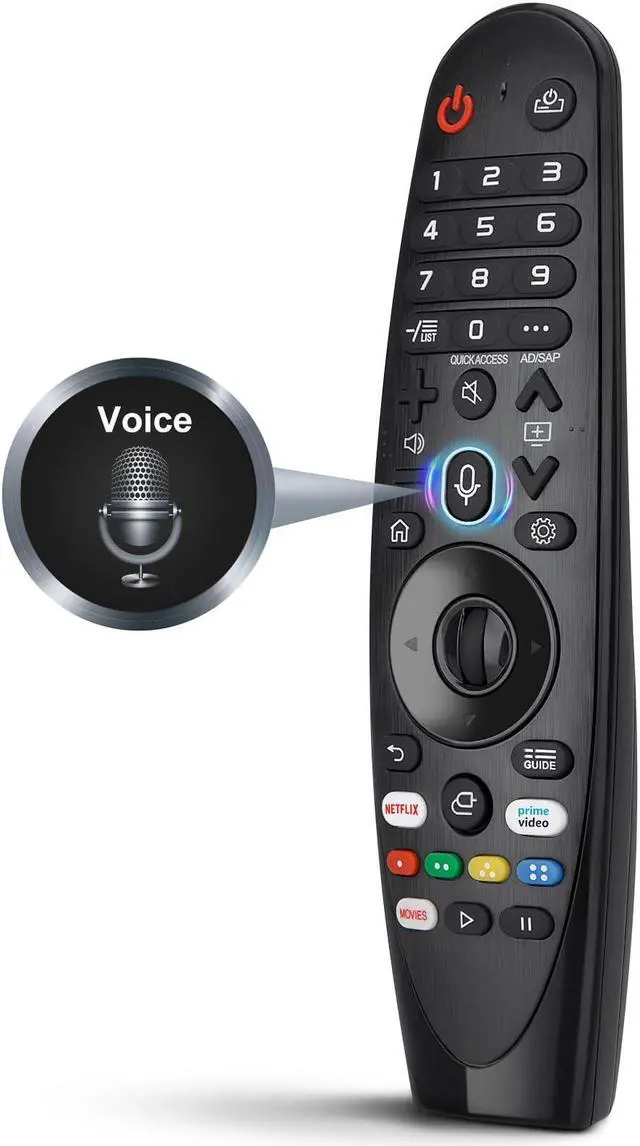
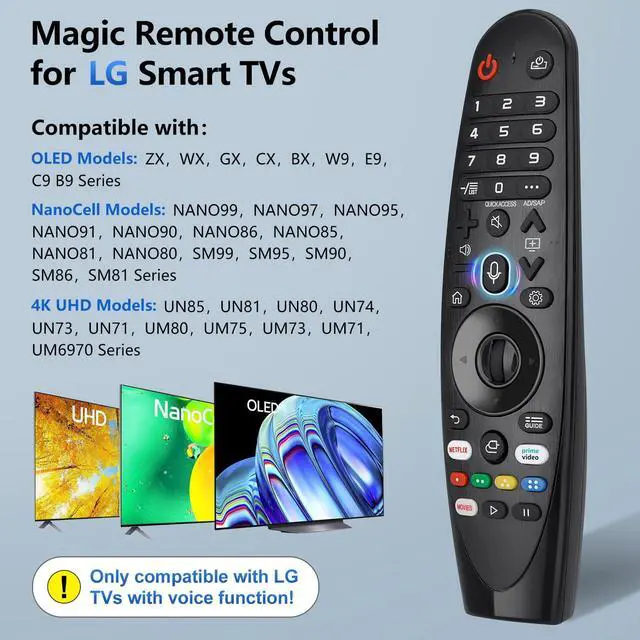
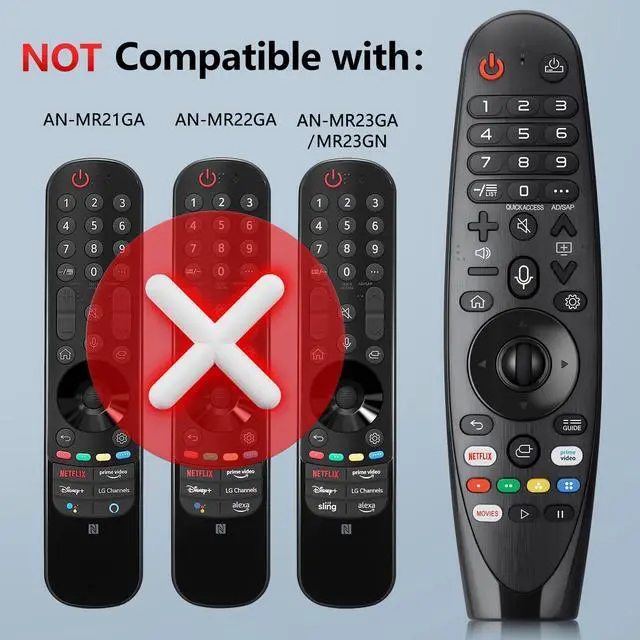
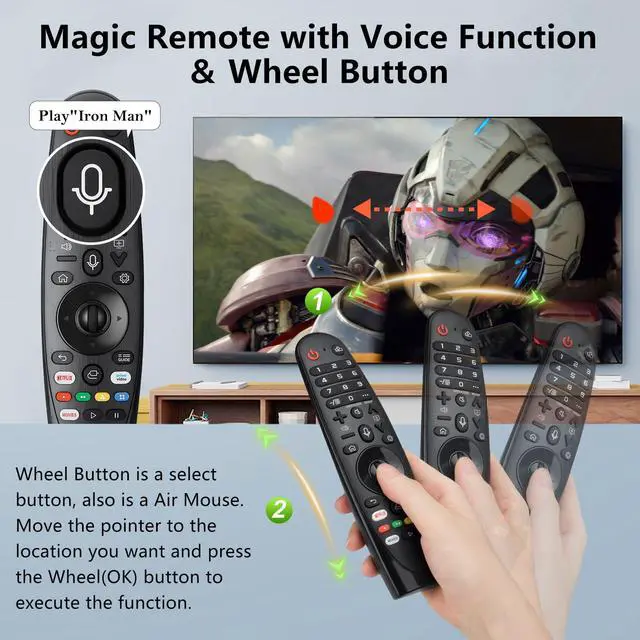
[(Pre Purchase Instructions)] Notice:The new upgraded AN-MR20GA for LG magic remote replacement for LG smart TVs, only works for LG TVs with voice function.If your LG TV doesn't have voice function, please don't buy it!If your LG TV does not support the voice function, it may cause some of the buttons on this remote not to work
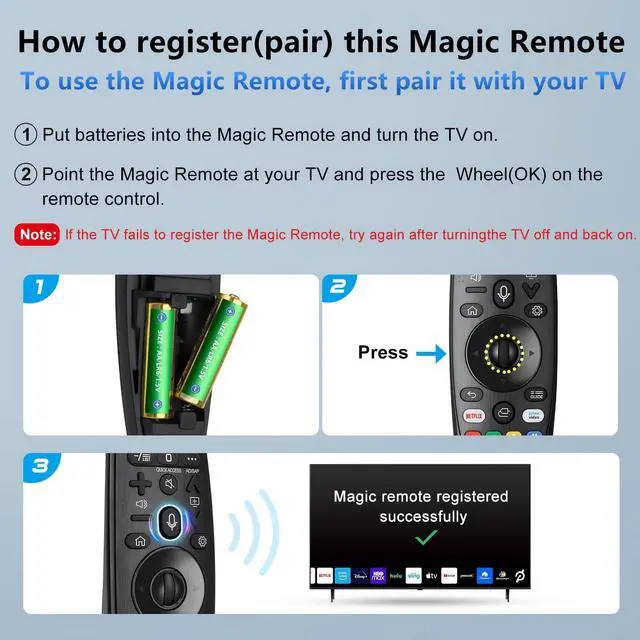
[(Pair With Your TV)] 1, Put batteries into the Magic Remote and turn the TV on. 2, Point the Magic Remote at your TV and press the Wheel (OK) on the remote control. When the pointer is not working, press and hold the "GUIDE" button for more than 5 seconds to disconnect and re-register the motion sensor remote control at
+
+
Overview
Specs
Reviews
Any questions? Our AI beta will help you find out quickly.
Try me now
Voice Magic Replacement for LG-Smart-TV-Remote, AN-MR20GA for LG Smart TV Magic Remote, with Voice Recognition and Pointer Function
Learn more about the Detailed Specifications
Additional Information
First Listed on Newegg
September 22, 2024
There are no reviews yet.
Do you own this product?
Warranty & Returns
Warranty, Returns, And Additional Information
Warranty
Please contact the Seller directly for warranty information. Warranty information may also be found on the Manufacturer's website.