

Your Browsing History

- Free 30-day Returns
$75.99

Meet Your Seller


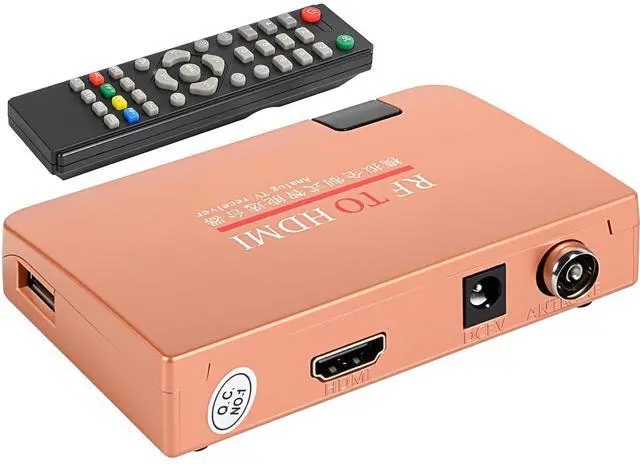


Coax to HDMI Converter, RF to HDMI Converter Modulator, RF Demodulator, VHF Adapter Coaxial Converter for Video CD Player, Digital Projector, Monitor TV
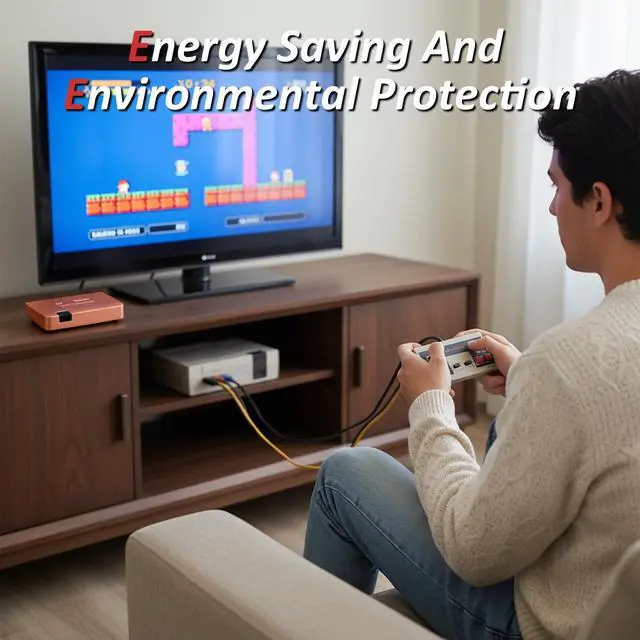
- RF-to-HDMI Smart bridge brings every classic console straight to your big-screen HDTV, projector or monitor, compatible with Atari, NES, ColecoVision, Vectrex, C64, plus VCR, Betamax, 8 mm camcorder, CED & SelectaVision players
- One compact box converts legacy VHF/UHF CH3/CH4 snow into crystal-clear 1080p HDMI, no fuzz, no fussjust plug, power and play your childhood favorites in modern clarity
- RF-to-HDMI Adapter: F-type coax in, HDMI outtrue plug-and-play. The full-band TV demodulator locks every VHF/UHF station up to channel 251, auto-detects NTSC or PAL, and spits out rock-stable HDMI 1.3 video
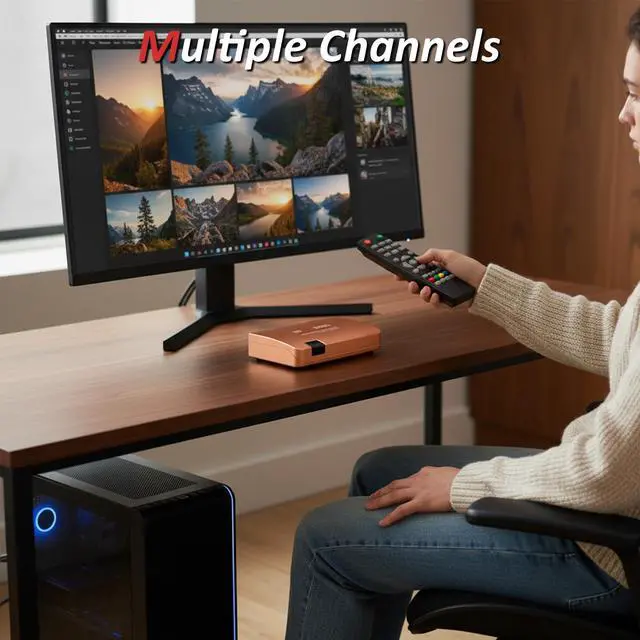
- Feed any analog TV/CCTV signal, get instant HDMI 1.3 output: no tuner in your display? No problemprojectors, smart panels and campus networks all receive crisp, stable video in seconds
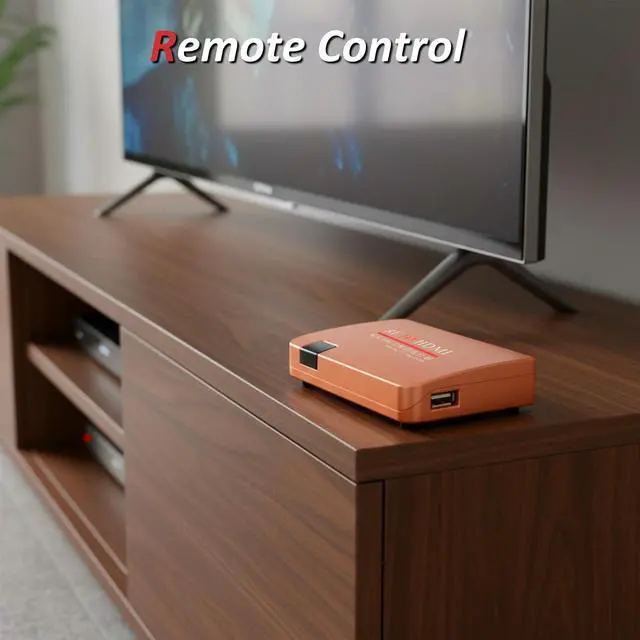
- One-cable demodulator ships with a full-feature remotepower, timer, channel reservation, calendar and child-lock
+
+
Overview
Specs
Reviews

Any questions? Our AI mode will help you find out quickly.
Try me now
SPECIFICATION- Input: Coaxial F-type female (ANT) analog TV / CCTV RF-
Power input: DV5V--1A-
RF input: 47870MHZ-
Output: HDMI 1.3 (female) 75 composite video; Display Ratio 720P/1080P (60HZ) -
Supported Formats: NTSC & PAL-
Frequency Coverage: VHF + UHF full band, 251 channels-
Channel Selection: Auto & manual preset, full-standard analog tuner-
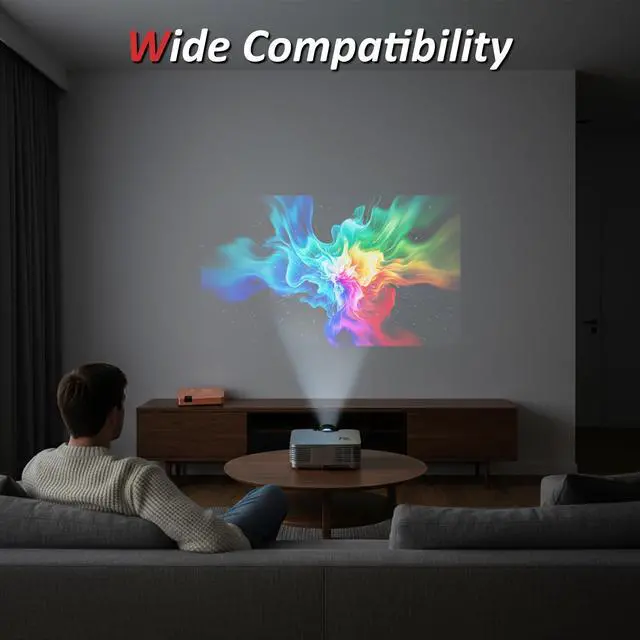
Display Compatibility: Any HDTV, HD monitor, projector with HDMI inputPACKAGE1* Modulator1* Remote (2*AAA battery Not included) 1* Manual1*
Power CordCompatible with: Atari 2600, Atari 5200, ColecoVision Commodore 64 64C Mini-Computer, Fairchild Channel F, Fisher-Price PXL-2000, Intellivision Magnavox Odyssey 2, Nintendo Entertainment System, Sega Master System, 8mm Camcorder, Betamax, JVC HR-3300U, Panasonic OmniMovie, VHS Philips Video 2000, Phlips VCR RCA SelectaVision Videodisc Player, VHS-C Camcorder. NOT support digital TV signal input such as ATSC/DVB/ISDB/DTMB/DMB
Quick Start Guide-1. Connect the TV aerial cable (RF coax) to the RF IN socket on the receiver. -2. Plug one end of an HDMI lead into the HDMI OUT port on the receiver and the other end into an HDMI IN port on your TV. -3. Switch the TV on, then use its remote to select the corresponding HDMI input source. -4. Connect the receivers power adapter; press the power key on the supplied remote. Press the centre MENU key RIGHT PRESET DOWN AUTO PRESET SEARCH RIGHT to start channel scan. (P+/P move up/down, V+/V move left/right and also act as ENTER. )
Power input: DV5V--1A-
RF input: 47870MHZ-
Output: HDMI 1.3 (female) 75 composite video; Display Ratio 720P/1080P (60HZ) -
Supported Formats: NTSC & PAL-
Frequency Coverage: VHF + UHF full band, 251 channels-
Channel Selection: Auto & manual preset, full-standard analog tuner-
Display Compatibility: Any HDTV, HD monitor, projector with HDMI inputPACKAGE1* Modulator1* Remote (2*AAA battery Not included) 1* Manual1*
Power CordCompatible with: Atari 2600, Atari 5200, ColecoVision Commodore 64 64C Mini-Computer, Fairchild Channel F, Fisher-Price PXL-2000, Intellivision Magnavox Odyssey 2, Nintendo Entertainment System, Sega Master System, 8mm Camcorder, Betamax, JVC HR-3300U, Panasonic OmniMovie, VHS Philips Video 2000, Phlips VCR RCA SelectaVision Videodisc Player, VHS-C Camcorder. NOT support digital TV signal input such as ATSC/DVB/ISDB/DTMB/DMB
Quick Start Guide-1. Connect the TV aerial cable (RF coax) to the RF IN socket on the receiver. -2. Plug one end of an HDMI lead into the HDMI OUT port on the receiver and the other end into an HDMI IN port on your TV. -3. Switch the TV on, then use its remote to select the corresponding HDMI input source. -4. Connect the receivers power adapter; press the power key on the supplied remote. Press the centre MENU key RIGHT PRESET DOWN AUTO PRESET SEARCH RIGHT to start channel scan. (P+/P move up/down, V+/V move left/right and also act as ENTER. )
Warranty & Returns
Warranty, Returns, And Additional Information
Warranty
- Please contact the Seller directly for warranty information. Warranty information may also be found on the Manufacturer's website.
- CONTACT
Return Policies
- Return for refund within: 30 days
- Return for replacement within: 30 days
- This item is covered by DuronTechnologies Return Policy
Manufacturer Contact Info
- For a directory of all our manufacturers, please click below.
- Manufacturers Directory
LOADING...