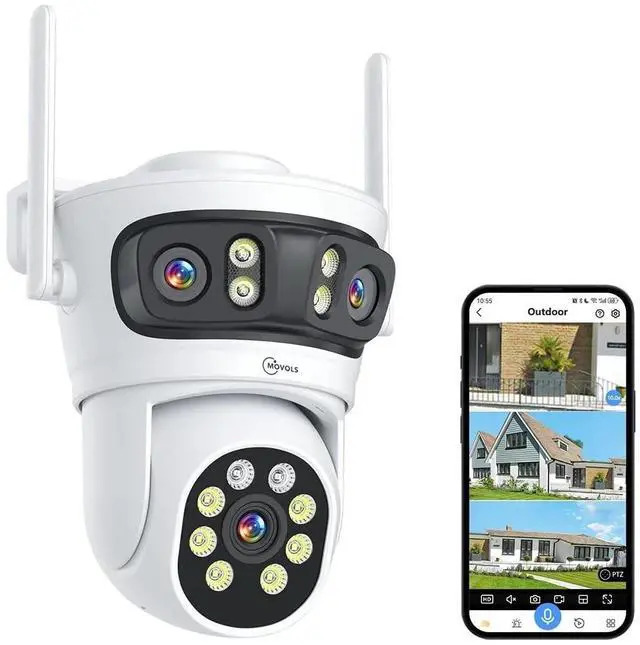
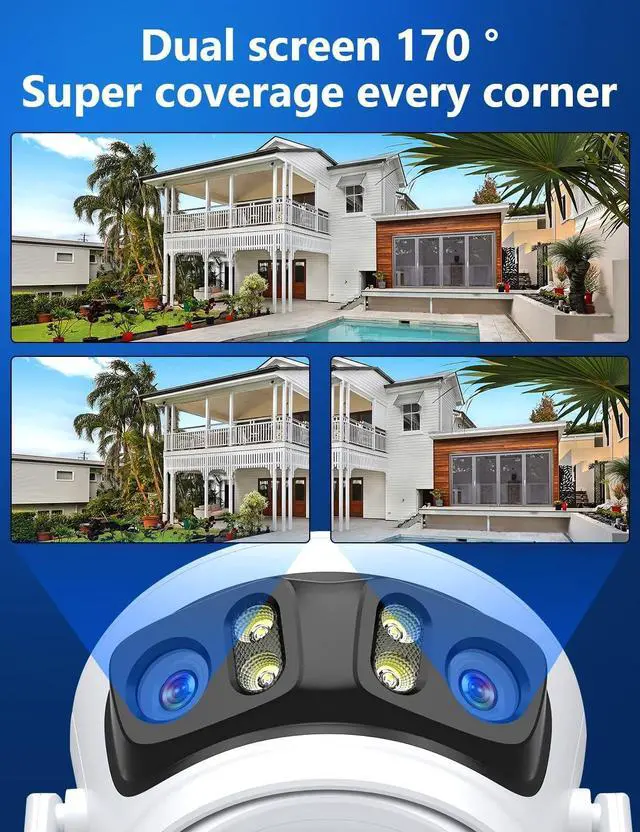
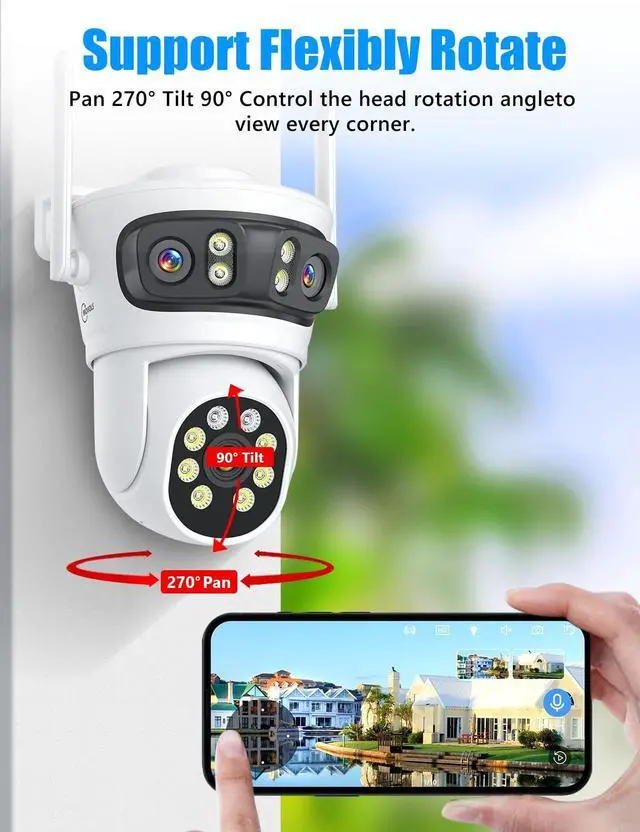
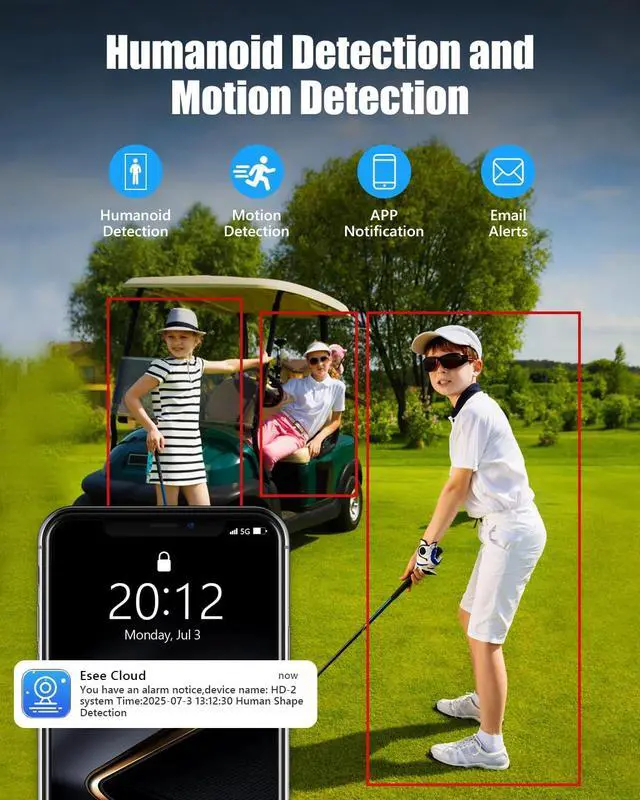
Upgraded Triple Lens & Triple Screen & 8X ZoomMovols upgraded 2 lens bullet camera and dome camera combined in one triple-lens wireless outdoor camera, provides monitoring views from 3 different angles displaying 3 screen simultaniously. The up two is wide-angle lens (fixed position) to see the 170 panorama pic, the other one is PTZ camera to see the close up images (rotate 270pan/ 90tilt). you can click the screen to control in 8X zoom to help you record clear video both near/far positions. ^^ 6MP HD Night Vison & AI Human Detection & Auto CruiseOur triple lens wireless security camera equipped with 10 flood lights and 6 IR lights provides 6MP Ultra HD video with three night vision modes (full-color/infrared/smart vision) that you can switch between freely, built-in AI algorithm triggered by human movement, which can realize human detection, automatic cruise and intelligent alarm function, allowing you to spot any suspicious activity in time.
^^ Two-Way Audio & Multi-user Sharing & IP66Built-in microphone and speaker, allowing you to speak and listen through your mobile device, whether you're greeting visitors, giving instructions, or warning intruders. The house cameras allows you to share access with multiple users to see live videos, stay in touch with your family when you're away and protect your family or property from potential dangers. IP66 waterproof, WIFI security camera will work even in extreme weather conditions. ^^ Easy Installation & UseTurn on your phone's wifi and bluetooth, Connect the power adapter to power on the camera, long press the reset button until the camera restart and hear a prompt sound, open the app and click add camera, wait for Bluetooth to automatically search for the camera, and then click add.
You will found it is very easy to control. Allowing you click and view real-time image on your phone APP, guard your home security even if you travel on the other side of the earth. ^^ The Wireless Triple Lens Camera Can Work with NVRThe 3 Lens Camera can work with Movols designated NVR system, Just long press the reset button until the camera restart and hear a prompt sound, The NVR System will search the camera and connect wirelessly, It is very easy to control accoring to the instruction.