

Your Browsing History

- Free 30-day Returns
$48.99

Meet Your Seller

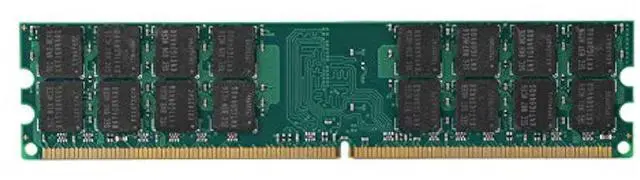
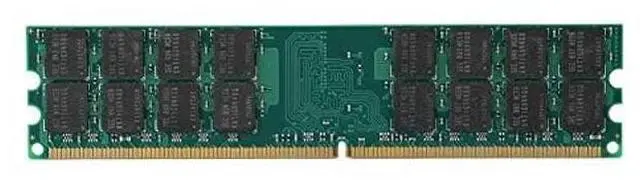
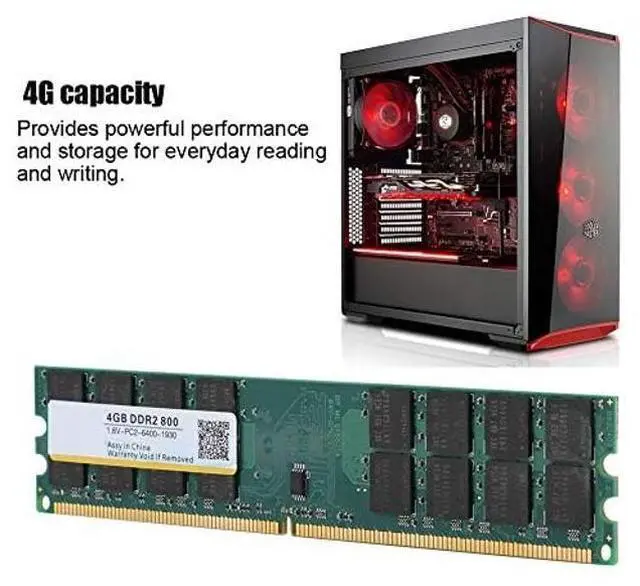
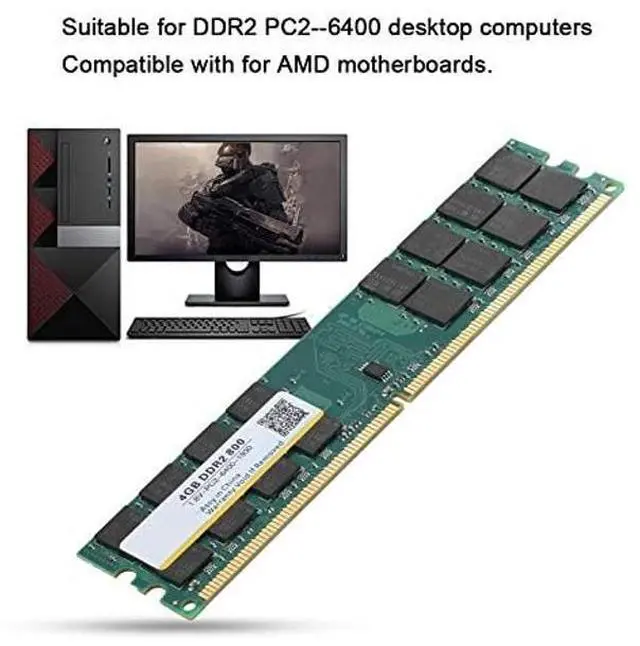
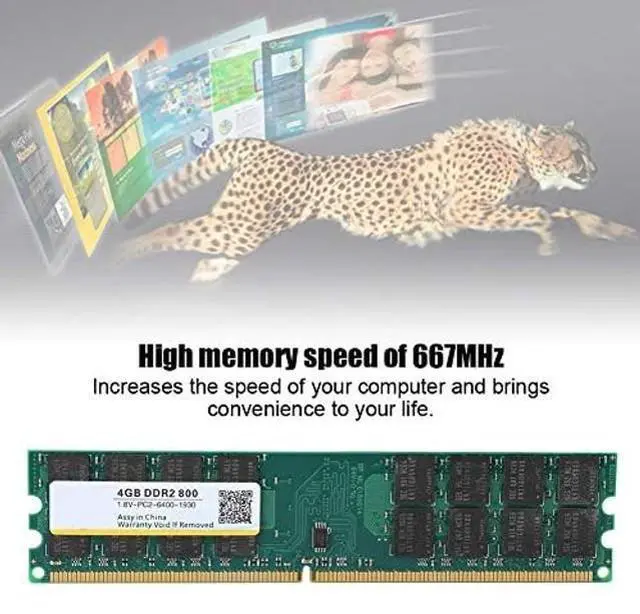


Pc1 6400 4Gb Desktop Ddr2, 800Mhz 4G 240Pin Memory Designed for Ddr2 Pc2 6400 Desktop Cfor OMPuter for 1.8V
- Pc2-6400 4Gb Suitable For Ddr2 Pc2-6400 Desktop Cfor OMPuters, Cfor OMPatible With For Motherboards.
- Desktop Ddr2 Built-In Chips: Stable Performance And High Speed .
- Pc2-6400 4Gb High Memory Speed Of 800Mhz: Increases The Speed Of Your Cfor OMPuter And Brings Convenience To Your Life.
- 4G Desktop 4G Capacity: Provides Powerful Performance And Storage For Everyday Reading And Writing.
- High-Quality Circuit Module Board: Avoids And Wear, Is And Easy To Carry. Specification:
+
+
Overview
Specs
Reviews

Any questions? Our AI beta will help you find out quickly.
Try me now
Specification:
Model: DDR2Memory
frequency: 800Memory
capacity:
4GCompatible: for
AMD onlyCompatible computer:
desktopBandwidth:
PC2-6400Voltage: 1.8VP
in number:
240pinSize: approx. 13.9 *3* 0.4CM / 5.5 * 1.2 * 0.2 inchPackage
List: 1 *
RAM
Note: Memory is divided into DDR, DDR2, DDR3 models. Please refer to the following list to know what memory your computer has installed and what memory you have to purchase. If you don't know which memory is right for your computer, use a software test to see what memory your love machine needs. After running the software, look at the "maximum bandwidth" column of the "SPD" option, you will see "PCxx00", as
follows: PC2100 is DDR 266 memoryPC2700 is DDR 333 memoryPC3200 is DDR 400 memoryPC4200 is DDR2 533 memoryPC4300 is DDR2 533 memoryPC5300 is DDR2 667 memoryPC6400 is DDR2 800 memoryPC8500 is DDR3 1066 memoryPC10700 is DDR3 1333 memoryPC12800 is DDR3 1600 memoryMemory DDR, DDR2, DDR3 are not common to each other, slot sockets are not the same, and can not be forced to insert, so as not to damage the memory and motherboard, remember!
If the memory appears: blue screen, crash, restart, alarm sounds, please follow the following methods one by one, if not, it is determined that it is not compatible. 1. The memory is not inserted, or the gold finger is oxidized. Wipe the memory gold finger with an eraser and reinsert it, or change the slot; 2. The memory slot is dusty or oxidized. Wash it with a brush and water for cleaning panel (it will also be done without water for cleaning panel). 3. Memory is not compatible, try to change the memory. 4. CMOS does not discharge, restore the factory settings (take down the motherboard battery, and then install back). 5. The motherboard is not compatible with the CPU, change the CPU and test again. 6. Please note that this product can only be used on AMD motherboards and does not support for Intel processors.
Model: DDR2Memory
frequency: 800Memory
capacity:
4GCompatible: for
AMD onlyCompatible computer:
desktopBandwidth:
PC2-6400Voltage: 1.8VP
in number:
240pinSize: approx. 13.9 *3* 0.4CM / 5.5 * 1.2 * 0.2 inchPackage
List: 1 *
RAM
Note: Memory is divided into DDR, DDR2, DDR3 models. Please refer to the following list to know what memory your computer has installed and what memory you have to purchase. If you don't know which memory is right for your computer, use a software test to see what memory your love machine needs. After running the software, look at the "maximum bandwidth" column of the "SPD" option, you will see "PCxx00", as
follows: PC2100 is DDR 266 memoryPC2700 is DDR 333 memoryPC3200 is DDR 400 memoryPC4200 is DDR2 533 memoryPC4300 is DDR2 533 memoryPC5300 is DDR2 667 memoryPC6400 is DDR2 800 memoryPC8500 is DDR3 1066 memoryPC10700 is DDR3 1333 memoryPC12800 is DDR3 1600 memoryMemory DDR, DDR2, DDR3 are not common to each other, slot sockets are not the same, and can not be forced to insert, so as not to damage the memory and motherboard, remember!
If the memory appears: blue screen, crash, restart, alarm sounds, please follow the following methods one by one, if not, it is determined that it is not compatible. 1. The memory is not inserted, or the gold finger is oxidized. Wipe the memory gold finger with an eraser and reinsert it, or change the slot; 2. The memory slot is dusty or oxidized. Wash it with a brush and water for cleaning panel (it will also be done without water for cleaning panel). 3. Memory is not compatible, try to change the memory. 4. CMOS does not discharge, restore the factory settings (take down the motherboard battery, and then install back). 5. The motherboard is not compatible with the CPU, change the CPU and test again. 6. Please note that this product can only be used on AMD motherboards and does not support for Intel processors.
Warranty & Returns
Warranty, Returns, And Additional Information
Warranty
- Please contact the Seller directly for warranty information. Warranty information may also be found on the Manufacturer's website.
- CONTACT
Return Policies
- Return for refund within: 30 days
- Return for replacement within: non-replaceable
- This item is covered by Aptly Tech Return Policy
Manufacturer Contact Info
- For a directory of all our manufacturers, please click below.
- Manufacturers Directory
LOADING...