Your Browsing History
- Free 30-day Returns
$36.99
Meet Your Seller
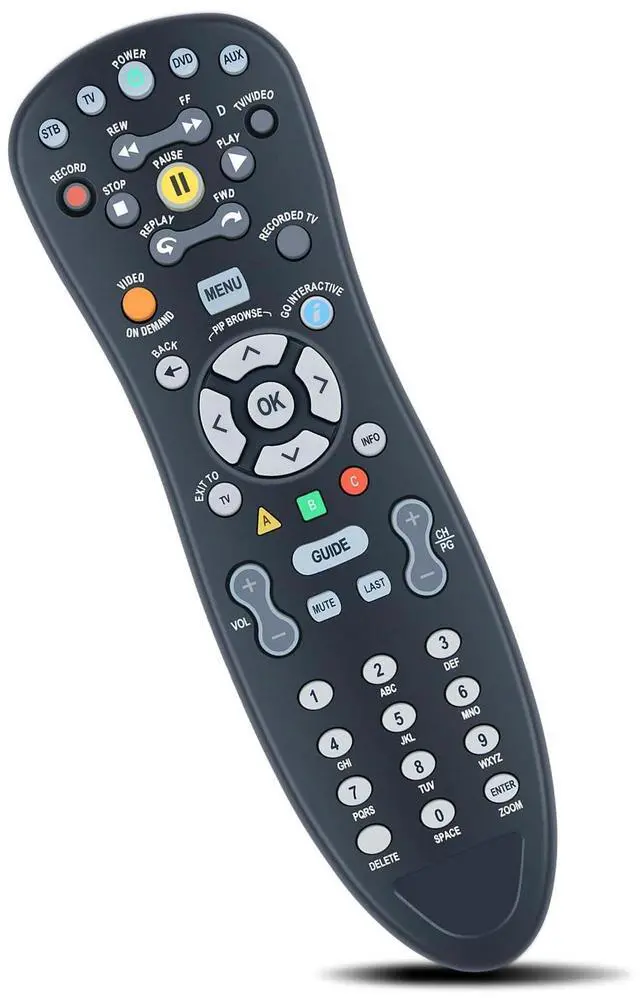
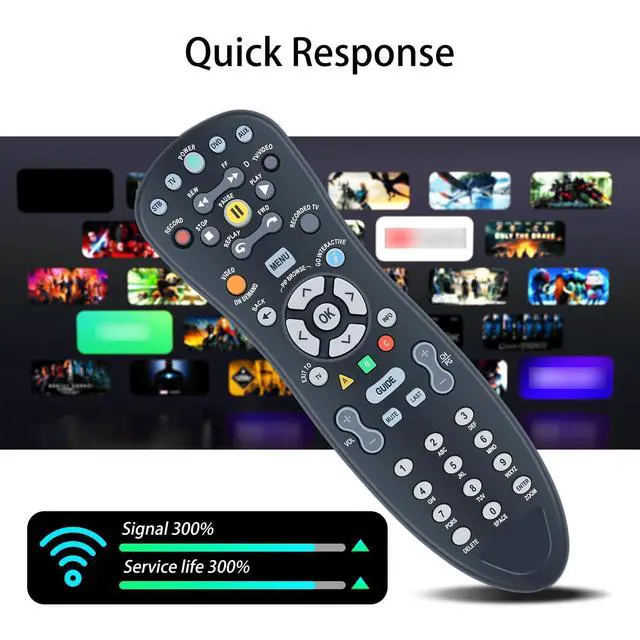
MXv4 Replacement for At&t U-Verse Remote S10-S1 S10-S2 S10-S3 S10-S4
- Compatible with U-Verse AT&T S10-S1 S10-S2 S10-S3 S10-S4 Digital TV DVR Uverse Receiver Cable Box C1-517609733288 CYB UG-R31111 TV RC1534857/01B.
- Note: If you are unable to pair or program, please contact us to obtain a detailed instruction manual. Thank you very much.
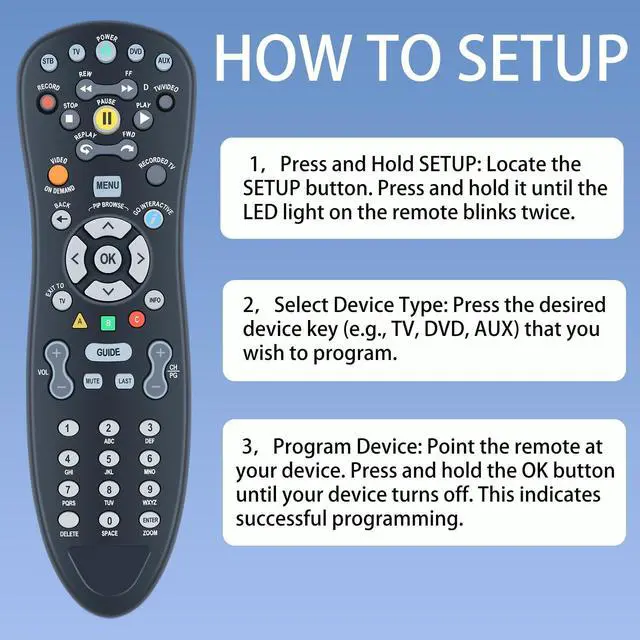
- Remote pairing1Press and Hold SETUP: Locate the SETUP button. Press and hold it until the LED light on the remote blinks twice. 2Select Device Type: Press the desired device key (e.g., TV, DVD, AUX) that you wish to program. 3Program Device: Point the remote at your device. Press and hold the OK button until your device turns off. This indicates successful programming.
- If you encounter issues with your MXv4 remote control, try the following troubleshooting steps: Remote Not Responding: Check if the batteries are inserted correctly and have sufficient charge. Replace them if necessary. Ensure there are no obstructions between the remote and the device's IR receiver. Verify that the correct device mode (TV,DVD,AUX
+
+
Overview
Specs
Reviews
Any questions? Our AI beta will help you find out quickly.
Try me now
Note: If you are unable to pair or program, please contact us to obtain a detailed instruction manual. Thank you very much. Remote pairing1Press and
Hold SETUP: Locate the SETUP button. Press and hold it until the LED light on the remote blinks twice.
2Select Device Type: Press the desired device key (e. g., TV, DVD, AUX) that you wish to program.
3Program Device: Point the remote at your device. Press and hold the OK button until your device turns off. This indicates successful programming.
Hold SETUP: Locate the SETUP button. Press and hold it until the LED light on the remote blinks twice.
2Select Device Type: Press the desired device key (e. g., TV, DVD, AUX) that you wish to program.
3Program Device: Point the remote at your device. Press and hold the OK button until your device turns off. This indicates successful programming.
Warranty & Returns
Warranty, Returns, And Additional Information
Warranty
- Please contact the Seller directly for warranty information. Warranty information may also be found on the Manufacturer's website.
- CONTACT
Return Policies
- Return for refund within: 30 days
- Return for replacement within: non-replaceable
- This item is covered by SIMPLIZED Return Policy
Manufacturer Contact Info
- For a directory of all our manufacturers, please click below.
- Manufacturers Directory
LOADING...