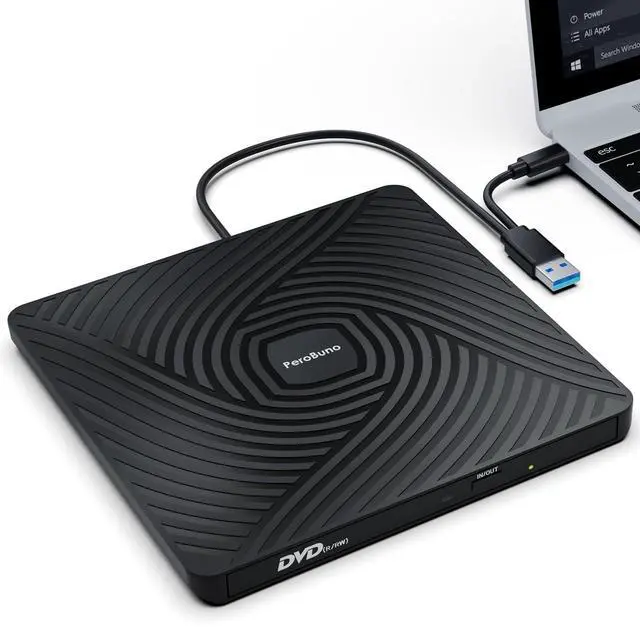
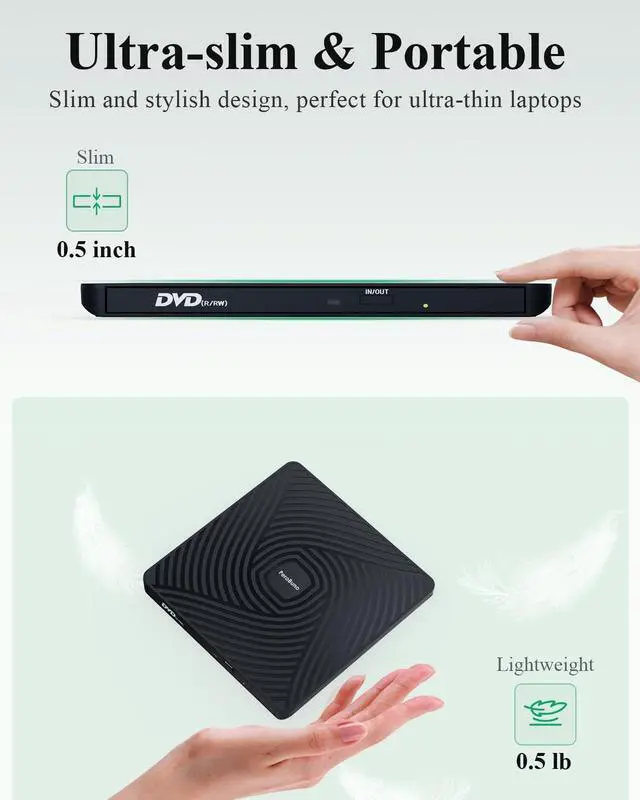
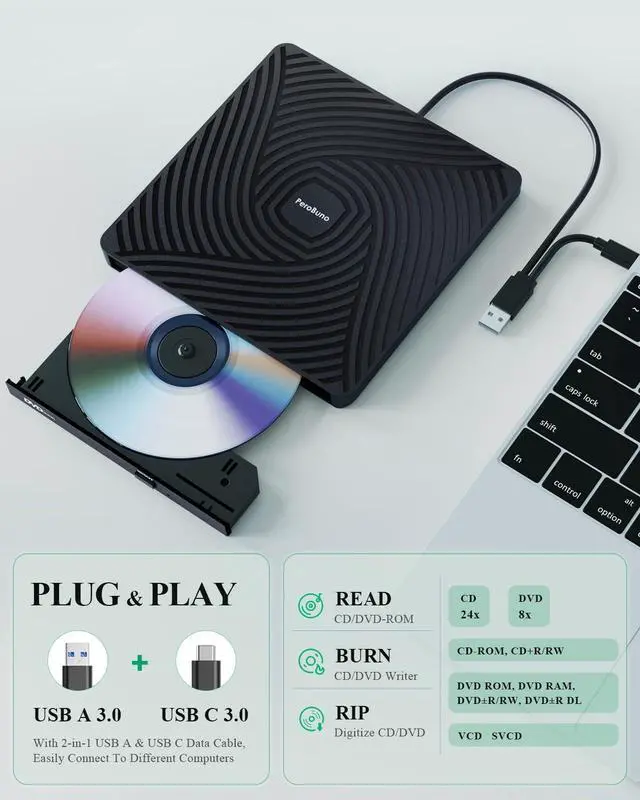
Ultra-Slim & Portable External DVD DriveOnly 13mm thicknessLightweight, compact design perfect for travel, work, or home use. Fits easily in your bag! And it's the perfect companion for ultra-thin laptops! ^^ Plug & Play External CD DriveNo external power or drivers needed. Simply connect via USB for instant reading/writing. 2-in-1 USB A and USB C cables are built into the bottom of the usb dvd drive, so you can take them out whenever you need them and plug them back in after use, saying goodbye to carrying extra annoying cables.
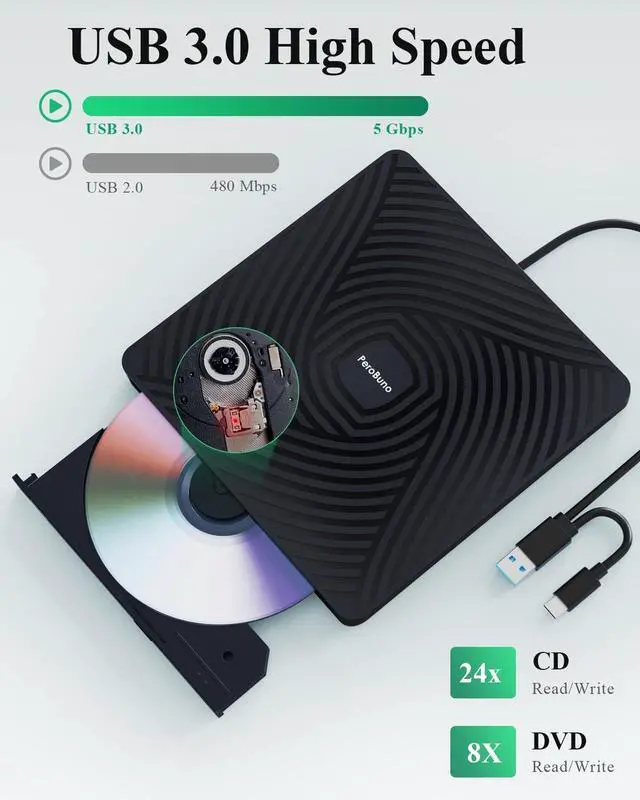
^^ High-Speed USB 3.0 Disc DriveDelivers fast data transfer (up to 5Gbps) and smooth CD/DVD reading and burning (backward compatible with USB 2.0 ). The usb disc drive provides up to 8x DVD read/write speed and up to 24x CD read/write speed. ^^ Wide Compatibility External Disc DriveThe external dvd burner is compatible with Windows 11/10/8/7/Vista/XP/2000/98/SE/ME, Mac OS, and Linux (Ubuntu is not supported). This external cd/dvd drive for laptop supports CD+/-R/RW, CD-ROM, DVD+/-R/RW, DVD+/-R DL, DVD-ROM, DVD-RAM, VCD, and SVCD.
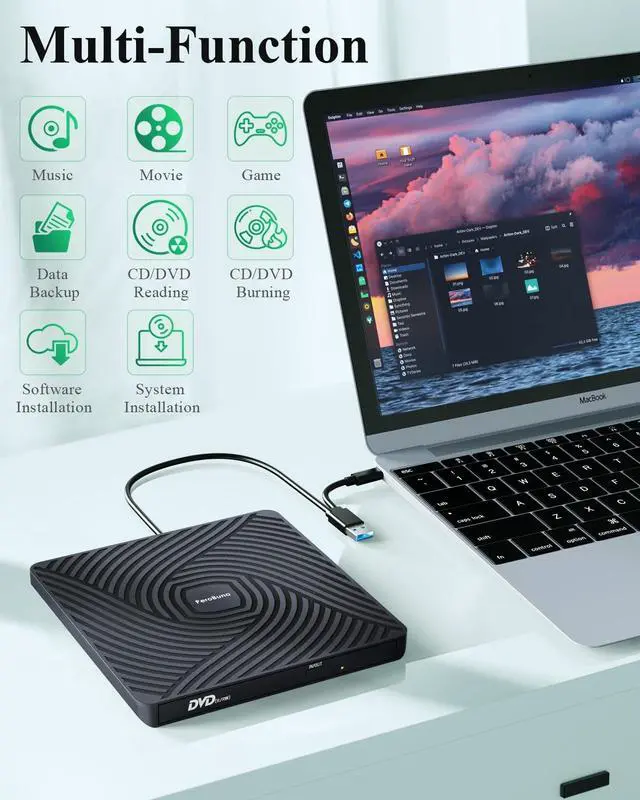
Note: Blu-ray discs are not supported. WINDOWS 11 needs a media player (such as VLC ) and a network connection. ^^ Multi-Functional USB Disk DrivePerfect for installing software, system, games, watching movies, listening to music, burning discs, and backing up files. ^^ Buy with ConfidenceAll PeroBuno external optical drives are rigorously tested before shipment to ensure optimal condition. If the disk drive you received does not work properly for any reason, please contact us and we will definitely help you solve any product problems. PeroBuno provide up to 2 years of after-sales guarantee. ^^ Things to Know Before You Buy This disc player needs to be connected to a laptop or desktop to start working, so it is not compatible with cars, TVs, projectors, tablets, iPads, mobile phones, PS 4/5, Xbox, Nintendo Switch, Chrombooks, Surface, Ubuntu systems, or Blu-ray discs. Due to limitations of Mac OS, the tray can't be opened by the button after playing or burning a disc. To eject a disc on a Mac, right-click the desktop icon and select "Eject", or select "File" > "Eject" from the menu.
For desktop computers, connect the cd reader to the USB port on the back of the computer motherboard.





 here!
here!