

Your Browsing History

- Free 30-day Returns
$70.99


Meet Your Seller


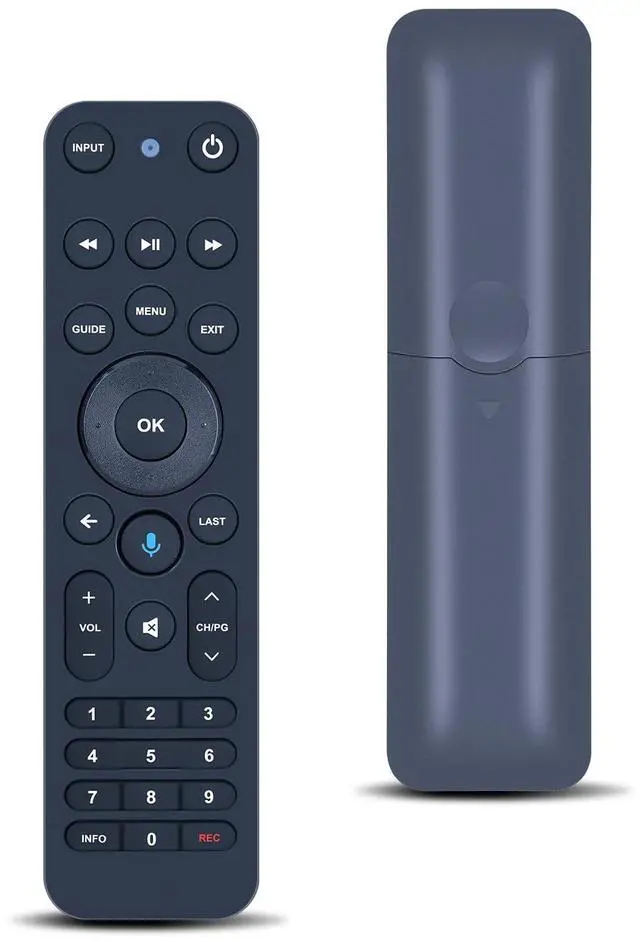
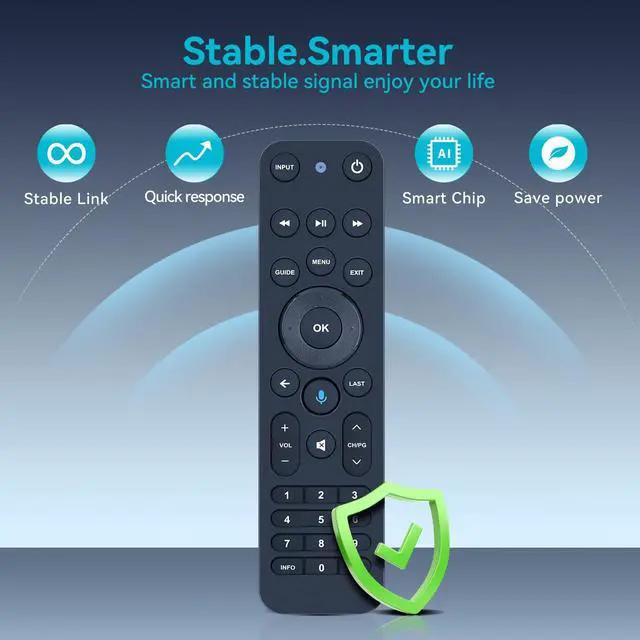
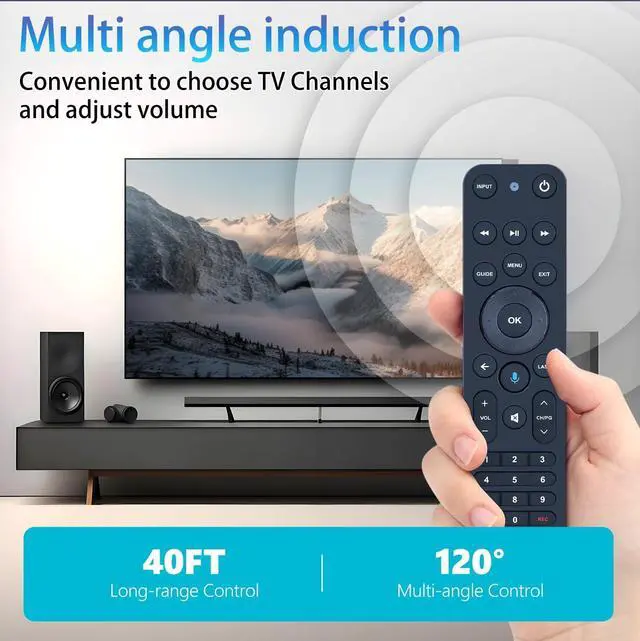


MOVHEIYL Replacement Voice Remote Control for Verizon FiOS TV One Compatible with 2019 MG3-R32140B & VRC4100 BLE
- Compatible with Verizon FiOS TV One, works with 2019 models MG3-R32140B & VRC4100 BLE. (NOTE: Work with Verizon, NOT work Frontier.
- How to Pair1, Press and hold the [Play/Pause] and [0] buttons at the same time for 3 seconds. 2, Release the buttons when the blue light starts flashing on the remote. 3, When the blue light stops flashing, your voice remote is connected, paired and ready for use
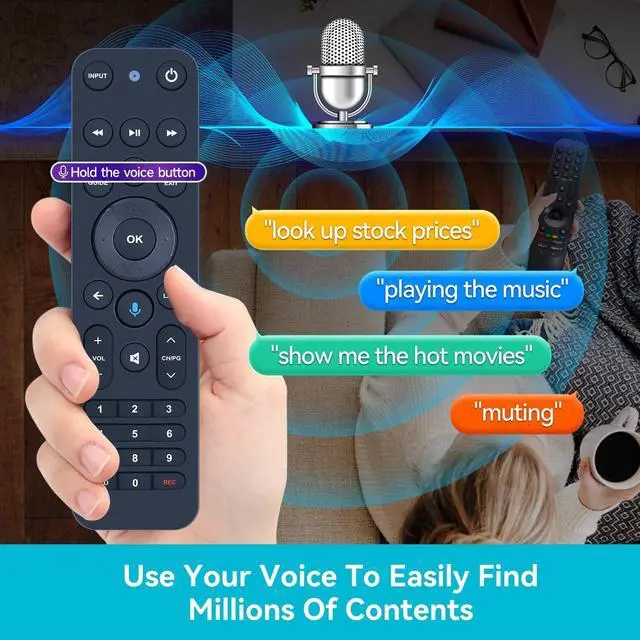
- Using your voice remote Control your TV or Audio, Option 1: , Go to Menu > Settings > Voice control > Fios TV Voice Remote > Program Voice Remote > Automatic Setup. , Once the automatic setup completes youll see a Success message in the top right of the TV screen. Option 2: Go to Menu > Settings > Voice control > Fios TV Voice Remote > Program Voice Remote > Manual Setup. Select your TV or Receiver Brand and Model and follow the steps. You will see a Success message in the top right of the TV screen when the setup is complete
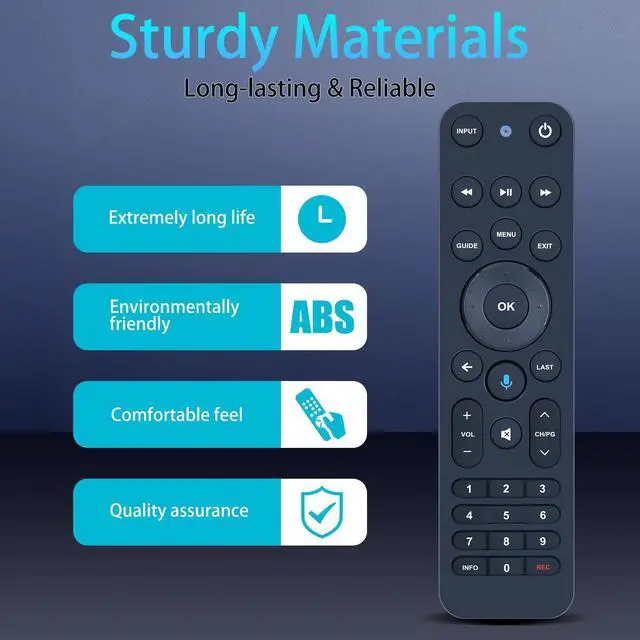
- High QualityMade of High Quality ABS material, which is resis
+
+
Overview
Specs
Reviews

Any questions? Our AI mode will help you find out quickly.
Try me now
Compatible with Verizon FiOS TV One, works with 2019 models MG3-R32140B & VRC4100 BLE.
(NOTE: Work with Verizon, NOT work Frontier. ^^ How to Pair1, Press and hold the [Play/Pause] and [0] buttons at the same time for 3 seconds. 2, Release the buttons when the blue light starts flashing on the remote. 3, When the blue light stops flashing, your voice remote is connected, paired and ready for use ^^ Using your voice remote Control your TV or Audio,
Option 1:, Go to Menu > Settings > Voice control > Fios TV Voice Remote > Program Voice Remote > Automatic Setup., Once the automatic setup completes youll see a Success message in the top right of the TV screen.
Option 2: Go to Menu > Settings > Voice control > Fios TV Voice Remote > Program Voice Remote > Manual Setup. Select your TV or Receiver Brand and Model and follow the steps. You will see a Success message in the top right of the TV screen when the setup is complete ^^ High QualityMade of High Quality ABS material, which is resistant to falling and has no peculiar smell, Built to Last for Long Lasting Use, and also keeps you and your children away from harm. ^^ Easy to useEasy to Pairing or setup, After inserting 2*AA battery (Not included), Simply follow the pairing steps until successful, and it will perfectly replace your original remote ^^ Premium After-saleWe provide a 1 year warranty return service. If you have any questions about your order, please feel free to contact us directly and we will get back to you within 12 hours.
(NOTE: Work with Verizon, NOT work Frontier. ^^ How to Pair1, Press and hold the [Play/Pause] and [0] buttons at the same time for 3 seconds. 2, Release the buttons when the blue light starts flashing on the remote. 3, When the blue light stops flashing, your voice remote is connected, paired and ready for use ^^ Using your voice remote Control your TV or Audio,
Option 1:, Go to Menu > Settings > Voice control > Fios TV Voice Remote > Program Voice Remote > Automatic Setup., Once the automatic setup completes youll see a Success message in the top right of the TV screen.
Option 2: Go to Menu > Settings > Voice control > Fios TV Voice Remote > Program Voice Remote > Manual Setup. Select your TV or Receiver Brand and Model and follow the steps. You will see a Success message in the top right of the TV screen when the setup is complete ^^ High QualityMade of High Quality ABS material, which is resistant to falling and has no peculiar smell, Built to Last for Long Lasting Use, and also keeps you and your children away from harm. ^^ Easy to useEasy to Pairing or setup, After inserting 2*AA battery (Not included), Simply follow the pairing steps until successful, and it will perfectly replace your original remote ^^ Premium After-saleWe provide a 1 year warranty return service. If you have any questions about your order, please feel free to contact us directly and we will get back to you within 12 hours.
Warranty & Returns
Warranty, Returns, And Additional Information
Warranty
- Please contact the Seller directly for warranty information. Warranty information may also be found on the Manufacturer's website.
- CONTACT
Return Policies
- Return for refund within: 30 days
- Return for replacement within: 30 days
- This item is covered by CloudBeast Return Policy
Manufacturer Contact Info
- For a directory of all our manufacturers, please click below.
- Manufacturers Directory
LOADING...