• $52.99
  • Free 30-day Returns
  • Price alert
    Shop it at NeweggBusiness.

    Meet Your Seller

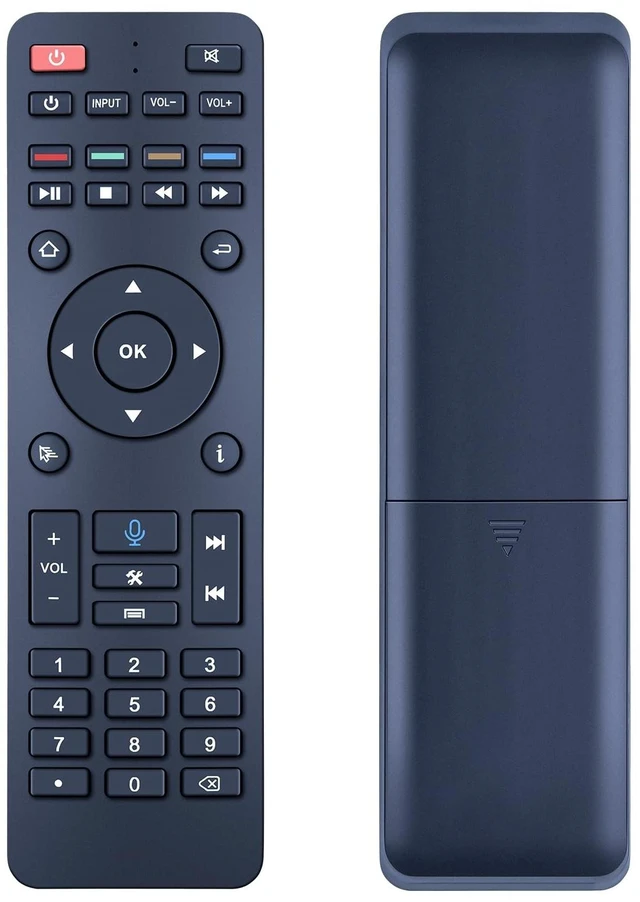
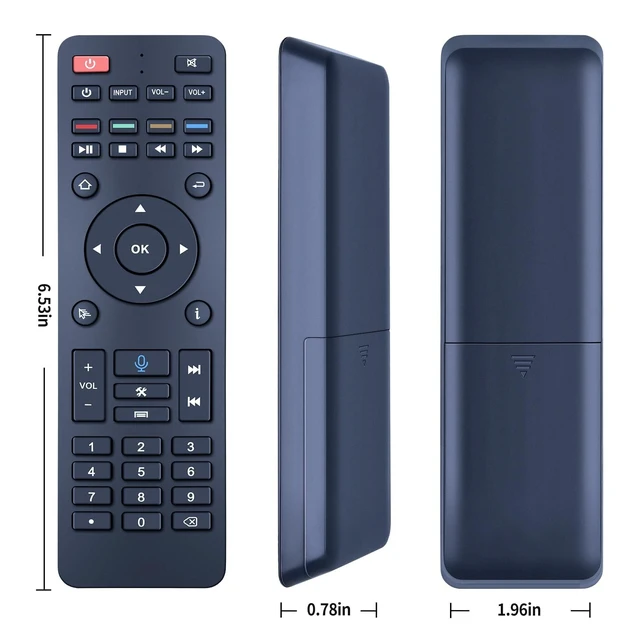
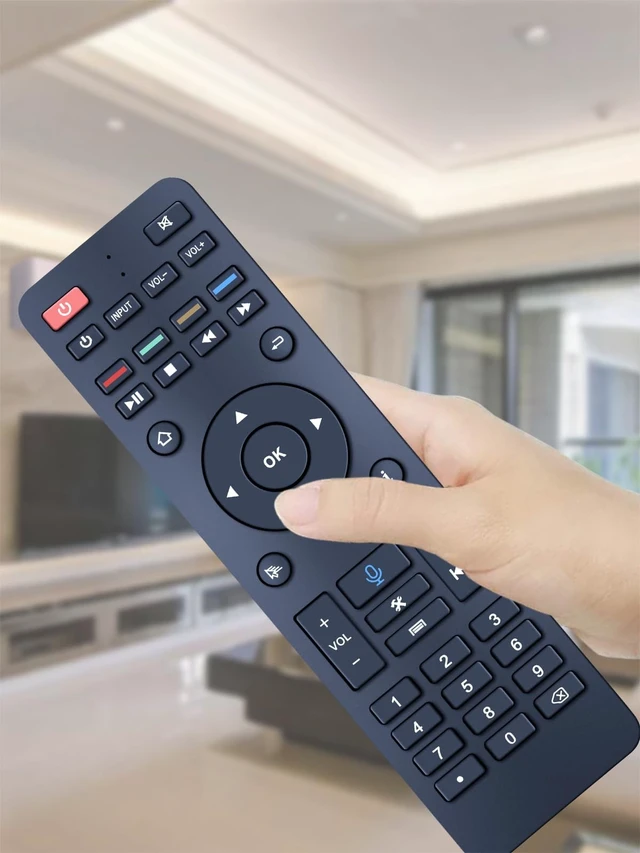
    SJUIF RC-200 Replacement Remote for SuperBox S5 Max/ S5 Pro TV Box

    • BLE pairing1. Keep the remote and the TV box within pairing distance 2. Press "OK" and"RETURN" buttons at the same time until the indicator light flashes for pairing. 3. Turn on the BLE in the TV box settings to connect RC-200 device. 4. Bluetooth pairing succeeded when indicator light is off
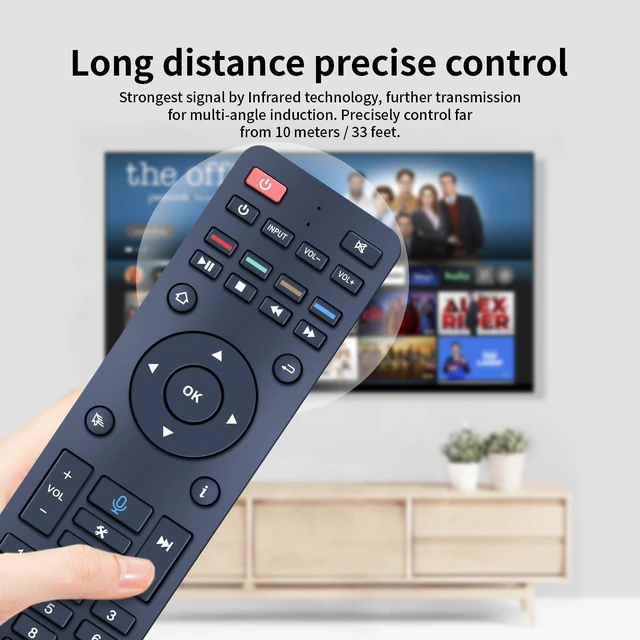
    • Voice ControlWith your remote successfully paired, you can now use voice commands. For compatible SuperBox models (S6, S5 Max, S5 Pro, Elite Ultra, Elite Pro+), simply press the voice search button and clearly speak your command to the remote control to effortlessly navigate and search for content
    • Programming Instruction1) Suppress the power button in "TV CONTROL' area until the indicator light keeps on. Then start programming. 2) Press the button in "TV CONTROL" area for the function to be programmed. The light will begin to blink. 3) Aim TV remote at TV box remote, and suppress the button on TV remote that need to be programmed. 4) If the function is copied. The indicator light wil flash 3
    +
    +
    Overview
    Specs
    Reviews
    avatar

    Any questions? Our AI mode will help you find out quickly.

    SJUIF RC-200 Replacement Voice Remote Control Works with SuperBOX S5 Max/ S5 Pro, S6 MAX/Ultra/Pro, Elite Ultra/Elite Pro+ TV Box

    Warranty & Returns

    Warranty, Returns, And Additional Information

    Warranty

    • Please contact the Seller directly for warranty information. Warranty information may also be found on the Manufacturer's website.
    • CONTACT

    Return Policies

    • Return for refund within: 30 days
    • Return for replacement within: 30 days
    • This item is covered by Luhang Return Policy

    Manufacturer Contact Info

    LOADING...