Your Browsing History
- Free 30-day Returns
$43.99
Meet Your Seller
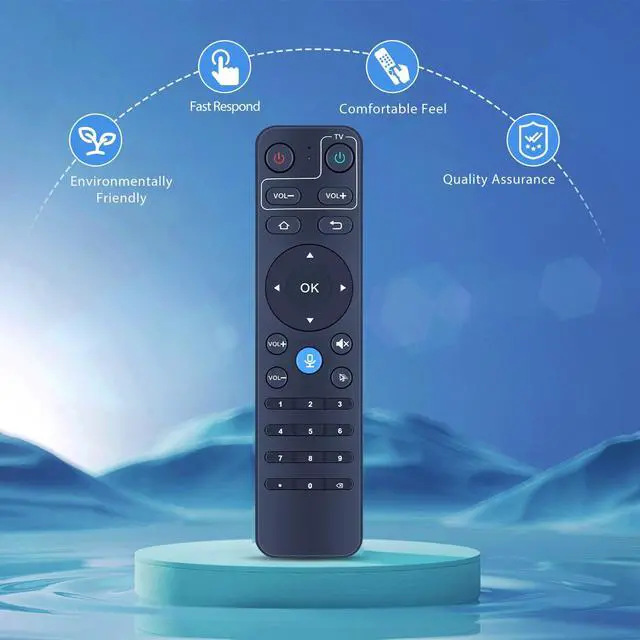
PZL Voice Replacement Remote Control for StreamX X1 Pro Android Smart TV Box, for S5 MAX Android Smart TV Box 6k
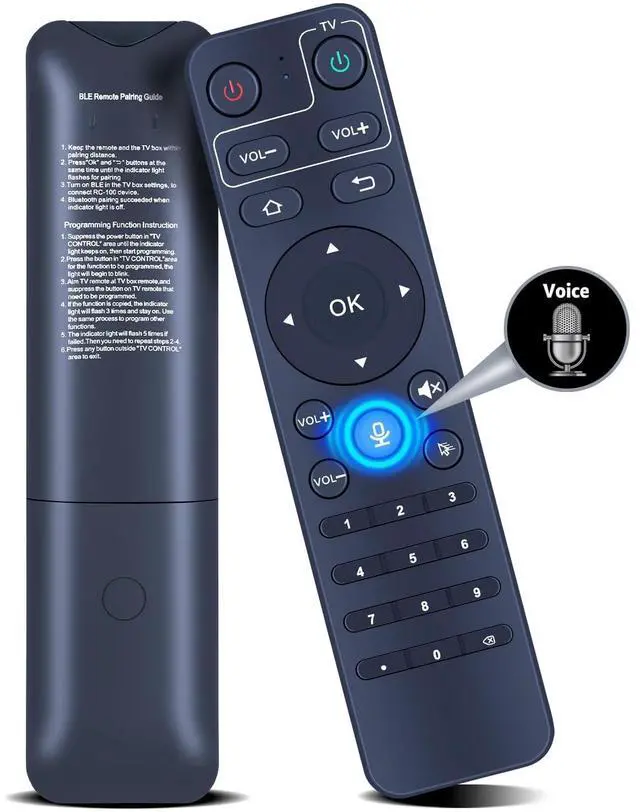
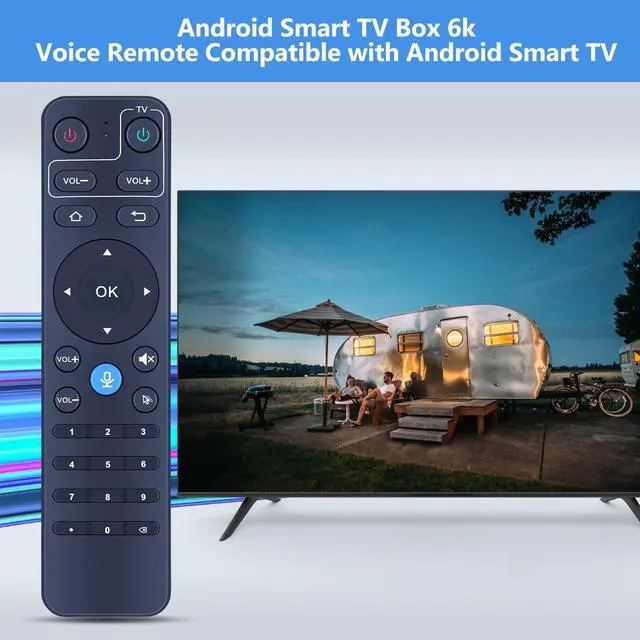
- Compatible Models: New replacement remote control compatible with StreamX X1 Pro Android smart TV box, for S5 MAX Android smart TV box 6k
- How To Pair: 1) Keep the remote and the TV box within pairing distance. 2) Press [OK] and [Return] buttons at the same time until the indicator light flashes for pairing. 3)Turn on BLE in the TV box settings, to connect "RC-100" device 4) Pairing succeeded when indicator light is off
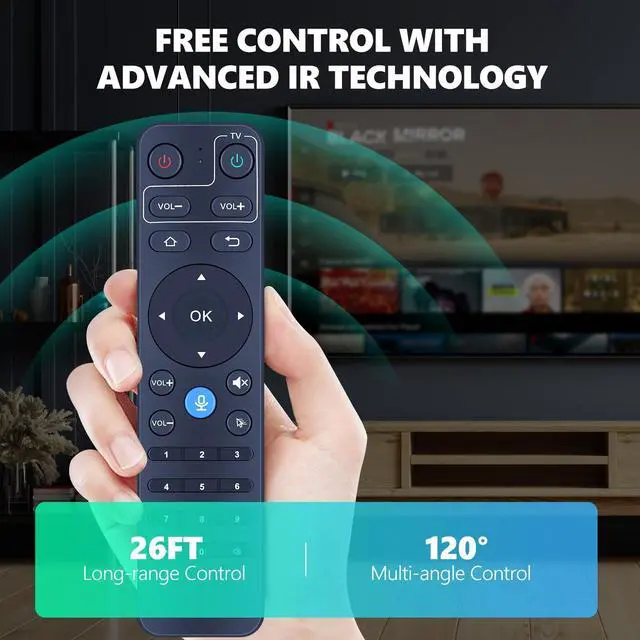
- Easy To Use: New ABS material, better craftsmanship, and ergonomic arc design ensure easy to hold. The keys are responsive and feel great to touch. With a control distance of over 26 feet and an angle of more than 120 degrees, you'll have a better and free remote control experience.
- Package Included: 1 x IR remote control (Batteries and Instructions are Not Included). It can solve the problem when your home remote control doesn't work and becomes your backup remote control.
- After-sales Service: If you have any questions about your order or model, please let u
+
+
Overview
Specs
Reviews
Any questions? Our AI beta will help you find out quickly.
Try me now
New Replacement Remote Control Compatible with StreamX X1 Pro Android Smart TV Box, for S5 MAX Android Smart TV Box 6kPackage
Included: 1 x IR Remote Control (Batteries and Instructions are Not Included).
Warranty & Returns
Warranty, Returns, And Additional Information
Warranty
- Please contact the Seller directly for warranty information. Warranty information may also be found on the Manufacturer's website.
- CONTACT
Return Policies
- Return for refund within: 30 days
- Return for replacement within: non-replaceable
- This item is covered by SIMPLIZED Return Policy
Manufacturer Contact Info
- For a directory of all our manufacturers, please click below.
- Manufacturers Directory
LOADING...