• $48.99
  • Free 30-day Returns
  • Price alert
    Shop it at NeweggBusiness.

    Meet Your Seller

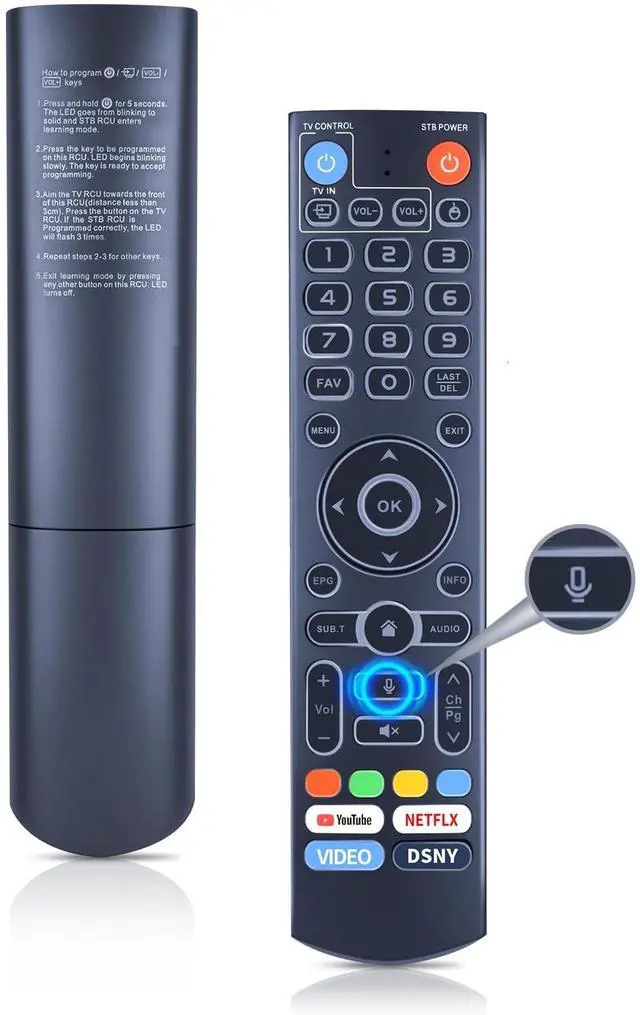
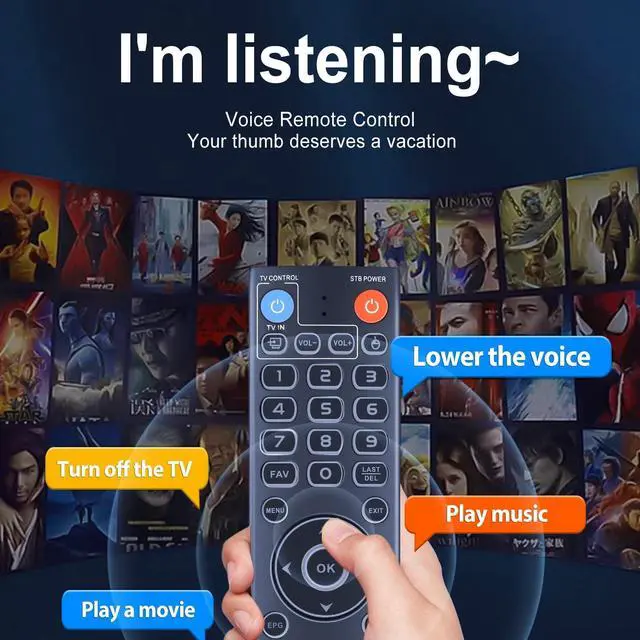
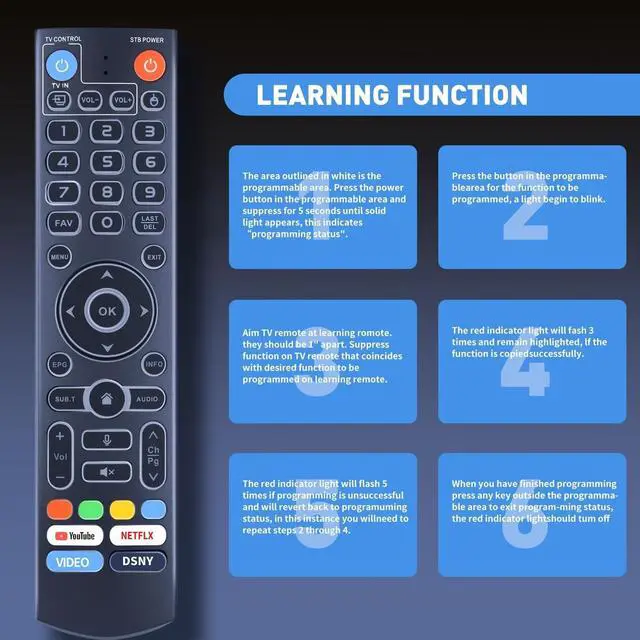
    WDZP New Backlight Replacement V3 Pro Voice Remote Control for vSeeBox V3/V2/V1/V5 Pro V1 Max V3 Plus WE 2USAT Elite Series

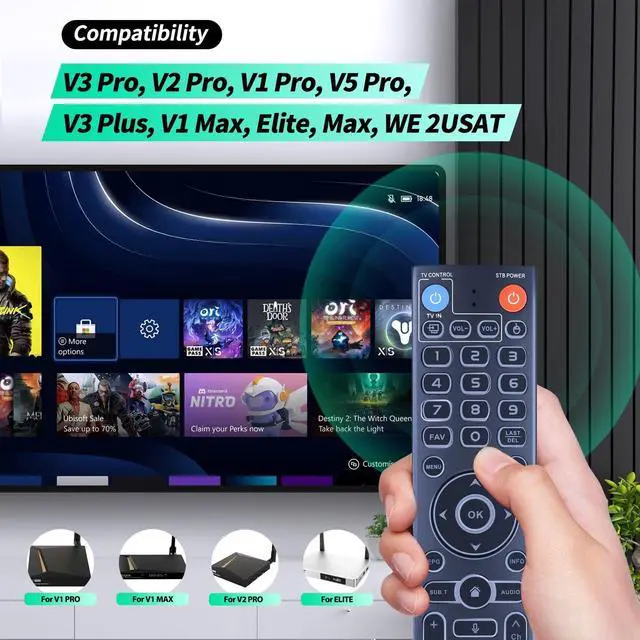
    • Compatibility Compatible with all vSeeBox streaming box, Including V3 Pro, V2 Pro, V1 Pro, V5 Pro, V1 Max, V3 Plus, Elite, WE 2USAT.
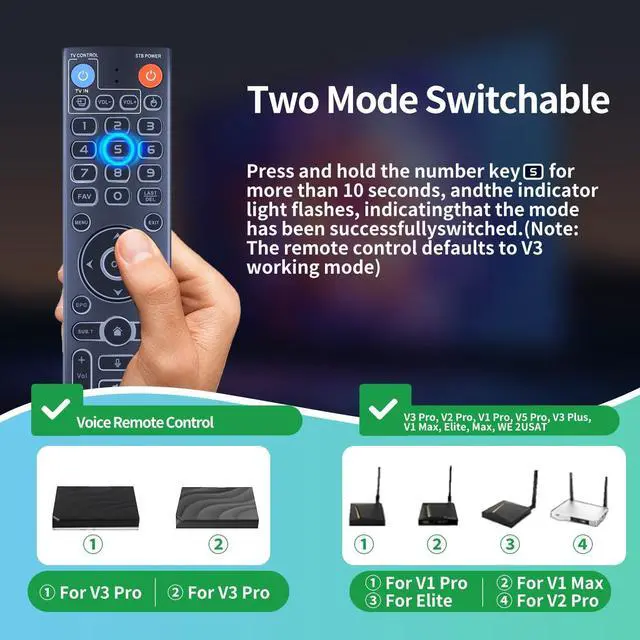
    • Two Working ModeV3 working mode and V2 working mode. Press and hold the number key 5 for more than 10 seconds and the indicator light flashes, indicating that the mode switch is successful. V3 Pro working mode is applicable to V3 Pro; V2 Pro working mode is applicable to V1 Pro/V2 Pro/Max/Elite.Note: Vseebox V3 remote control defaults to V3 working mode
    • How to Use the V3 Remote Control On V1 Pro/V2 Pro/Max/Elite?Press and hold the OK and vol- keys simultaneously (about five seconds) until the remote control indicator light continues to flash, which means the Bluetooth of the V3 remote control is enabled. Pair the remote control under System Settings - Bluetooth - Pair New Device, find the vseebox remote control, and connect to the vseebox. (If it is not found, it may be that Bluetooth is not turned on. Please press and hold the OK and vol- keys on t
    +
    +
    Overview
    Specs
    Reviews
    avatar

    Any questions? Our AI beta will help you find out quickly.

    WDZP New Backlight Remote Control Replacement for vSeeBox V3 Pro, V2 Pro, V1 Pro, V5 Pro, V3 Plus, V1 Max, Elite, Max, WE 2USAT

    Warranty & Returns

    Warranty, Returns, And Additional Information

    Warranty

    • Please contact the Seller directly for warranty information. Warranty information may also be found on the Manufacturer's website.
    • CONTACT

    Return Policies

    • Return for refund within: 30 days
    • Return for replacement within: 30 days
    • This item is covered by kaipuda Return Policy

    Manufacturer Contact Info

    LOADING...