

Your Browsing History
- Free 30-day Returns
$42.99

Meet Your Seller

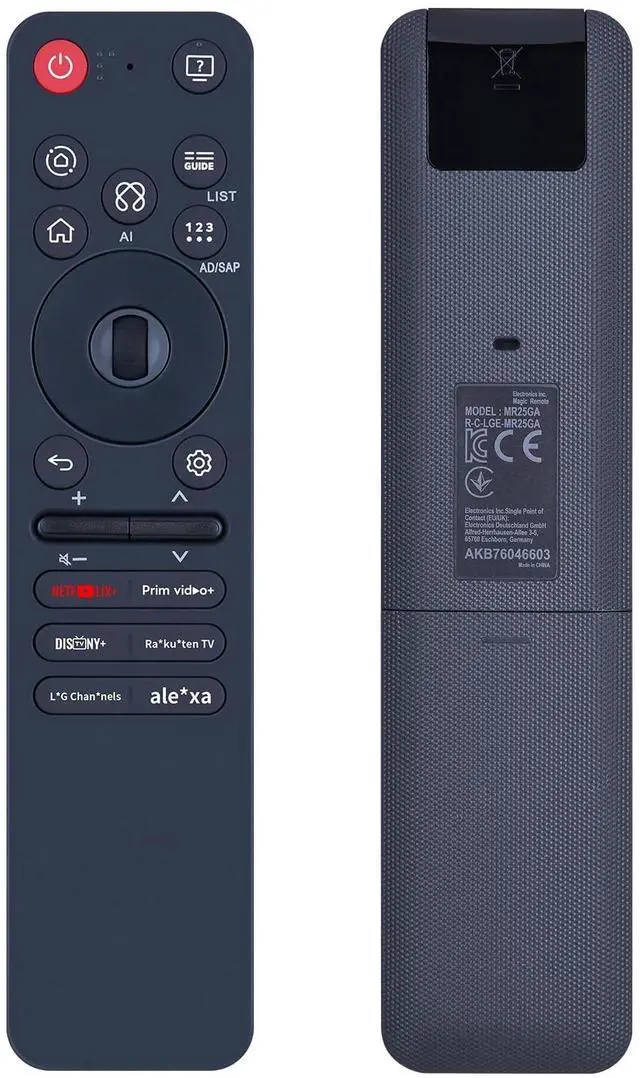
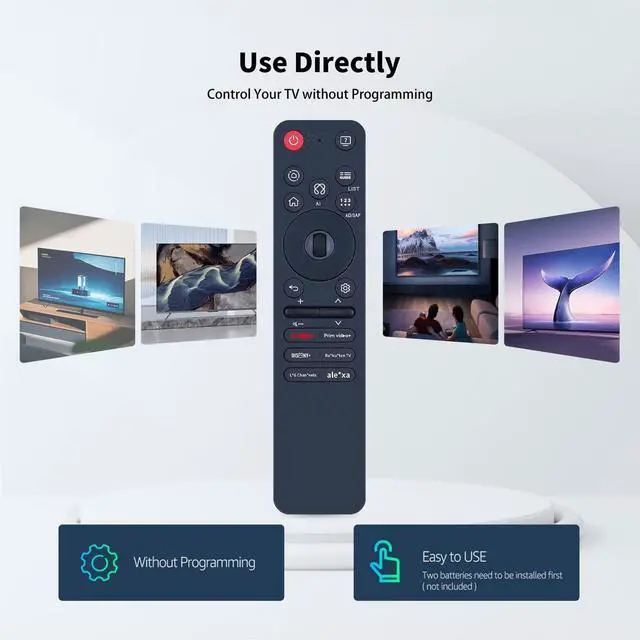


Snrigw Replacement Remote Control for MR25GA AKB76046603 LG TV 55QNED93A6A 65QNED93A6A G5 C5 B5 Series Models
- Compatible Models:This Remote Control for MR25GA AKB76046603 is specifically engineered for seamless compatibility with a wide range of =TV models, including the 55QNED93A6A, 65QNED93A6A, and the premium G5, C5, B5 Series . It serves as a perfect replacement or backup, ensuring you retain full command over your TV's functions for an uninterrupted entertainment experience.
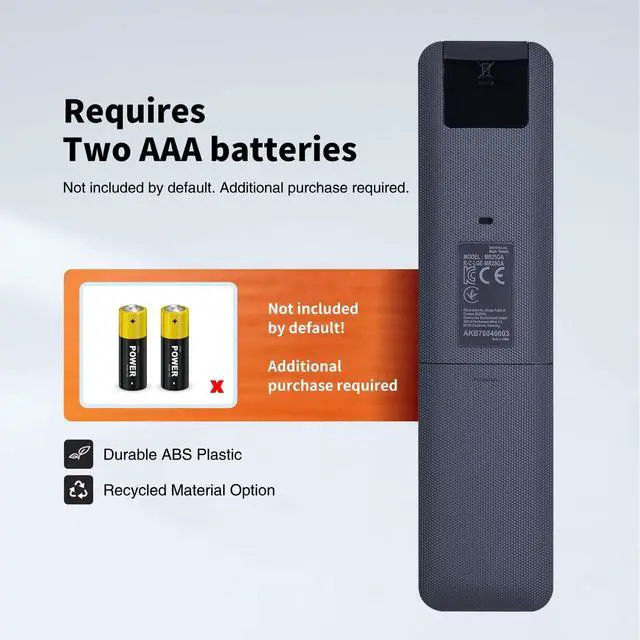
- How to pair:Getting started is quick and straightforward. First, ensure your compatible TV (such as the 55QNED93A6A, 65QNED93A6A, or G5/C5/B5 Series) is powered on. 1. Put batteries into the Remote and turn the TV on. 2.Point the Remote at your TV and press the Wheel (OK) on the remote control- If the TV fails to register the Remote, try again after turning the TV off and back on
- How to unpair the Remote: Press and hold the (HOME) and (BACK) buttons at the same time for five seconds, to unpair the Remote withyour TV.Press and hold the uo GUIDE button for more than 5 seconds to disconnect and re-register the Remo
+
+
Overview
Specs
Reviews

Any questions? Our AI mode will help you find out quickly.
Try me now
Compatible Models: This Remote Control for MR25GA AKB76046603 is specifically engineered for seamless compatibility with a wide range of =TV models, including the 55QNED93A6A, 65QNED93A6A, and the premium G5, C5, B5 Series. It serves as a perfect replacement or backup, ensuring you retain full command over your TV's functions for an uninterrupted entertainment experience.
^^ How to pair: Getting started is quick and straightforward. First, ensure your compatible TV (such as the 55QNED93A6A, 65QNED93A6A, or G5/C5/B5 Series) is powered on. 1. Put batteries into the Remote and turn the TV on. 2. Point the Remote at your TV and press the Wheel (OK) on the remote control- If the TV fails to register the Remote, try again after turning the TV off and back on ^^ How to unpair the
Remote: Press and hold the (HOME) and (BACK) buttons at the same time for five seconds, to unpair the Remote withyour TV. Press and hold the uo GUIDE button for more than 5 seconds to disconnect and re-register the Remote atthe same time. Effortlessly navigate your TV's features with this user-friendly remote. The intuitive button layout and clearly labeled keys make it simple to control power, volume, navigation, and directly access smart features like platform and control.
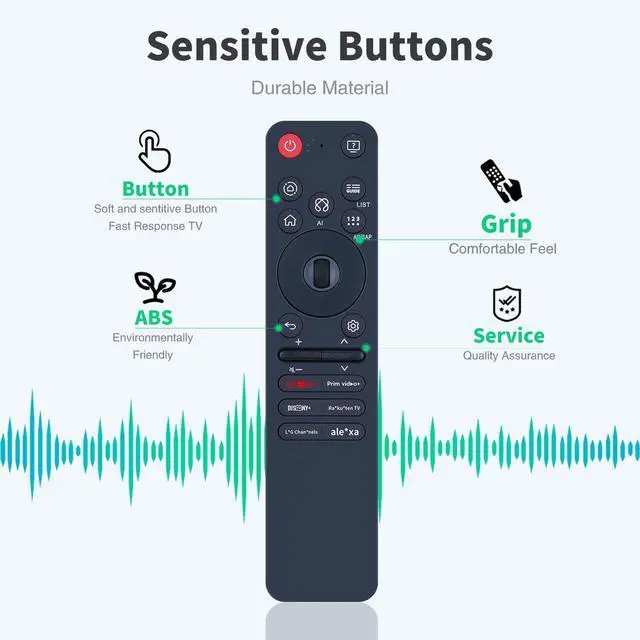
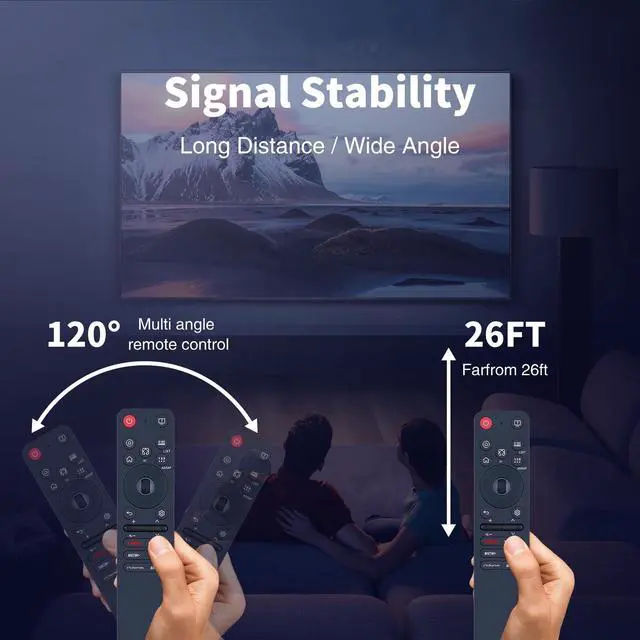
^^ High Performance: Experience reliable and responsive operation with this high-performance remote. It is built with quality components to ensure stable signal transmission and crisp button feedback, mirroring the premium performance you expect from your QNED or OLED TV and its advanced features. ^^ Backed by Reliable After-Sales Service Please feel free to contact us if you have any query, thanks!
^^ How to pair: Getting started is quick and straightforward. First, ensure your compatible TV (such as the 55QNED93A6A, 65QNED93A6A, or G5/C5/B5 Series) is powered on. 1. Put batteries into the Remote and turn the TV on. 2. Point the Remote at your TV and press the Wheel (OK) on the remote control- If the TV fails to register the Remote, try again after turning the TV off and back on ^^ How to unpair the
Remote: Press and hold the (HOME) and (BACK) buttons at the same time for five seconds, to unpair the Remote withyour TV. Press and hold the uo GUIDE button for more than 5 seconds to disconnect and re-register the Remote atthe same time. Effortlessly navigate your TV's features with this user-friendly remote. The intuitive button layout and clearly labeled keys make it simple to control power, volume, navigation, and directly access smart features like platform and control.
^^ High Performance: Experience reliable and responsive operation with this high-performance remote. It is built with quality components to ensure stable signal transmission and crisp button feedback, mirroring the premium performance you expect from your QNED or OLED TV and its advanced features. ^^ Backed by Reliable After-Sales Service Please feel free to contact us if you have any query, thanks!
Warranty & Returns
Warranty, Returns, And Additional Information
Warranty
- Please contact the Seller directly for warranty information. Warranty information may also be found on the Manufacturer's website.
- CONTACT
Return Policies
- Return for refund within: 30 days
- Return for replacement within: non-replaceable
- This item is covered by SIMPLIZED Return Policy
Manufacturer Contact Info
- For a directory of all our manufacturers, please click below.
- Manufacturers Directory
LOADING...