• $369.99
  • Free 30-day Returns
  • Top Rated
    Price alert
    Shop it at NeweggBusiness.

    Meet Your Seller

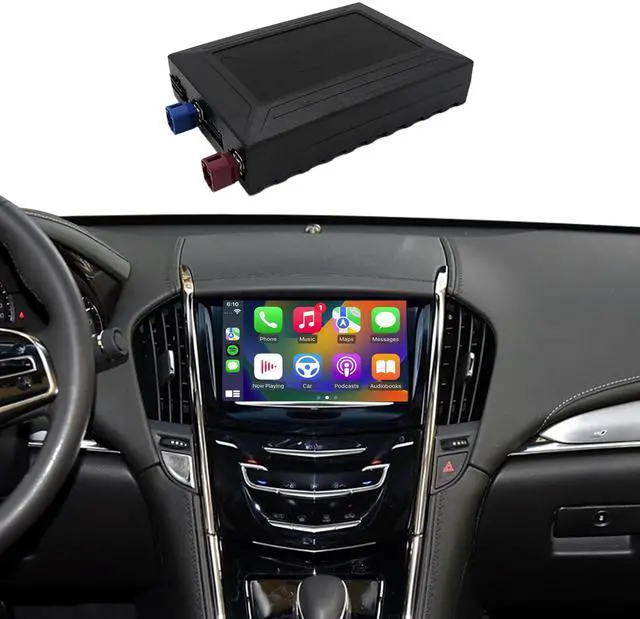
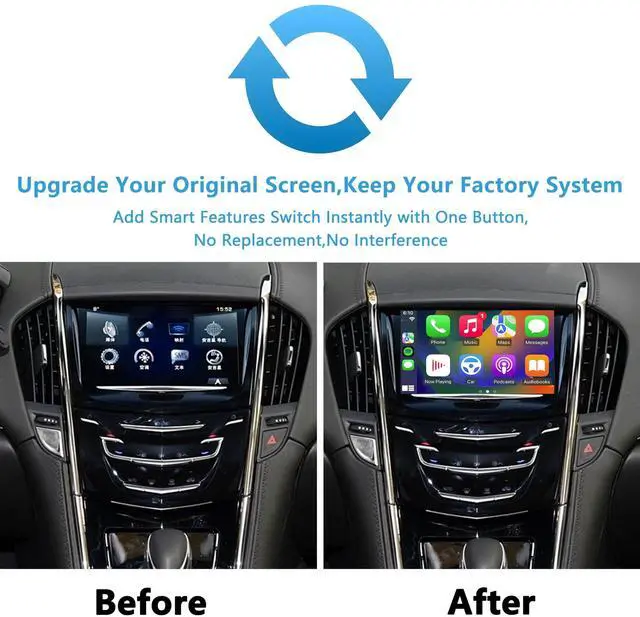
    CARAMCO Wireless CarPlay & Android Auto Module Compatible with Cadillac ATS XTS SRX XT5 2013-2017 Retrofit Kit Support Original Camera,Bluetooth Audio and Micphone,Plug&Play No Need Programing Code

    • Compatible Models:Work exclusively with Cadillac ATS XTS SRX XT5 2013-2017,NOT with 2018-2019 car.Note: This is a Linux-based system, not an Android radio replacement.
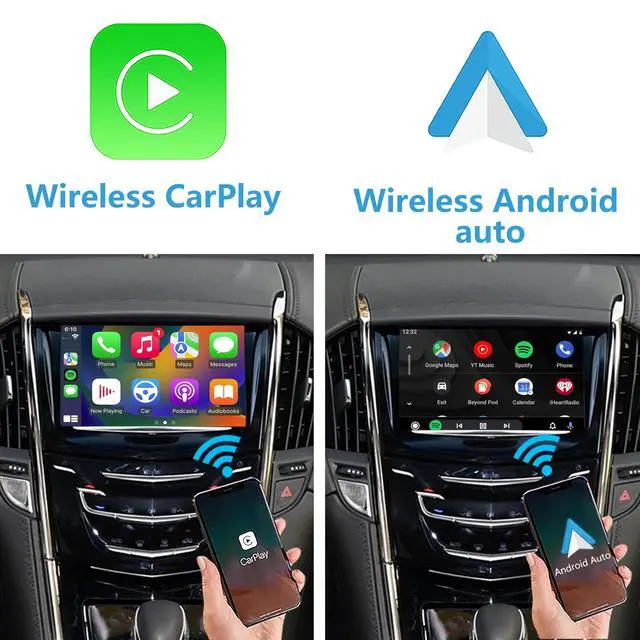
    • Smart Wireless Integration: Upgrade your drive with seamless Wireless CarPlay & Android Auto. Mirror your smartphone apps directly to your car's displayenjoy real-time navigation, hands-free messaging, and your favorite streaming music while keeping full focus on the road.
    • Dual-System Operation:Your factory system remains 100% accessible - hold 'Back' button for 3 seconds to switch to CarPlay/android auto.
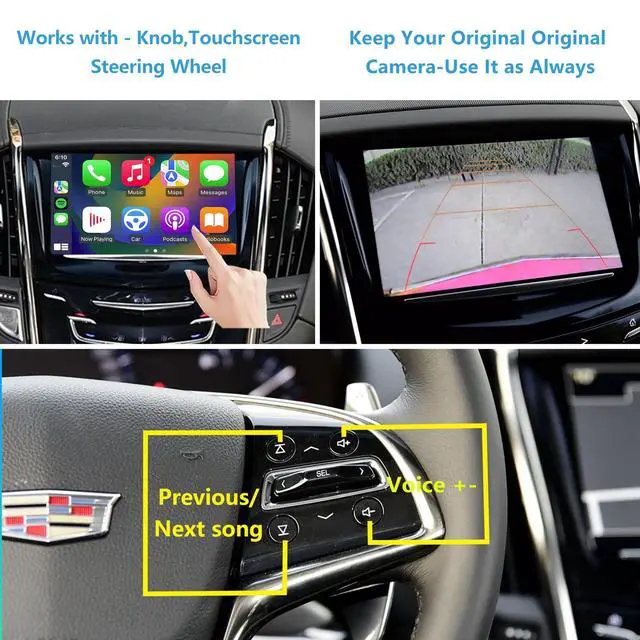
    • Native Vehicle Integration:Maintains complete OEM protocol compatibility, ensuring all built-in controls (steering wheel/knob/touch) function perfectly.
    • Dual-Band Wireless Stability: Experience flawless connectivity with 5GHz WiFi + original car Bluetoothzero lag for calls, navigation & music streaming. No dropouts, no interference.
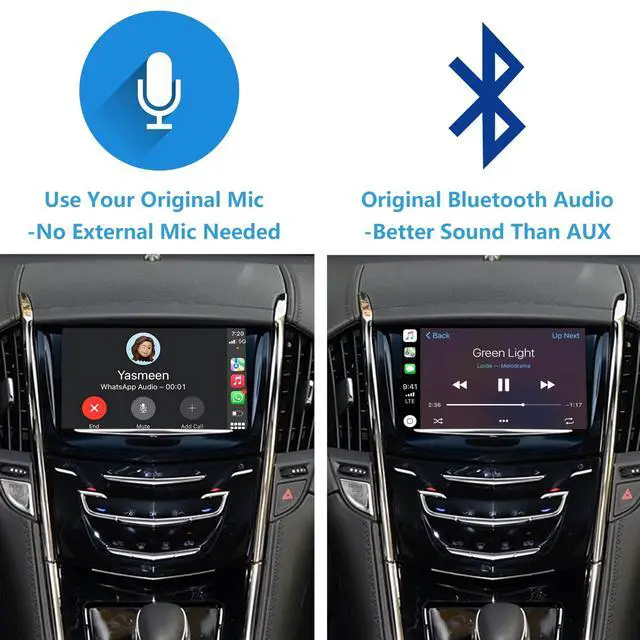
    • Bluetooth Audio Unleashed: Unlike AUX-only competitors, our solution str
    +
    +
    Overview
    Specs
    Reviews
    avatar

    Any questions? Our AI beta will help you find out quickly.

    *Please send me a picture of your vehicle's screen for compatibility confirmation. *This is a LINUX device for factory radio screen, not an aftermarket Android radio screen. *Neither CarPlay nor Android Auto supports any video apps. *Retain all original factory functions. *CarPlay and Android Auto connect wirelesslyno extra cable needed. *Can add aftermarket AHD reverse camera. *Plug & Play - No Programming Needed. *The kit includes CarPlay/Android auto module Power Canbus cable LVDS video-in cable LVDS video-out cable WIFI antenna (built in) USB/camera cable Installation manual *This product has been successfully installed in North America, Europe, and the Middle East with proven compatibility *Never drops connection - works on both 5GHz (fast) and 2.4GH z (long-range) WiFi *Use Bluetooth audio instead of AUX for better sound quality How to get
    CarPlay/Android auto sound: in setting of module --audio setting-- set "ON" for "use original bluetooth audio" Phone Bluetooth This Device (enter CarPlay/Android Auto) Phone Bluetooth (Automatically Disconnects) Phone Bluetooth (Reconnects) Car Bluetooth Set Bluetooth in Car Audio Setting (Plays
    Sound) Notes: Ensure that your phone and your cars Bluetooth are all turned on and discoverable. Some car models may require manually switching the audio source to Bluetooth. If you encounter connection issues, try restarting your phone and device

    Warranty & Returns

    Warranty, Returns, And Additional Information

    Warranty

    • Please contact the Seller directly for warranty information. Warranty information may also be found on the Manufacturer's website.
    • CONTACT

    Return Policies

    Manufacturer Contact Info

    LOADING...