• $45.99
  • Free 30-day Returns
  • Ships from China.
    Price alert
    Shop it at NeweggBusiness.

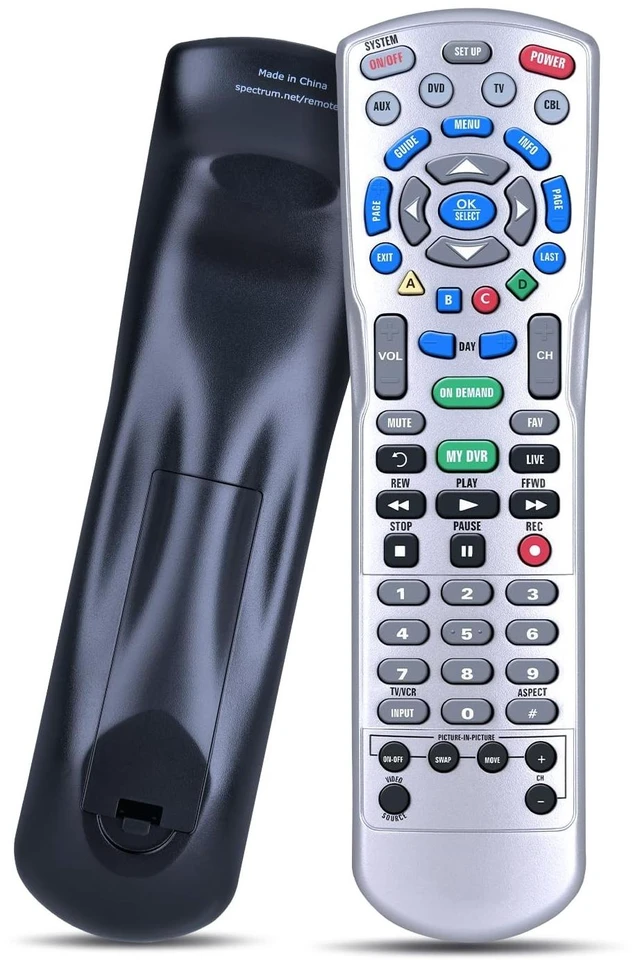
    Rankle Memory Replacement for Spectrum Charter Remote Control, Compatible with Spectrum P12404-C4, Charter Ocap4 (C4000 & S4000) 4-Device HDTV DVR Cable Box

    • Supported Models: Compatible with P12404-C4, C4000, S4000 HDTV DVR Cable Box
    • Pairing Instruction: Pairing instructions are included in the product description
    • What's Included: 1* Remote Control (batteries and manual not included)
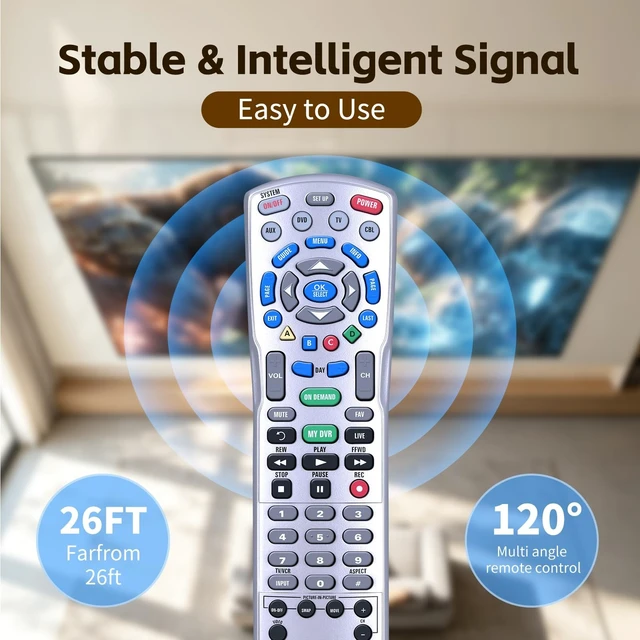
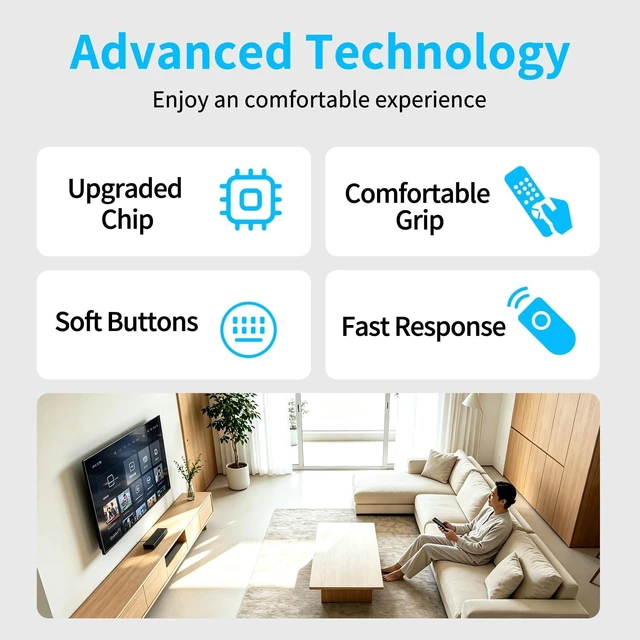
    • Fast & Comfortable The upgraded chip provides a 26-foot range and 0.2s response. The ergonomic ABS design feels great in your hand and makes controlling smooth and easy
    • Before You Order: Please check that this remote matches your original remote. If not, it may not work. Not sure about compatibility? We will be happy to assist you
    +
    +
    Overview
    Specs
    Reviews
    avatar

    Any questions? Our AI mode will help you find out quickly.

    Method 1: Using a Device Code1) Turn on your TV or audio device2) Press the corresponding device button (e. g., TV or AUX) once3) Press and hold SETUP until the device key blinks twice4) Enter the 5-digit code for your device's brand. (The device key will blink twice to confirm) 5) Press POWER once. If the device turns off, your
    setup is completeMethod 2: Auto-Search MethodIf you don't know your specific code, the remote can scan for it1) Turn on the device you want to control2) Press the DEVICE button (like TV) and SELECT/OK together for 3 seconds3) Point the remote at the device and alternately press the CH+ (or CH-) button and MUTE4) When the device turns off, the correct code has been sent5) Press the DEVICE button again to save the code (the LED will blink twice)

    Warranty & Returns

    Warranty, Returns, And Additional Information

    Warranty

    • Please contact the Seller directly for warranty information. Warranty information may also be found on the Manufacturer's website.
    • CONTACT

    Return Policies

    Manufacturer Contact Info

    LOADING...