Your Browsing History
- Free 30-day Returns
$57.99
Meet Your Seller
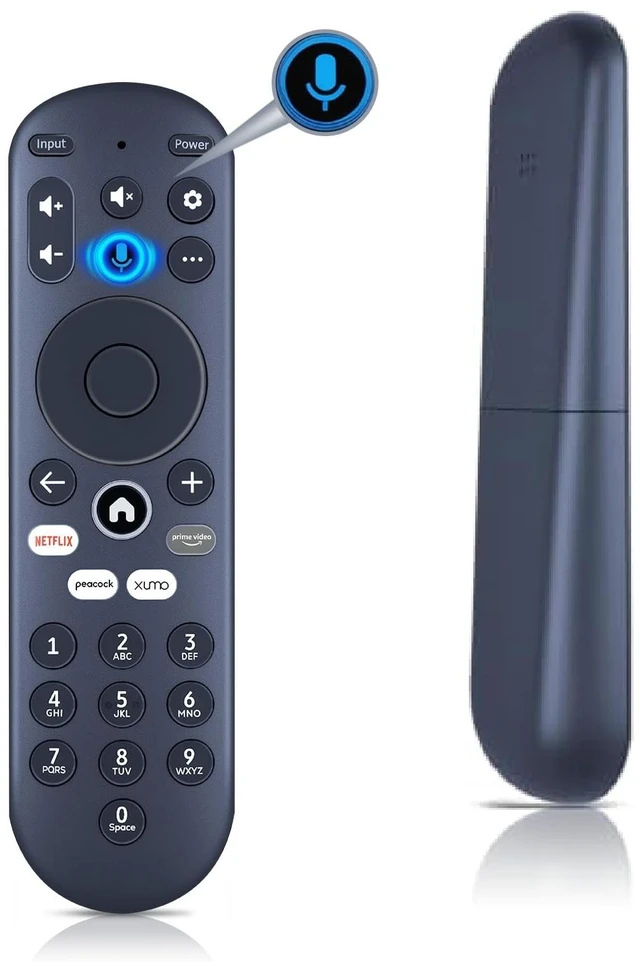
Replacement Remote Control for Xumo TV E500AC43C, E500AC50C, E500AC55C
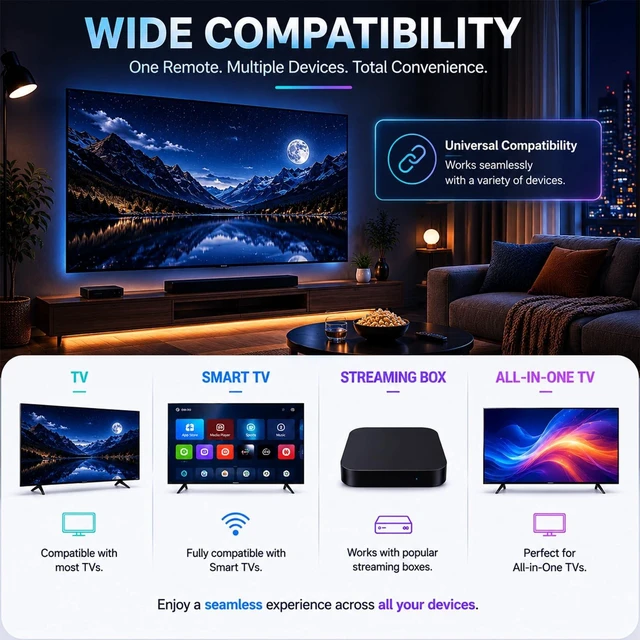
- Wide CompatibilityReplacement Voice Remote Control compatible with Element 4K UHD HDR Xumo TV E500AC43C, E500AC50C, E500AC55C, E500AC65C, E500AE98C, E300AE24C, E550AE55C, E550AE75C, E550AE86C.
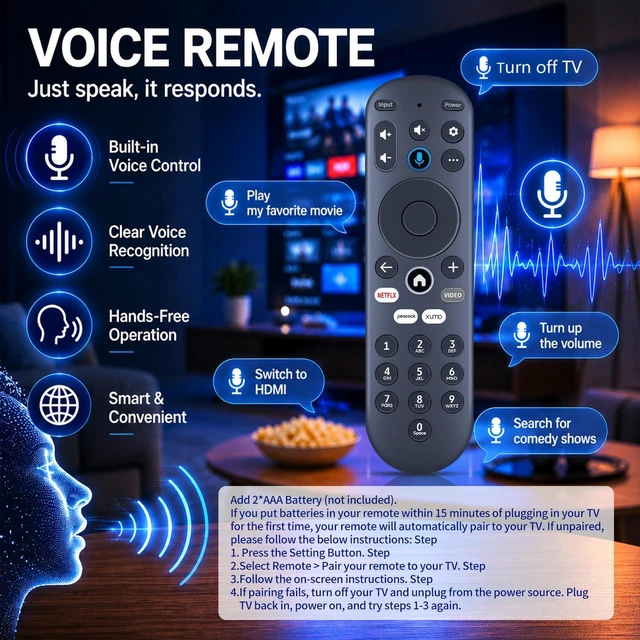
- Pairing your remote to an existing Xumo TVBefore using your remote, you'll need to pair it with your TV. If you put batteries in your remote within 15 minutes of plugging in your TV for the first time, your remote will automatically pair to your TV. If unpaired, please follow the below instructions: Step 1, Press the Setting Button. Step 2, Select Remote > Pair your remote to your TV. Step 3, Follow the on-screen instructions. Step 4, If pairing fails, turn off your TV and unplug from the power source. Plug TV back in, power on, and try steps 1-3 again.
- Pairing your remote to a sound systemStep 1, Press the Setting Button. Step 2, Select Remote > Pair your remote and sound system. Step 3, Follow the on-screen instructions.
- How to reset your remoteStep 1. Hold the " "and "+" buttons for
+
+
Overview
Specs
Reviews
Any questions? Our AI mode will help you find out quickly.
Try me now
Wide CompatibilityReplacement Voice Remote Control compatible with Element 4K UHD HDR Xumo TV E500AC43C, E500AC50C, E500AC55C, E500AC65C, E500AE98C, E300AE24C, E550AE55C, E550AE75C, E550AE86C. ^^ Pairing your remote to an existing Xumo TVBefore using your remote, you'll need to pair it with your TV. If you put batteries in your remote within 15 minutes of plugging in your TV for the first time, your remote will automatically pair to your TV. If unpaired, please
follow the below instructions: Step 1, Press the Setting Button. Step 2, Select Remote > Pair your remote to your TV. Step 3, Follow the on-screen instructions. Step 4, If pairing fails, turn off your TV and unplug from the power source. Plug TV back in, power on, and try steps 1-3 again. ^^ Pairing your remote to a sound systemStep 1, Press the Setting Button. Step 2, Select Remote > Pair your remote and sound system. Step 3, Follow the on-screen instructions. ^^ How to reset your remoteStep 1. Hold the " "and "+" buttons for 3 seconds until the light at the top of the remote turns solid green. Step 2, Press 9, then 8, then 4 (the light will blink red a few times). Step 3, Hold the "" and "+ " buttons for 3 seconds again. Step 4, Press 9, then 8, then 1. Step 5, Wait for the light at the top of the remote to flash red again. Step 6, With your remote control pointed towards your TV, try pressing the Home button then other keys to make sure your remote is working properly.
Note: Voice control will not work until your remote is paired. ^^ Reliable after-sales support available We offer considerate after-sales service, all items enjoy 1-year warranty period. Any usage or matching troubles, please reach out to us anytime for proper solutions.

follow the below instructions: Step 1, Press the Setting Button. Step 2, Select Remote > Pair your remote to your TV. Step 3, Follow the on-screen instructions. Step 4, If pairing fails, turn off your TV and unplug from the power source. Plug TV back in, power on, and try steps 1-3 again. ^^ Pairing your remote to a sound systemStep 1, Press the Setting Button. Step 2, Select Remote > Pair your remote and sound system. Step 3, Follow the on-screen instructions. ^^ How to reset your remoteStep 1. Hold the " "and "+" buttons for 3 seconds until the light at the top of the remote turns solid green. Step 2, Press 9, then 8, then 4 (the light will blink red a few times). Step 3, Hold the "" and "+ " buttons for 3 seconds again. Step 4, Press 9, then 8, then 1. Step 5, Wait for the light at the top of the remote to flash red again. Step 6, With your remote control pointed towards your TV, try pressing the Home button then other keys to make sure your remote is working properly.
Note: Voice control will not work until your remote is paired. ^^ Reliable after-sales support available We offer considerate after-sales service, all items enjoy 1-year warranty period. Any usage or matching troubles, please reach out to us anytime for proper solutions.
Warranty & Returns
Warranty, Returns, And Additional Information
Warranty
- Please contact the Seller directly for warranty information. Warranty information may also be found on the Manufacturer's website.
- CONTACT
Return Policies
- Return for refund within: 30 days
- Return for replacement within: 30 days
- This item is covered by FortressTek Return Policy
Manufacturer Contact Info
- For a directory of all our manufacturers, please click below.
- Manufacturers Directory
LOADING...