• $54.99
  • Free 30-day Returns
  • Price alert
    Shop it at NeweggBusiness.

    Meet Your Seller

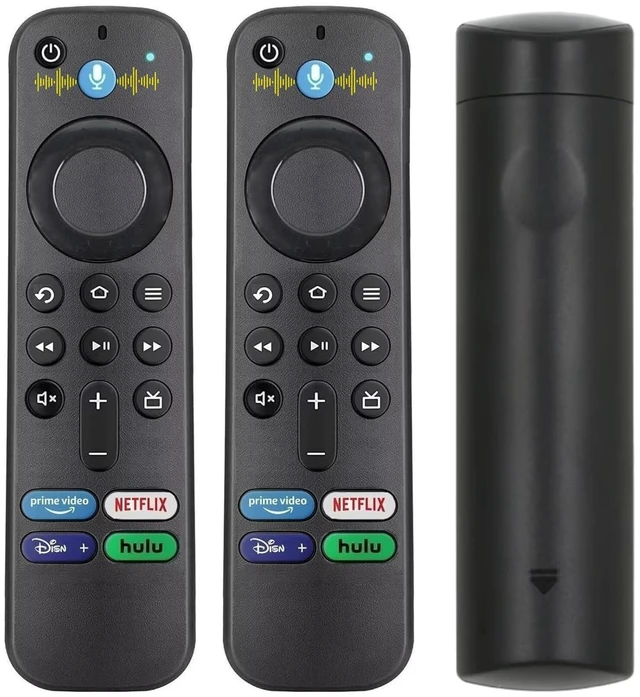
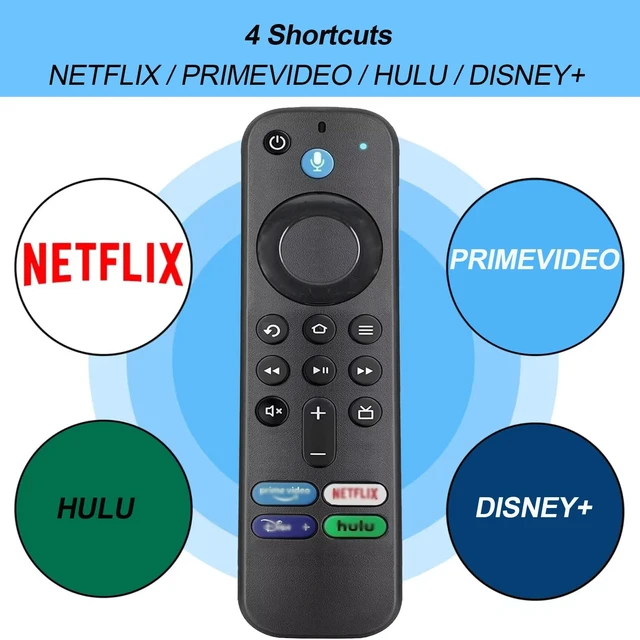
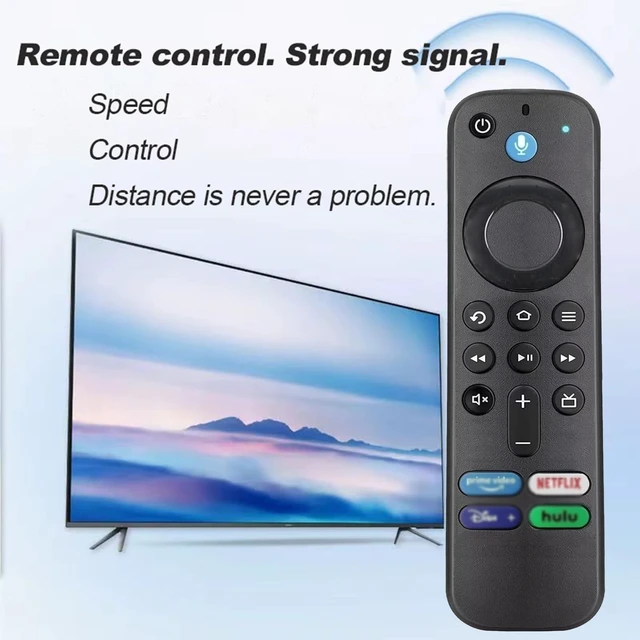
    Bkiyougo 2 Pack Replacement Voice Remote Control L5B83G Compatible with Fire Smart TVs Cube (3rd Gen), Smart TVs Stick 4K (2nd & 3rd Gen), Smart TVs Stick (3rd Gen)

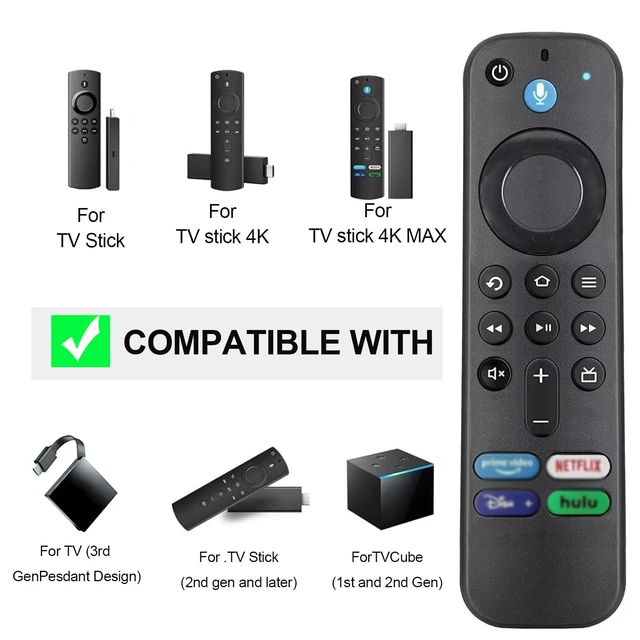
    • For THE FOLLOWING MODELS: for Smart TV Stick Lite,for TV Stick (2nd Gen and later),for TV Stick 4K, for TV Stick 4K Max, for TV Cube (1st Gen and later), for TV Stick 4K Bundle, and for TV (3rd Gen, Pendant Design)
    • NOT For FOLLOWING MODELS: Not For Smart TV (1st and 2nd Gen), Not For TV Stick (1st Gen) and Not For TV Edition smart TVs.
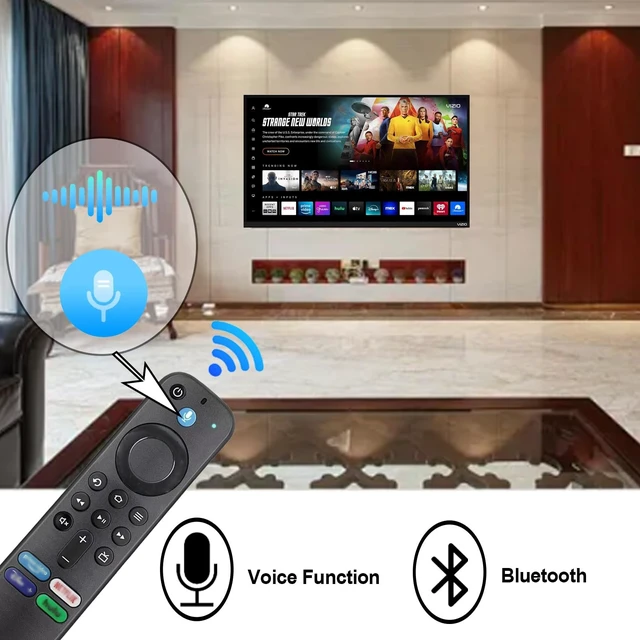
    • AMAZING VOICE CAPABILITIES: This remote enable voice search which let's you tell the tv everything What you want and it happens,at the push of a microphone button!Comfortable hand-held design,easy to operate, ergonomically perfect in your hand.
    • Pairing StepsPress and Hold the Home button about 10-15 seconds, then Release when the LED starts to rapidly flash, waiting about 30-60 seconds (Entering Pairing mode, LED Flash), then remote should automatically Pair with your device.If you have some problems in pairing, please contact us.We will help on this issue.
    • YOU MUST KNOW1. The voice remote control needs to be manually matched 2. If the remo
    +
    +
    Overview
    Specs
    Reviews
    avatar

    Any questions? Our AI mode will help you find out quickly.

    For THE FOLLOWING MODELS: for Smart TV Stick Lite, for TV Stick (2nd Gen and later), for TV Stick 4K, for TV Stick 4K Max, for TV Cube (1st Gen and later), for TV Stick 4K Bundle, and for TV (3rd Gen, Pendant Design) ^^
    NOT For FOLLOWING MODELS: Not For Smart TV (1st and 2nd Gen), Not For TV Stick (1st Gen) and Not For TV Edition smart TVs.
    ^^ AMAZING VOICE CAPABILITIES: This remote enable voice search which let's you tell the tv everything What you want and it happens, at the push of a microphone button! Comfortable hand-held design, easy to operate, ergonomically perfect in your hand. ^^ Pairing StepsPress and Hold the Home button about 10-15 seconds, then Release when the LED starts to rapidly flash, waiting about 30-60 seconds (Entering Pairing mode, LED Flash), then remote should automatically Pair with your device. If you have some problems in pairing, please contact us. We will help on this issue. ^^ YOU MUST KNOW1. The voice remote control needs to be manually matched 2. If the remote control matching needs to be updated all the time, press the voice button or the return button 3. When it cannot be used, please use the original remote control product to manually add and replace the remote control 4. Alkaline batteries are recommended
    What you get: 1x new remote control (batteries not included), 1x user manual

    Warranty & Returns

    Warranty, Returns, And Additional Information

    Warranty

    • Please contact the Seller directly for warranty information. Warranty information may also be found on the Manufacturer's website.
    • CONTACT

    Return Policies

    • Return for refund within: 30 days
    • Return for replacement within: 30 days
    • This item is covered by StarDragon Return Policy

    Manufacturer Contact Info

    LOADING...