Your Browsing History
- Free 30-day Returns
$66.99
Meet Your Seller
Snrigw Replacement Remote for RC933A FMB1 FMB2 TCL QM8K Series TVBacklit
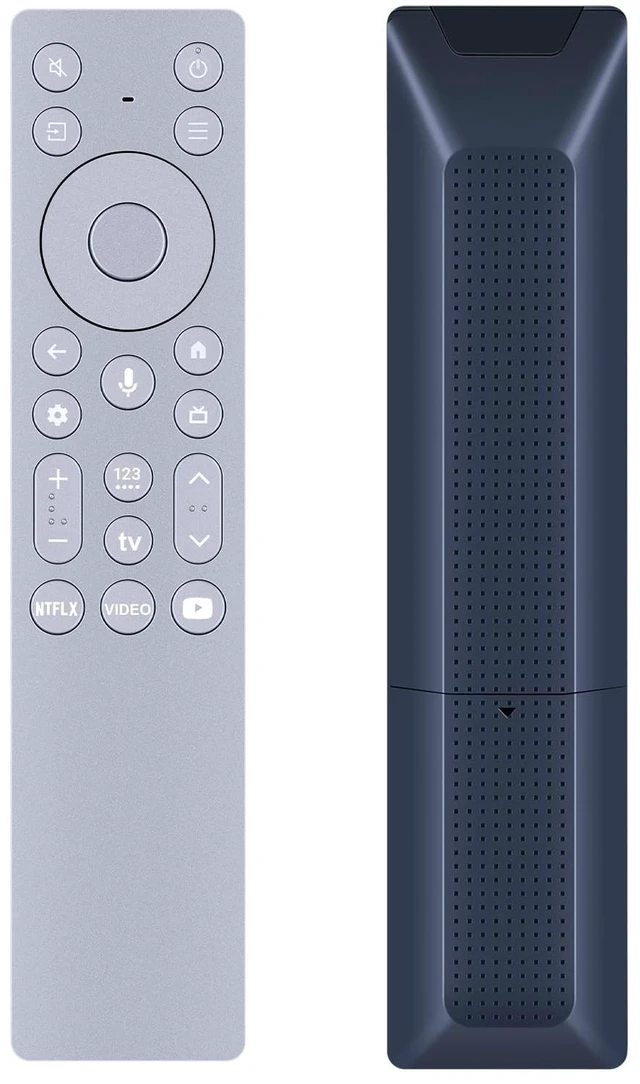
- Compatible Models:This Remote Control for RC933A FMB1 / RC933A FMB2 Backlit Voice Remote is engineered as a direct replacement for the original remote that comes with your QM8K Series 4K UHD QD-Mini LED Smart TV. It works flawlessly with 65QM8K, 75QM8K, 85QM8K, and 98QM8K models , as well as compatible models including 75C89K, 75Q8CX7, 85C9K, 85Q8CX7, and 98Q8CX7. Before ordering, please verify your TV model number.
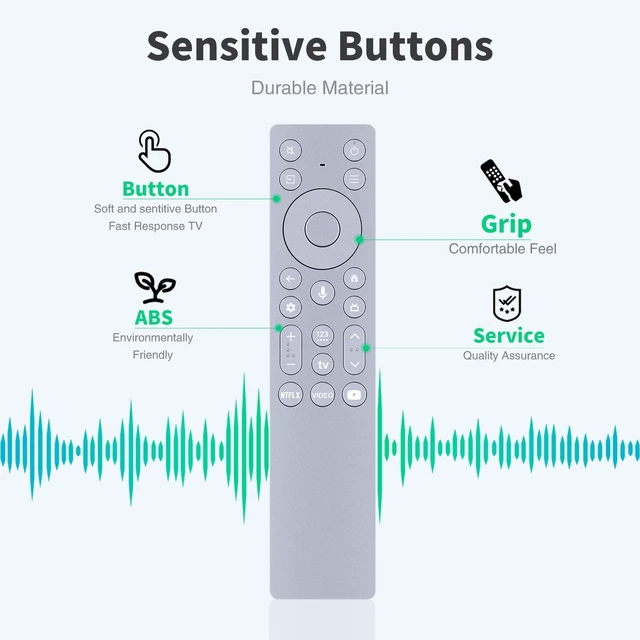
- Usage Instructions:This Remote Control for RC933A FMB1 / RC933A FMB2 features a dedicated button and a built-in microphone , allowing you to search for content, open apps, control playback, adjust volume, and even manage compatible smart home devices all with simple voice commands.The remote also features a premium backlit keypad that automatically illuminates when picked up or moved , making it perfect for dimly lit home theater environments.
- Backlit Design with High Performance:Designed with intelligent backlighting, this Remote Control for RC933A FMB1 / RC933A FMB
+
+
Overview
Specs
Reviews
Any questions? Our AI mode will help you find out quickly.
Try me now
Compatible Models: This Remote Control for RC933A FMB1 / RC933A FMB2 Backlit Voice Remote is engineered as a direct replacement for the original remote that comes with your QM8K Series 4K UHD QD-Mini LED Smart TV. It works flawlessly with 65QM8K, 75QM8K, 85QM8K, and 98QM8K models, as well as compatible models including 75C89K, 75Q8CX7, 85C9K, 85Q8CX7, and 98Q8CX7. Before ordering, please verify your TV model number.
^^ Usage Instructions: This Remote Control for RC933A FMB1 / RC933A FMB2 features a dedicated button and a built-in microphone, allowing you to search for content, open apps, control playback, adjust volume, and even manage compatible smart home devices all with simple voice commands. The remote also features a premium backlit keypad that automatically illuminates when picked up or moved, making it perfect for dimly lit home theater environments. ^^ Backlit Design with
High Performance: Designed with intelligent backlighting, this Remote Control for RC933A FMB1 / RC933A FMB2 ensures you can always find the right button even in a completely dark room. The buttons automatically illuminate when the remote is picked up or moved, eliminating the need to fumble for controls during late-night viewing sessions. This responsive backlit remote puts total control of your QM8K TV exactly where you need it.
^^ Pairing Instructions: Follow
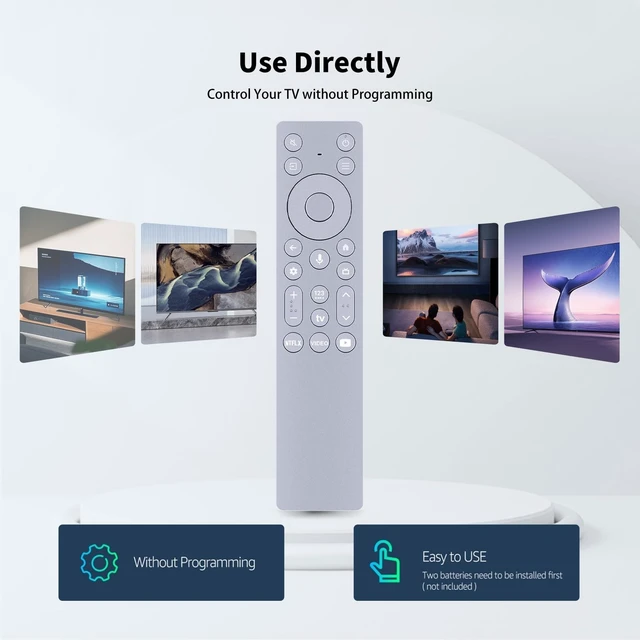
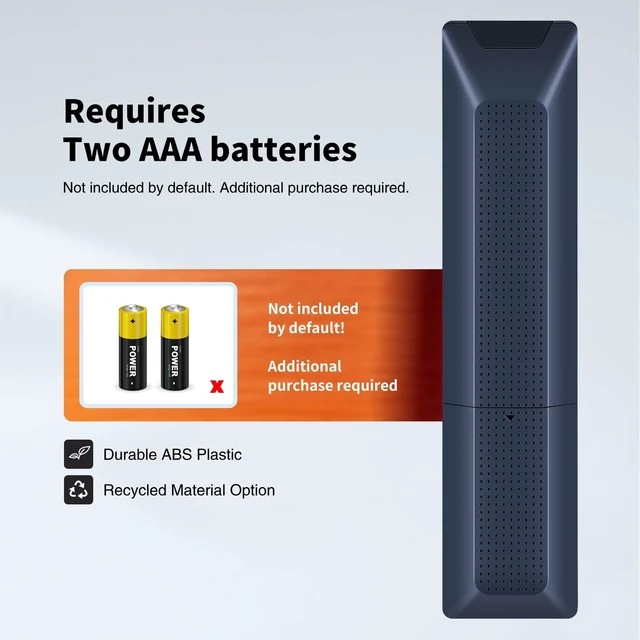
these simple pairing instructions: 1) Insert two fresh AAA batteries (not included) into the remote. 2) Turn on your TCL TV and wait for the home screen to load. 3) The remote should automatically pair via Bluetooth if not, navigate to Settings > Remotes & Accessories > Add Accessory on your TV. 4) Press and hold the Home and OK buttons simultaneously for 3-5 seconds until the LED indicator flashes, then select the remote from the on-screen list to complete pairing. ^^ Backed by Reliable After-Sales Service Please feel free to contact us if you have any query, thanks!

^^ Usage Instructions: This Remote Control for RC933A FMB1 / RC933A FMB2 features a dedicated button and a built-in microphone, allowing you to search for content, open apps, control playback, adjust volume, and even manage compatible smart home devices all with simple voice commands. The remote also features a premium backlit keypad that automatically illuminates when picked up or moved, making it perfect for dimly lit home theater environments. ^^ Backlit Design with
High Performance: Designed with intelligent backlighting, this Remote Control for RC933A FMB1 / RC933A FMB2 ensures you can always find the right button even in a completely dark room. The buttons automatically illuminate when the remote is picked up or moved, eliminating the need to fumble for controls during late-night viewing sessions. This responsive backlit remote puts total control of your QM8K TV exactly where you need it.
^^ Pairing Instructions: Follow
these simple pairing instructions: 1) Insert two fresh AAA batteries (not included) into the remote. 2) Turn on your TCL TV and wait for the home screen to load. 3) The remote should automatically pair via Bluetooth if not, navigate to Settings > Remotes & Accessories > Add Accessory on your TV. 4) Press and hold the Home and OK buttons simultaneously for 3-5 seconds until the LED indicator flashes, then select the remote from the on-screen list to complete pairing. ^^ Backed by Reliable After-Sales Service Please feel free to contact us if you have any query, thanks!
Warranty & Returns
Warranty, Returns, And Additional Information
Warranty
- Please contact the Seller directly for warranty information. Warranty information may also be found on the Manufacturer's website.
- CONTACT
Return Policies
- Return for refund within: 30 days
- Return for replacement within: 30 days
- This item is covered by AetherWide Return Policy
Manufacturer Contact Info
- For a directory of all our manufacturers, please click below.
- Manufacturers Directory
LOADING...