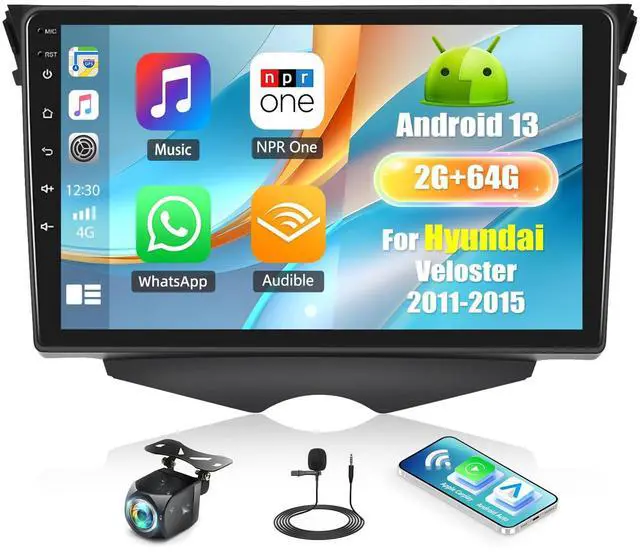
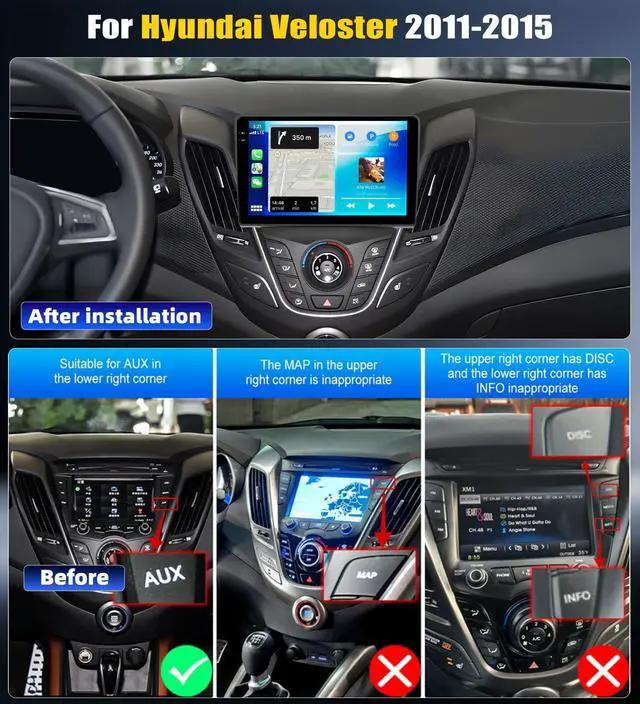
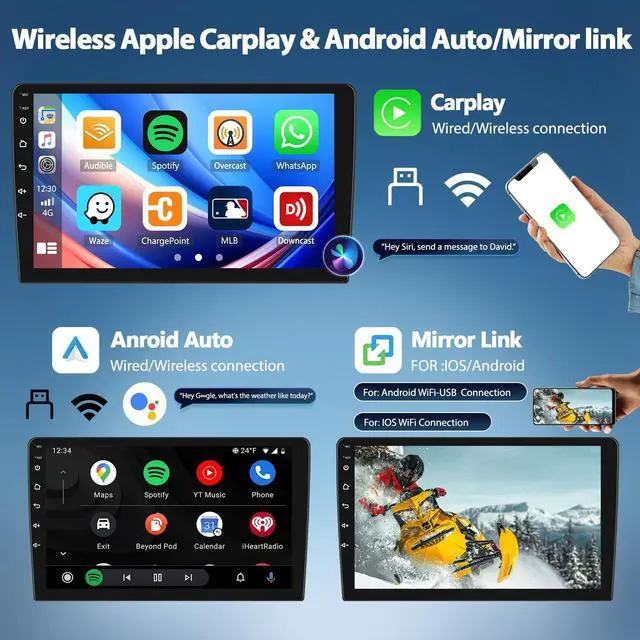
9 Inch Android 13 Car Radio This car radio is suitable for Hyundai Veloster 2011-2015. The Car Radio with a 9 inch 2.5 high-definition 1080P display will bring you a good tactile and visual experience. Android 13 system, With the most powerful operating system, you can enjoy a smooth and processing more tasks smoothly at the same time. ^^ Built-in Wireless Carplay & Android AutoBulit in Wireless Carplay & Wired Android Auto, support to use smart voice assistant or touch the display, you can get directions, make calls, send and receive messages, and enjoy music etc.
A smarter, safer and more fun way to use your phone in the car, and keep you stay focused, connected and entertained. ^^ Mirror Link, Split ScreenScreen mirror link with this Android Hyundai Veloster radio, you will get all your phone features on this car radio screen, you will can watch your phone YouTube or prime videos, access phone maps on the stereo screen once connected. Click the rectangle at the top of the screen, select a browse page and drag it to the left or right side of the screen.
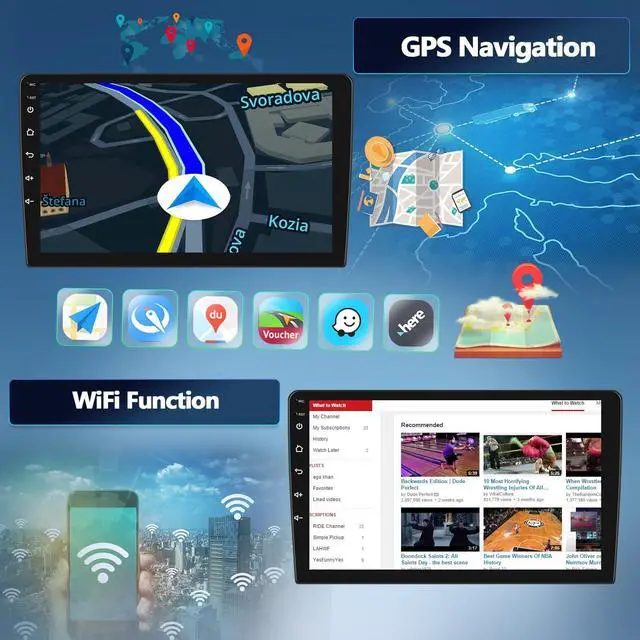
With the same screen display, the left or right screen can be operated independently. ^^ GPS Navigation & WiFiCar radio receiver with GPS / BDS positioning system, pre-installed with Google Offline Maps. With a WiFi connection, online maps work perfectly, you can also download apps from the play store, such as YouTube, Tiktok, Spotify, and more. ^^ FM/RDS Radio
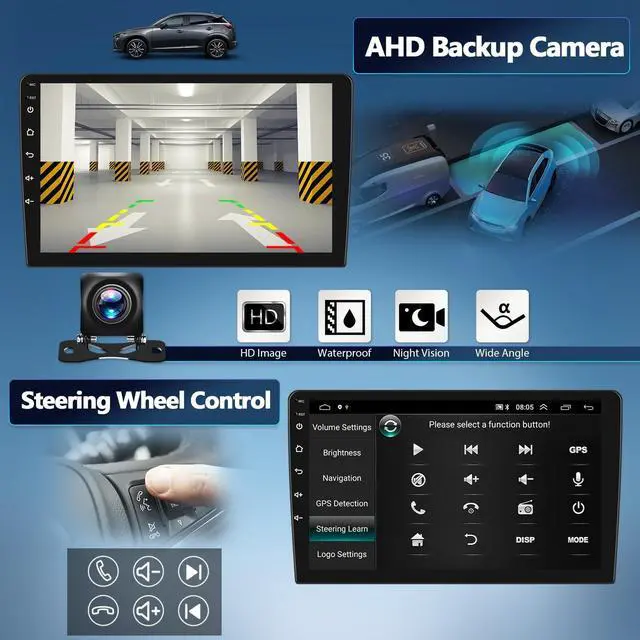
Receiver &Bluetooth 5.1: With 18 preset storage functions. Hi-Fi function, high-fidelity sound quality, can perfectly reproduce the sound of music or video, bringing you the most authentic sound. The built-in Bluetooth and microphone allow you to make calls, listen to music, navigate maps, and more without hands-free control. Adjustable sound effects, click to enter Sound Effects to adjust and set your favorite sound effects. Not suitable for Bose speakers ^^ AHD Rear View Camera Equipped with an AHD rear view camera with a waterproof design, Excellent night vision and 170 ultra-wide field of view. When reversing, the AHD camera reversing image will be automatically displayed on the touch screen. ^^ NoteIf you encounter the problem that the screen does not work, please try the following methods or contact us: 1. Please try five fingers to correct the screen, place your five fingers in the center of the screen, stay for a few seconds, click according to the icon to complete the correction. 2. Power off and restart, rst reset the device 3. disassemble the device, check the touch screen wires, re-plug it