• $50.99
  • Free 30-day Returns
  • Price alert
    Shop it at NeweggBusiness.

    Meet Your Seller

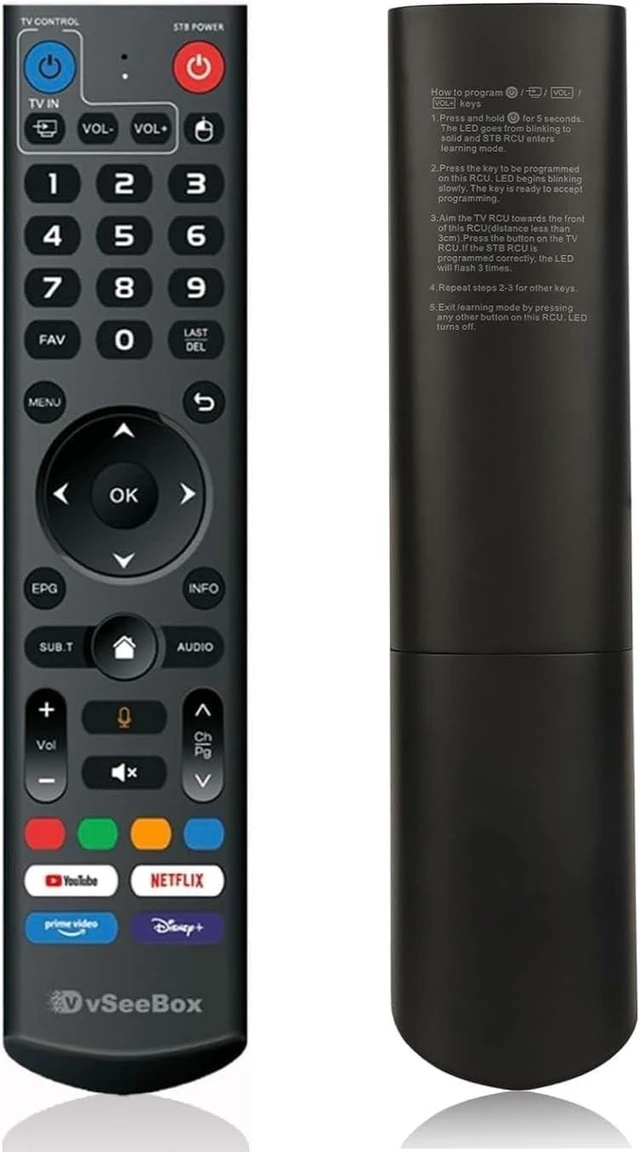
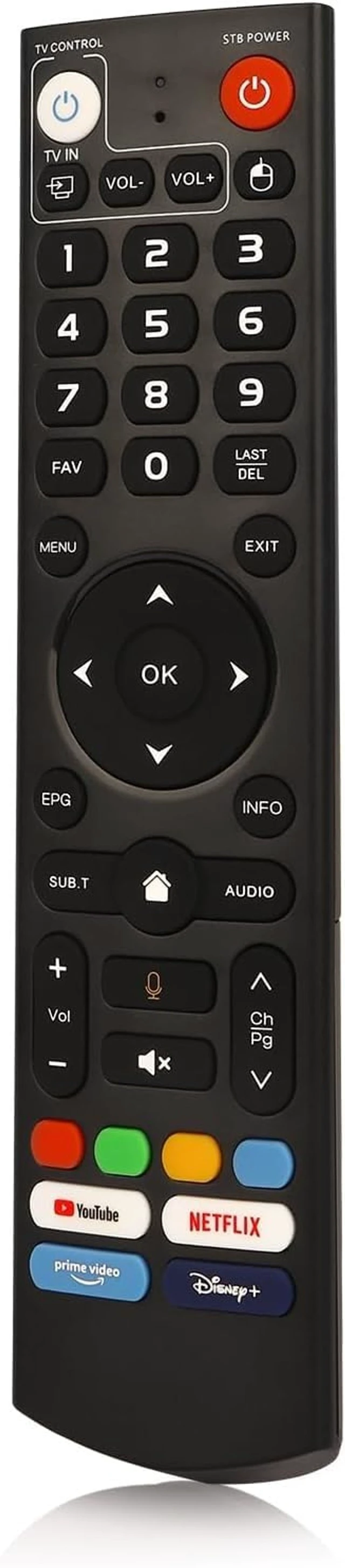
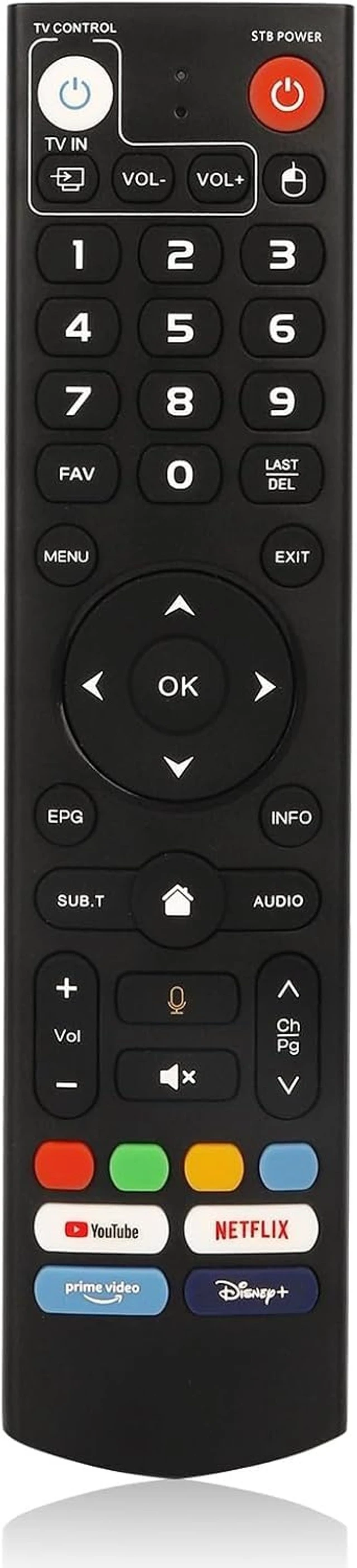
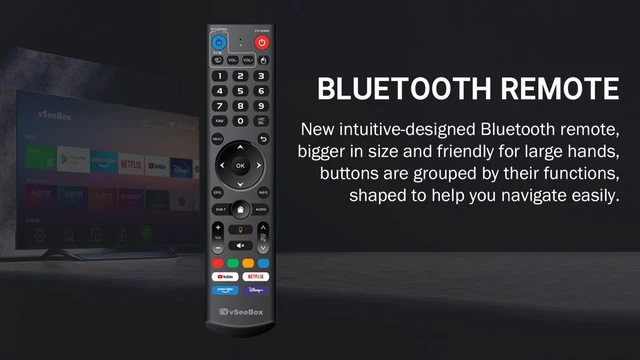
    Genuine vSeeBox Bluetooth Voice Remote Control for V5 Pro, V3 Pro, V3 Plus, V1 Max & Elite

    • Advanced Bluetooth Technology: Experience fast and reliable connectivity with cutting-edge Bluetooth technology. Enjoy stable control of your vSeeBox from anywhere in the room, whether youre relaxing on the couch or across the room.
    • Integrated Voice Control: Revolutionize your media interaction with voice control functionality. Use simple voice commands to search for content, navigate menus, and manage playback effortlessly. The remote features accurate voice recognition compatible with Google Assistant, enhancing convenience and user experience. - V1 Max, V1 Pro, V2 Pro (No Voice Command Feature)
    • Four Hot Keys for Quick Access: Simplify your media experience with four new Hot Keys that provide one-click access to your favorite apps, making it easier than ever to control your preferred content.
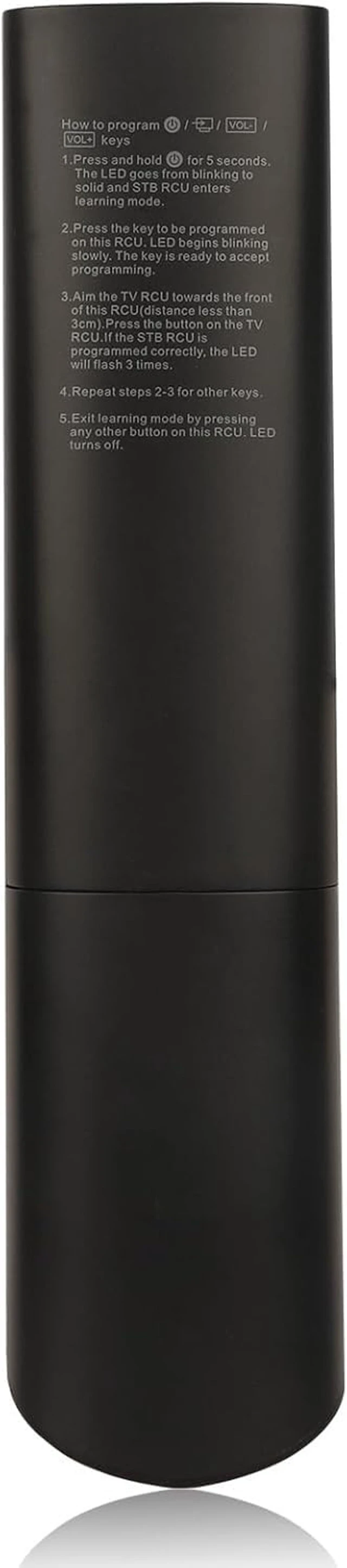
    • Universal TV Control: The vSeeBox Remote Control can be programmed to control your TV, allowing you to manage TV power and volume adjustments directly from the remote.
    • Ergonomic and
    +
    +
    Overview
    Specs
    Reviews
    avatar

    Any questions? Our AI mode will help you find out quickly.

    Discover the vSeeBox V3 Pro, V5 Pro Bluetooth Voice Command Remote Control Enhance your vSeeBox entertainment system with the vSeeBox V3 Pro Bluetooth, Voice Command Remote Control. Expertly designed for optimal performance and compatibility, this remote control seamlessly integrates with a variety of vSeeBox models, including the V5 Pro, V3 Plus, V3 Pro, V2 Pro, V1 Pro, V1 Max, and Elite, offering a comprehensive control solution for your entire vSeeBox ecosystem.
    Two Operating Modes: The vSeeBox
    Remote Control features two modes: V3/V5 Mode and V2 Mode. By Default, the vSeeBox V3 Remote Control operates in V5 Pro/V3 Pro/Plus Mode. If you have a V1 Pro, V2 Pro, V1 Max, or Elite, switch to V2 Mode by pressing and holding the "Number 5" key for more than 10 seconds. The indicator light will flash to confirm that you are now in V2 Mode.

    Warranty & Returns

    Warranty, Returns, And Additional Information

    Warranty

    • Please contact the Seller directly for warranty information. Warranty information may also be found on the Manufacturer's website.
    • CONTACT

    Return Policies

    Manufacturer Contact Info

    LOADING...