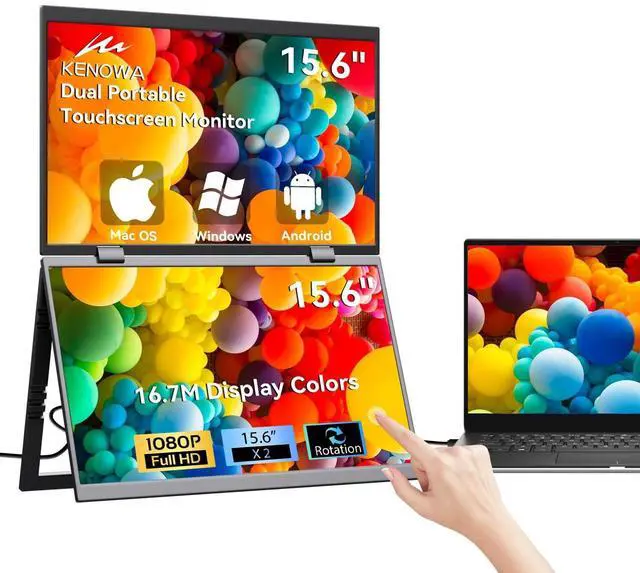
Dual Screen Portable Monitor: The 15.6" dual screen portable monitor supports up to 10-point multi-touch. Simply tap the LCD screen with your fingers to perform intuitive actions like zooming, clicking, and dragging.
(Note:
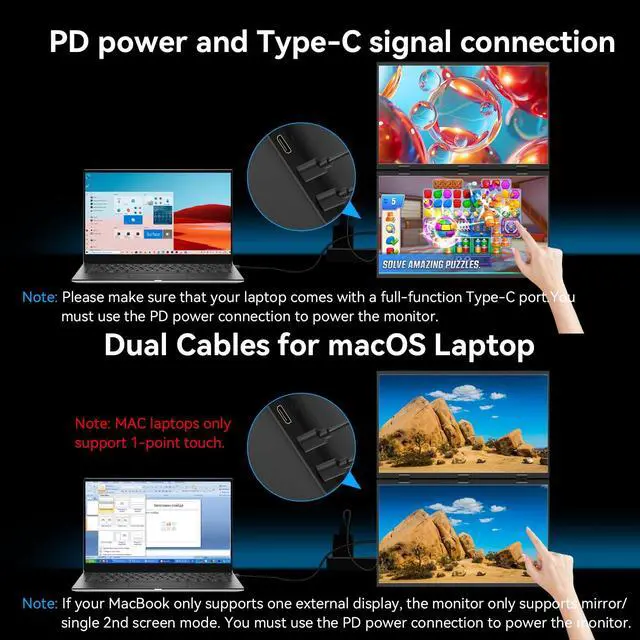
1. Apple devices support single-touch only; non-Apple devices support multi-touch.
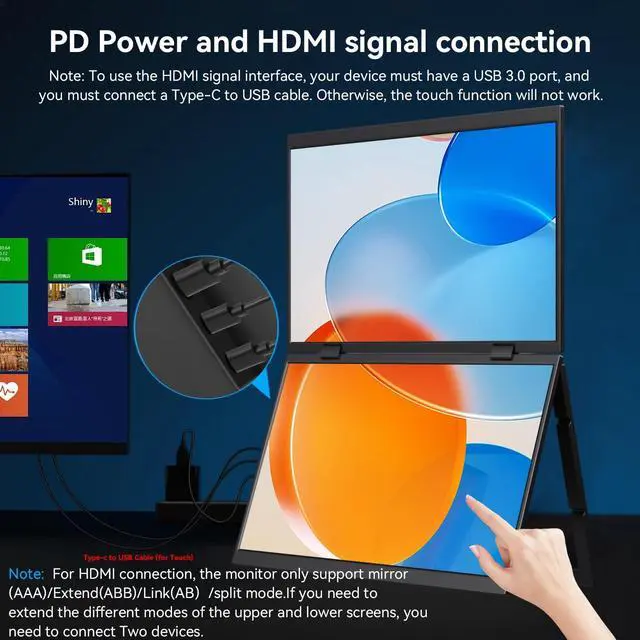
2. When connecting via HDMI cable, an additional USB A-to-USB C cable is required to enable touch functionality. ) ^^ Stacked Triple
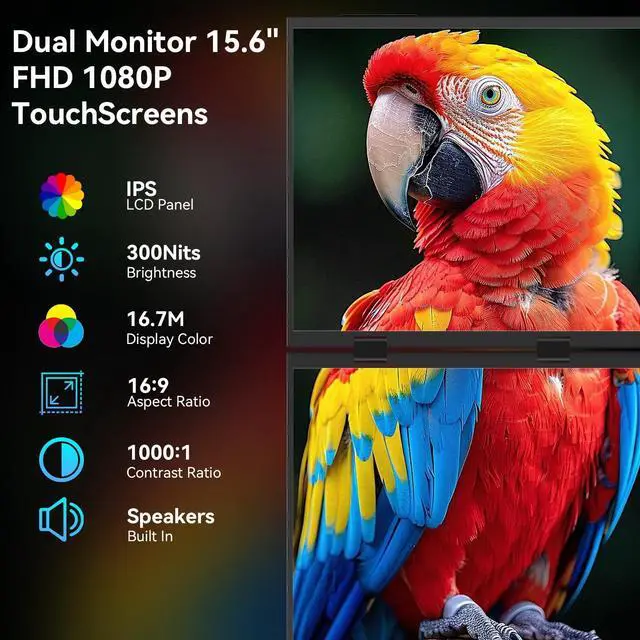
Folding Monitor: The 15.6 -inch dual-screen touch monitor features an HDR 1080P IPS panel with 360 foldable rotation. It delivers a 60Hz refresh rate, 72% sRGB color gamut, 16:9 aspect ratio, 300 nits brightness, and 1000:1 contrast ratio for stunning visuals and a more comfortable viewing experience. Built-in dual speakers and a 180 adjustable stand, compatible with 75x75mm VESA mounts, enable flexible placement of the dual-screen portable monitor for ultimate convenience.
(Note: VESA mount sold separately) ^^ Plug and
Play Seamless Connectivity: The 15.6" dual portable monitor touchscreen enables effortless multi-screen connections via USB-C cable and PD power supply, compatible with Windows, macOS, and smartphones. This laptop screen extender requires no driver installation, significantly simplifying setup.
(Note: HDMI connection supports Mirror (AAA) and Extend (AB) modes only. ) ^^
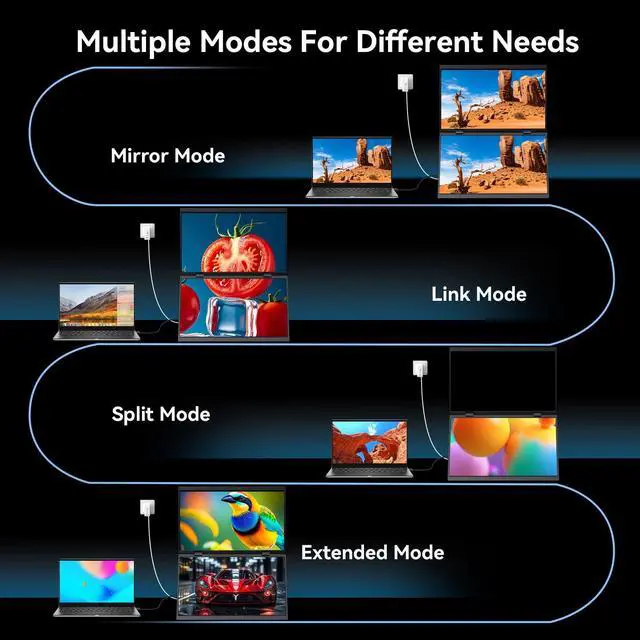
Versatile Multi-Screen Modes: The touchscreen dual portable monitor supports Mirror, Extend, and Split modes. Seamlessly switch between these three modes by connecting devices via PD+USB-C cable. Easily adjust monitor orientation with flip functionality and gravity-sensing auto-rotation. This dual-screen portable display perfectly suits multitasking, gaming, and streaming scenarios to boost your productivity.
^^ Wide Compatibility: The dual monitor portable monitor touchscreen features 2 mini HDMI ports, 2 USB-C ports, 1 USB-C power delivery port, 2 3.5 mm audio jacks, and multifunction buttons on the right side. It supports PCs, laptops, PS3/4, Switch, Xbox, and more.
^^ Troubleshooting:
1. The dual portable monitor must be used with a PD power supply.
2. When connecting via HDMI, an additional USB A to USB C cable is required for touch functionality.
3. If the touchscreen is unresponsive, refer to the video on the product details page titled Touchscreen Setup. 4. If it only displays on one screen, it means you haven't set your laptop to extended mode. Both ABC extended mode and AB link mode require the laptop to be set to extended mode; otherwise, they won't work.