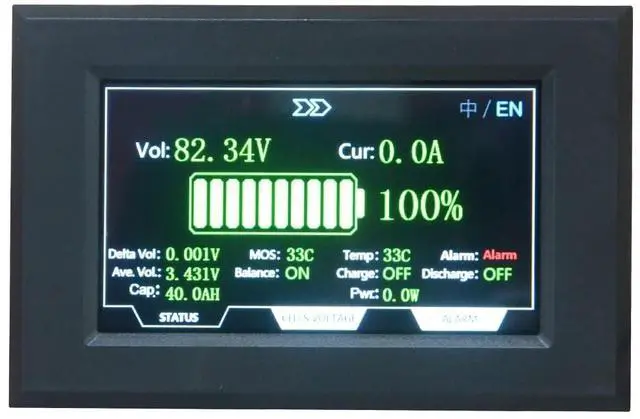
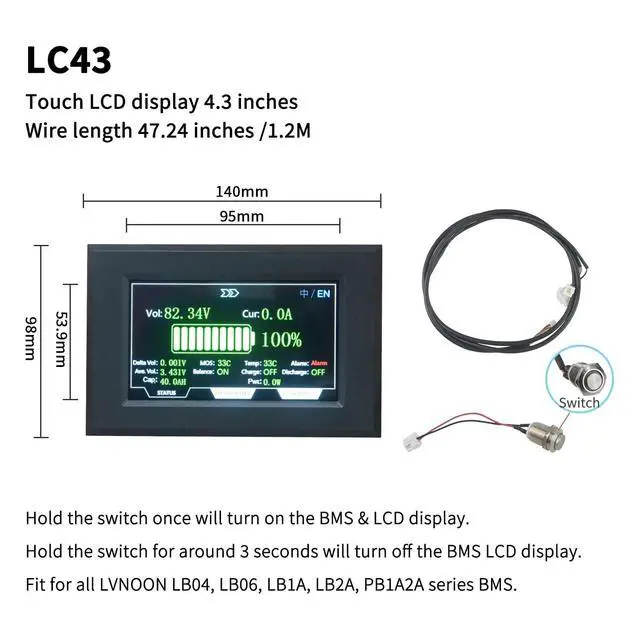
This is 1pc 4.3 inches Touch LCD display can work with LVNOON PB1A2A series inverter BMS. which also can work with LVNOON LB04, LB06, LB1A, LB2A series BMS. Hold the switch once will turn on the BMS & LCD display, after finish all the wires weldingHold the switch for around 3 seconds will turn off the BMS
LCD displayNote: All LVNOON BMS default is without LCD display, you can choose to add one, when buying, remember to select the right style you prefer. LCD display operation instructions1. When the BMS is off, press the switch button on the right side of the LCD once to turn on the BMS2. When the BMS is on, the display will turn off the LCD backlight to reduce power consumption if there is no current output from BMS for 10 seconds. 3. When BMS is on, if the display doesnt display the content, press the switch button once, the LCD display will turn on the backlight. 4. When BMS is on, if the LCD display is displaying the content, press the switch button once will turn off the backlight. 5. When BMS is on, hold the switch for around 3 seconds will turn off the LCD display.