• $146.99
  • Free 30-day Returns
  • Price alert
    Shop it at NeweggBusiness.

    Meet Your Seller

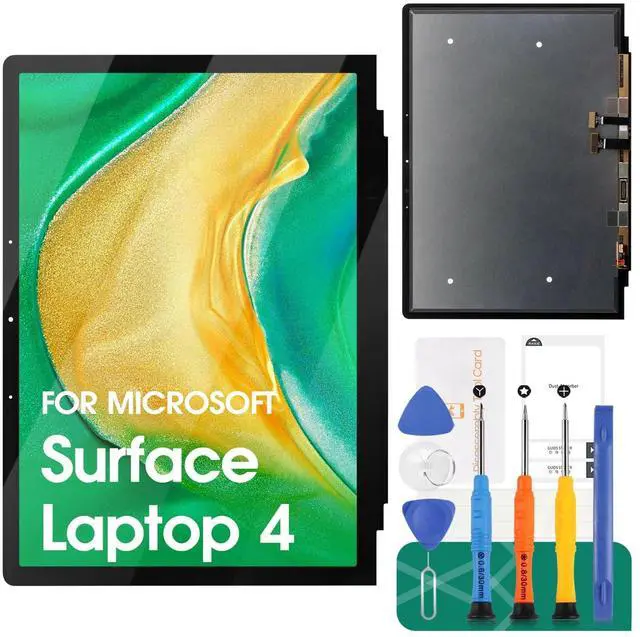
    for Microsoft Surface Laptop 4 Screen Replacemet for Microsoft Surface Laptop 4 1950 1951 1958 LCD Display for Touch Screen Digitizer Display Assembly Repair Kits (Black) 13.5''

    • Compatibility: Exclusively designed for Microsoft Surface Laptop 4 1950 1951 1958 model, ensuring a seamless fit. After replacing the screen will no longer be able to use this function, please buy with caution.
    • Complete Repair Kit: Each package includes 1LCD screen replacement and a set of professional opening kits, allowing for an easy and safe screen replacement. No need for additional purchases, saving you both time and money!
    • Easy Installation: DIY-friendly! Every product comes with a detailed installation guide, directing you step by step. If you encounter any challenges during installation, you can refer to our instructional videos, or contact our professional technicians for immediate guidance and support.
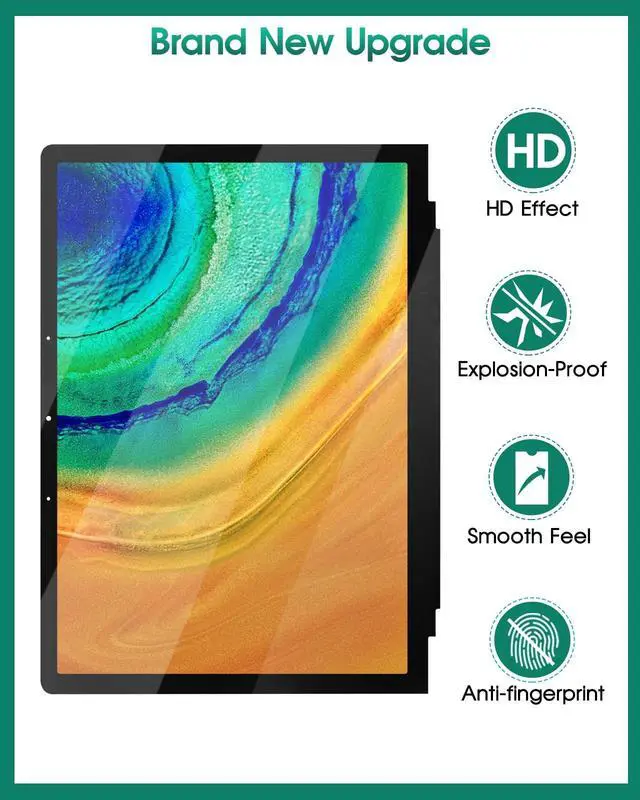
    • Application Scenarios: Capable of resolving various screen issues such as cracks, dead pixels, touch response problems, color inaccuracies, and non-functional screens, rejuvenating your device. It guarantees a smooth display performance for multiple everyday uses,
    +
    +
    Overview
    Specs
    Reviews
    avatar

    Any questions? Our AI beta will help you find out quickly.

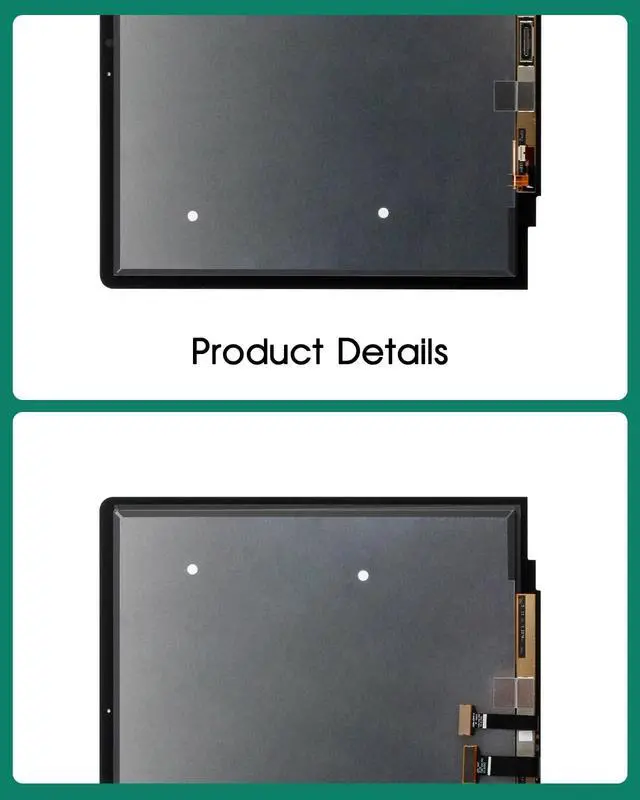
    Product Details

    : Screen
    Type: IPS
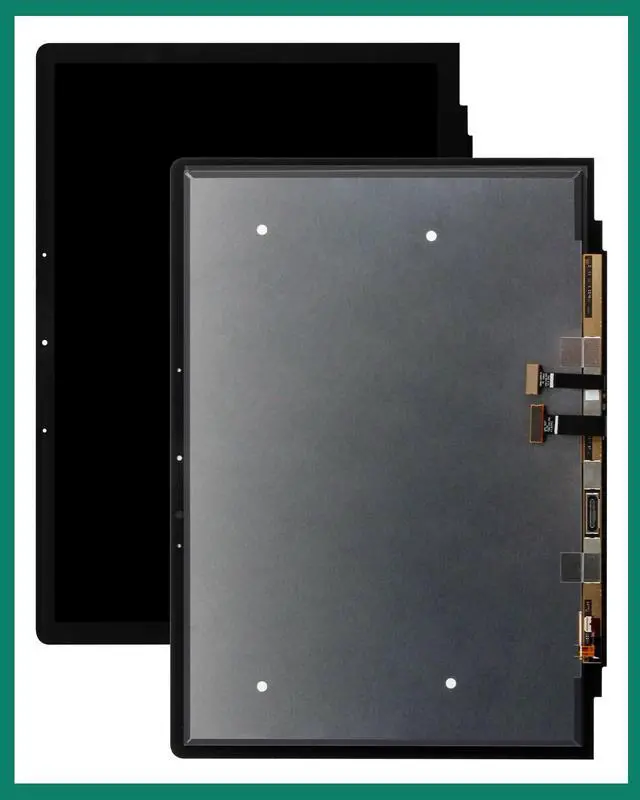
    LCDCompatible Models: for Microsoft Surface Laptop 4 1950 1951 1958Size: 13.5 inches.
    Package Includes: 1x Fully-featured touch screen1x A set of custom professional disassembly kitsNote1. Screen is fragile. For LCD & IC safety, non - pros or those without repair experience shouldn't replace it alone. Seek pro help, go to a repair shop, or follow YouTube install videos. 2. Our customer service supports you if there are purchase issues. 3. Each unit is quality - checked before dispatch. Handle the glass screen carefully during install/removal to avoid device & screen damage. 4. Disconnect battery before new screen install, then connect it, reboot for a function test.

    Warranty & Returns

    Warranty, Returns, And Additional Information

    Warranty

    • Please contact the Seller directly for warranty information. Warranty information may also be found on the Manufacturer's website.
    • CONTACT

    Return Policies

    Manufacturer Contact Info

    LOADING...