Pre-Purchase Notes:
1. Please ensure the USB-C power cable included in the package is connected.
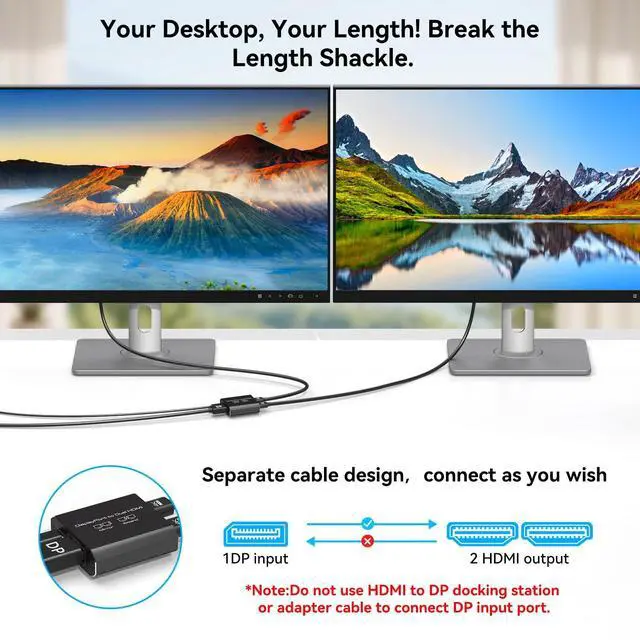
2. Do not connect through any docking stations, adapters, or converter cables, as this will prevent signal recognition.
3. The DP cable you use must meet the DP 1.4 standard, and the length should be kept within 1 meter.
4.
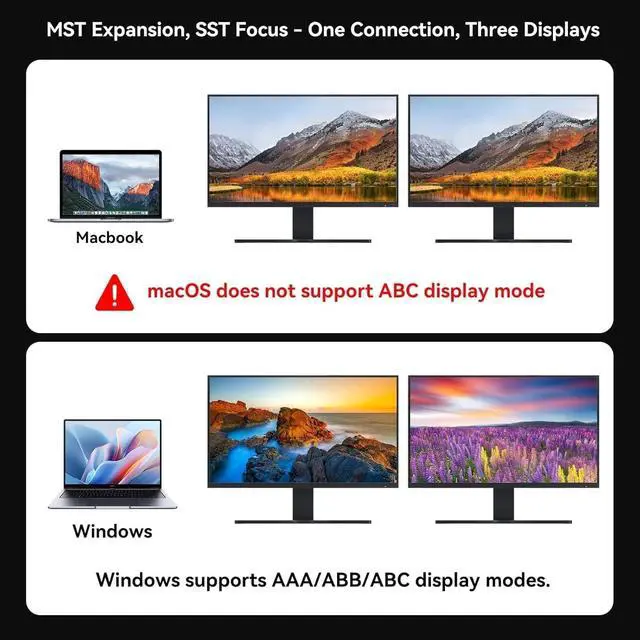
Mac users please note: If you are using a Mac system, this product only supports mirror mode (both screens display the same content) and does not support extended mode ^^ DisplayPort to Dual
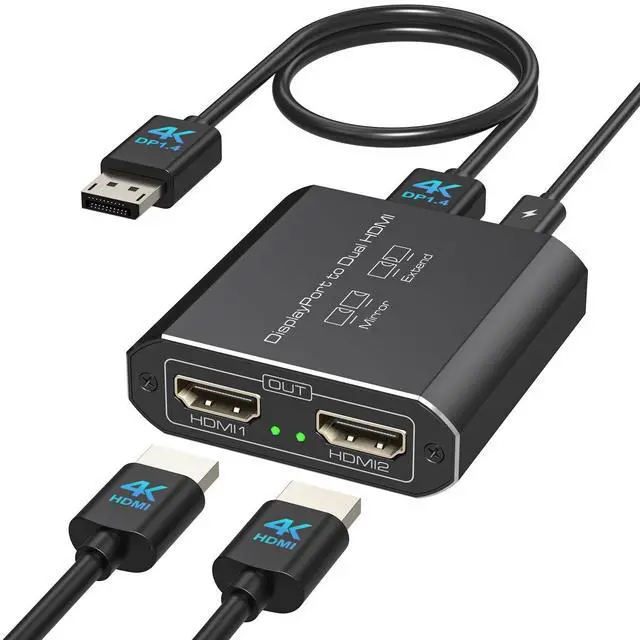
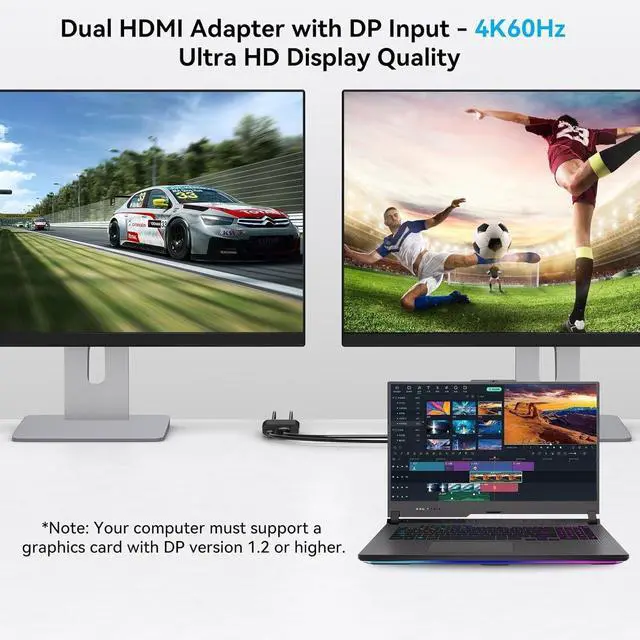
HDMI Splitter: This hdmi splitter for dual monitors extended display converts one DisplayPort signal into two HDMI outputs. It only supports one-way transmission from a single DP source to two HDMI displays! Your computer must support a DP 1.2 or higher graphics card, and a DP 1.4 (or above) standard cable no longer than 3.3 feet is required. Windows systems support both extended and mirror modes, while Mac only supports mirror mode ^^
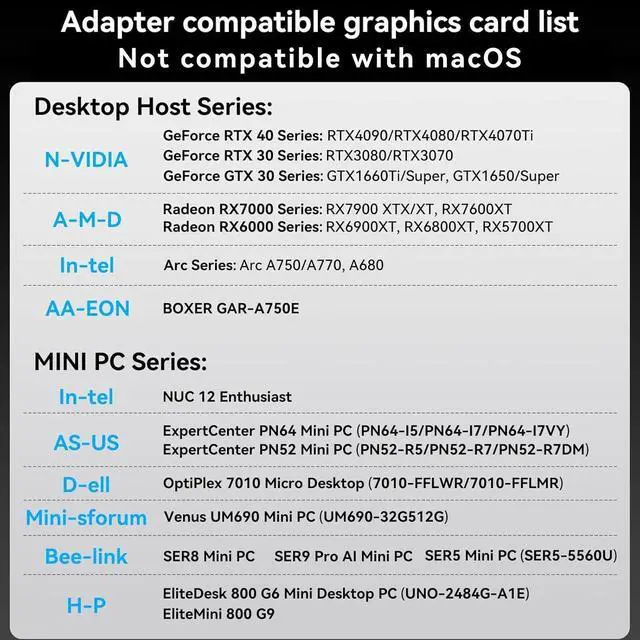
Please Check Compatibility: The display port to dual hdmi splitter requires your computer has a DP port, or your mini pc and desktop graphics card is one of the following models.
mini PC: A-SUS ExpertCenter, Beelink SER8/SER9/SER5, D-ell OptiPlex, H-P EliteDesk, In-tel NUC 12 Enthusiast, Minisforum Venus.
Graphics Card: AM-D Radeon RX7000/6000, AAEO-N GAR-A750E, In-tel Arc A750/A770/A680, NVI-DIA GeForce RTX/GTX. Please check the second picture and the second Product Description picture for compatible models ^^ Dual
HDMI 4K@60Hz Output: Both HDMI ports can simultaneously output ultra-high definition 4K@60Hz video, with backward compatibility for 4K@30Hz, 1440P, 1080P, and other resolutions.
Note: Some computers require manual adjustment to 4K60Hz resolution in the display settings and configuration to either extended or mirror mode. Please ensure your DP cable meets the DP 1.4 standard and your HDMI cable meets the HDMI 2.0 standard; otherwise, video quality may be affected ^^ Easy to
Use: Featuring a female DisplayPort input design, this adapter overcomes DP cable length restrictions, allowing you to freely choose cables of different lengths based on your environment. Its portable build enhances mobility while preventing cable damage. With plug-and-play functionality, no drivers are required. Simply connect your signal source to the adapter using a DP to DP cable, then link the adapter to your displays with two HDMI cables to enable full functionality ^^
Stable Operation: The aluminum alloy housing provides superior heat dissipation. Your computer must have a native DisplayPort and connect directly to the splitter's DP input do not use any docking stations, adapters, or converter cables. A USB-C power cable must be connected for proper operation.
Note: DP and HDMI cables are not included. We provide 2-year technical support and replacement service. Contact us if you have any questions