Your Browsing History
Meet Your Seller
for LG-Magic-TV-Remote, for Most 2019-2025 LG Remote Control for Smart TVs
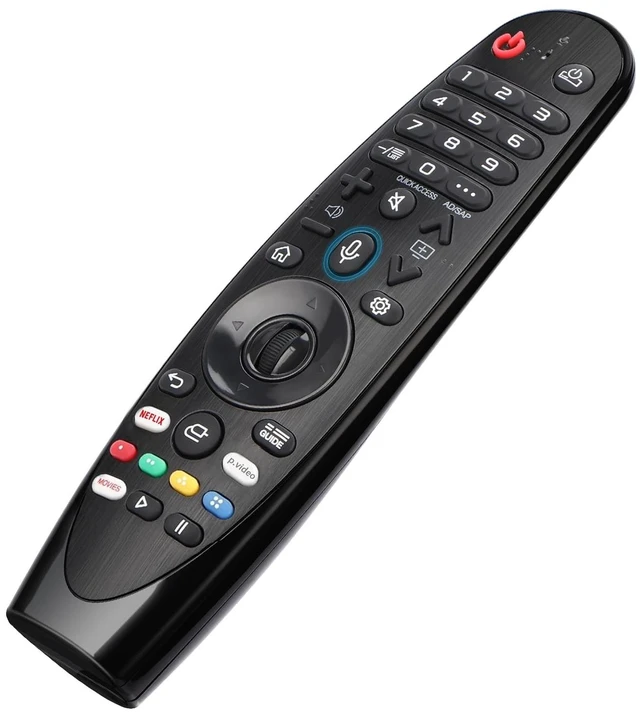
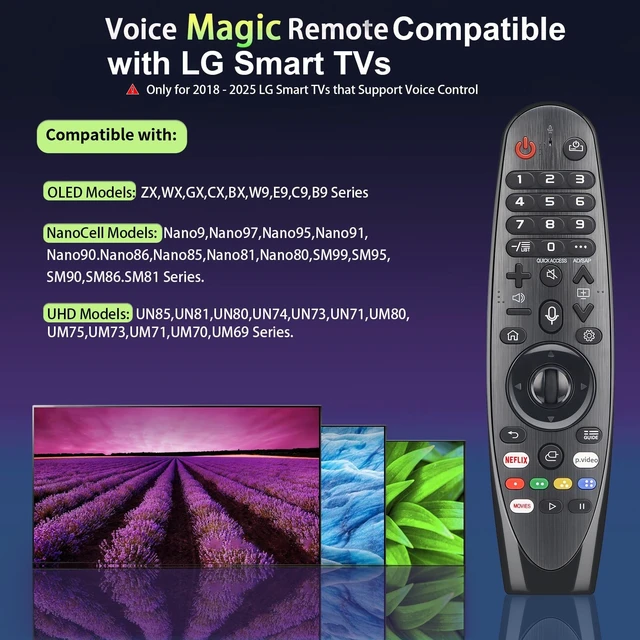
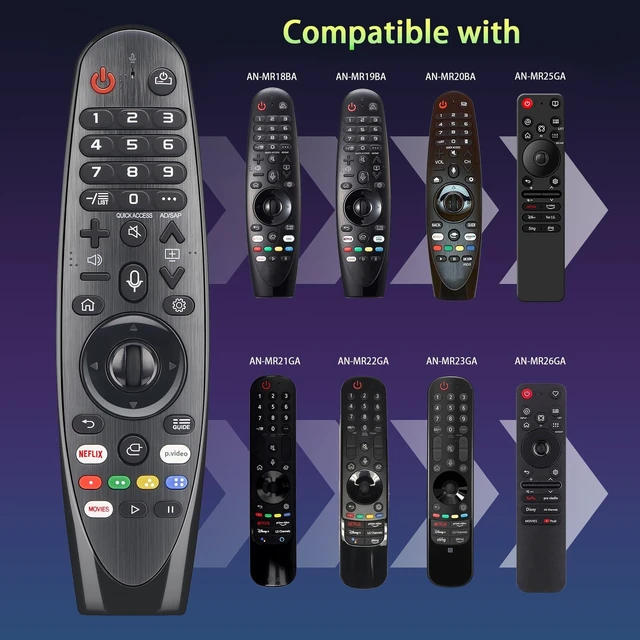
- Broad Compatibility with LG Smart TVsPerfect replacement remote fit for All 2019-2025 LG UHD OLED NanoCell smart TVs with voice and pointer function.
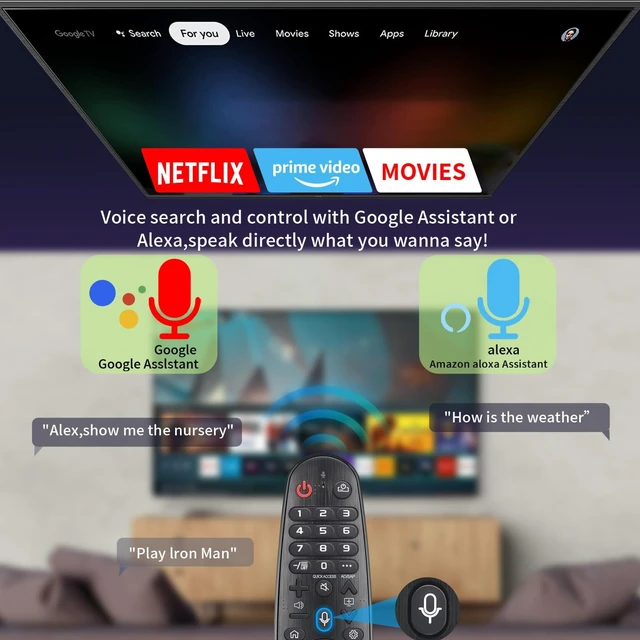
- Convenient Hands-Free Voice ControlOne press on the voice button to activate voice search. You can look up movies, adjust volume and open apps with simple voice commands
- Multiple Streaming App Shortcut Buttons Comes with dedicated hotkeys for mainstream video platforms. One-click to jump into your favorite streaming applications without tedious searching
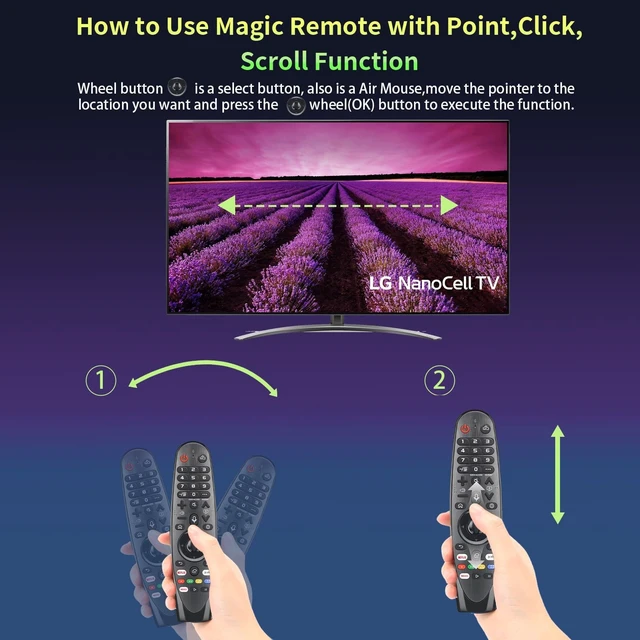
- Precise Pointer & Scroll Wheel NavigationBuilt-in mouse pointer and scroll wheel, you can move the cursor freely on the TV screen just like operating a computer for quick webpage browsing
- Simple BT Pairing OperationThis BT magic remote requires quick pairing before first use. Install fresh batteries, aim the remote at your TV, then press the Wheel (OK) button to complete registration. No complicated code programming. If connection fails, hold Home and Back buttons for 5 seco
+
+
Overview
Specs
Reviews
Any questions? Our AI mode will help you find out quickly.
Try me now
Broad Compatibility with LG Smart TVsPerfect replacement remote fit for All 2019-2025 LG UHD OLED NanoCell smart TVs with voice and pointer function. ^^ Convenient Hands-Free Voice ControlOne press on the voice button to activate voice search. You can look up movies, adjust volume and open apps with simple voice commands ^^ Multiple Streaming App Shortcut Buttons Comes with dedicated hotkeys for mainstream video platforms. One-click to jump into your favorite streaming applications without tedious searching ^^ Precise Pointer & Scroll Wheel NavigationBuilt-in mouse pointer and scroll wheel, you can move the cursor freely on the TV screen just like operating a computer for quick webpage browsing ^^ Simple BT Pairing OperationThis BT magic remote requires quick pairing before first use.
Install fresh batteries, aim the remote at your TV, then press the Wheel (OK) button to complete registration. No complicated code programming. If connection fails, hold Home and Back buttons for 5 seconds to reset, then repeat pairing. The setup process is straightforward for seniors and kids

Warranty & Returns
Warranty, Returns, And Additional Information
Warranty
- Please contact the Seller directly for warranty information. Warranty information may also be found on the Manufacturer's website.
- CONTACT
Return Policies
- Return for refund within: 30 days
- Return for replacement within: 30 days
- This item is covered by JMDesign Return Policy
Manufacturer Contact Info
- For a directory of all our manufacturers, please click below.
- Manufacturers Directory
LOADING...