Your Browsing History
- Free 30-day Returns
$50.99
Meet Your Seller
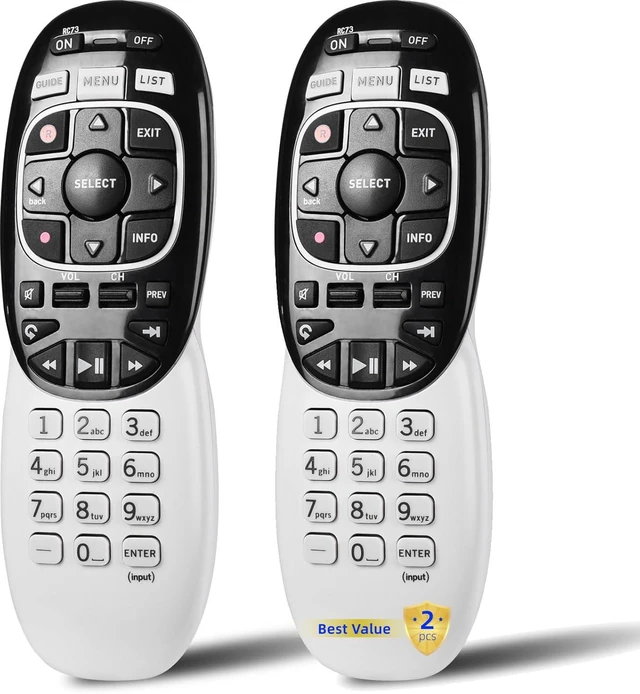
2 Packs Universal RC73 IR/RF Remote Control Replacement Compatible with DirecTV HR20 HR21 HR34 HR44 HR54 DVR Satellite Dish Receiver
- Compatible Model: In RF mode, Genie (model HR44 or higher), Genie Lite, Genie Mini, 4K Genie Mini, and Wireless Genie Mini (model C41W or higher) are all compatible with Genie Remote
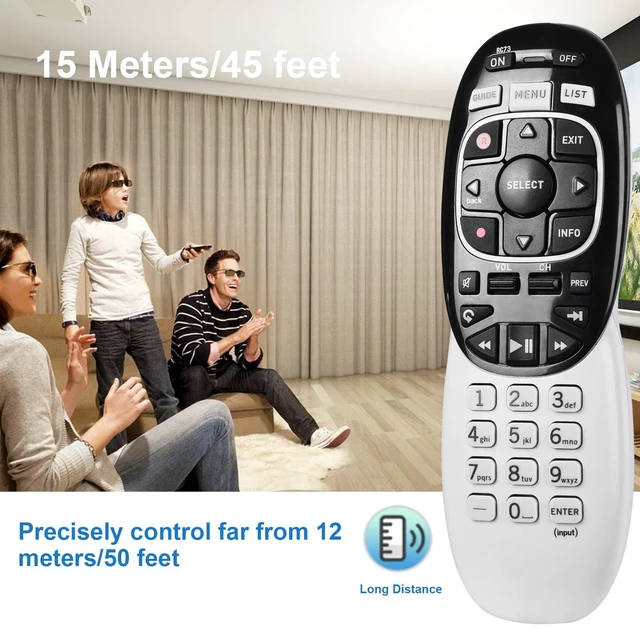
- In IR mode, it works with all DIRECTV receivers and DIRECTV Ready TVs (requires pointing at the equipment).
- Need Set up Before Using: 1. Point the remote at your Device, such as Genie, Genie Mini, or Wireless Genie Mini. 2. Press and hold the Buttons on Your Remote: MUTE and ENTER Simultaneous. 3. The screen displays Applying IR/RF Setup. The remote is synced.
- If that didn't help, try resetting the remote to its default factory settings: 1. Press and hold mute and select until the LED blinks to reset the RC73 remote. -2. Type the numbers 9, 8, 1 in that order after releasing mute and selecting. 3. After typing the above three numbers, the light on the remote should blink again.
- 365 Days Warranty. If you have any issue in Setting up the remote control, please feel free to let us k
+
+
Overview
Specs
Reviews
Any questions? Our AI mode will help you find out quickly.
Try me now
Compatible Model: In RF mode, Genie (model HR44 or higher), Genie Lite, Genie Mini, 4K Genie Mini, and Wireless Genie Mini (model C41W or higher) are all compatible with Genie Remote ^^ In IR mode, it works with all DIRECTV receivers and DIRECTV Ready TVs (requires pointing at the equipment). ^^ Need Set up
Before Using: 1. Point the remote at your Device, such as Genie, Genie Mini, or Wireless Genie Mini. 2. Press and hold the Buttons on
Your Remote: MUTE and ENTER Simultaneous. 3. The screen displays Applying IR/RF Setup. The remote is synced. ^^ If that didn't help, try resetting the remote to its default factory settings: 1. Press and hold mute and select until the LED blinks to reset the RC73 remote. -2. Type the numbers 9, 8, 1 in that order after releasing mute and selecting. 3. After typing the above three numbers, the light on the remote should blink again. ^^ 365 Days Warranty. If you have any issue in Setting up the remote control, please feel free to let us know. We will provide you with a satisfactory solution.

Before Using: 1. Point the remote at your Device, such as Genie, Genie Mini, or Wireless Genie Mini. 2. Press and hold the Buttons on
Your Remote: MUTE and ENTER Simultaneous. 3. The screen displays Applying IR/RF Setup. The remote is synced. ^^ If that didn't help, try resetting the remote to its default factory settings: 1. Press and hold mute and select until the LED blinks to reset the RC73 remote. -2. Type the numbers 9, 8, 1 in that order after releasing mute and selecting. 3. After typing the above three numbers, the light on the remote should blink again. ^^ 365 Days Warranty. If you have any issue in Setting up the remote control, please feel free to let us know. We will provide you with a satisfactory solution.
Warranty & Returns
Warranty, Returns, And Additional Information
Warranty
- Please contact the Seller directly for warranty information. Warranty information may also be found on the Manufacturer's website.
- CONTACT
Return Policies
- Return for refund within: 30 days
- Return for replacement within: 30 days
- This item is covered by DuronTechnologies Return Policy
Manufacturer Contact Info
- For a directory of all our manufacturers, please click below.
- Manufacturers Directory
LOADING...