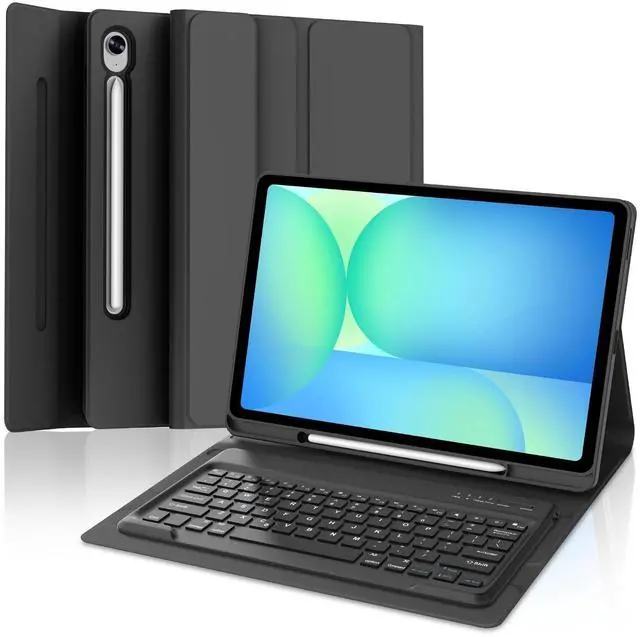
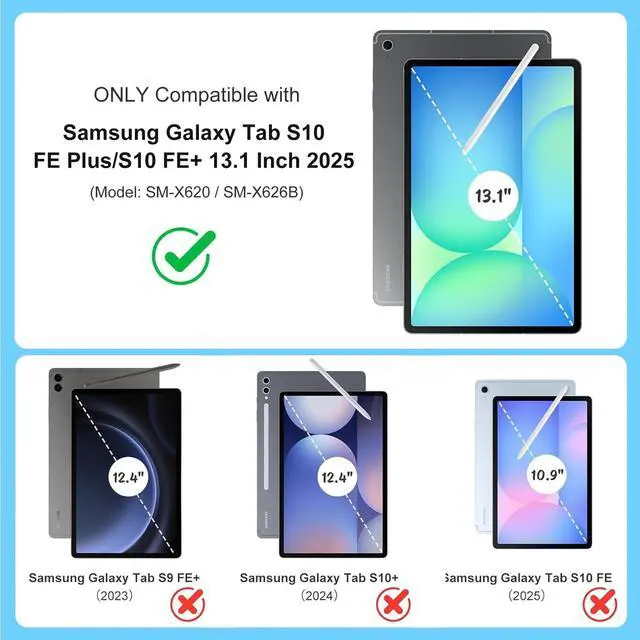
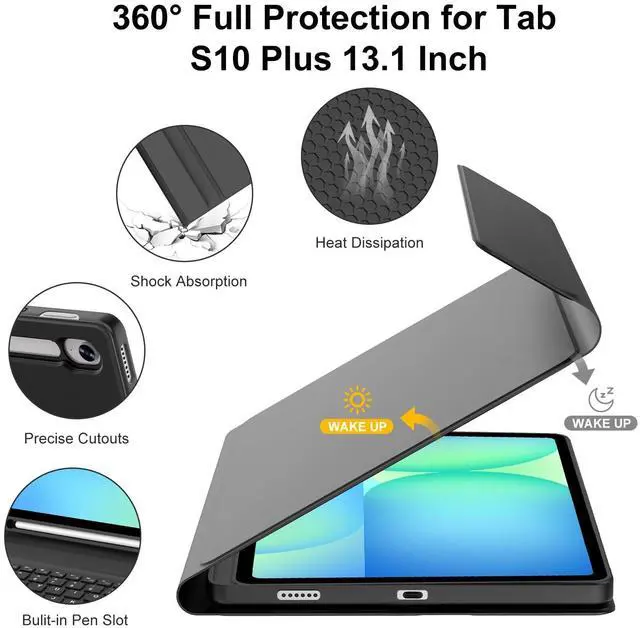
Only Compatible for the 2025 Galaxy Tab S10 FE+ 13.1 -inch (Models: SM-X620, SM-X626, SM-X626B). Not compatible with other models. Please verify the model number on the back of your tabletHow to connect to a
Bluetooth keyboard: Step
1: Turn on the Bluetooth keyboard ignition switch. The blue ignition indicator lights up.
Step 2: Press the [Connection] button. The [Bluetooth] indicator light flashes in blue.
Step 3: Unlock the tablet. Click the Configuration symbol on the home page.
Step 4: In the Configuration configuration, activate the Bluetooth button so that the tablet is in the Search state.
Step 5: The tablet displays the Bluetooth 5.0 keyboard as available device. Click the Bluetooth 5.0 keyboard on the tablet screen.
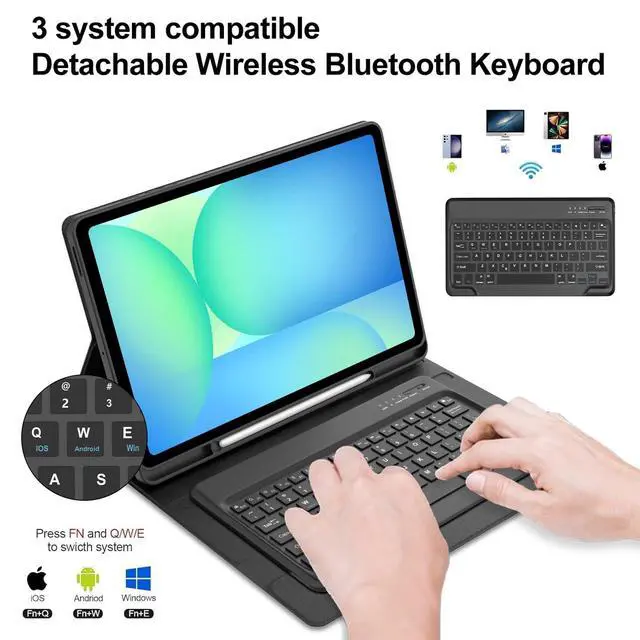
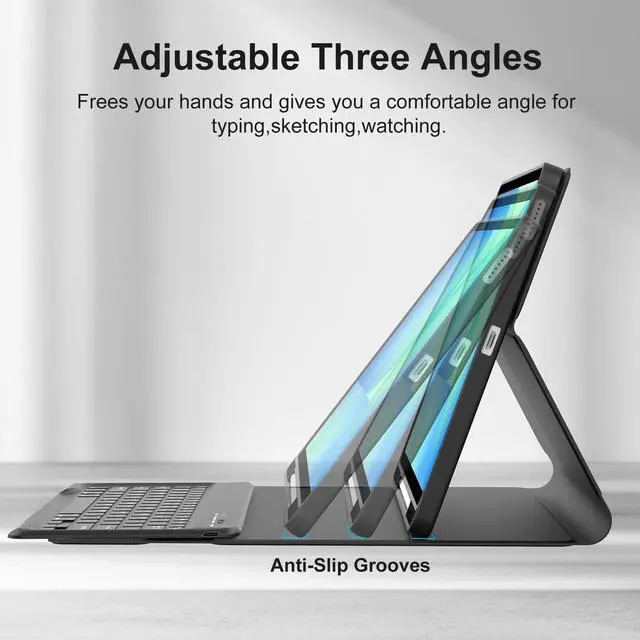
Step 6: The name of "Bluetooth 5.0 Keyboard" is "Connection"Easy to Use & Keyboard functionTurn your tablet into an efficient office computer with this Samsung 2025 new Released galaxy tablet s10 fe + 13.1 inch keyboard case. Features a magnetically detachable, super-slim (5mm), lightweight Bluetooth keyboard with a 10-meter range. The strong magnetic connection provides a stable typing platform. Stylus Pen HolderIncludes a dedicated pen holder, allowing you to easily carry and access your S Pen with the device. Rechargeable Battery & Auto Sleep/WakeBuilt-in rechargeable battery ensures long-lasting performance, keeping samsung tablet s10fe+ case keyboard ready for use. Automatically wakes or puts your tablet to sleep when opened or closed, helping to conserve battery life. Precise CutoutsThe Samsung Galaxy S10FE Plue tablet case with keyboard for accurate cutouts provide full access to all ports, buttons, sensors, speakers, microphone, and cameras. Multiple Viewing AnglesAdjust your viewing angle with 3 different grooves (from 110 to 130), offering a stable stand for working, reading, or watching videos.





 here!
here!