

Your Browsing History

- Free 30-day Returns
$99.99

Meet Your Seller

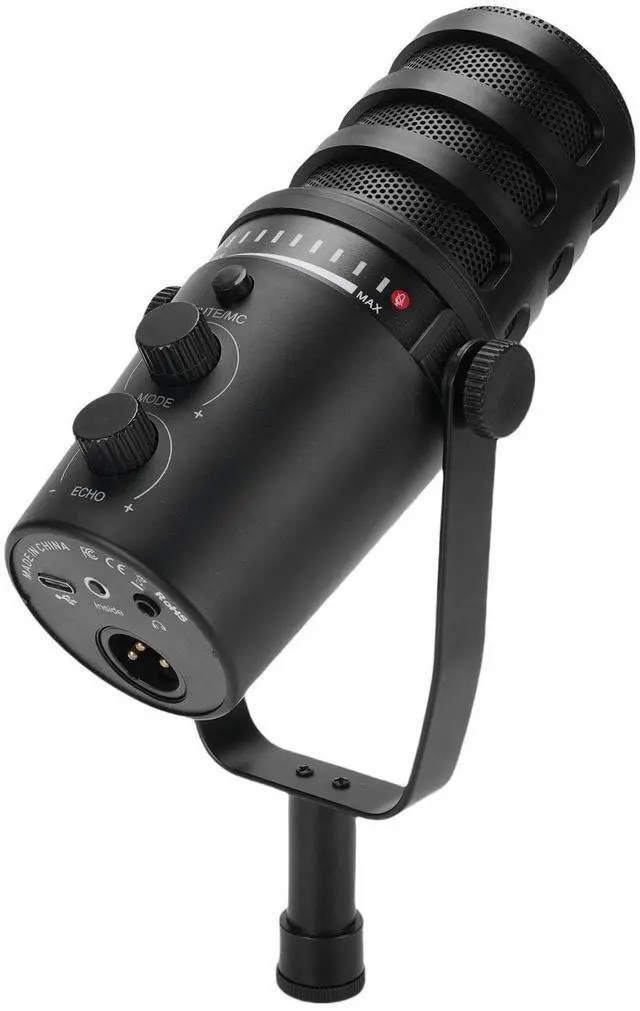

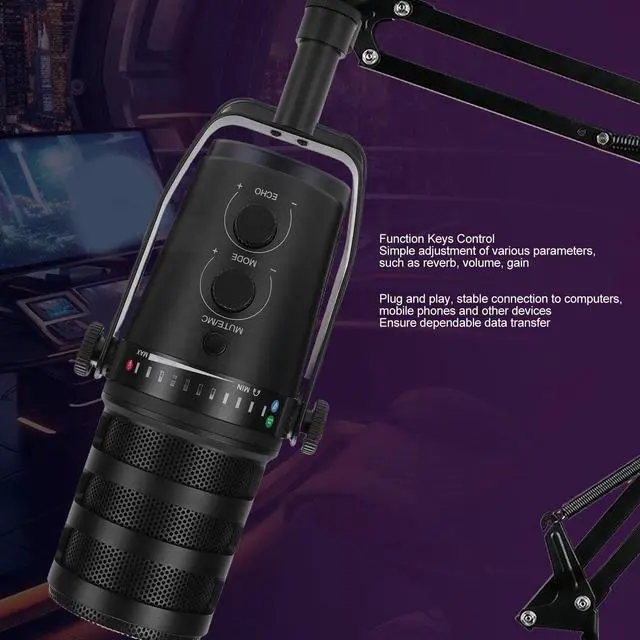
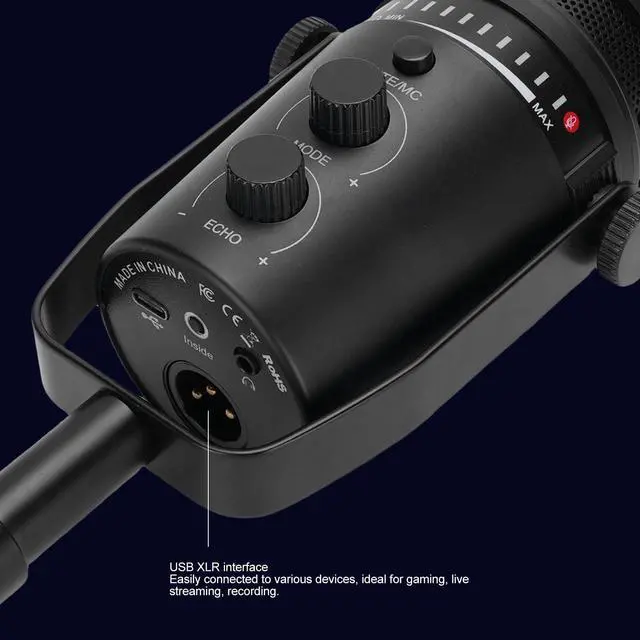


Professional USB Microphone and Boom Arm Kit for Studio Recording and Podcasting
- [Precise Vocal] Heart-shaped directional pickup captures vocals with clarity while minimizing background noise for pristine sound recording.
- [Versatile Xlr and Usb Connections] Equipped with xlr and usb interfaces for seamless connectivity to various devices, ensuring comprehensive sound control and flexibility.
- [Adjustable Arm Stand] Metal arm stand can be customized for optimal positioning to sensitive sound, for desks up to 45cm thick.
- [Easy Parameter Adjustments] Multi-functional knobs allow for easy and precise control over reverb, volume, noise reduction, gain, monitoring volume, and recording settings.
- [Enhanced Recording Experience] Metal mesh cover filters out unwanted interference for uninterrupted recording sessions, ideal for gaming, singing, interviews, and more.
+
+
Overview
Specs
Reviews

Any questions? Our AI mode will help you find out quickly.
Try me now
Spec: Item
Type: Microphone and
Boom Arm KitMaterial: Aluminum Alloy+ABS
Pointing Pattern: CardioidConnection
Type: XLR Interface
USB
Sensitivity: -50db3dbEquivalent
Noise Level: 66dbDynamic
Range: 88dbSignal to
Noise Ratio: 85dbEar
Return Interface: 3.5MM
InterfaceSupport Devices: Sound Card, Mixer, Computer with
USB A InterfacePackage List: 1 x Microphone1 x Cable1 x Boom Arm1 x Connecting Component1 x
User ManualHow To Use: Connect the microphone to the USB C port, connect the USB A to the computer, mixer or other devices, then install the microphone by aligning it with the boom screw.
Type: Microphone and
Boom Arm KitMaterial: Aluminum Alloy+ABS
Pointing Pattern: CardioidConnection
Type: XLR Interface
USB
Sensitivity: -50db3dbEquivalent
Noise Level: 66dbDynamic
Range: 88dbSignal to
Noise Ratio: 85dbEar
Return Interface: 3.5MM
InterfaceSupport Devices: Sound Card, Mixer, Computer with
USB A InterfacePackage List: 1 x Microphone1 x Cable1 x Boom Arm1 x Connecting Component1 x
User ManualHow To Use: Connect the microphone to the USB C port, connect the USB A to the computer, mixer or other devices, then install the microphone by aligning it with the boom screw.
Warranty & Returns
Warranty, Returns, And Additional Information
Warranty
- Please contact the Seller directly for warranty information. Warranty information may also be found on the Manufacturer's website.
- CONTACT
Return Policies
- Return for refund within: 30 days
- Return for replacement within: 30 days
- This item is covered by CloudBeast Return Policy
Manufacturer Contact Info
- For a directory of all our manufacturers, please click below.
- Manufacturers Directory
LOADING...