

Your Browsing History
- Free 30-day Returns
- $5.99 Shipping ()
$79.99
Most customers receive within 5-9 days.

Meet Your Seller


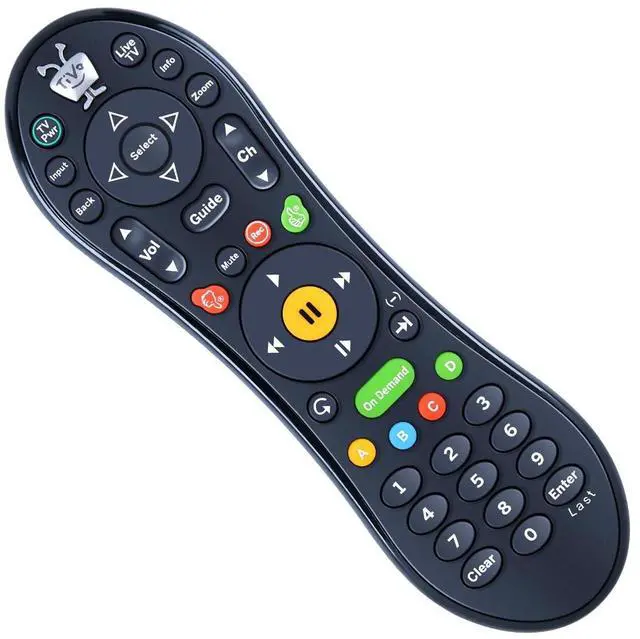
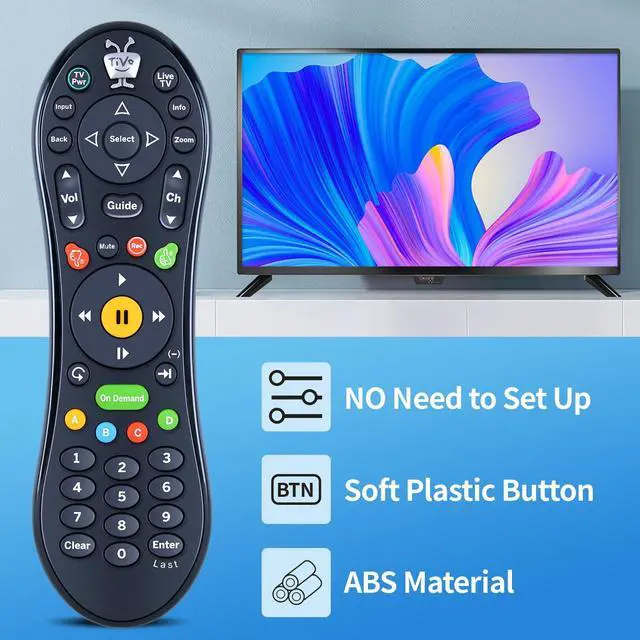
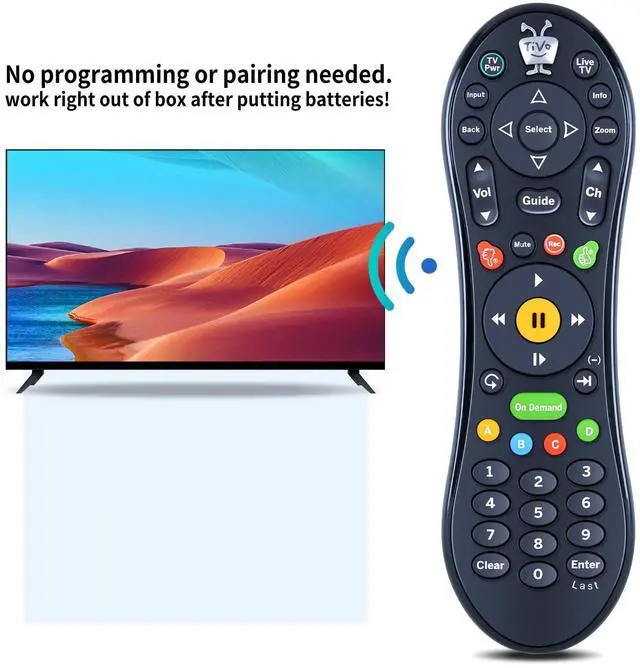


MOVHEIYL Replacement Remote Control fit for TiVo MEDIACOM Roamio SMLD-00266-000, URC-7020BC0-0626-R, RC30 1-1, C174901 (Black)
- Compatible with TiVo MEDIACOM Roamio SMLD-00266-000, URC-7020BC0-0626-R, RC30 1-1, C174901 (Black)
- 1. Pairing Method To activate the pairing function the user will press any key.The amber LED begins to flash slowly for 30 seconds, the flash rate shall be 3 flashes every 2 seconds. Local Name : TiVo_S6V_Remote. If the pairing is successful, the remote will flash the amber LED quickly 5 times. If the remtoe has not successfully paired with a target after 20 complete cycles it will exit pairing mode and enter IR mode. To activate the pairing function in-IR mode, the user will press and hold the TiVo+Back key until the amber LED begins to flash slowly.
- 2. Global Reset (Unpair) The user can use the Global Reset command to reset all programmable keys and features to their original factory settings which and also un-pair Bluetoo. To perform the Global Reset command.1) Simultaneously press and hold the TiVo +TV Pwr buttons for approximately 3 seconds.The red LED should turn on and stay
+
+
Overview
Specs
Reviews

Any questions? Our AI mode will help you find out quickly.
Try me now
Compatible with TiVo MEDIACOM Roamio SMLD-00266-000, URC-7020BC0-0626-R, RC30 1-1, C174901 (Black) ^^ 1. Pairing Method To activate the pairing function the user will press any key. The amber LED begins to flash slowly for 30 seconds, the flash rate shall be 3 flashes every 2 seconds.
Local Name: TiVo_S6V_Remote. If the pairing is successful, the remote will flash the amber LED quickly 5 times. If the remtoe has not successfully paired with a target after 20 complete cycles it will exit pairing mode and enter IR mode. To activate the pairing function in-IR mode, the user will press and hold the TiVo+Back key until the amber LED begins to flash slowly. ^^ 2. Global Reset (Unpair) The user can use the Global Reset command to reset all programmable keys and features to their original factory settings which and also un-pair Bluetoo. To perform the Global Reset command. 1) Simultaneously press and hold the TiVo +TV Pwr buttons for approximately 3 seconds. The red LED should turn on and stay on. 2)Press Thumbs Down button 3 times and pressthe Enter key. The LED will blink 3 times and hut off. ^^ Easy to useEasy to Pairing or setup, After inserting the battery (Not included), Simply follow the pairing steps until successful, and it will perfectly replace your original remote. ^^ Premium After-saleWe provide a 1 year warranty return service. If you have any questions about your order, please feel free to contact us directly and we will get back to you within 12 hours.
Local Name: TiVo_S6V_Remote. If the pairing is successful, the remote will flash the amber LED quickly 5 times. If the remtoe has not successfully paired with a target after 20 complete cycles it will exit pairing mode and enter IR mode. To activate the pairing function in-IR mode, the user will press and hold the TiVo+Back key until the amber LED begins to flash slowly. ^^ 2. Global Reset (Unpair) The user can use the Global Reset command to reset all programmable keys and features to their original factory settings which and also un-pair Bluetoo. To perform the Global Reset command. 1) Simultaneously press and hold the TiVo +TV Pwr buttons for approximately 3 seconds. The red LED should turn on and stay on. 2)Press Thumbs Down button 3 times and pressthe Enter key. The LED will blink 3 times and hut off. ^^ Easy to useEasy to Pairing or setup, After inserting the battery (Not included), Simply follow the pairing steps until successful, and it will perfectly replace your original remote. ^^ Premium After-saleWe provide a 1 year warranty return service. If you have any questions about your order, please feel free to contact us directly and we will get back to you within 12 hours.
Warranty & Returns
Warranty, Returns, And Additional Information
Warranty
- Please contact the Seller directly for warranty information. Warranty information may also be found on the Manufacturer's website.
- CONTACT
Return Policies
- Return for refund within: 30 days
- Return for replacement within: 30 days
- This item is covered by LANMEll Return Policy
Manufacturer Contact Info
- For a directory of all our manufacturers, please click below.
- Manufacturers Directory
LOADING...