Your Browsing History





Any questions? Our AI beta will help you find out quickly.
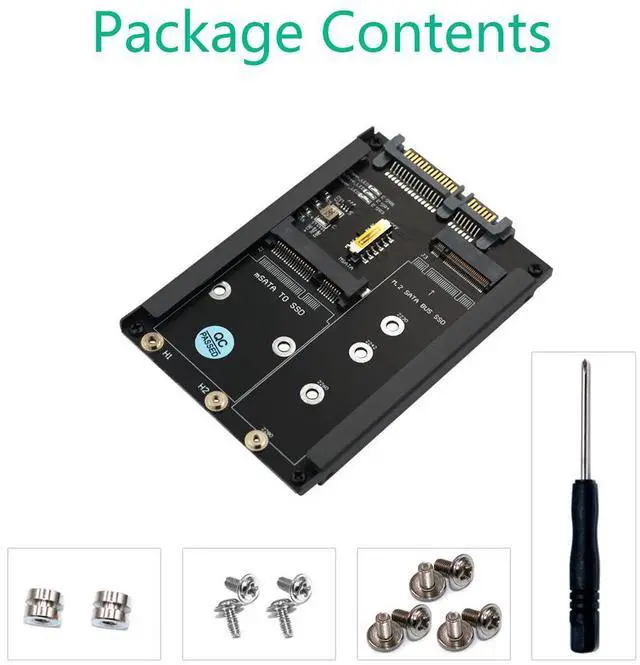
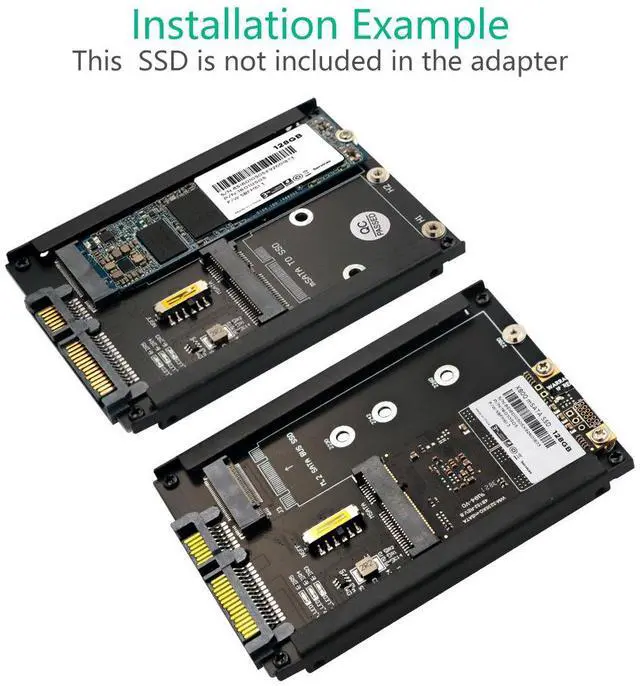
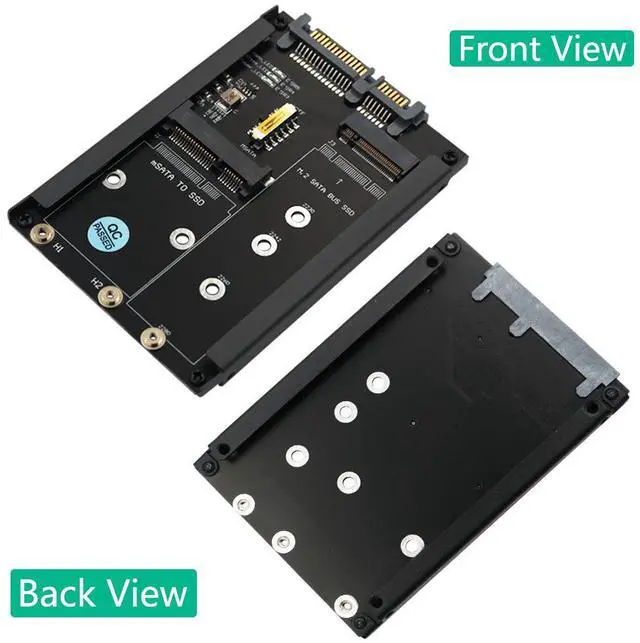
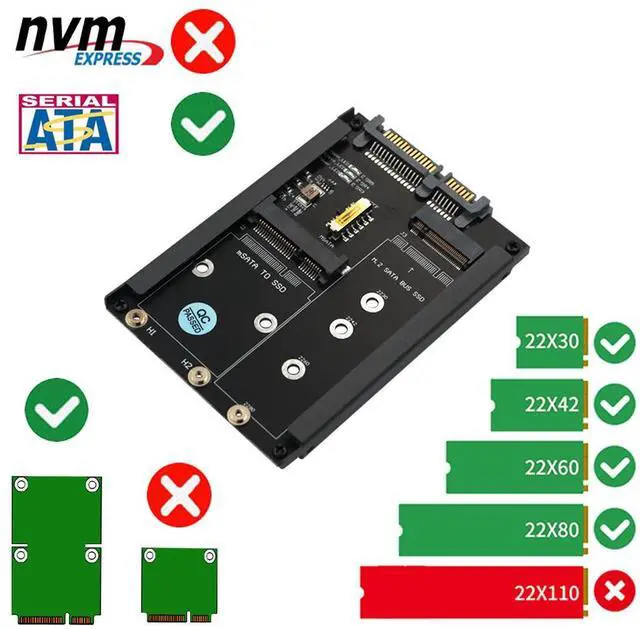
Two-in-one design, dual functions with one card
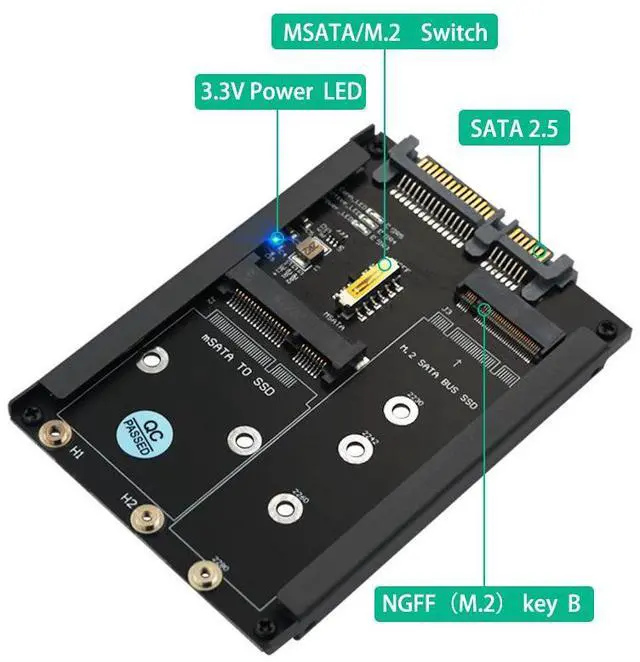
Supports M.2 NGFF (SATA protocol): Suitable for SATA protocol NGFF solid-state drives for B-Key / B+M-Key
Supports mSATA: Suitable for solid-state drives with standard mSATA interface
Note: The two hard drives cannot be used simultaneously. Select via the channel switch.
2. Standard SATA 3.0 output
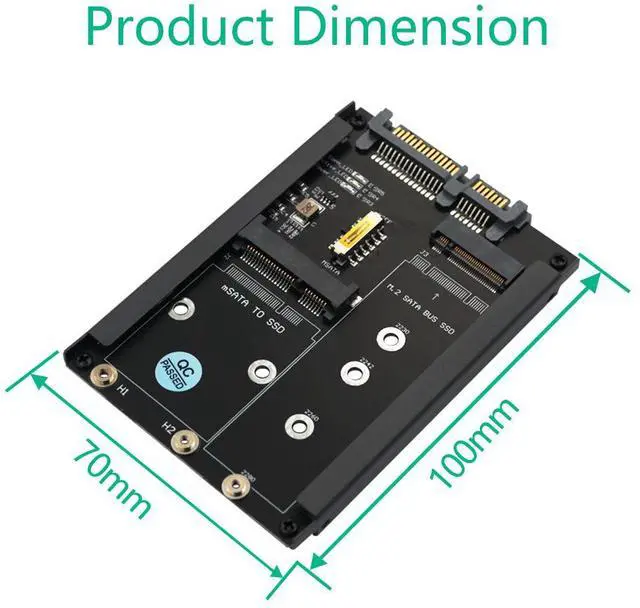
Converted to standard SATA 7+15 Pin interface
Can be directly connected to the SATA port of the motherboard
It can also be installed in a 2.5-inch hard drive enclosure and used as a portable hard drive.
3. SATA 3.0 High-speed Transmission
Supports the SATA III (6Gbps) high-speed standard, and is backward compatible with SATA II/I
Maximize the performance of SSD, significantly increasing the speed of system startup, file transfer, and game loading.
More stable and faster than USB adapter solutions
4. Channel Switching Switch, Flexible Selection
Built-in Channel Switching Switch
Just toggle the switch to choose whether to use an NGFF or mSATA hard drive.
No need to plug or unplug the jumper cables. It's more convenient to use.
5. Plug-and-play, driver-free operation
No need to install any drivers or software
After inserting the hard drive, the system automatically recognizes it, just as it does with an ordinary SATA hard drive.