

Your Browsing History


Meet Your Seller


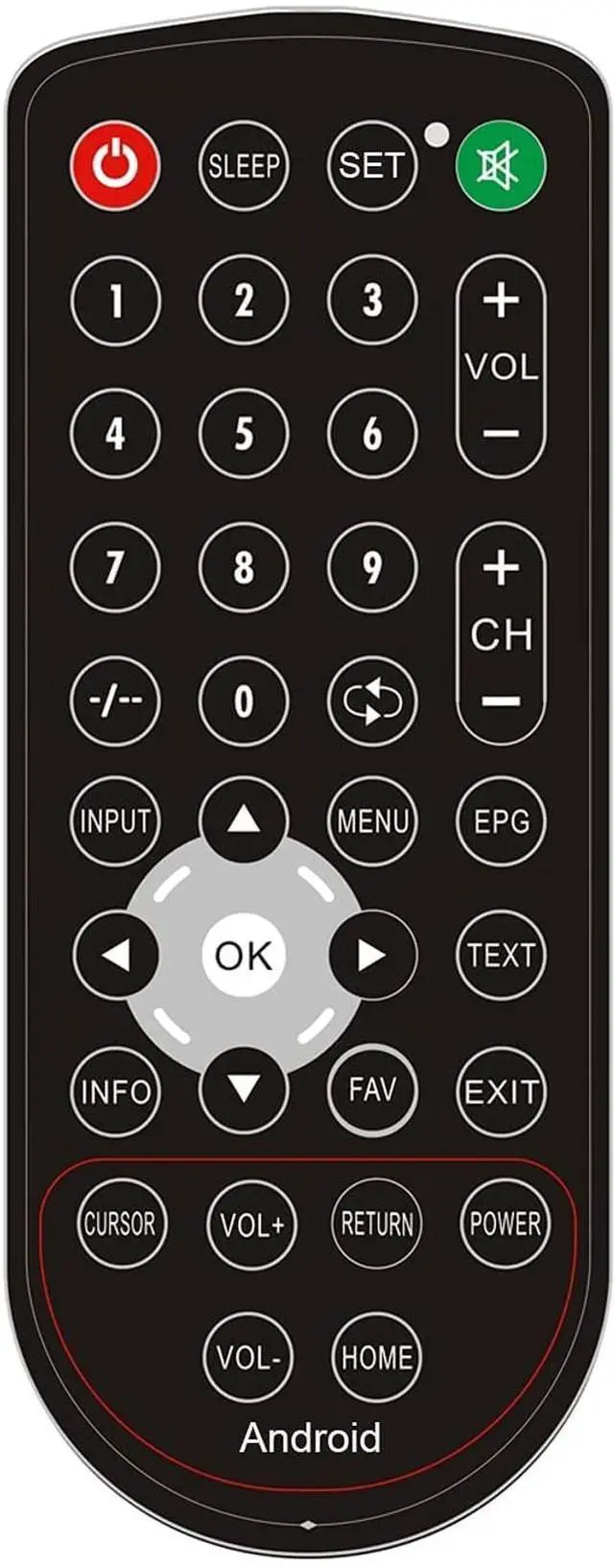


Haocrown IP68 Waterproof Remote Control for Haocrown Bathroom TV, IR Universal Remote Control with Learning Function
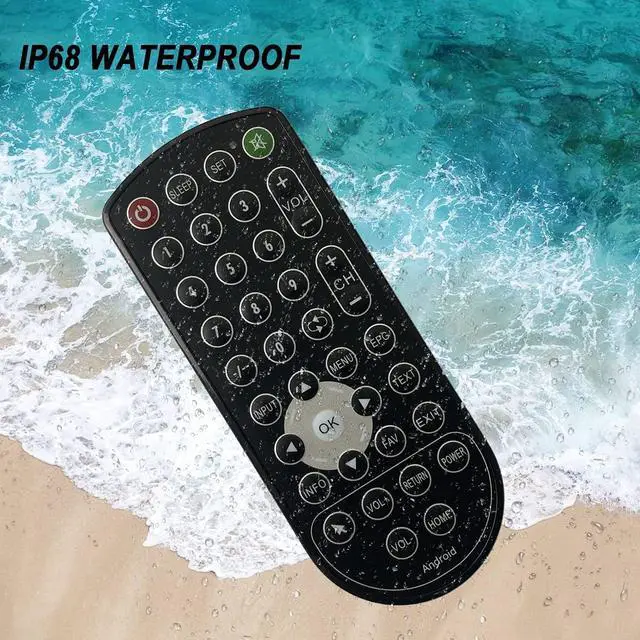
- IP68 WATERPROOF: Haocrown waterproof remote control is Built with the highest level of dust and water resistance standards. Even if it is immersed in water, there is no problem.
- LEARNING FEATURE: You can simply use the learning feature to fully customize this remote with ease, by copying functions directly from your original IR remote. 100% compatible. Guaranteed to work all brands IR remote.Note:Only one device can be saved)
- APPLICATIONS: All Haocrown waterproof televisions. It can learn IR universal remote control.
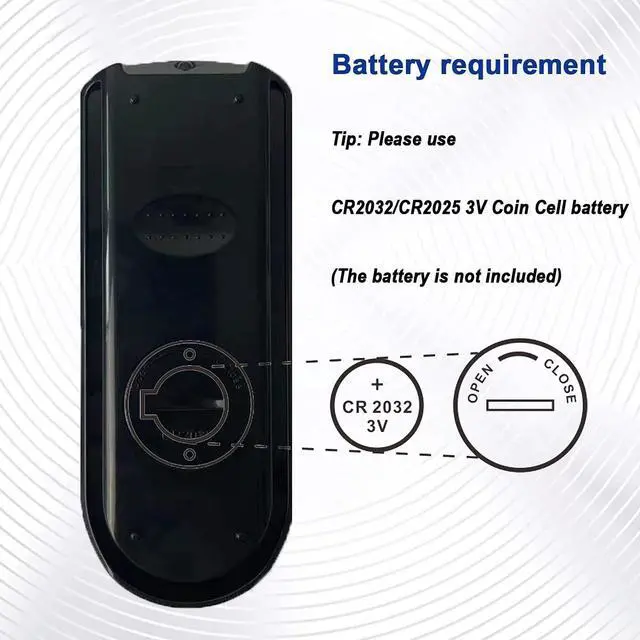
- EASY TO SET UP: Follow 5 simple steps to set up your remote in literally less than 5 minute. An easy to understand quick setup guide is included in the packaging. Package includes: 1 x IP68 Waterproof Remote Control. (CR2025 lithium battery is not included )
- ONE YEAR WARRANTY: We always stand behind our products and offer 12-hour kindly customer response. Contact us by below steps: Go to the product page-- click " Haocrown-us" (under "Add to Cart"), then click
+
+
Overview
Specs
Reviews

Any questions? Our AI mode will help you find out quickly.
Try me now
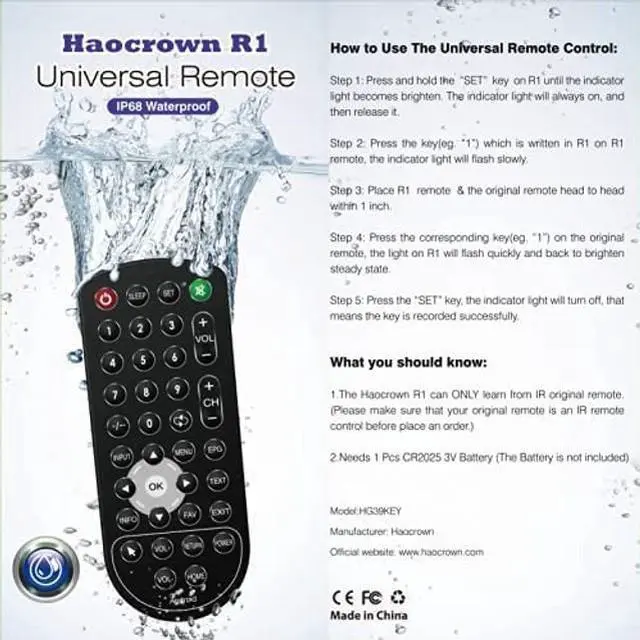
How to Use The Universal
Remote Control: Step
1: Press and hold the SET key on R1 until the indicator light becomes brighten. The indicator light will always on, and then release it.
Step 2: Press the key(eg. 1) which is written in R1 on R1 remote, the indicator light will flash slowly.
Step 3: Place R1 remote & the original remote head to head within 1 inch.
Step 4: Press the corresponding key(eg. 1) on the original remote, the light on R1 will flash quickly and back to brighten steady state.
Step 5: Press the SET key, the indicator light will turn off, that means the key is recorded successfully.
What you should know: 1. The Haocrown R1 can ONLY learn from IR original remote. (Please make sure that your original remote is an IR remote control before place an order. )2. Needs 1 pcs CR2025 l battery (the Battery is not included)
Remote Control: Step
1: Press and hold the SET key on R1 until the indicator light becomes brighten. The indicator light will always on, and then release it.
Step 2: Press the key(eg. 1) which is written in R1 on R1 remote, the indicator light will flash slowly.
Step 3: Place R1 remote & the original remote head to head within 1 inch.
Step 4: Press the corresponding key(eg. 1) on the original remote, the light on R1 will flash quickly and back to brighten steady state.
Step 5: Press the SET key, the indicator light will turn off, that means the key is recorded successfully.
What you should know: 1. The Haocrown R1 can ONLY learn from IR original remote. (Please make sure that your original remote is an IR remote control before place an order. )2. Needs 1 pcs CR2025 l battery (the Battery is not included)
Warranty & Returns
Warranty, Returns, And Additional Information
Warranty
- Please contact the Seller directly for warranty information. Warranty information may also be found on the Manufacturer's website.
- CONTACT
Return Policies
- Return for refund within: 30 days
- Return for replacement within: 30 days
- This item is covered by ApexDash Return Policy
Manufacturer Contact Info
- For a directory of all our manufacturers, please click below.
- Manufacturers Directory
LOADING...