Feature:
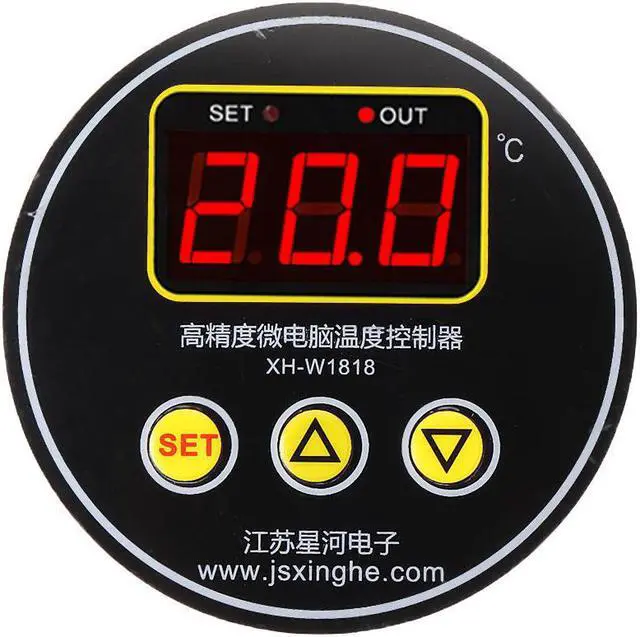
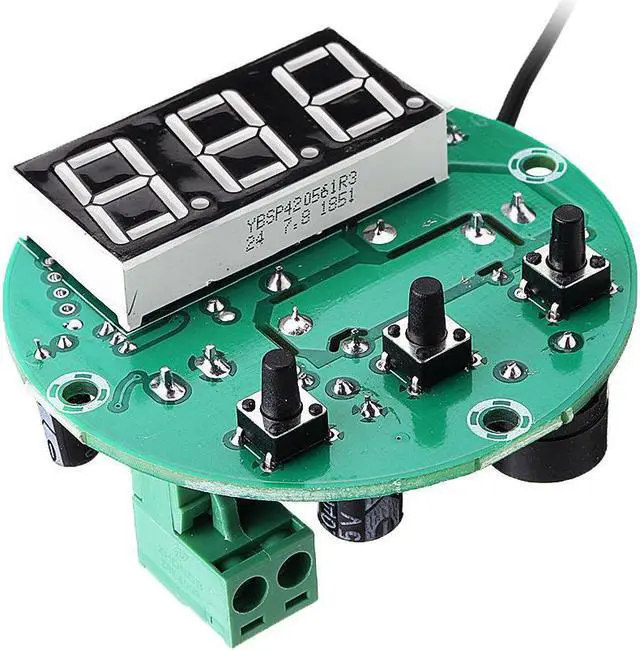
Product Name: High precision microcomputer temperature controller
Product model: XH-W1818
Temperature range: -50~110°C
Resolution: 0.1 ° C
Temperature control range: -50~110°C
Temperature control accuracy: 1 ° C
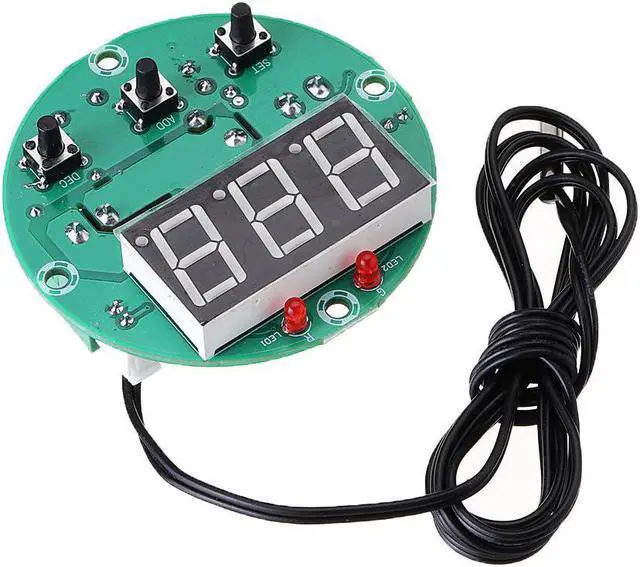
Temperature probe: NTC10K (B3950) L=1M
Supply voltage: DC12V/DC24V/AC220V
Applicable environment: -25~55°C Humidity 50%-85%
Output type: 10A relay output
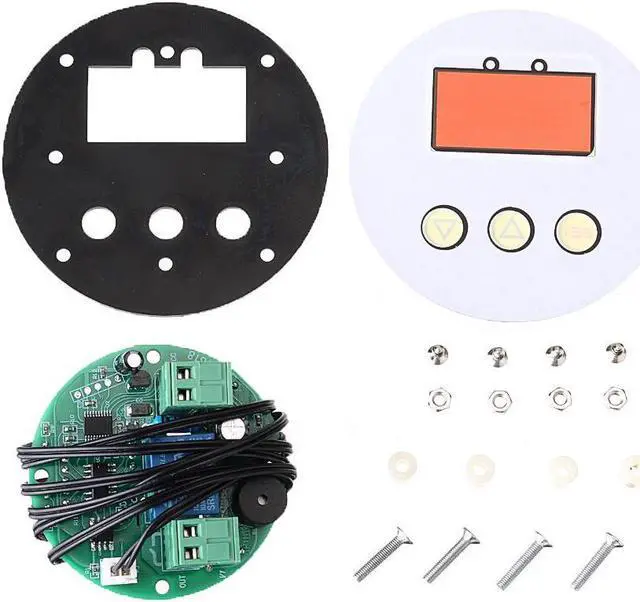
Appearance size: diameter 80mm
Opening size: diameter 61mm/3mm
How to use:
1. Connect the power supply and load according to the instructions. Please do not overpressure and overload.
2. Setting mode, long press SET button for 5 seconds will display P0. Press SET button shortly to set H to heating mode and C to cooling mode (up and down button to switch)
3. Set the stop temperature, press the SET button once to flash the screen, and then press the up and down keys to set the desired stop temperature.
4. Press and hold the SET button for 5 seconds to display P0, press the up and down keys to switch to P1, then press the SET button to set the difference back (press the up and down keys to adjust). If the heating mode H needs to control the temperature between 36-38 degrees , then the stop temperature is set to 38 degrees and the back difference is set to 2 (the highest temperature minus the lowest temperature)
5. Indicator light. SET light is on to indicate that the parameter is being set; OUT indicator is flashing to indicate the start delay, and always on to indicate the output.
Setting function description:
Press SET button for 5 seconds to enter internal parameter setting, up and down button to switch P0-P7
Code
Code description
Setting
Factory setting
P0
Operating mode
C/H
H
P1



 Holiday Shipping Details & Extended Holiday Returns


