




 here!
I’m your shopping assistant for PC builds, upgrades, and everything tech.
Got questions? Ask away!
Start a conversation
here!
I’m your shopping assistant for PC builds, upgrades, and everything tech.
Got questions? Ask away!
Start a conversation



Any questions? Ask CelesteSM will help you find out quickly.
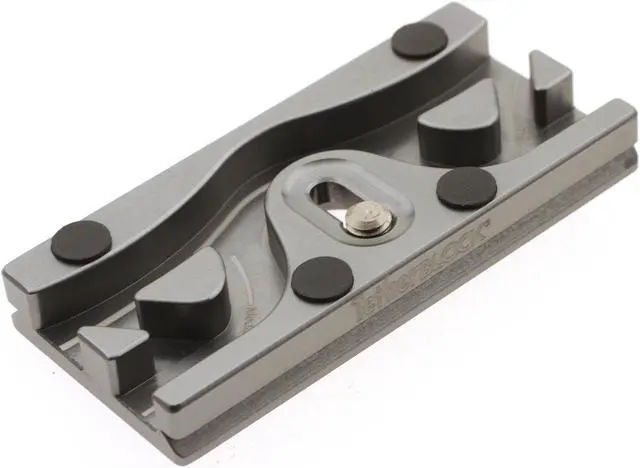
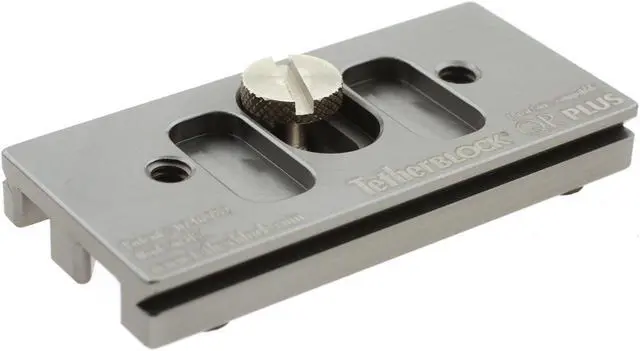
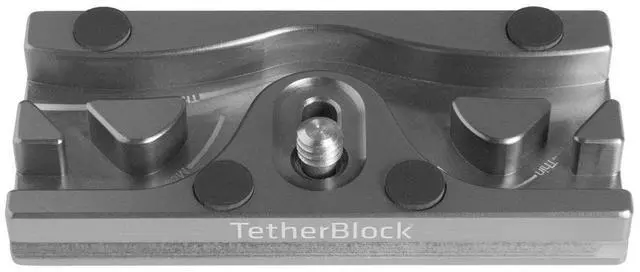
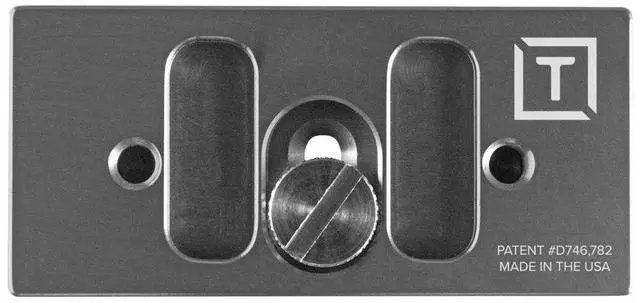
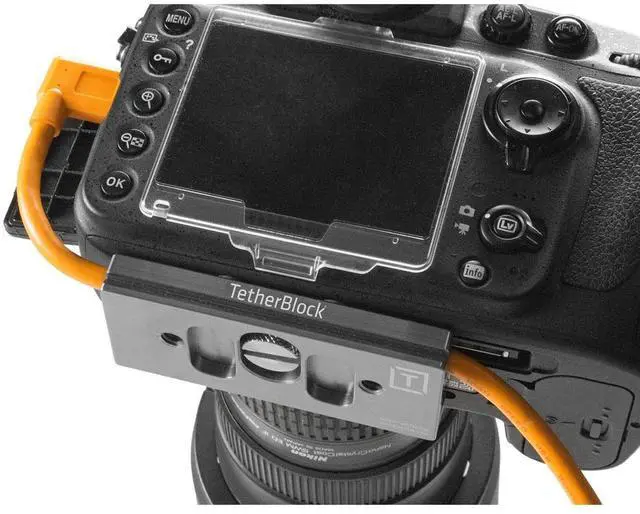
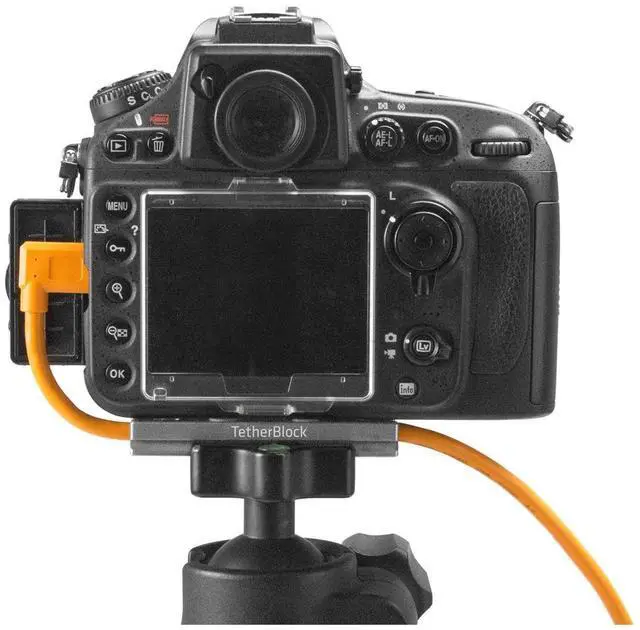
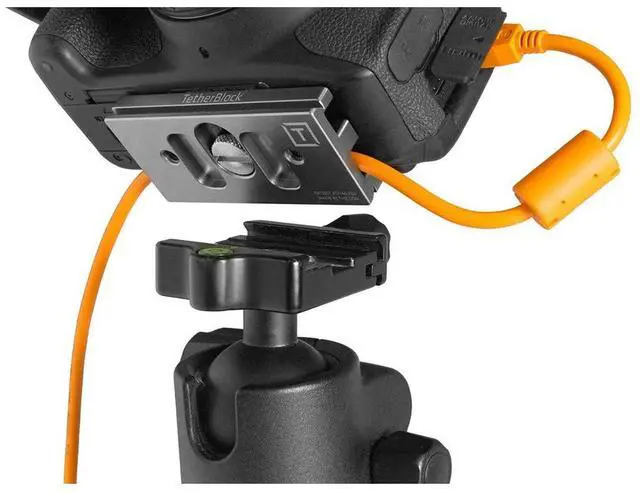
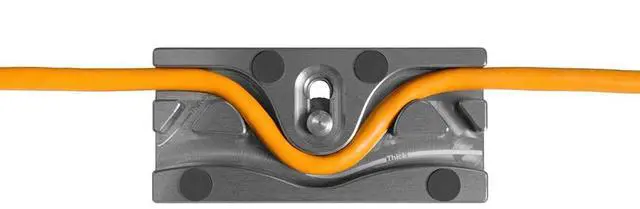
The TetherBlock QR Plus is a dark-gray Arca-type quick-release plate with topside grooves for USB or FireWire cables, suited to tethered photographers using cameras with a 1/4"-20 tripod socket and Arca-type clamps.
| Attribute | Value |
|---|---|
| Best For | Photographers using a TetherBlock Arca setup for tethered photography |
| Mounting And Compatibility | Screw-in installation; TetherBlock Arca size |
| Material And Color | T5 aerospace aluminum alloy in graphite |
| Dimensions And Weight | Item weighs 40 g; package measures 1.7 × 11.1 × 12.3 cm and weighs 0.07 kg |
| Package Contents | One piece |
| Use And Power | For indoor use; requires no batteries, and no batteries are included |
| Model Identifiers | TetherBlock TB-QR-004G, manufactured by Tether Tools |
Q: TetherBlock QR Plus or standard TetherBlock for an Arca-type tripod head?
A: Choose the TetherBlock QR Plus when you want the tether-cable routing and retention of a TetherBlock with an integrated Arca-style mount for direct attachment to a compatible head. The standard TetherBlock is designed to mount through its threaded underside to a tripod plate or head.
Q: TetherBlock QR Plus or standard TetherBlock for a tripod setup with threaded plates?
A: Choose the standard TetherBlock if you want to attach it through its underside 1/4″-20 or 3/8″ female tripod threads to a threaded plate or head. Choose the QR Plus when your setup uses an Arca-style clamp and you want the Arca mount integrated with the cable-management plate.
Q: TetherBlock QR Plus or a standard Arca-type plate for tethered shooting?
A: Choose the TetherBlock QR Plus when you want an Arca-style quick-release mount together with channels that route and secure a tether cable. A standard Arca-type plate is the simpler choice when the priority is a mounting plate without integrated cable management.
Q: Will this plate fit my camera?
A: It is designed for cameras with a standard 1/4"-20 tripod socket. Check your camera’s bottom clearance and port or door access before buying, since fit can vary by camera body.
Q: Will it work with an Arca-type tripod head?
A: Yes. The plate is designed to fit Arca-type compatible clamps. Confirm that your specific clamp accepts Arca-type plates, as compatibility can vary between heads and clamps.
Q: Does it help protect the camera’s tethering port?
A: The plate routes and holds a tether cable in its grooves under the camera, helping reduce cable movement and strain at the data port. It helps manage the cable but does not guarantee the port cannot be damaged.
Q: Does the TetherBlock help protect a camera’s tether port?
A: It secures the tether cable so an accidental pull is less likely to yank it directly from the camera. It is strain relief, not protection against impacts or careless handling, and the cable can still be damaged.
Q: What are the trade-offs when using a TetherBlock for handheld or portrait shooting?
A: Some photographers report that routing the cable under the camera can create multiple bends and feel awkward when holding the camera vertically. Check the cable route and handling with your camera before relying on it for frequent handheld or portrait work.
Q: Can I disconnect the tether cable without removing the plate?
A: A Reddit discussion notes that the cable is secured between the TetherBlock and camera, so removing it may require taking the plate off. If you need frequent quick cable changes, consider whether that setup suits your workflow.


