




 here!
I’m your shopping assistant for PC builds, upgrades, and everything tech.
Got questions? Ask away!
Start a conversation
here!
I’m your shopping assistant for PC builds, upgrades, and everything tech.
Got questions? Ask away!
Start a conversation
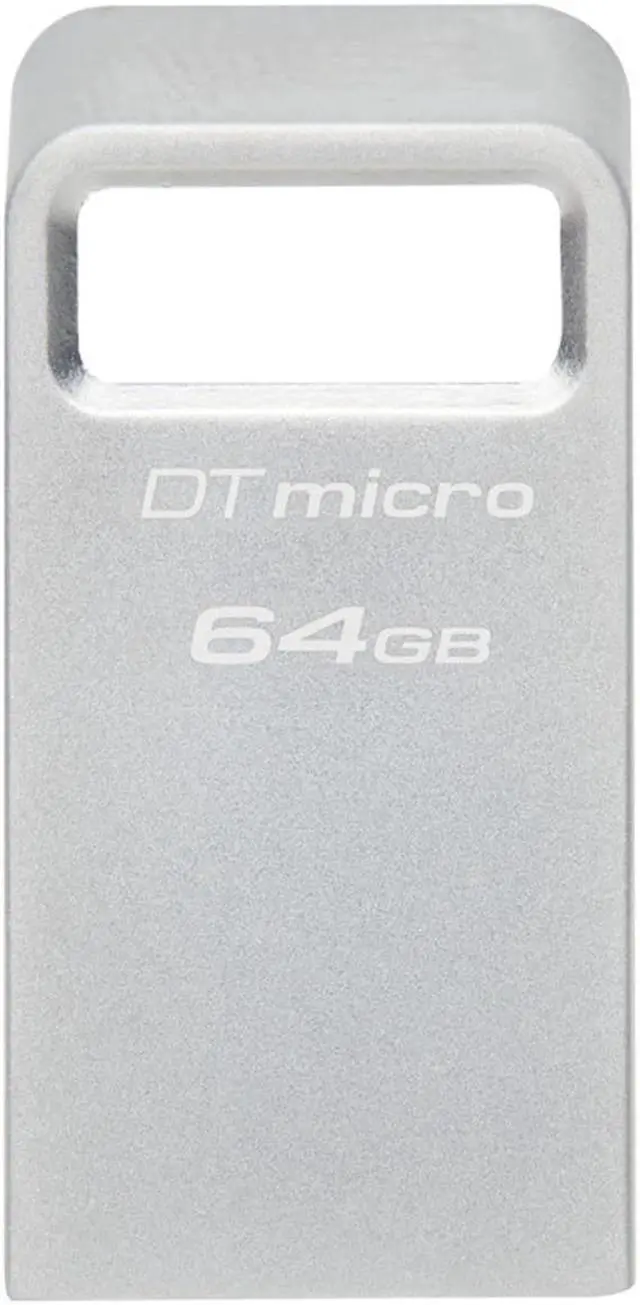
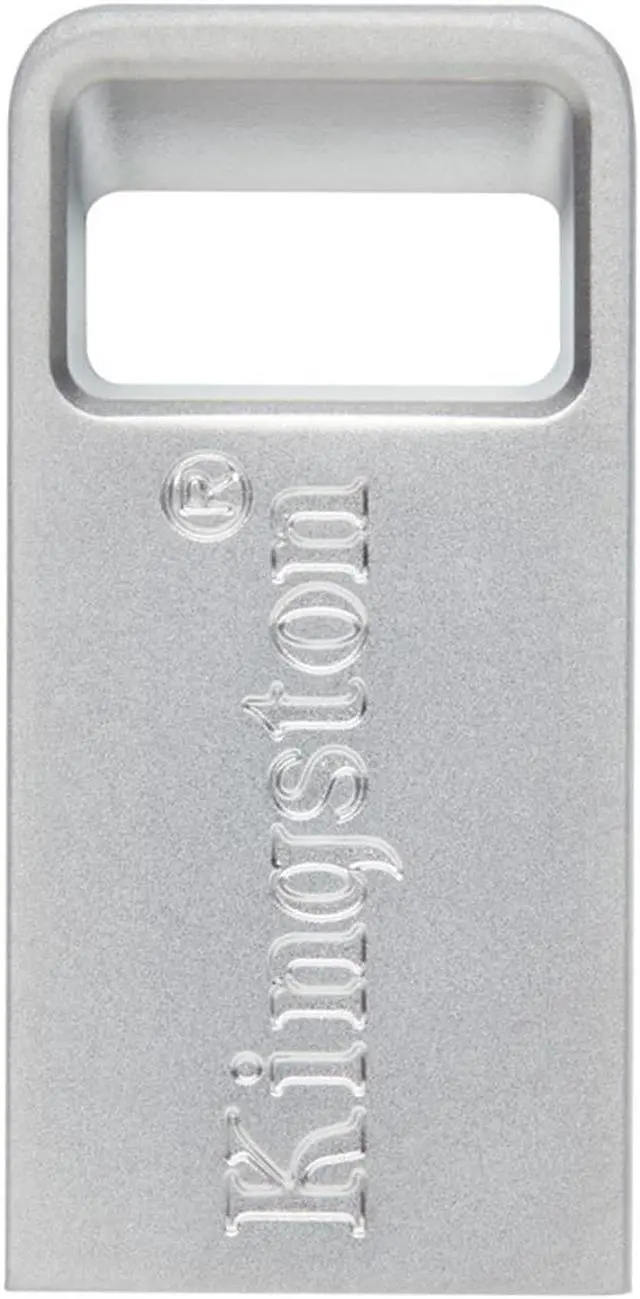
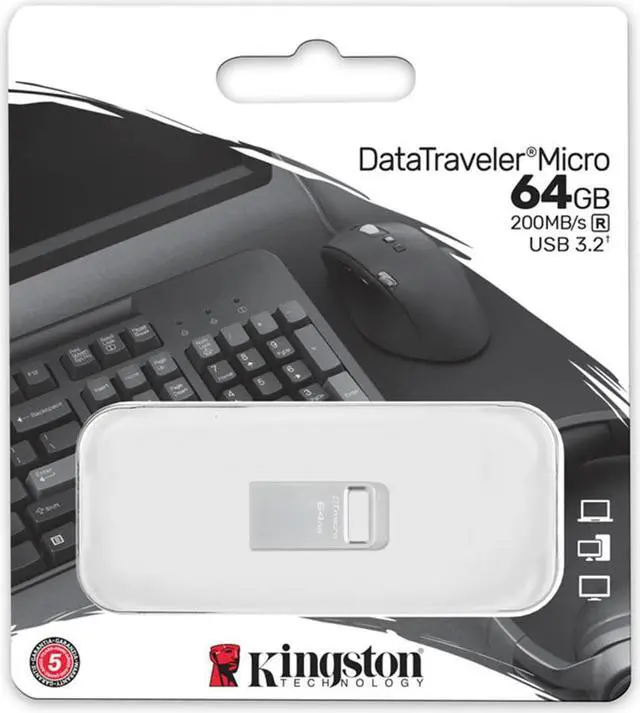
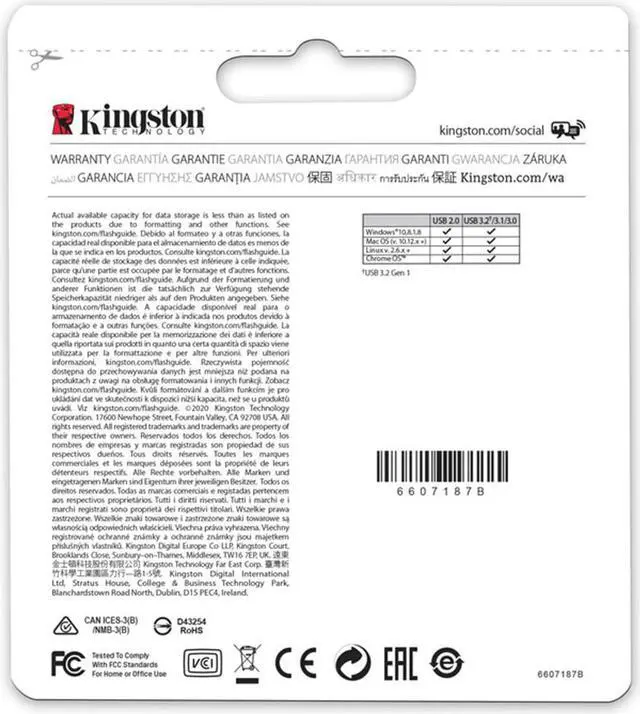



Any questions? Ask CelesteSM will help you find out quickly.
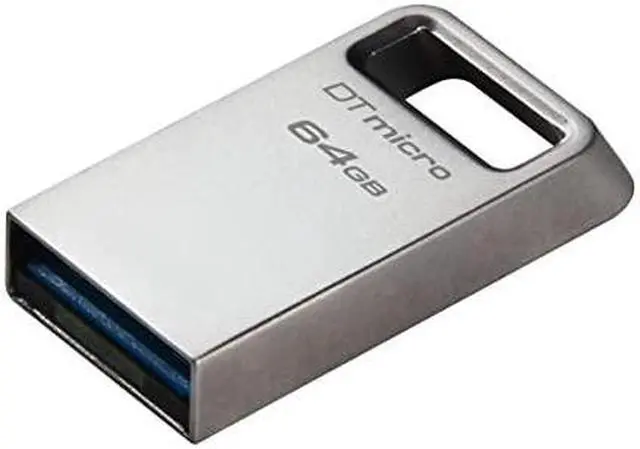
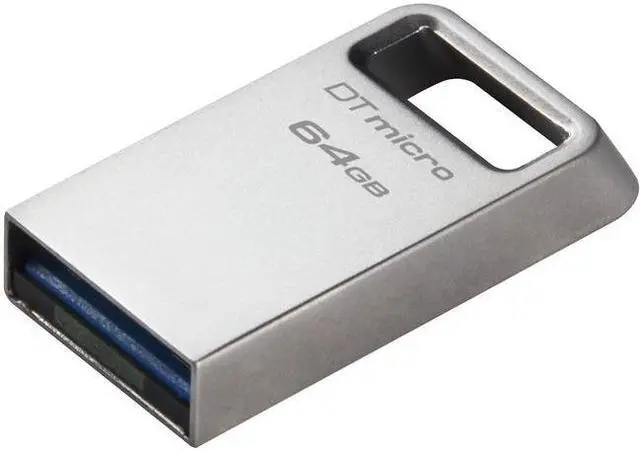
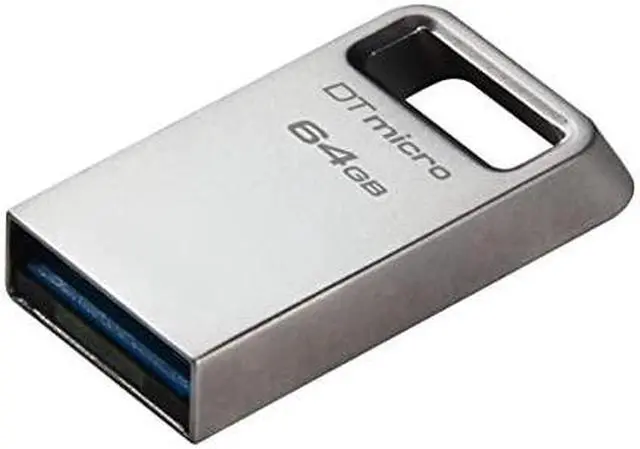
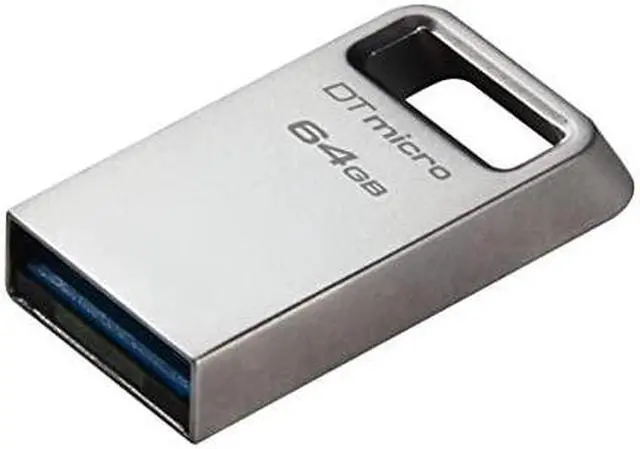
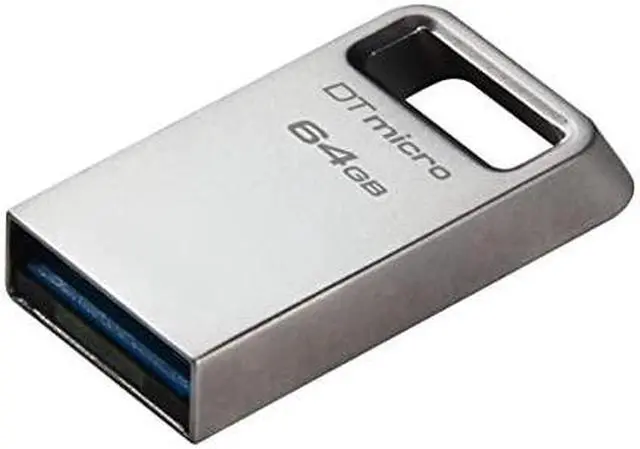
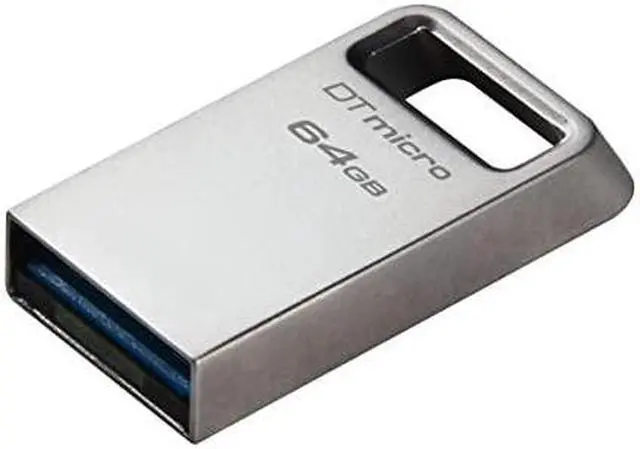
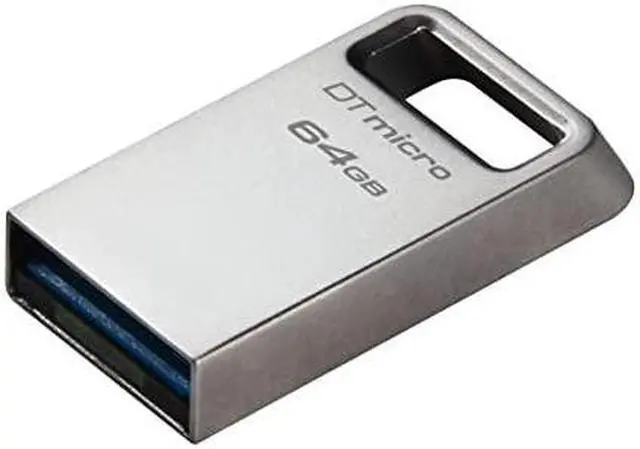
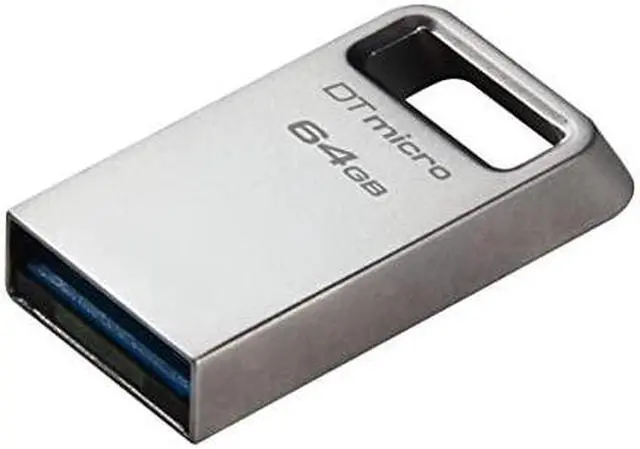
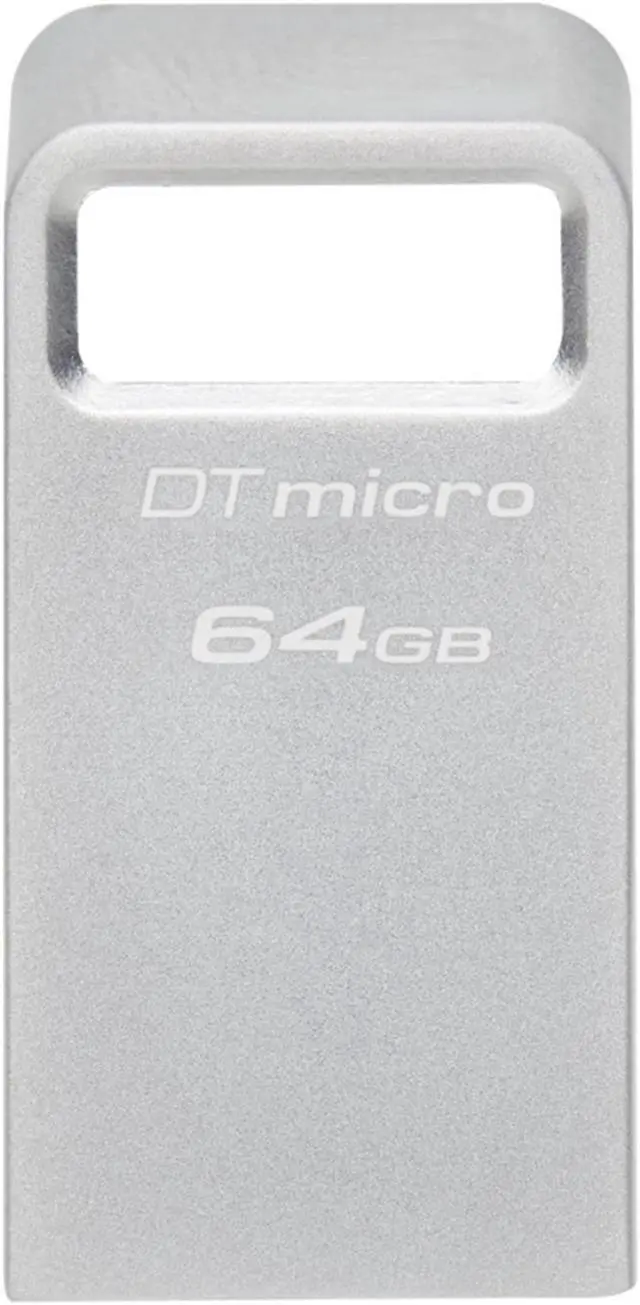
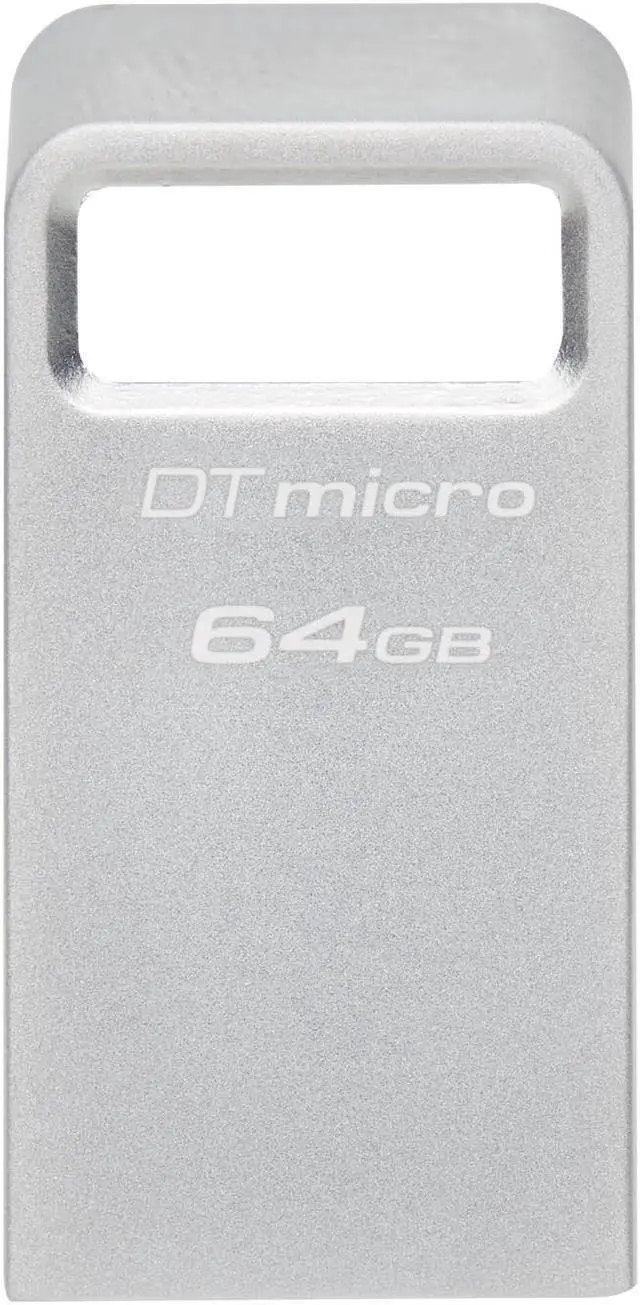
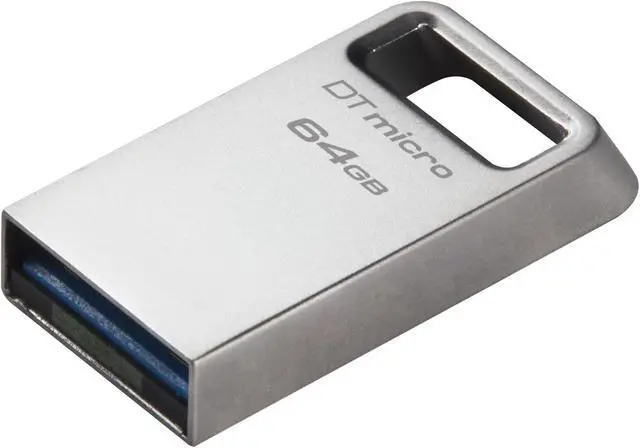
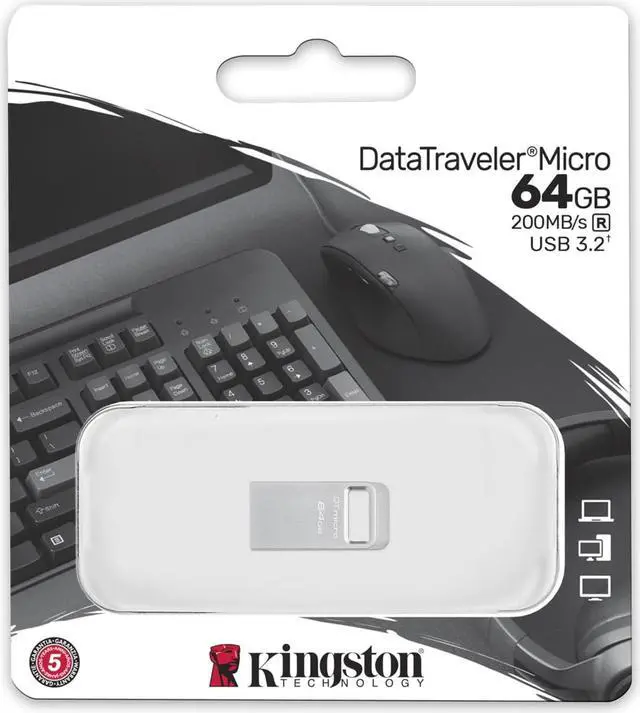
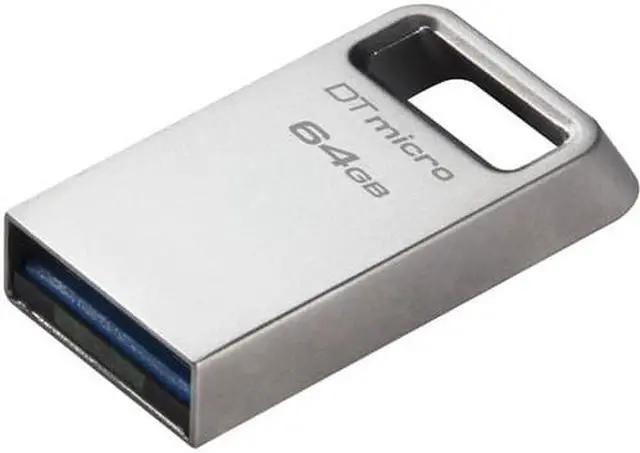
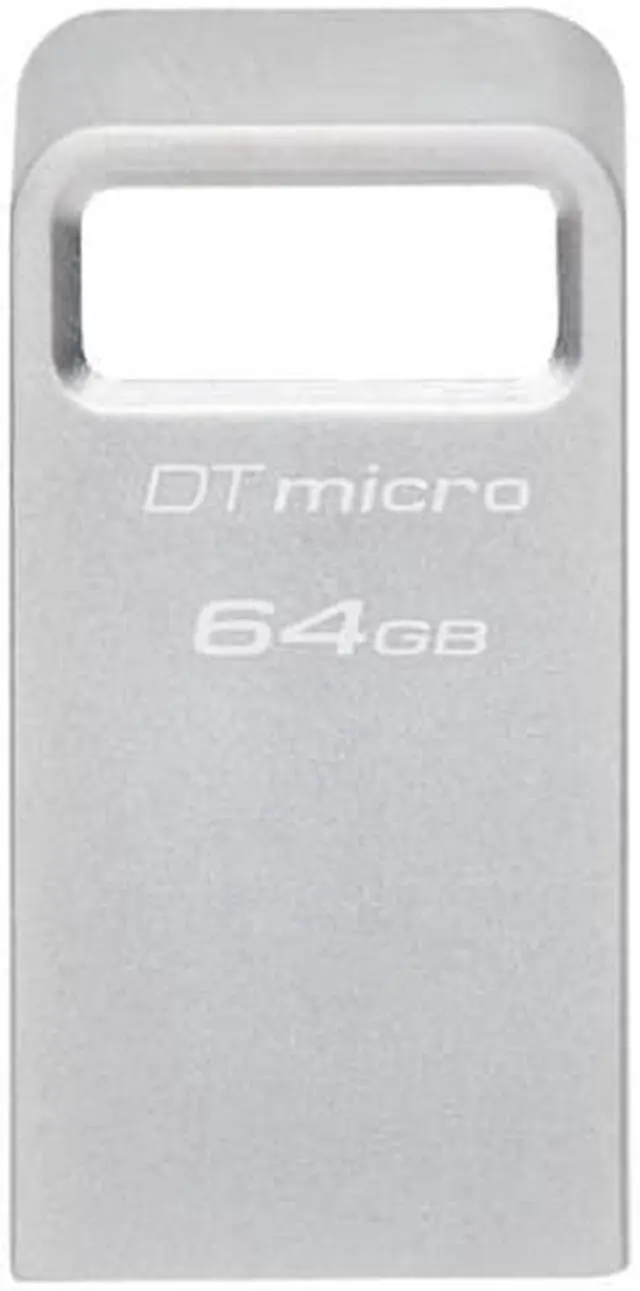
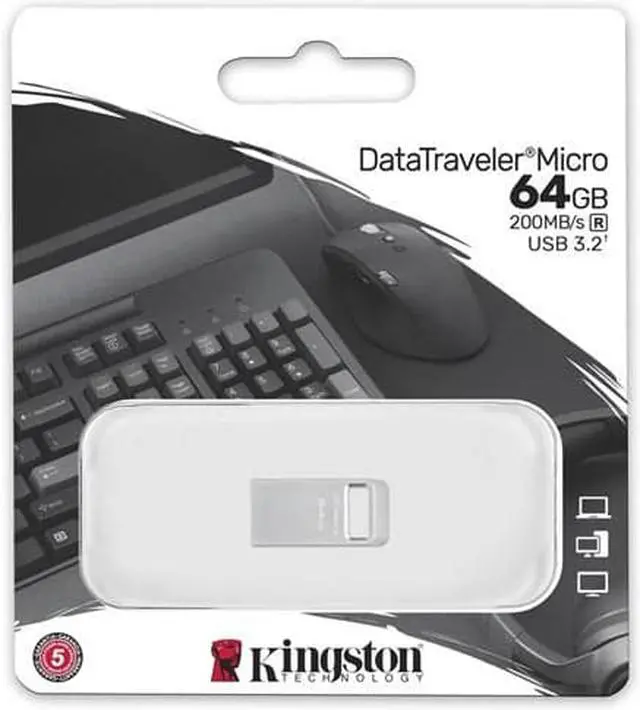
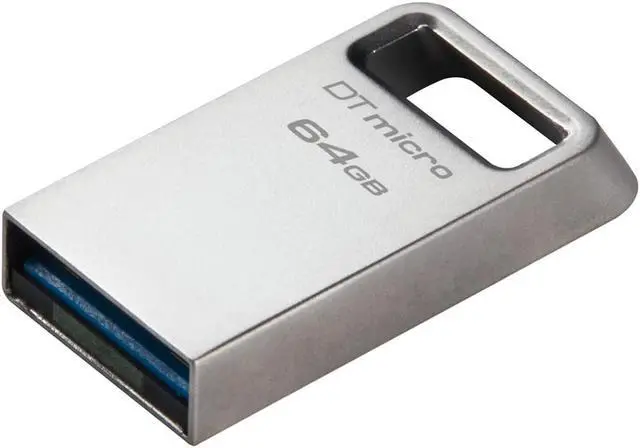
The Kingston DataTraveler Micro is a 64GB USB flash drive for people who want compact, plug-and-stay storage for compatible computers, printers, or gaming consoles. Its low-profile design is suited to leaving it in a USB port, while USB 3.2 Gen 1 supports read speeds up to 200MB/s.
| Attribute | Value |
|---|---|
| Best For | Portable storage and file transfer on USB Type-A devices, with 64 GB of capacity |
| Capacity | 64 GB |
| Interface And Compatibility | USB 3.2 Gen 1 with a USB Type-A connection |
| Read/Write Performance | Up to 200 MB/s read and 100 MB/s write |
| Physical Specifications | Silver; weighs 9 g |
| Brand And Model | Kingston DataTraveler, model DTMC3G2/64GB; also identified as DTMC3G2-64GB |
| Package Quantity | 1 item |
Q: Kingston DataTraveler Micro 64GB or DataTraveler SE9 G3 64GB: which should I choose?
A: Choose the DataTraveler Micro when a very small, low-profile drive is the priority: it measures 24.95 × 12.2 × 4.5 mm and is designed to stay in a USB port. The SE9 G3 is a fit for buyers who prioritize its published speed ratings of up to 220MB/s read and 100MB/s write; Kingston lists the Micro at up to 200MB/s read.
Q: DataTraveler Micro 64GB or DataTraveler Exodia 64GB: which is better for everyday carry?
A: Choose the DataTraveler Micro for a compact, low-profile drive designed to remain plugged in. Choose the DataTraveler Exodia if you prefer a protective cap and a large loop for attaching it to a key ring. Both are USB 3.2 Gen 1 drives, so the choice mainly comes down to form factor and carry features.
Q: Should I get the DataTraveler Micro 64GB or 128GB?
A: Both capacities share the DataTraveler Micro’s USB 3.2 Gen 1 interface and rated read speed of up to 200MB/s. Choose 64GB for a smaller storage requirement; choose 128GB when you want twice the listed capacity while keeping the same compact design.
Q: Is this a good USB drive to carry on a keychain or leave plugged into a laptop?
A: It is suited to portable, low-profile storage: the product listing describes a small design with a built-in key loop and a plug-and-stay form. Its 64GB capacity makes it more appropriate for selected files than for replacing a larger storage or backup drive.
Q: Is 64GB enough for work documents, photos, and music?
A: It can suit carrying or transferring a selected collection of documents, photos, and music. Whether 64GB is enough depends on file sizes and how much you plan to keep on the drive; it is not a substitute for adding capacity inside a computer.
Q: Will it work with both Mac and Windows computers?
A: It can be used with computers that support its USB connection, but a drive’s file-system format can affect whether both operating systems can read and write to it. If one computer does not recognize it, check the format before use; reformatting erases stored files.
Q: Can it replace a full computer backup drive or store games for a console?
A: It is better suited to transferring files or keeping selected documents and media than to serving as a full-computer backup or a large game library. Its listed capacity is 64GB, and whether a console can use it depends on that console’s requirements and supported use.
Q: Is the DataTraveler Micro a good low-profile option for a laptop?
A: It may suit someone who wants a small drive that protrudes less than a standard thumb drive. In a Reddit thread about avoiding damage from a protruding USB stick, a commenter recommended the DataTraveler Micro. That is a user recommendation, not a guarantee that it will fit every laptop or port layout.
Q: Is the 64GB DataTraveler Micro suitable for a Tails USB drive?
A: A Reddit user recommended an earlier DataTraveler Micro model for this use, and another commenter reported that a 64GB version worked for their Tails setup. This is anecdotal evidence about an earlier version, not a guarantee for every setup or the current 64GB model.
Q: Is the DataTraveler Micro suitable for carrying on a keyring?
A: It is a plausible fit if compact size and a metal body are priorities: Reddit users discussing keyring-friendly drives named the DataTraveler Micro as a compact metal option. Kingston’s YouTube video also shows an integrated key loop. Community comments do not establish long-term durability for this specific 64GB unit.


