




 here!
I’m your shopping assistant for PC builds, upgrades, and everything tech.
Got questions? Ask away!
Start a conversation
here!
I’m your shopping assistant for PC builds, upgrades, and everything tech.
Got questions? Ask away!
Start a conversation Hot Seller
 Top Rated





Any questions? Ask CelesteSM will help you find out quickly.
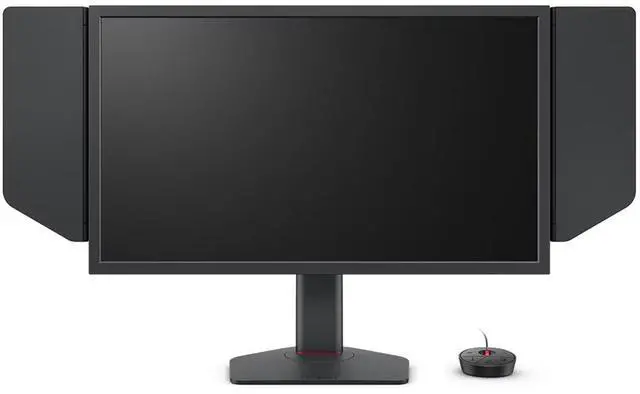
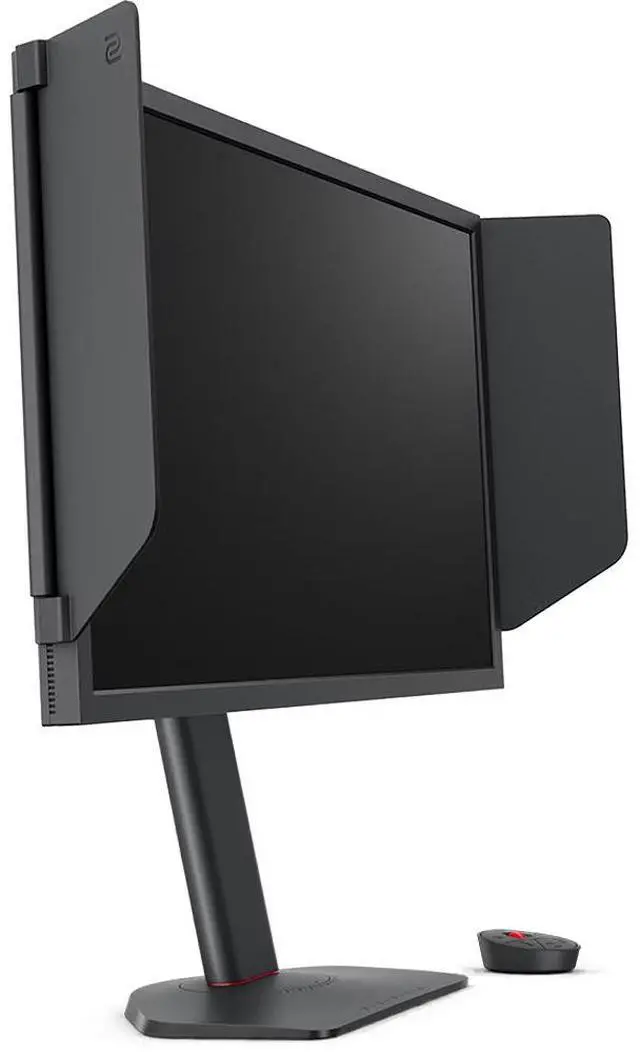
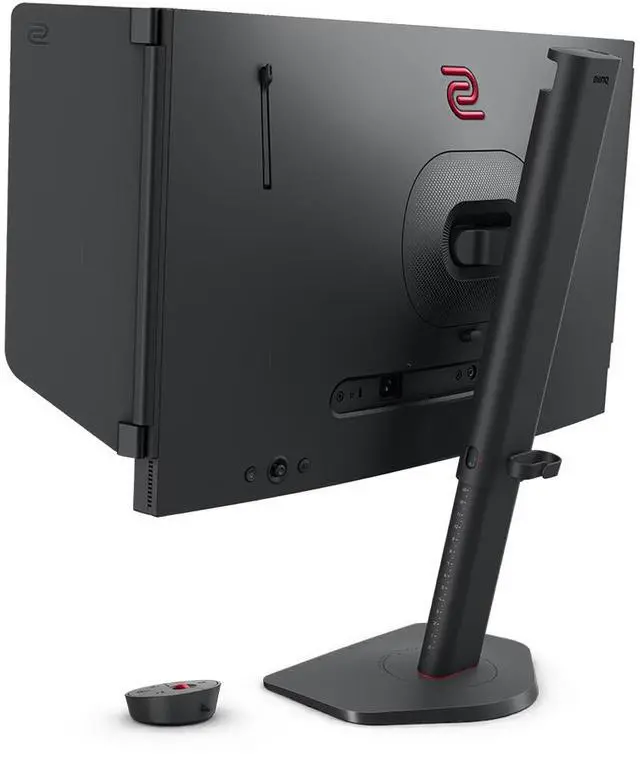
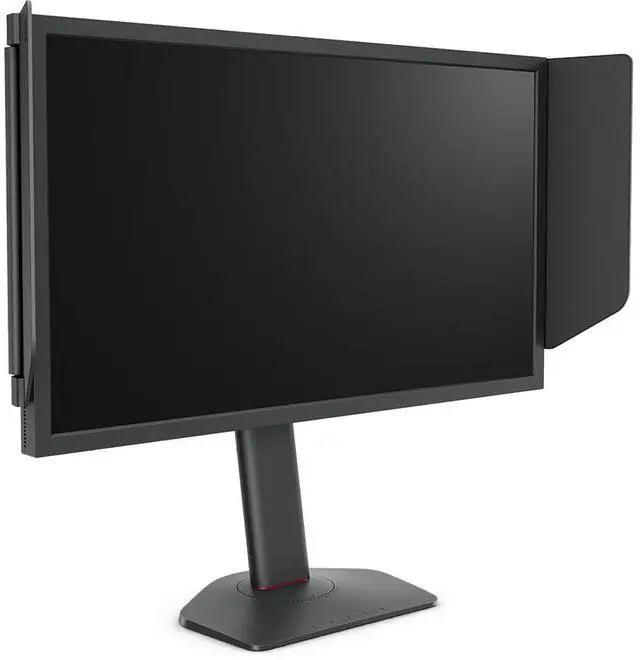
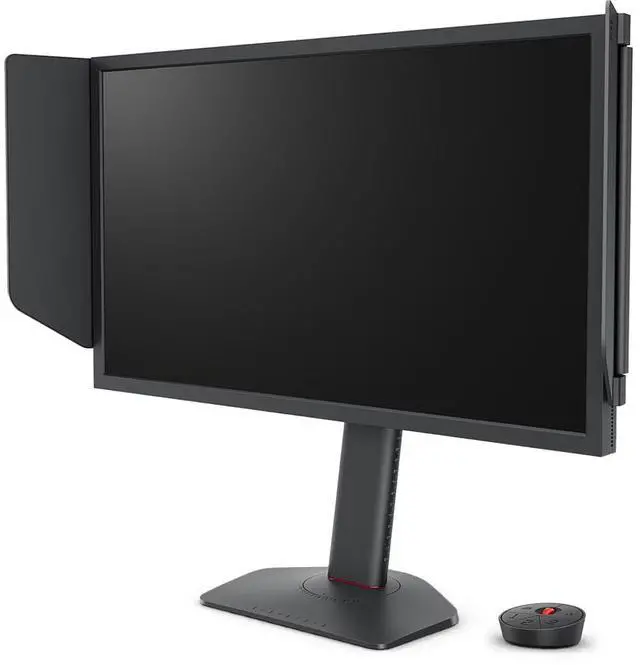
The BenQ XL2540X+ is a 24.1-inch Full HD gaming monitor with a 280Hz TN panel and 1ms response time, suited to competitive PC players who prioritize high refresh rates and responsive gameplay.
| Attribute | Value |
|---|---|
| Best For | High-refresh-rate gaming at Full HD resolution, with a TN panel and FreeSync support |
| Panel And Resolution | 24-inch flat TN LCD with a matte finish, 16:9 aspect ratio, and 1920 × 1080 Full HD resolution |
| Refresh Rate And Response | 280 Hz refresh rate and 0.5 ms response time, with FreeSync support |
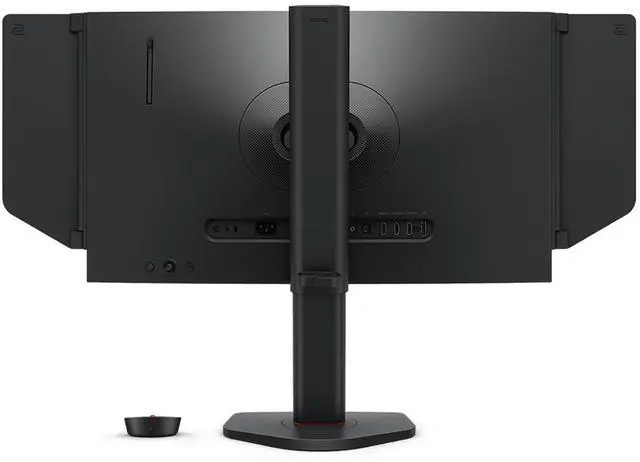
| Ports And Connectivity | One HDMI port and DisplayPort connectivity; no USB ports |
| Gaming Features | Auto Game Mode |
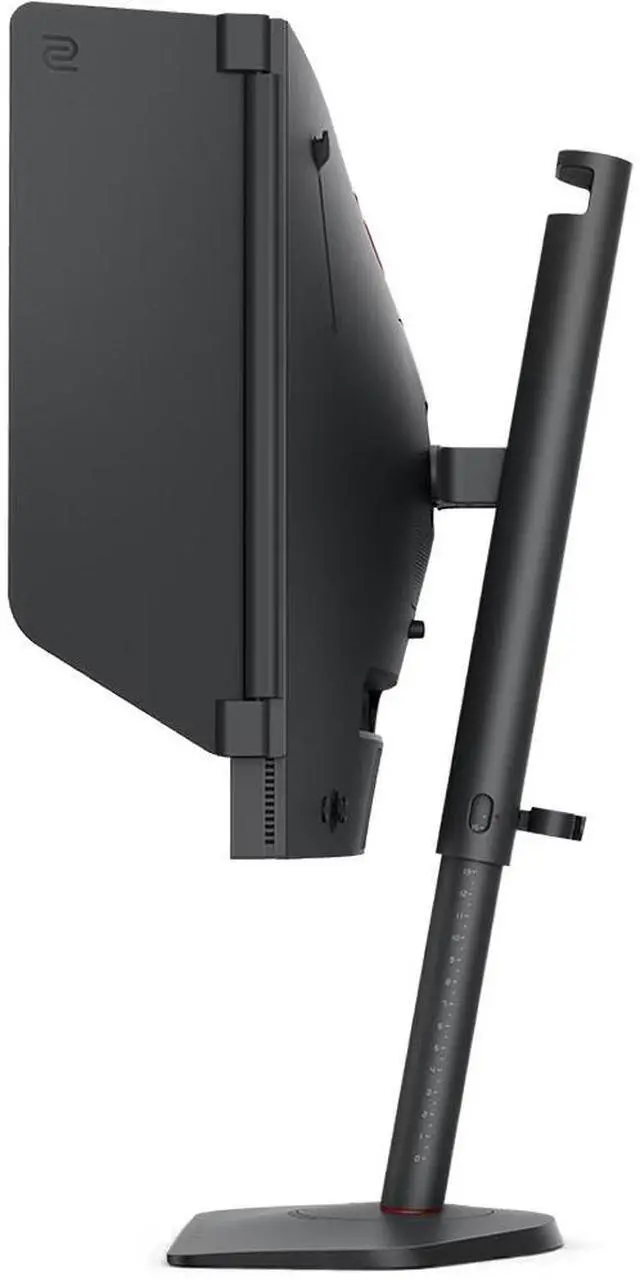
| Stand And Ergonomics | Height adjustment and desk mounting |
| Model Identifiers | BenQ XL2540X+ |
Q: BenQ ZOWIE XL2540X+ vs XL2546X+: which 280Hz monitor should I choose?
A: Choose the XL2540X+ for Full HD gaming up to 280Hz with a Fast TN panel. Choose the XL2546X+ if you also want BenQ’s DyAc 2 backlight-strobing feature for motion clarity. Both are 24.1-inch, 280Hz models; DyAc 2 is the key distinction.
Q: Should I get the XL2540X+ or the XL2566X+ for competitive FPS gaming?
A: Choose the XL2540X+ for a 24.1-inch Full HD Fast TN display with a 280Hz refresh rate. Choose the XL2566X+ if you want a higher 400Hz refresh rate and DyAc 2. Both are 24.1-inch Full HD Fast TN monitors, so the decision centers on refresh rate and motion-clarity features.
Q: XL2540X+ vs XL2586X+: is the 600Hz model worth choosing?
A: Choose the XL2540X+ for Full HD gaming up to 280Hz. Choose the XL2586X+ if your priority is a higher 600Hz refresh rate and DyAc 2. Both are 24.1-inch Full HD Fast TN monitors; the XL2586X+ is positioned for players seeking the higher refresh-rate tier.
Q: Will this monitor work with a PS5 or Xbox, and can a console use the full 280Hz?
A: It supports PS5 and Xbox Series X/S at up to 1080p and 120Hz. The 280Hz maximum is for PC use over DisplayPort; HDMI supports up to 240Hz on this monitor.
Q: What do I need to get the full 280Hz refresh rate?
A: Use DisplayPort and a computer with a graphics card that supports 280Hz at 1920 × 1080. The monitor’s 280Hz maximum is over DisplayPort; HDMI supports up to 240Hz. Actual in-game frame rates also depend on the computer’s hardware and the game.
Q: Who is this monitor best suited for?
A: It is suited to PC gamers who prioritize high refresh rates and fast motion in competitive games. Its 24.1-inch TN panel runs at Full HD and up to 280Hz; it is less suited to buyers whose main priority is a higher-resolution display.
Q: Does it support 4K at 120Hz?
A: No. The XL2540X+ is a Full HD monitor with a maximum resolution of 1920 × 1080, so it does not display a 4K signal at 120Hz.
Q: Is the XL2540X+ worth upgrading to from a 240Hz monitor?
A: Probably not for the refresh-rate increase alone: the jump from 240Hz to 280Hz may be hard to notice. It makes more sense if you also want this monitor’s 24.1-inch 1080p Fast TN format or its gaming-focused features.
Q: Is the XL2540X+ a good fit for competitive gaming if I’m moving from a 27-inch curved monitor?
A: It may suit players who prefer a smaller screen and prioritize high refresh rates for competitive play. The trade-off is moving to a 24.1-inch, 1080p TN display; whether that is preferable depends on your screen-size and image-quality priorities.
Q: Is the XL2540X+ suitable for everyday use as well as gaming?
A: One owner said it worked acceptably for everyday computer use and watching videos, but noted the TN panel’s limited viewing angles. It is primarily a high-refresh gaming monitor, so consider a different panel type if wide viewing angles are important.
Q: Does the XL2540X+ support VRR on PS5?
A: Do not assume it does. A Reddit owner reported that their unit did not support VRR on PS5, despite working well for PC use. If PS5 VRR is essential, verify compatibility for your setup before buying; the provided product information confirms PS5 compatibility but does not specify VRR support.


