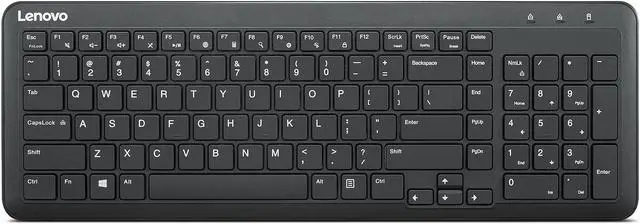
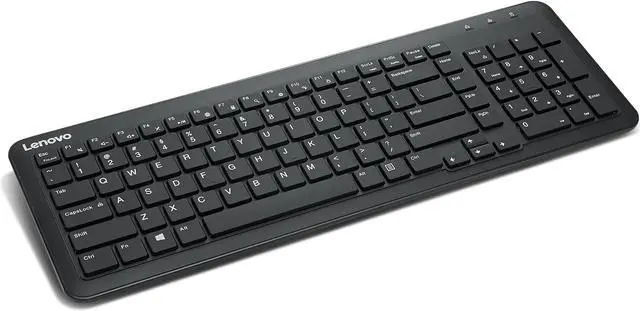
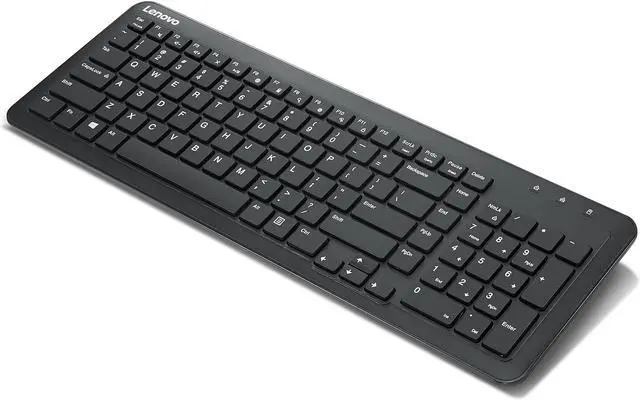
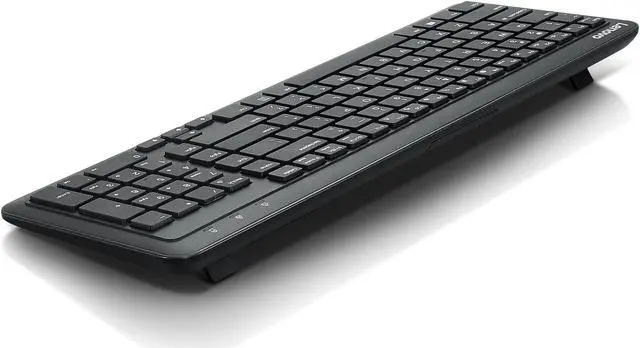
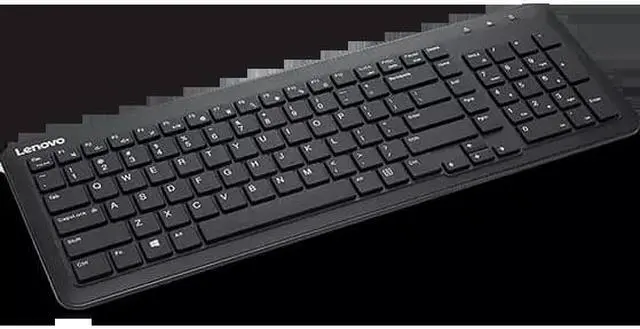
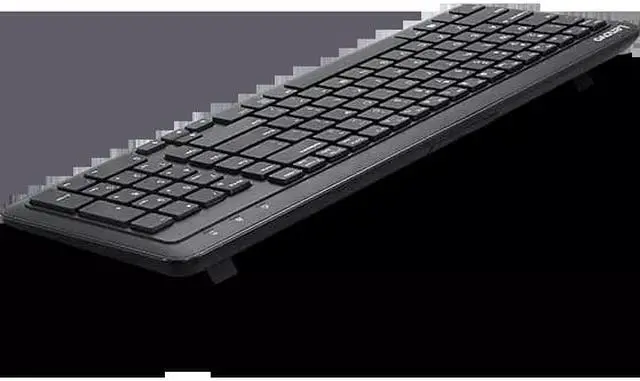
The Lenovo 300 Wireless Keyboard is a compact US English keyboard with a dedicated numeric keypad and Fn shortcut keys, suited to people who want wireless typing and convenient number entry in a flexible workspace.
Recommended For
- Spreadsheet and bookkeeping users who enter numbers regularly and want a dedicated numeric keypad without choosing a full-size keyboard footprint.
- People typing in shared offices or other quiet work areas who prefer keys Lenovo describes as having silent clicks.
- Hot-desk or flexible-work users who want a wireless keyboard they can unplug and put away when their workspace is not in use.
- Windows PC users who want a straightforward wireless setup through a USB-A receiver rather than Bluetooth pairing.
Real-World Use Scenarios
- At a shared or flexible office desk, a user can connect the keyboard with its USB receiver and put it away when the workstation is not in use, keeping the desk easier to clear.
- When entering figures in spreadsheets, invoices, or forms, a user can work from the dedicated numeric keypad instead of relying on the number row, making frequent number entry more direct.
- In a shared room or quiet office, a user can type without the keyboard becoming a prominent source of noise; Lenovo specifies silent key clicks at 45 dB.
- For everyday computer work, a user can use the Fn shortcut keys for common functions, reducing the need to reach for on-screen controls or navigate menus for those shortcuts.
- At a home or office computer with a USB-A port, a user can add a separate wireless keyboard without connecting a keyboard cable, leaving the immediate desk area less cluttered.




 here!

 Hot Seller
 Top Rated