




 here!
I’m your shopping assistant for PC builds, upgrades, and everything tech.
Got questions? Ask away!
Start a conversation
here!
I’m your shopping assistant for PC builds, upgrades, and everything tech.
Got questions? Ask away!
Start a conversation







Any questions? Ask CelesteSM will help you find out quickly.
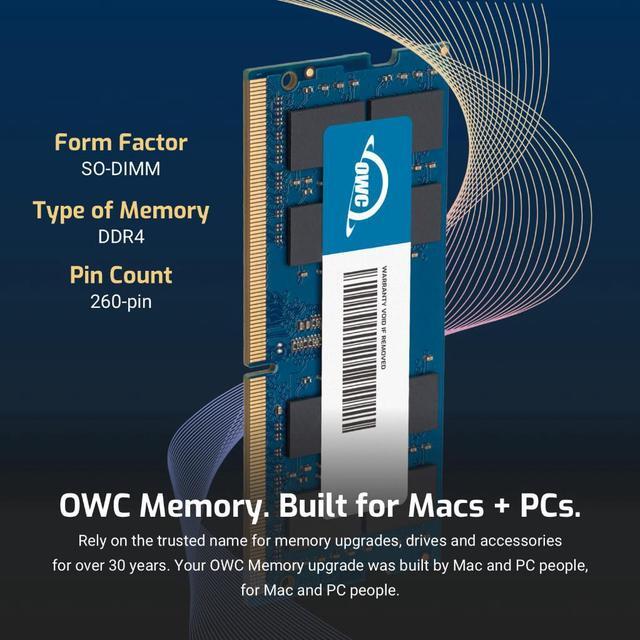
| Technology | DDR4 |
|---|---|
| Speed | PC4-17000 2133MHz CL15 |
| Form Factor | 260PIN SO-DIMM |
| ECC Type | Non ECC |
| Voltage | 1.2v |
| Compatibility | Laptops, Notebooks, Mini Desktops, Micro Servers, NAS Systems, POS |
















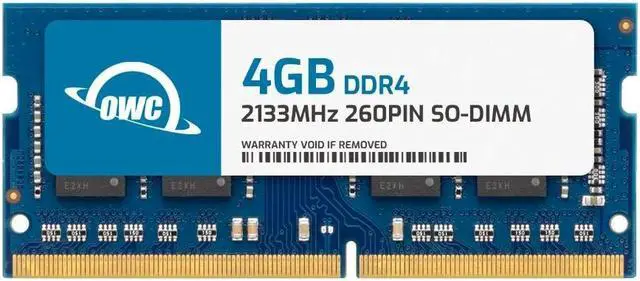
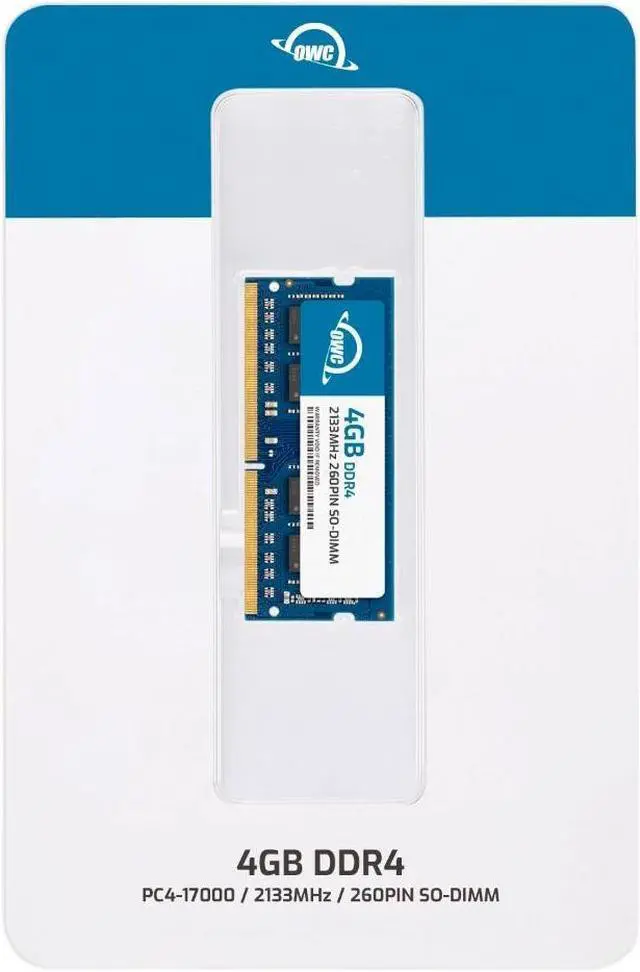
The OWC 2S1D41R804GB is a 4GB DDR4-2133 laptop memory module for compatible systems that use 260-pin, 1.2V, non-ECC SO-DIMMs, including systems matching NCR part numbers 4970509803 or 7607K134.
| Attribute | Value |
|---|---|
| Best For | Laptop memory upgrades; also specified for all-in-one systems and NAS systems |
| Capacity | 4GB |
| Memory Type And Form Factor | DDR4 SO-DIMM, 260-pin |
| Speed And Latency | 2133 MHz (PC4-17000), CL15 |
| Electrical And Module Configuration | 1.2V, non-ECC, unbuffered, with no heat spreader |
| Physical Design | Black chips |
| Model Identifiers | OWC; part number 2S1D41R804GB; model number OWC2S1D41R804GB-B943-SF |
Q: OWC 4GB vs. 8GB DDR4-2133 SO-DIMM: which should I choose?
A: Choose the OWC 4GB module when replacing a 4GB stick or adding a smaller capacity increase to a compatible system. Choose OWC’s 8GB DDR4-2133 module when you want more memory capacity from one module. Both are 260-pin DDR4-2133 SO-DIMMs; confirm your system’s supported capacity and configuration before buying.
Q: Should I get this OWC 4GB module or an OWC 16GB DDR4-2133 module?
A: Choose this 4GB module for a like-capacity replacement or a smaller addition; choose OWC’s 16GB DDR4-2133 module when you want more capacity from a single SO-DIMM. Both share the DDR4-2133, 260-pin, 1.2V, non-ECC format. Check your device’s memory limit and slot configuration to select the capacity it supports.
Q: OWC 4GB DDR4-2133 vs. 4GB DDR4-2400: which is the right match?
A: Choose this DDR4-2133 module when matching a system configured for DDR4-2133. Choose OWC’s 4GB DDR4-2400 module when your system supports that speed and you want the higher-rated module. Match the SO-DIMM type and confirm the device’s memory specifications before selecting.
Q: Will this memory work in my laptop or all-in-one PC?
A: It is designed for systems that support 4GB DDR4-2133, 260-pin SO-DIMM memory at 1.2V. Check your device’s supported memory type, speed, capacity, and available slots before buying; DDR4 SO-DIMM is not interchangeable with DDR5 or full-size desktop DIMM memory.
Q: Can I add this module to the memory already in my computer?
A: Possibly, if your computer has an open slot and supports the combined capacity. Check the device’s maximum memory and existing module specifications first; matching memory specifications can help avoid compatibility issues.
Q: Is 4GB enough for everyday laptop use?
A: This is a 4GB module, so it is best considered a replacement for a failed module or a modest capacity increase in a compatible system. Whether the computer has enough total memory for your work depends on its other installed memory and the applications you use.
Q: Can I install this RAM myself?
A: In many compatible laptops and all-in-one systems, memory installation is a DIY task, but access varies by device. Follow the computer manufacturer’s service instructions and confirm that the module is fully seated before powering the system on.


