




 here!
I’m your shopping assistant for PC builds, upgrades, and everything tech.
Got questions? Ask away!
Start a conversation
here!
I’m your shopping assistant for PC builds, upgrades, and everything tech.
Got questions? Ask away!
Start a conversation







Any questions? Ask CelesteSM will help you find out quickly.
| Technology | DDR4 |
|---|---|
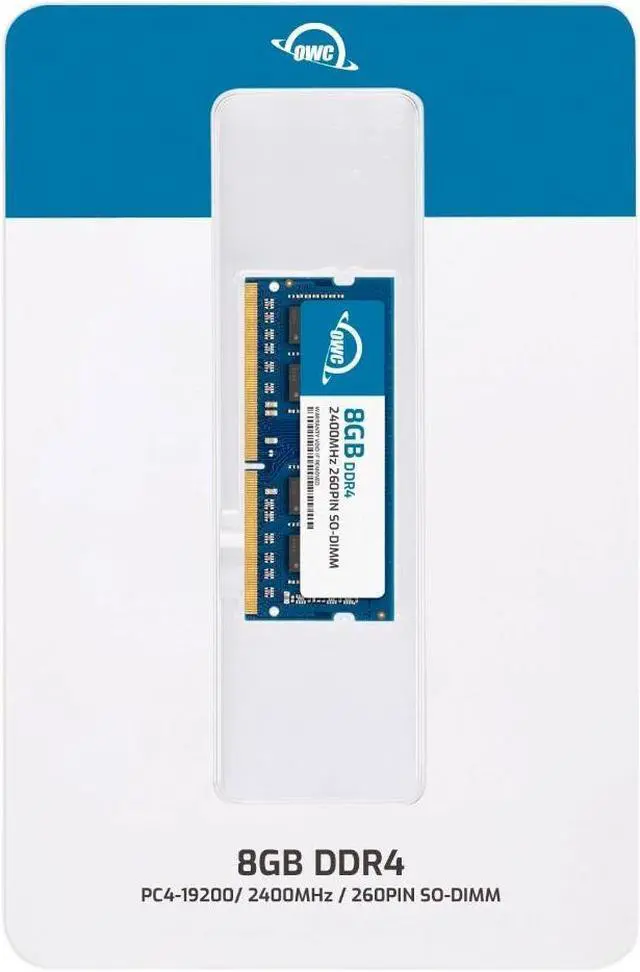
| Speed | PC4-19200 2400MHz CL17 |
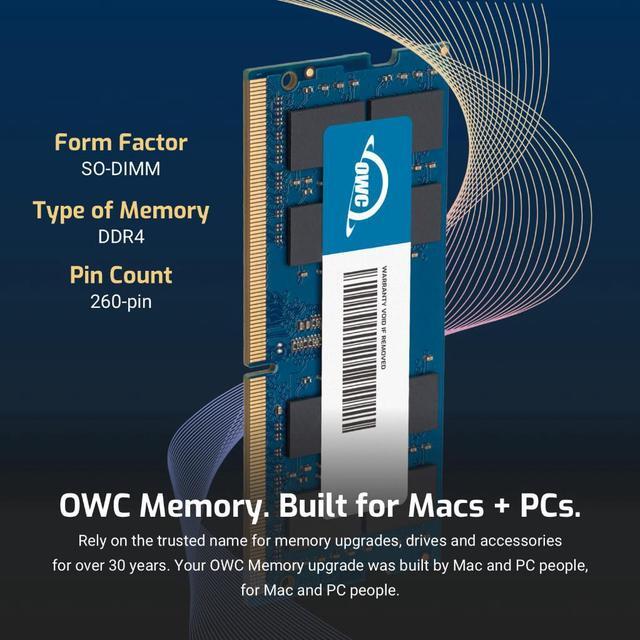
| Form Factor | 260PIN SO-DIMM |
| ECC Type | Non ECC |
| Voltage | 1.2v |
| Compatibility | Laptops, Notebooks, Mini Desktops, Micro Servers, NAS Systems, POS |
| Backward Compatibility | Backwards Compatible with 2400MHz and 2133MHz |
















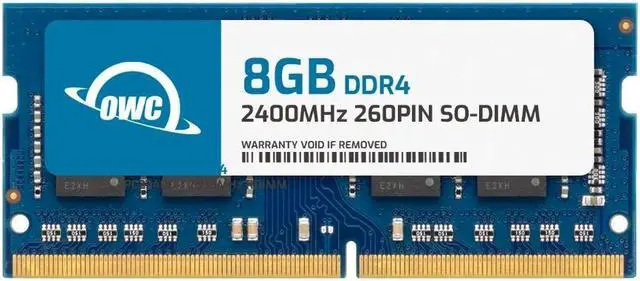
The OWC 2S4D42R808GB is an 8GB DDR4-2400 SO-DIMM memory module with specifications matching QNAP RAM-8GDR4K0-SO-2400 and RAM-8GDR4K1-SO-2400, suited to users upgrading compatible laptops, all-in-one systems, or NAS devices.
| Attribute | Value |
|---|---|
| Best For | Memory upgrades for laptops, all-in-one systems, and NAS systems |
| Capacity | 8GB |
| Memory Type And Form Factor | DDR4 260-pin SO-DIMM |
| Speed And Latency | DDR4-2400 (PC4-19200), CL17 |
| Voltage And Error Correction | 1.2V, non-ECC, unbuffered |
| Module Design | No heat spreader; black chips |
| Model Identifiers | OWC; part number 2S4D42R808GB; model number OWC2S4D42R808GB-B595-SF |
Q: OWC 8GB 2Rx8 vs 8GB 1Rx8: which should I choose?
A: Both are 8GB DDR4-2400 SO-DIMMs. Choose this 2Rx8 module when your system specifies a 2Rx8 memory layout; choose the OWC 1Rx8 version when your system specifies 1Rx8. Match the module organization and other requirements in your system’s memory specifications.
Q: Should I get this OWC 8GB module or an OWC 4GB DDR4-2400 module?
A: Choose this 8GB module when you want an 8GB capacity in a single SO-DIMM. The 4GB module provides half the capacity per module, so it may fit a lower-capacity upgrade plan. Check your system’s supported memory capacity and slot configuration before choosing.
Q: OWC 8GB single module vs 2×4GB kit: which gives me 8GB?
A: Both provide 8GB total. Choose this module for a single 8GB stick; choose the 2×4GB kit when your upgrade plan calls for two 4GB sticks. Confirm that the number of modules and total capacity match your system’s supported configuration.
Q: Should I choose this OWC 8GB module or a 16GB OWC upgrade?
A: Choose this 8GB module when an 8GB single-module upgrade matches your system’s supported configuration. A 16GB OWC option provides more total memory; select it when your system supports that capacity and your upgrade plan calls for it.
Q: Will this 8GB memory module work in my NAS or laptop?
A: Only if the device supports an 8GB, 260-pin DDR4-2400 SO-DIMM that is 1.2V, non-ECC, and unbuffered. Check your device’s specifications and maximum supported memory before buying; matching the connector alone does not guarantee compatibility.
Q: Can I use this as a replacement for the specified QNAP RAM module?
A: The product is described as an 8GB replacement for QNAP part numbers RAM-8GDR4K0-SO-2400 and RAM-8GDR4K1-SO-2400. Confirm that your specific NAS model supports those specifications and an 8GB module before purchase.
Q: Will adding this RAM make my device faster?
A: It may help if the device is running short on memory, but it is not a guaranteed speed boost. This is one 8GB module; the benefit depends on your device’s current memory, workload, and supported configuration.
Q: Is this memory easy to install myself?
A: It can be a DIY upgrade in devices with accessible SO-DIMM slots, but the process varies by model. Check your device’s installation instructions and power it down before opening it; some NAS enclosures may require more disassembly than a laptop.
Q: Will this 8GB module work in my QNAP NAS?
A: It matches the listed specs of QNAP RAM-8GDR4K0-SO-2400 and RAM-8GDR4K1-SO-2400: 8GB DDR4-2400, 260-pin SO-DIMM, non-ECC, 2Rx8. That alone does not confirm compatibility with every QNAP model; check your NAS model’s memory requirements before buying. Reddit users report that some otherwise similar modules failed to boot in particular NAS models.
Q: Does the 2Rx8 rank specification matter for QNAP compatibility?
A: It can matter for some QNAP models. Reddit users troubleshooting upgrades discuss rank as a possible reason modules would not boot, so check whether your NAS requires or has known compatibility with 2Rx8 memory. This module is specified as 2Rx8, but that does not guarantee it will work in every model.
Q: Can I add this to my existing RAM, or should I replace the existing modules?
A: That depends on your NAS model, available slots, and its memory configuration requirements. QNAP users discuss both adding memory and replacing modules; some recommend using a matching pair in dual-module setups. Check the NAS manual and current module configuration before deciding. The product information does not establish that this OWC module will match your existing RAM.


