Auusda 16" Business Laptop, AMD Ryzen 5 3500U, 32GB RAM 1TB SSD, Backlit Keyboard, Fingerprint Unlock, Windows 11 Pro Computer, Black
  •  
  • $519.99 –
  • Save: 35%
  • $67.49
  • Free 30-day Returns
  • Sold by Direct from manufacturerOWC
    4.7 (29 seller ratings)

    Shipped by Direct from manufacturerOWC

    Price alert
    Shop it at NeweggBusiness.

    Meet Your Seller

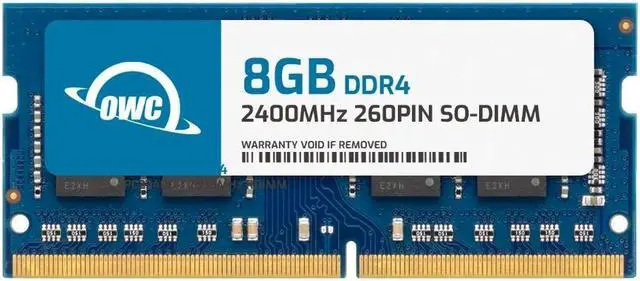
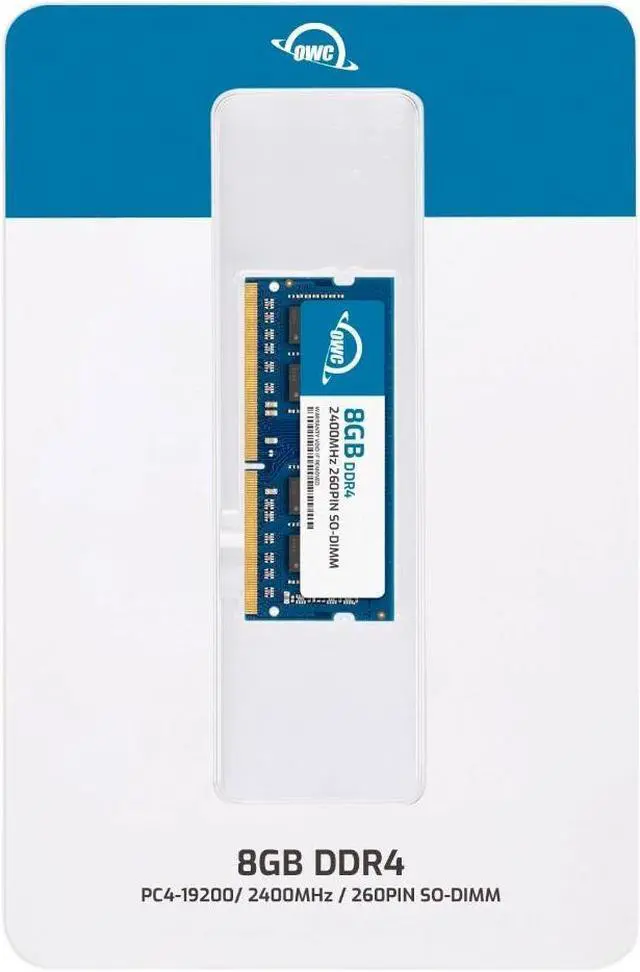
    OWC 8GB Replacement for NCR 006-8626889 006-8626889 1925-K006 497-0531032 7772-K134 - DDR4 2400 PC4-19200 CL17 1Rx8 260-pin 1.2V Non-ECC SODIMM Memory RAM Module Upgrade

    • OWC 8GB DDR4 2400 PC4-19200 CL17 1Rx8 260-pin 1.2V SODIMM Memory RAM Module Upgrade, compatible with NCR part numbers 006-8626889, 0068626889, 1925-K006, 497-0531032 and 7772-K134.
    • 100% COMPLIANT: JEDEC-Standard and ROHS Compliant. Warranty-Safe Upgrade. Designed and Tested to Meet or Exceed all Manufacturer OEM Specs.
    • INCREASED PERFORMANCE: Memory Upgrades are the Most Effective and Easy Way to Boost your PC's Performance.
    • INDUSTRY LEADING: Consumer-friendly Advanced Replacement Program and Limited Lifetime Warranty, which includes Free Tech Support by Other World Computing.
    • EASY INSTALLATION: In Most Cases, Installing Memory is an Easy DIY project. Watch our OWC Basic Installation Video for Help.
    +
    +
    Overview
    Specs
    Reviews
    See all Q & A

    Any questions? Ask CelesteSM will help you find out quickly.

    OWC DDR4 PC4-19200 2400MHz SO-DIMM SPECIFICATIONS

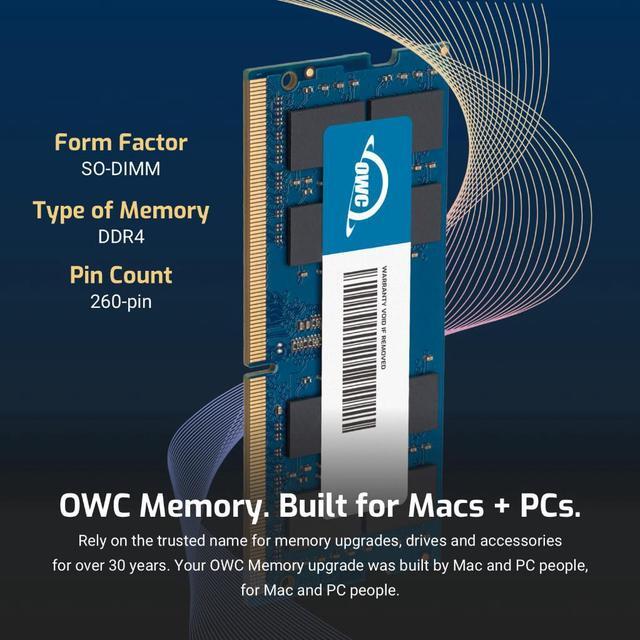
    Technology DDR4
    Speed PC4-19200 2400MHz CL17
    Form Factor 260PIN SO-DIMM
    ECC Type Non ECC
    Voltage 1.2v
    Compatibility Laptops, Notebooks, Mini Desktops, Micro Servers, NAS Systems, POS
    Backward Compatibility Backwards Compatible with 2400MHz and 2133MHz
    204PIN SO-DIMM ddr4 ram 2666mhz memory upgrade for IMAC MAC MINI pc4-21300 pc21300 2018 2019 2020
    imac 667 mhz ddr2 MAC MINI MACBOOK PRO white black ram owc 4gb upgrade 4 PC2-5300 mac memory
    204PIN SO-DIMM ddr4 ram 2666mhz memory upgrade for IMAC MAC MINI pc4-21300 pc21300 2018 2019 2020

    OWC DDR4 PC4-19200 2400MHz SO-DIMM SPECIFICATIONS

    Technology DDR4
    Speed PC4-19200 2400MHz CL17
    Form Factor 260PIN SO-DIMM
    ECC Type Non ECC
    Voltage 1.2v
    Compatibility Laptops, Notebooks, Mini Desktops, Micro Servers, NAS Systems, POS
    Backward Compatibility Backwards Compatible with 2400MHz and 2133MHz
    sodimm
    ddr4
    ram memory
    OWC DDR4 memory is Fully compliant with JEDEC specifications, ROHS compliant, providing a warranty safe upgrade. OWC Memory is the most cost effective and simple DIY upgrade you can install to unleash your Mac or PC's full potential and speed up overall responsiveness. Become a multitasking maven when you upgrade your Mac or PC with OWC Memory. Open more apps. Open larger files. Plus, work with multiple files all at the same time. We test every OWC memory module at our in house lab so you can upgrade with the confidence that your memory is built to last.

    We built your OWC Memory upgrade to meet or exceed the toughest industry specs to provide years of worry-free service. OWC recommends that all DIMMs be the same capacity, speed, and manufacturer to ensure optimal memory performance.

    Warranty & Returns

    Warranty, Returns, And Additional Information

    Warranty

    • Please contact the Seller directly for warranty information. Warranty information may also be found on the Manufacturer's website.
    • Read full details
    • CONTACT

    Return Policies

    • Return for refund within: 30 days
    • Return for replacement within: 60 days
    • This item is covered by OWC Return Policy

    Manufacturer Contact Info

    LOADING...

    The OWC 8GB DDR4-2400 SO-DIMM is a replacement memory module for compatible systems, including devices that use NCR part numbers 006-8626889, 1925-K006, 497-0531032, or 7772-K134. It suits owners of matching laptops, all-in-one PCs, or NAS systems needing a 260-pin, 1.2V, non-ECC module.

    Recommended For

    • NCR Kitchen Controller 5 (1925) owners or service technicians replacing or fitting the documented 8GB memory module for a KC5.
    • NCR CX7 All-in-One POS (7772) or CX8 POS (7736) service teams replacing the 8GB module identified by NCR part number 006-8626889.
    • Owners of a compatible DDR4-2400 laptop or all-in-one with an accessible SO-DIMM slot who need an 8GB module to replace or supplement existing memory; confirm the system’s capacity and module requirements first.
    • NAS owners whose system specifically supports 8GB DDR4-2400 SO-DIMM memory and who need a single-module replacement or addition.

    Real-World Use Scenarios

    • When an NCR CX7 all-in-one POS terminal needs its 8GB memory module replaced, this part is intended to restore the terminal to its specified memory configuration for checkout operations.
    • For an NCR CX8 POS terminal with a failed or missing memory module, using the specified 8GB replacement can return the system to its intended configuration for point-of-sale use.
    • During service or refurbishment of an NCR 1925 KC5 terminal, this replacement gives technicians an 8GB memory option matching the listed NCR upgrade-kit part number.
    • A retail IT team maintaining several compatible NCR terminals can keep this module as a matching replacement part, helping avoid sourcing a different memory specification during repairs.

    Spec Summary

    AttributeValue
    Best For8GB memory upgrades for laptops, all-in-one systems, and NAS systems
    Capacity And Memory Generation8GB DDR4 memory
    Speed And Timing2400 MHz (PC4-19200) with CL17 timing
    Form Factor And Compatibility260-pin SO-DIMM module for laptop memory slots
    Electrical And Module Features1.2V, non-ECC, unbuffered, with no heat spreader
    Brand And Model IdentifiersOWC; part number 2S4D41R808GB, model number OWC2S4D41R808GB-B947-SF

    Reference Q&A

    Q: Should I choose this OWC 8GB module or OWC’s 16GB (2×8GB) DDR4-2400 kit?

    A: Choose this single 8GB module when an 8GB module fits your upgrade plan. Choose OWC’s 16GB kit when you want 16GB total from the kit and your system supports that capacity and two-module configuration. Both are DDR4-2400 SO-DIMMs; check your device’s memory limits and available slots before choosing.

    Q: This OWC 8GB stick or OWC’s 8GB kit with two 4GB sticks—which should I get?

    A: Both options provide 8GB total at DDR4-2400. Choose this single 8GB module when you want the capacity on one stick and your system supports it; choose the two-4GB kit when that module layout matches your system’s supported configuration. Check your device’s slots and memory specifications before deciding.

    Q: Should I buy this OWC DDR4-2400 module or OWC’s DDR4-2666 8GB module?

    A: Match the module to your system’s supported memory speed. This module is DDR4-2400; OWC’s 8GB DDR4-2666 option is a fit when your device supports that specification. Confirm the supported speed and memory configuration in your device documentation before choosing.

    Q: Will this 8GB memory module work with my laptop?

    A: It will work only if the laptop supports DDR4 260-pin SO-DIMM memory, accepts an 8GB module, and supports DDR4-2400 or a compatible speed. Check the exact laptop model’s specifications, maximum memory capacity, and available memory slots before buying; the listed NCR part numbers are also identified as compatible replacements.

    Q: Can I add this to the RAM already in my laptop?

    A: Possibly. This is one 8GB module, so adding it requires an available SO-DIMM slot and support for the resulting total memory capacity. If the laptop has soldered memory or no open slot, this module may need to replace an existing removable module instead; check the laptop’s manual or specifications first.

    Q: What if my laptop supports a lower memory speed than 2400MHz?

    A: The listing identifies this module as backward-compatible with 2133MHz. A laptop may run memory at a lower speed than the module’s rated 2400MHz, but confirm the system’s supported memory type and speed before purchasing.

    Q: Is this memory straightforward to install yourself?

    A: Installation is often a DIY task, but it depends on the computer’s design and access to its memory slots. Check the device’s service instructions before opening it, and follow its power-disconnection and handling precautions. The product information also points to an OWC basic installation video.