here!
I’m your shopping assistant for PC builds, upgrades, and everything tech.
Got questions? Ask away!
Start a conversation
here!
I’m your shopping assistant for PC builds, upgrades, and everything tech.
Got questions? Ask away!
Start a conversation







Any questions? Ask CelesteSM will help you find out quickly.
| Technology | DDR4 |
|---|---|
| Speed | PC4-25600 3200MHz CL22 |
| Form Factor | 260PIN SO-DIMM |
| ECC Type | ECC |
| Voltage | 1.2v |
| Compatibility | Micro Servers, NAS Systems, POS |
| Backward Compatibility | Backwards Compatible with 2933MHz, 2666MHz, 2400MHz and 2133MHz |
















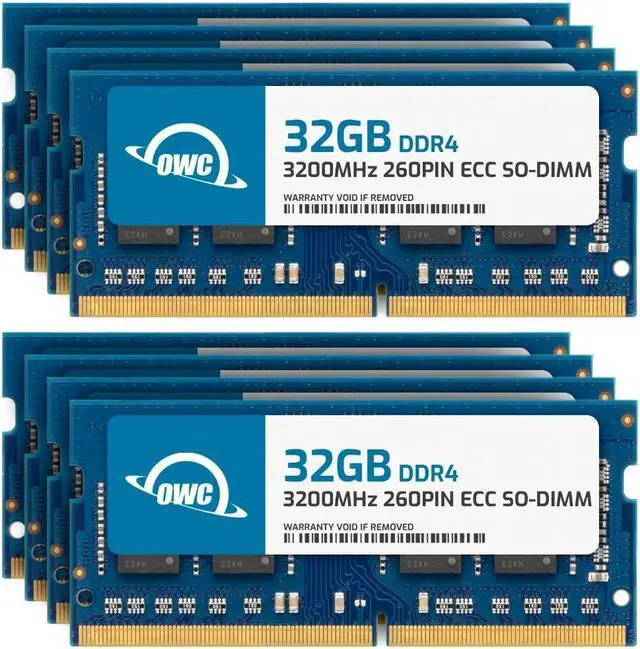
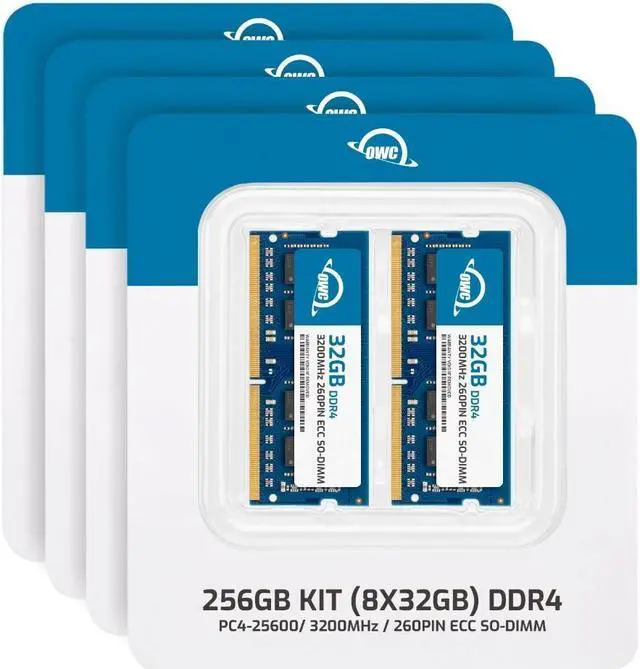
OWC’s 256GB DDR4-3200 ECC SO-DIMM kit includes eight 32GB unbuffered modules for compatible systems with eight available memory slots, such as supported microservers and NAS systems.
| Attribute | Value |
|---|---|
| Best For | Laptops, all-in-one systems, NAS devices, and compatible servers or micro servers |
| Capacity And Kit Configuration | 256GB total in an 8-module kit of 32GB each, configured as a dual-channel kit |
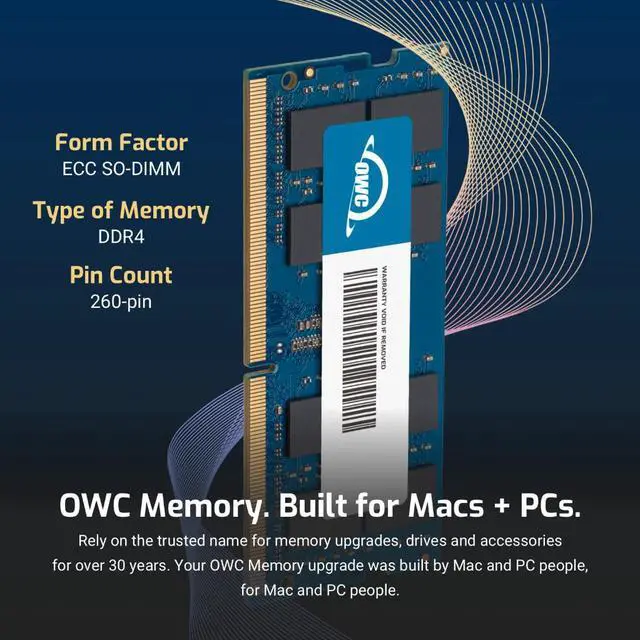
| Memory Type And Form Factor | DDR4 SO-DIMM memory with a 260-pin interface |
| Speed And Latency | 3200 MHz (PC4-25600) with CL22 latency |
| Error Correction And Buffering | ECC memory, unbuffered and unregistered |
| Voltage And Module Design | 1.2V; no heat spreader |
| Model Identifiers | OWC; part number 3C2D42R8256K; model number OWC3C2D42R8256K |
Q: Should I choose OWC’s 256GB or 128GB DDR4-3200 ECC SO-DIMM kit?
A: Choose the OWC 256GB kit when you need up to 256GB and your system supports eight 32GB ECC SO-DIMMs. Choose the 128GB kit when 128GB meets your capacity needs and your system supports its four-module configuration. Both kits are DDR4-3200, CL22, 1.2V, ECC, and 260-pin SO-DIMMs.
Q: OWC’s 256GB ECC kit or 256GB non-ECC kit—which should I pick?
A: Choose the 256GB OWC ECC kit if your system supports ECC and you want memory error-correction capability. The OWC non-ECC 256GB kit offers the same DDR4-3200 speed, CL22 timing, 1.2V voltage, and 260-pin SO-DIMM form factor; select it when your platform is configured for non-ECC memory.
Q: Is OWC’s 256GB kit a better fit than its 128GB kit for an eight-slot system?
A: For a compatible eight-slot system that can use all eight 32GB modules, the OWC 256GB kit provides twice the total capacity of OWC’s 128GB kit made with eight 16GB modules. Both are DDR4-3200 CL22 ECC SO-DIMMs; choose based on the system’s supported maximum capacity and the memory capacity your workloads need.
Q: How can I tell whether this memory will work in my laptop or NAS?
A: Check the exact system model’s specifications or memory compatibility list before buying. It must support DDR4 260-pin SO-DIMM, ECC unbuffered memory, 32GB modules, and the intended total capacity. This kit contains eight modules, so confirm the system has enough slots for all eight.
Q: Will the ECC feature work in any laptop with a SO-DIMM slot?
A: No. A matching SO-DIMM slot alone does not guarantee compatibility. The system must support ECC memory; otherwise, the module may not work as intended or may not be accepted. Check the system’s specifications for ECC support.
Q: Will this DDR4-3200 memory run at 3200MHz in my system?
A: Not necessarily. The memory may run at a lower speed if the system supports a slower DDR4 rate. Check the system’s supported memory speeds; the kit’s 3200MHz rating does not guarantee that every compatible system will use that speed.
Q: Can I install just one or two modules from this kit?
A: The listing describes eight 32GB modules, totaling 256GB. The system must have compatible slots for the modules you plan to install and support the capacity per slot and overall. If you intend to use only part of the kit, check the system documentation for supported module configurations.