- Free 30-day Returns
Meet Your Seller
Wavlink USB 3.0 to SATA I/II/II Dual Bay External Hard Drive Docking Station for 2.5" 3.5" SATA HDD/SSD Enclosure 2x 16TB Hard Drive Enclosure With UASP, Support Offline Clone Duplicator, Auto Sleep
Limited time offer, ends 10/31 By WavlinkOffical
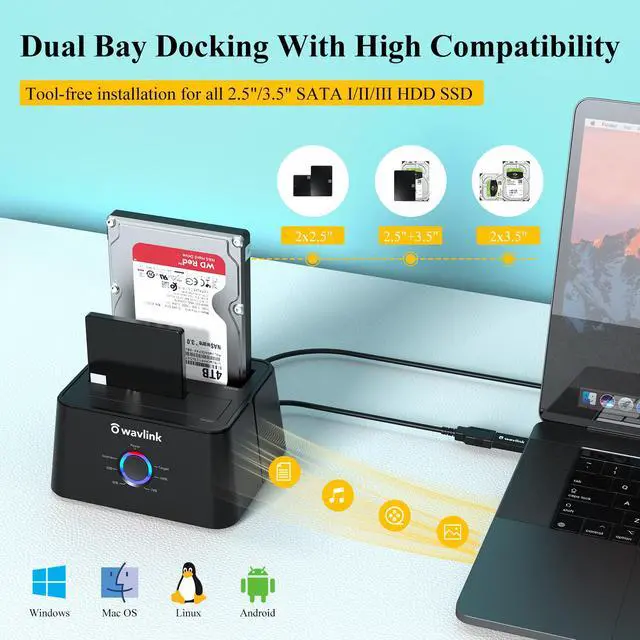
- Support USB 3.0 external, SATA-I/II/III internal; Works great with 2.5 inch and 3.5 inch SATA HDD/SSD.
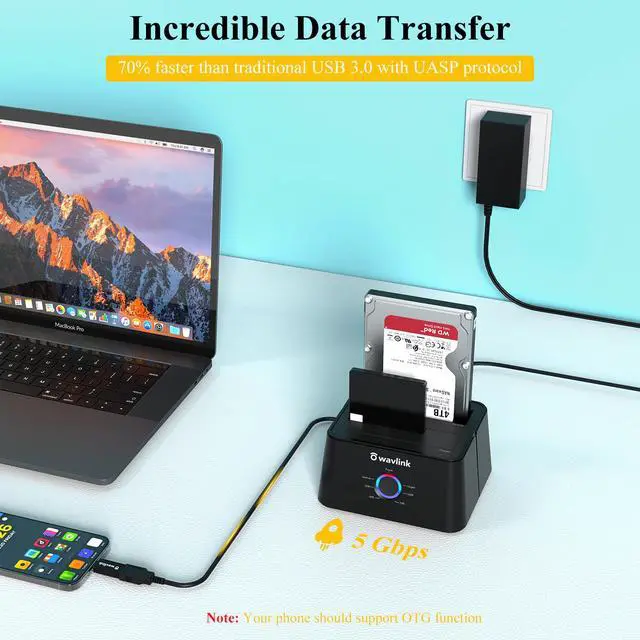
- Support transfer speeds up to 6Gbps by UASP transfer protocol, which is up to 20% faster than USB 3.0. Speeds up to 5Gbps (USB 3.0),480Mbps (USB 2.0), 12Mbps (USB 1.1)
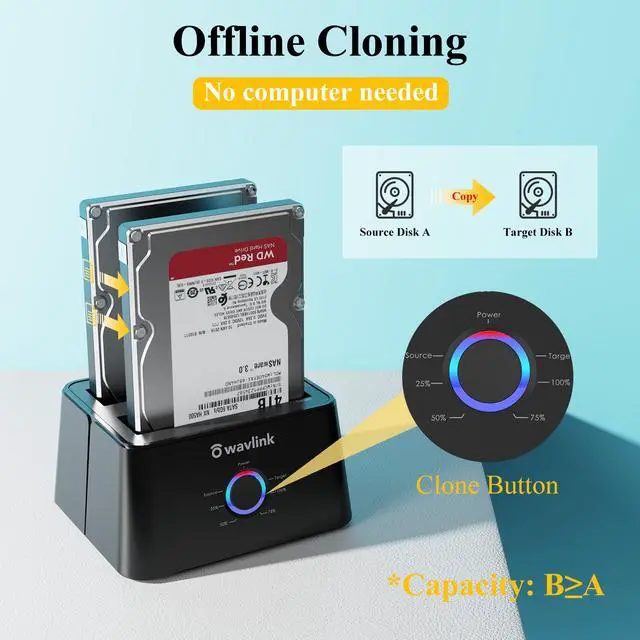
- Support Offline Cloning up to 60Mbps. No drivers needed, easy installation; Offline clone is from source disk to target disk, make sure the capacity of target disk is larger or equivalent to that of source disk; not support online Clone
- Built-in Power Control Switch; Highly efficient (12V, 3A), stable and reliable DC power source a steady supply of energy; Automatic sleep mode after 30 minutes of inactivity saves energy.
- Tool-free installation on Windows 10 through XP, Mac OS X, and Linux / Unix, Support hot-swapping and easy set up.(No drivers are required for the disk dock itself as it uses the standard USB Mass Storage class)
Any questions? Ask CelesteSM will help you find out quickly.
Bring Technology to Life
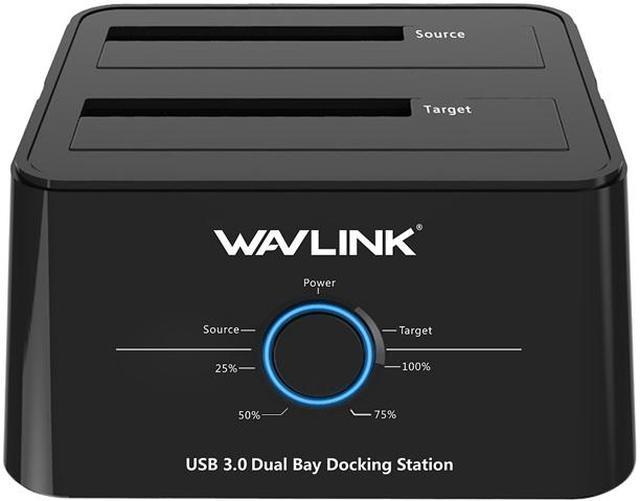
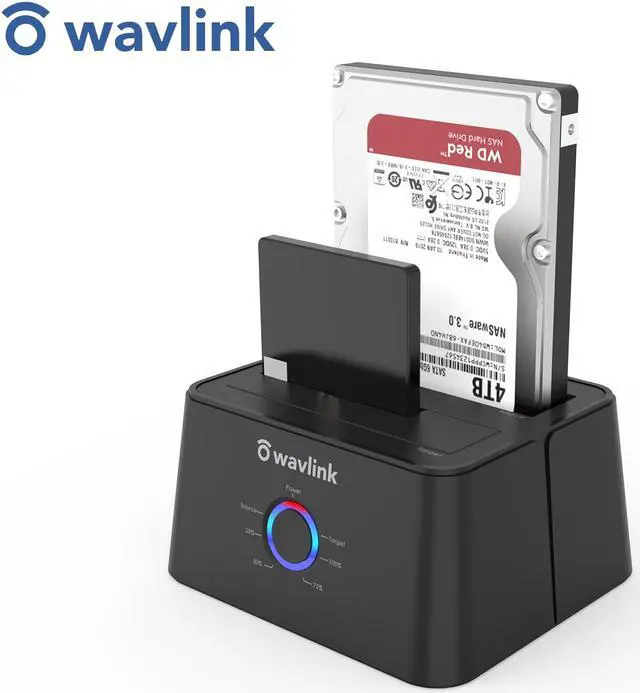
Wavlink USB 3.0 HDD/SDD Storage Docking Station ST334U, allows you to install and access SATA drives quickly.
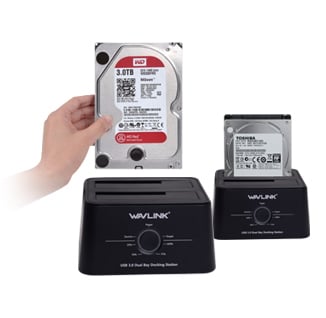
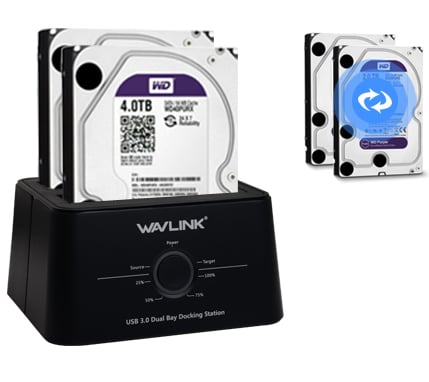
Simply plug the hard drive into the upright dock and connect it to a PC
or computer, select source file and target path, one touch backup and restore.
No need USB connection to operate Clone function and copy mass data
without PC, the process will show on the LEDs light flash.
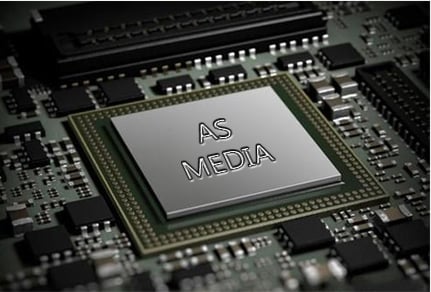
Adopts AS Media high-performance chipset, more fast
write and read speed, excellent cooling and stable.
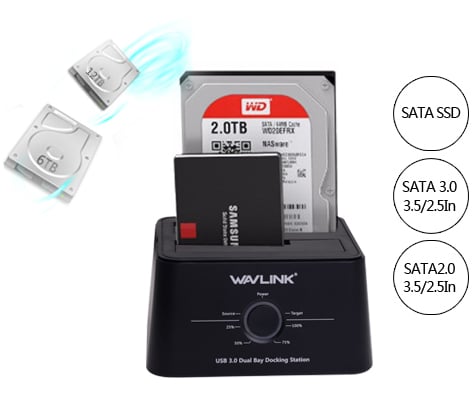
Available for 2.5 inch and 3.5 inch SATA I/II/III Hard Disk Drive and Solid State Disk,
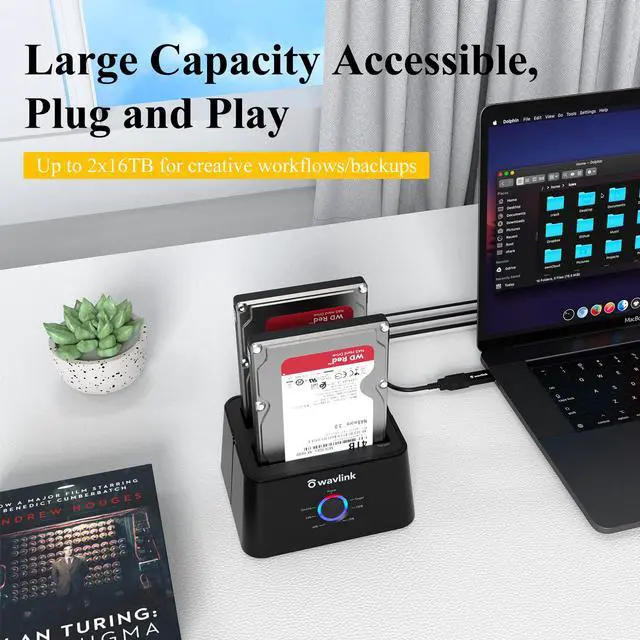
8TB strong capacity for each day, Max up to 16TB extension.
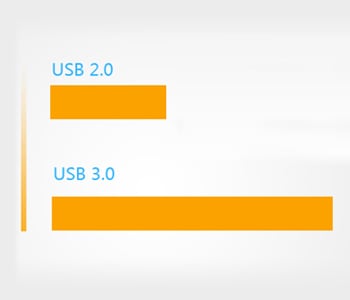
USB 3.0 has a super speed connector that can speed up to 5GB/s, it
is ten times of USB 2.0 and greatly improves the stability of transportation and the
efficiency of energy costing.
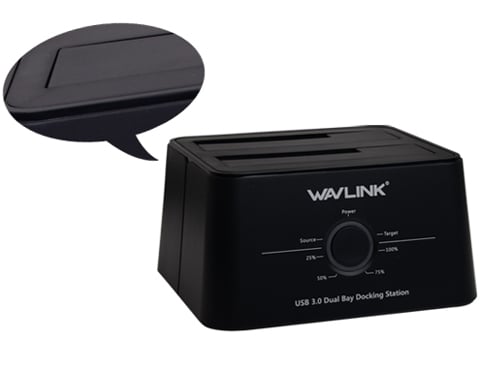
Premium workmanship, smoothly surface, fashionable and artistic performance,
not only a dock, but also a decoration on your desk at home or office.
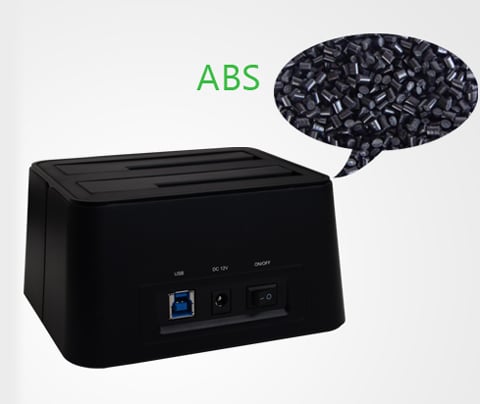
Adopts high-strength ABS plastic material, High impact-resistance,
Excellent heat-and-cold resistance, best environmental performance
Over current and short-circuit protection,
avoid damage to hard disk and protect data security.
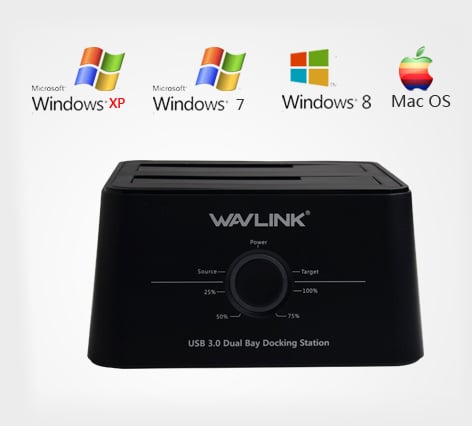
Windows 2K/XP/2003/Vista/7/8/10 with the latest Service Packs
PowerMac G5, Mac Book Pro or Mac Pro
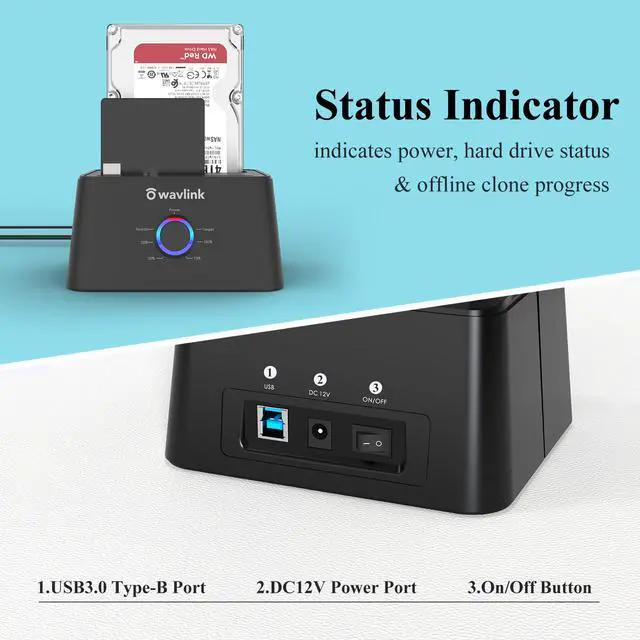
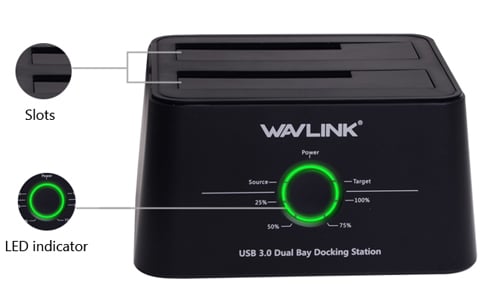
LED indicator for power and HDD access Power and On/Off button
with 12V/3A external independent AC power adapter.
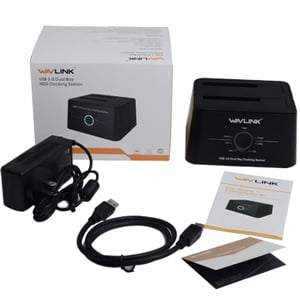
- 1 x Dual Bay SATA HDD Docking Station
- 1 x 12V 3A Power Adapter
- 1 x USB 3.0 Cable
- 1 x User's Manual
- 1 x Warranty Card
Warranty & Returns
Warranty, Returns, And Additional Information
Warranty
- Please contact the Seller directly for warranty information. Warranty information may also be found on the Manufacturer's website.
- CONTACT
Return Policies
- Return for refund within: 30 days
- Return for replacement within: 90 days
- This item is covered by WavlinkOffical Return Policy
Manufacturer Contact Info
- For a directory of all our manufacturers, please click below.
- Manufacturers Directory
The Wavlink 334U-BL is a dual-bay USB 3.0 SATA docking station for managing 2.5-inch and 3.5-inch HDDs or SSDs, suited to users who need tool-free drive access, file transfers, or offline disk cloning.
Recommended For
- PC owners moving a SATA boot drive to a same-size or larger SATA drive who want to clone offline, without running cloning software on the computer. The source drive goes in the source bay and the target in the target bay; the target must be at least as large as the source.
- PC technicians or hands-on troubleshooters who regularly connect loose 2.5-inch or 3.5-inch SATA drives to a computer for file access, imaging, or testing, without installing each drive inside a desktop.
- People recovering files from or reusing SATA drives removed from older or retired computers who want to connect them over USB and browse or copy their data.
- Home or office users who periodically access two bare SATA drives for file transfers or backups and prefer a tool-free, powered USB dock over keeping each drive in its own enclosure.
Real-World Use Scenarios
- When replacing a computer’s SATA drive, place the old drive in the source bay and a same-size-or-larger replacement in the target bay to make an offline clone without running cloning software on a computer. Check the bay positions and target drive carefully before starting.
- When a desktop or laptop is retired, remove its working SATA drive and connect it to a computer through the dock to browse or copy accessible files without installing the drive inside another PC. This helps retrieve files from a usable drive; it does not repair a physically failing drive.
- When moving files between two loose SATA drives, connect both bays to a computer and copy files through the operating system. This is useful for transfers or reorganizing data; the dock provides drive access, while the computer handles the file copy.
- When making a separate, offline copy of a drive for safekeeping, use the standalone clone function and then disconnect and store the destination drive. This creates a drive-to-drive duplicate, but it should not be treated as a substitute for verifying important backups.
- When sorting through spare or newly acquired SATA drives, use the dock to connect them to a computer for tasks such as checking accessible files or formatting them with the computer’s tools before reuse. It offers a convenient temporary drive connection, rather than a fully enclosed setup for drives left connected long term.
Spec Summary
| Attribute | Value |
|---|---|
| Best For | Connecting and managing up to two SATA drives, with support for drive duplication |
| Drive Compatibility And Capacity | Two-bay dock for 2.5-inch and 3.5-inch SATA I/II/III drives, with support for up to 12TB per bay |
| Connectivity And Transfer | USB 3.0 connection with transfer rates up to 5Gbps; supports UASP |
| Cloning And Status Indicators | Supports drive duplication; LEDs indicate power, HDD activity, and clone progress at 25%, 50%, 75%, and 100% |
| Power And Controls | Includes a DC 12V/3A power adapter and a power on/off switch |
| Design And Installation | Black ABS housing with tool-free drive installation |
| Operating System Compatibility | Supports Windows and Mac OS X or later |
| Model Identifiers | Wavlink model 334U-BL |