




 here!
I’m your shopping assistant for PC builds, upgrades, and everything tech.
Got questions? Ask away!
Start a conversation
here!
I’m your shopping assistant for PC builds, upgrades, and everything tech.
Got questions? Ask away!
Start a conversationShipped by Newegg


Make informed decisions with expert advice. Learn More




Any questions? Ask CelesteSM will help you find out quickly.
We want to ensure your holiday shopping this year is hassle-free. That’s why we’re automatically extending our return policies on almost every product! For purchases placed between November 1st, 2026 and December 31, 2026 you will have until January 31, 2027 to return your product.
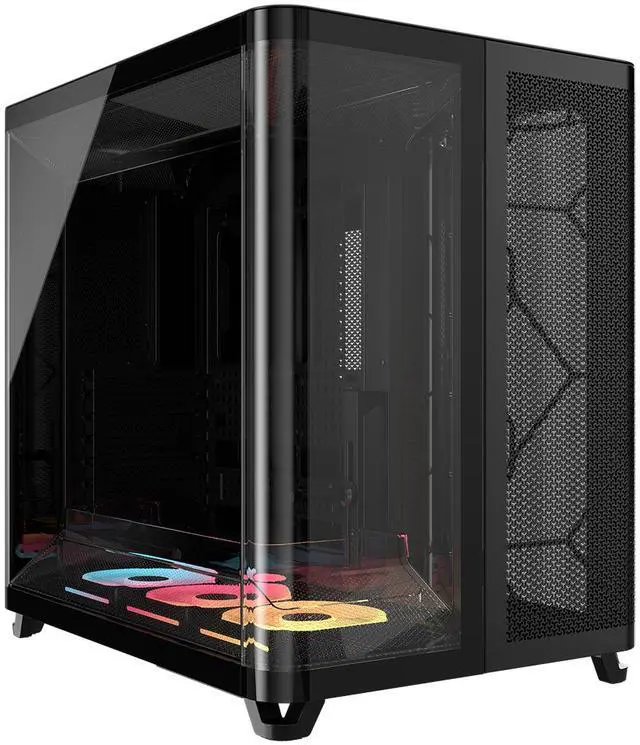
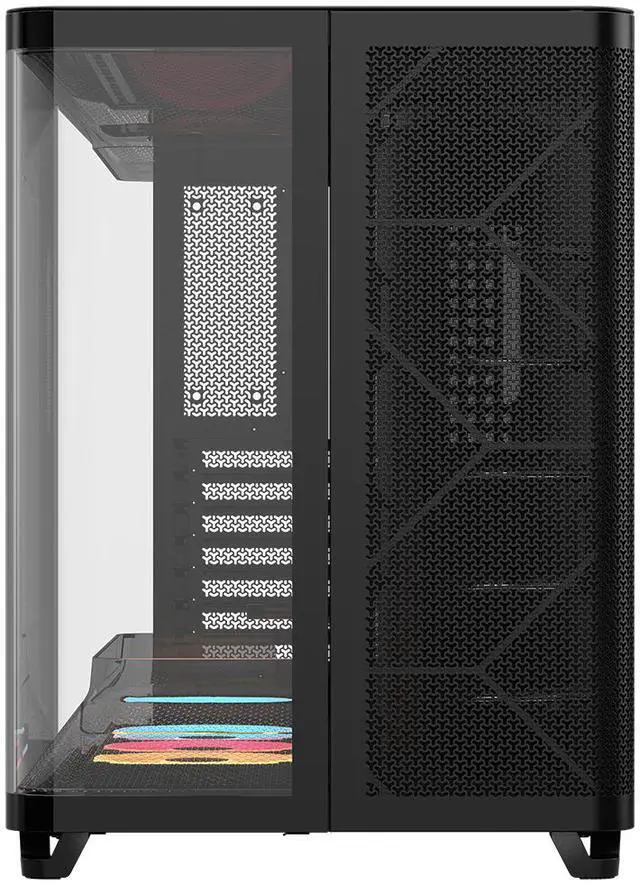
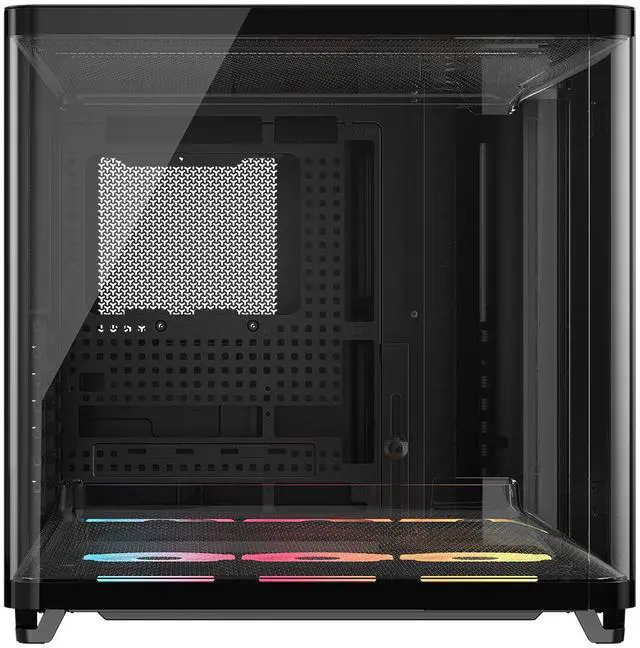
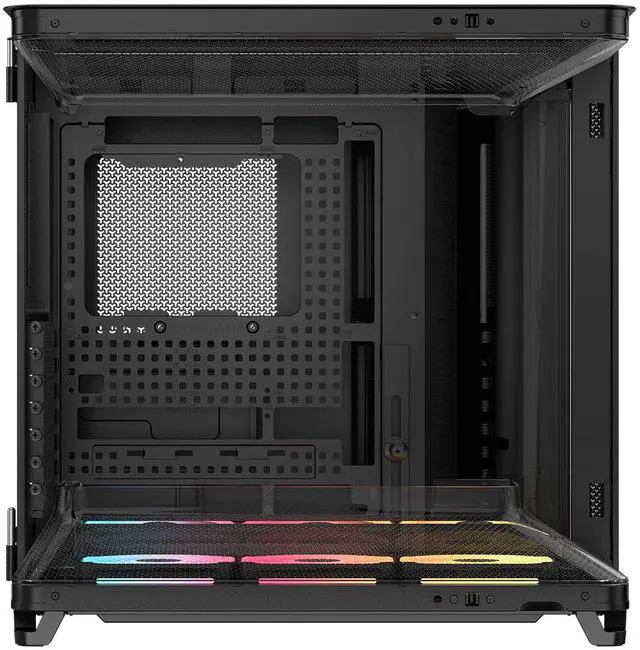
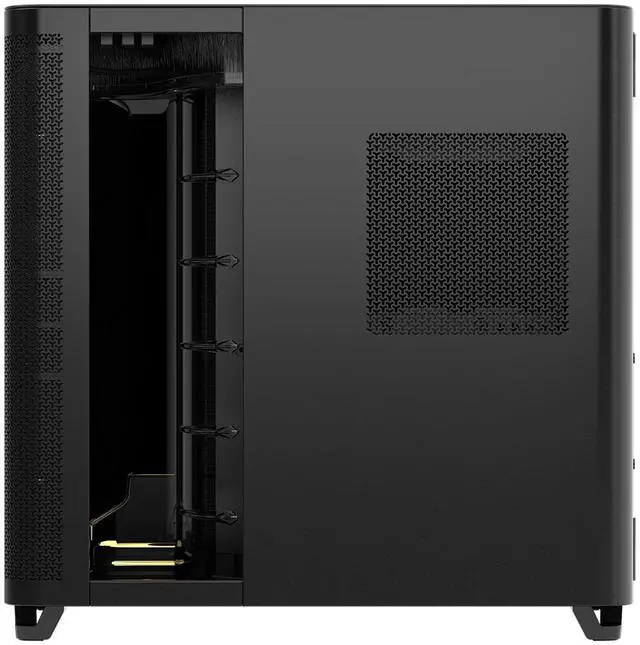
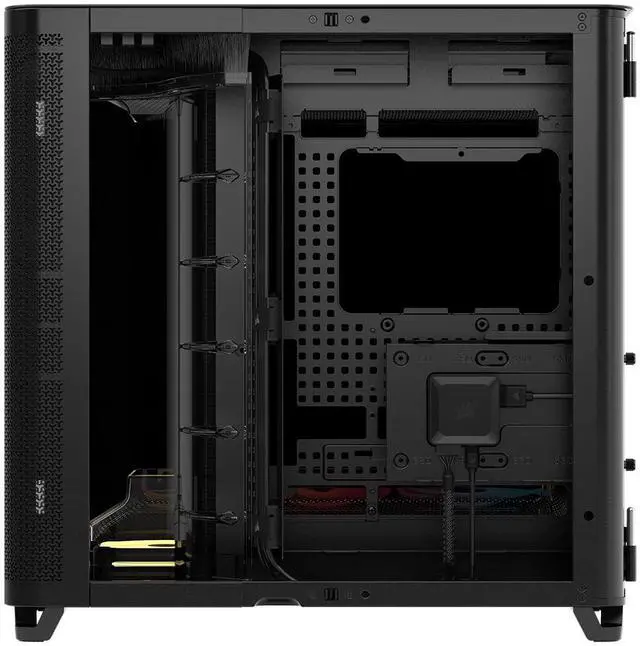
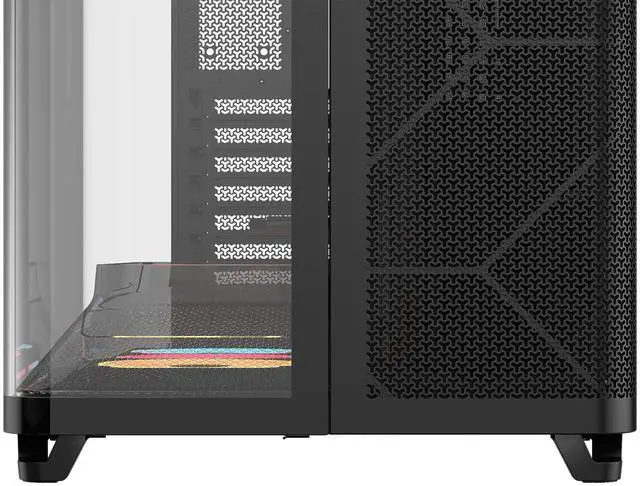
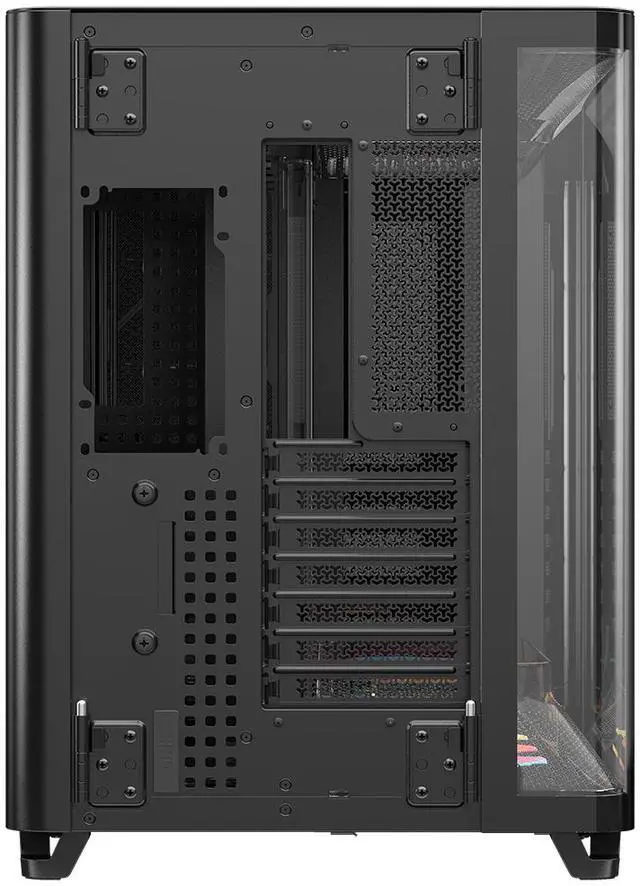
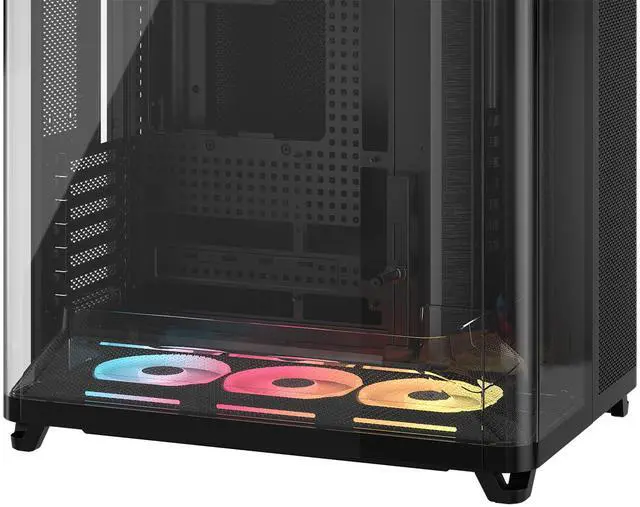
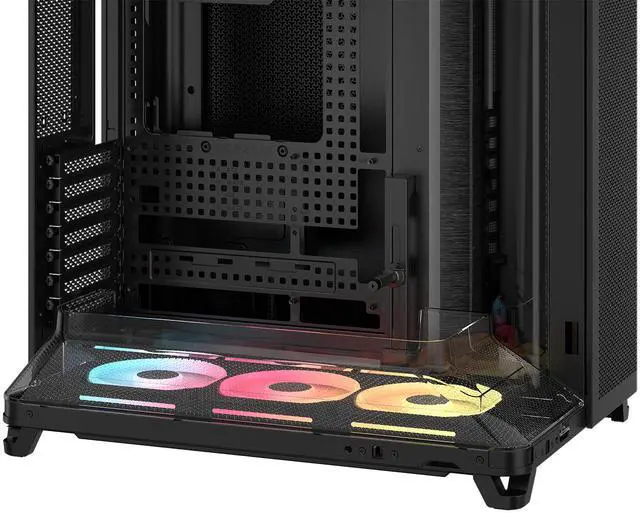
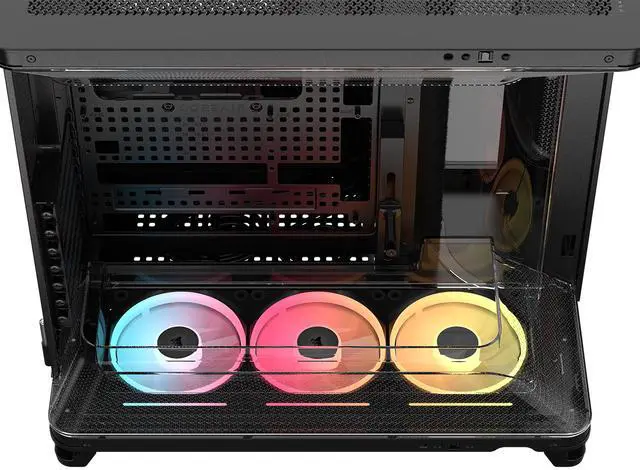
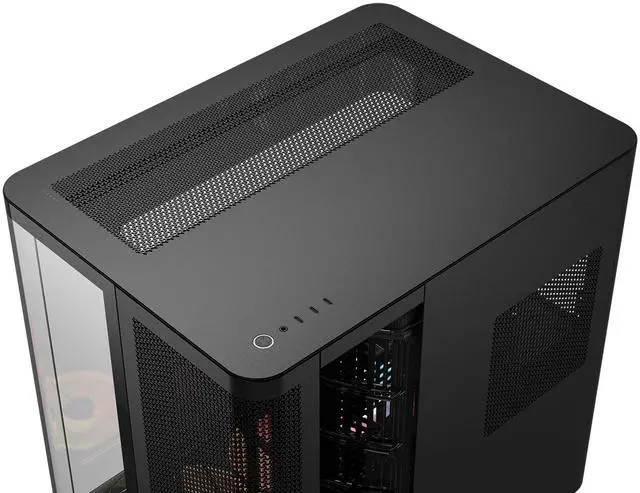
The Corsair AIR 5400 LX-R RGB is a black triple-chamber mid-tower PC case built for high-airflow gaming and showcase desktops, especially for builders using large components, multiple radiators, reverse-connection motherboards, and a clean glass-forward presentation.
| Attribute | Value |
|---|---|
| Best For | Builders seeking a triple‑chamber E‑ATX mid‑tower focused on high airflow and RGB-capable cooling; fits ATX/E‑ATX/micro‑ATX/mini‑ITX motherboards, long GPUs, and multi‑radiator cooling configurations |
| Case And Chassis | E‑ATX mid‑tower chassis in black with steel, tempered glass, plastic and acrylic construction and a tempered glass side panel; 7 expansion slots |
| Motherboard And Expansion | Supports ATX, E‑ATX, Micro‑ATX and Mini‑ITX motherboards; accommodates standard expansion cards and a single expansion slot layout of 7 slots; max GPU length 360 mm, max CPU cooler height 180 mm, max PSU length 200 mm |
| Cooling And Fans | Air cooling with built‑in fans and RGB lighting support; configurable for up to 3×120mm bottom, 3×120mm front, 1×120mm rear and 3×120mm top fans; bottom dust filters included |
| Radiator And Cooling Support | Supports radiators up to 360mm at bottom, front and top, and up to 120mm at rear — suitable for multi‑radiator custom liquid/air hybrid builds |
| Drive Bays And Storage | Internal bays for 1×3.5" drive and 2×2.5" drives for mixed HDD/SSD storage configurations |
| Front I/O And Connectivity | Front panel includes 1× USB 3.2 Gen 2x2 Type‑C, 2× USB 3.2 Gen 1 Type‑C and combined audio in/out for modern peripheral connectivity |
| Dimensions And Weight | 467 × 340 × 470 mm (depth × width × height); item weight 16.7 kg |
| Materials And Panels | Exterior and frame use tempered glass, steel, plastic and acrylic for a mix of structural strength and visible panels |
| Power Supply And Mounting | Designed to accommodate a power supply up to 200 mm; internal catalog lists top-mounted PSU configuration |
| Compatibility And Supported Devices | Compatible with ATX‑form factor motherboards, standard ATX PSUs, standard expansion cards, multiple storage drives and typical cooling systems |
| Model Identifiers | Corsair AIR 5400 LX‑R RGB iCUE LINK — model number CC‑9011320‑WW |
Q: Should I buy the Corsair AIR 5400 LX-R or Corsair 6500D/6500X?
A: Choose the AIR 5400 LX-R if your priority is separating GPU and CPU cooling, using a front-mounted 360mm AIO in its own chamber, and building around a reverse-connection motherboard for a cleaner main compartment. Choose the 6500D or 6500X if you want a more conventional dual-chamber layout with broader fan and radiator placement options, including more 140mm support and larger overall internal flexibility. In short: AIR 5400 LX-R is the better fit for airflow-focused showcase builds with isolated cooling zones, while 6500D/6500X is the safer pick for builders who want a more familiar layout and wider configuration freedom.
Q: Is the AIR 5400 LX-R worth it over the cheaper AIR 5400 RS-R?
A: Buy the AIR 5400 LX-R if you specifically want the iCUE LINK ecosystem, pre-installed LX-R reverse-rotor RGB fans, and simpler cable management through Corsair's LINK-based setup. Buy the AIR 5400 RS-R if you want the same core chassis, triple-chamber airflow concept, and similar hardware compatibility at a lower entry cost. The decision is mostly about included fan platform and ecosystem preference, not a major difference in the underlying case design.
Q: Corsair AIR 5400 LX-R or Corsair 5000D Airflow for a high-end gaming build?
A: Choose the AIR 5400 LX-R if you want a more specialized layout that gives the GPU more unobstructed breathing room and keeps the CPU radiator isolated from the main chamber. Choose the 5000D Airflow if you want a more traditional mid-tower that is easier to understand, easier to populate with mixed parts, and often a more practical value choice for standard ATX builds. The AIR 5400 LX-R makes more sense when cooling layout and visual separation are part of the buying goal; the 5000D Airflow makes more sense when you want a straightforward airflow case without changing how you build.
Q: Is the AIR 5400 LX-R a real upgrade from older dual-chamber or standard mid-tower cases?
A: Yes, if your goal is cleaner airflow separation and a more organized showcase build. Reviews and community discussion consistently frame the AIR 5400 as a modernized return to Corsair's older Air 540 idea, but with stronger support for current parts such as reverse-connection motherboards, large GPUs, and dedicated radiator placement. It is a meaningful upgrade for builders who care about cooling layout and presentation. It is a smaller upgrade if your current case already handles your thermals well and you do not need the triple-chamber design.
Q: Should I choose the AIR 5400 LX-R for portability or for maximum cooling and presentation?
A: Choose the AIR 5400 LX-R for maximum cooling layout, cable concealment, and display-focused builds, not for portability. Its large footprint and 16.7 kg weight make it better suited to a permanent desk setup than a build that will be moved often. If you want a case for frequent transport, a lighter and more conventional mid-tower is usually the better fit. If your PC will stay in one place and you want the thermal and visual advantages of the triple-chamber design, the AIR 5400 LX-R is the more suitable choice.
Q: Is this case mainly for high-airflow showcase builds, or is it also practical for normal ATX gaming PCs?
A: It is best suited to airflow-focused showcase builds, but it still works for standard ATX gaming PCs. The main reason to choose it is the combination of a triple-chamber layout, wraparound tempered glass, preinstalled reverse-rotor RGB fans, and support for large cooling setups. If you just want a simpler, lower-cost ATX case, a more conventional airflow case is usually the better value.
Q: Can you use a normal motherboard, or is this case only for BTF and back-connector boards?
A: You can use a normal motherboard. Support for ASUS BTF, MSI Project Zero, and Gigabyte reverse-connector designs is an extra compatibility feature, not a requirement. This makes the case a better fit for buyers who may want a cleaner hidden-cable build now or in a future upgrade, but it does not force you into a back-connector motherboard.
Q: Is it a good choice for large GPUs and heavy liquid cooling?
A: Yes. On paper, it is built for large, performance-oriented parts: it supports E-ATX motherboards, GPUs up to 360 mm, CPU coolers up to 180 mm, and up to three 360 mm radiator positions. That makes it a strong option for high-end gaming or creator builds, especially if you want more cooling flexibility than a typical mid-tower offers.
Q: What are the main trade-offs versus a cheaper airflow case like the Corsair 6500D or NZXT H6 Flow-style alternatives?
A: The AIR 5400 LX-R makes more sense if you specifically want a premium glass-heavy design, reverse-rotor RGB presentation, iCUE LINK hardware in the box, and support for reverse-connector motherboards. The trade-offs are cost, size, and weight. Buyers who mainly care about airflow and straightforward building can often get similar functional results from cheaper dual-chamber airflow cases with fewer included premium extras.
Q: Is this case a good pick if I need lots of front ports and simple cable management?
A: Yes, if front connectivity and a clean-looking build matter to you. The case includes three front USB-C ports and Corsair's RapidRoute 2.0 cable-management design, which is more generous than many mainstream cases. The limitation is storage expandability: it only includes support for one 3.5-inch drive and two 2.5-inch SSDs, so it is better for modern SSD-focused builds than storage-heavy systems.
Q: Is the Corsair AIR 5400 LX-R a good choice if I want strong airflow and a clean-looking build?
A: Yes, if your priority is cooling-focused layout plus clean cable presentation. Reddit and YouTube discussion repeatedly focuses on the triple-chamber design, easy cable routing, and the included reverse-rotor iCUE LINK fans. It is a better fit for showcase builds and high-airflow systems than for buyers who just want the simplest or cheapest mid-tower.
Q: Who is the AIR 5400 LX-R most suitable for?
A: It is most suitable for builders using modern ATX or E-ATX gaming hardware, especially those planning a 360 mm radiator, a back-connect motherboard, or a visually clean RGB build. It is less suitable for compact-space builds, heavy storage needs, or buyers who do not care about the iCUE LINK ecosystem.
Q: What are the main trade-offs of buying the AIR 5400 LX-R instead of a more conventional mid-tower?
A: The main trade-offs are size, price, and specialization. Discussion around the case consistently highlights that it is a large, premium chassis built around airflow zoning and radiator placement rather than maximum simplicity. You gain cleaner presentation, front USB-C connectivity, and strong cooling support, but you give up compactness and broad value appeal.
Q: Is the AIR 5400 LX-R a good case for air cooling, or is it mainly for AIO builds?
A: It can support air cooling, but it is better aligned with AIO-focused builds. The product layout reserves an isolated chamber for a 360 mm radiator, and community discussion repeatedly frames the triple-chamber concept around separating CPU radiator heat from GPU heat. If you specifically want a large air cooler and do not plan to use a radiator, a more conventional airflow case may be the more natural fit.
Q: Is the AIR 5400 LX-R worth buying if I am not already using Corsair iCUE LINK parts?
A: It depends. The case still offers its core layout, motherboard support, and airflow features without other Corsair parts, but the included LX-R iCUE LINK fans and hub add the most value when you plan to use that ecosystem. If you prefer a simpler standard-fan setup and do not care about iCUE LINK integration, the case may be harder to justify on value alone.


