




 here!
here!
I’m your shopping assistant for PC builds, upgrades, and everything tech.
Got questions? Ask away!
Start a conversation
here!
I’m your shopping assistant for PC builds, upgrades, and everything tech.
Got questions? Ask away!
Start a conversation Hot Seller
Make informed decisions with expert advice. Learn More




Any questions? Ask CelesteSM will help you find out quickly.
/11-352-109/1-logo.jpg)
/11-352-109/2_Key-Visual_Define-7-BK-Solid.jpg)
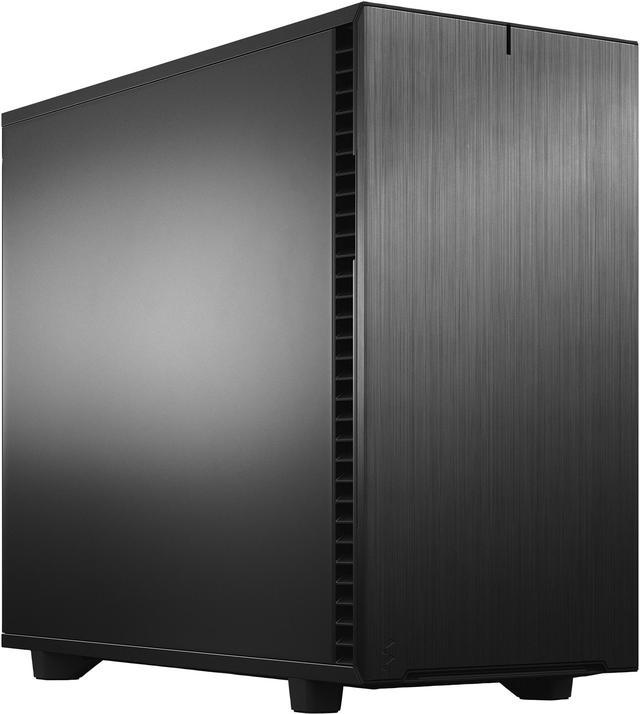
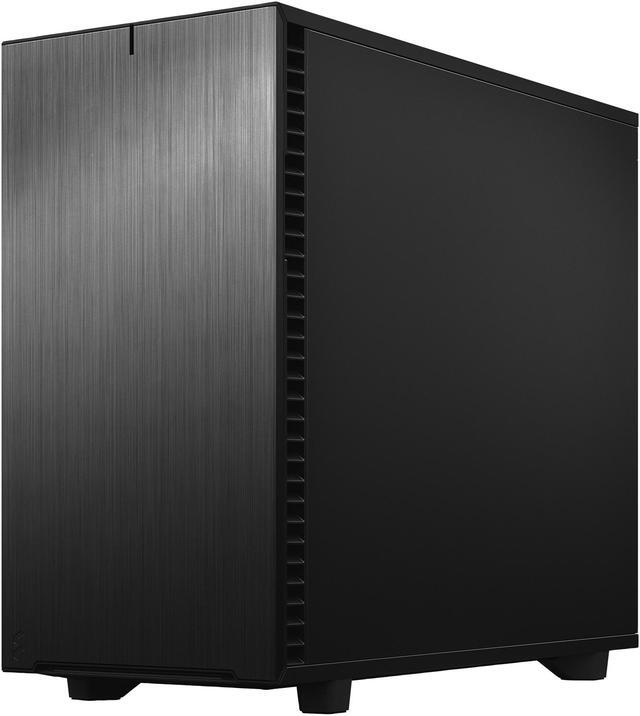
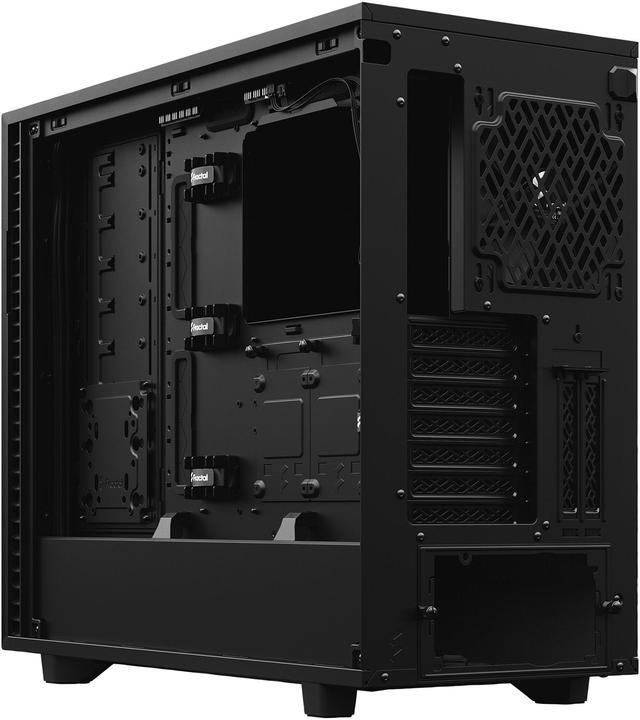
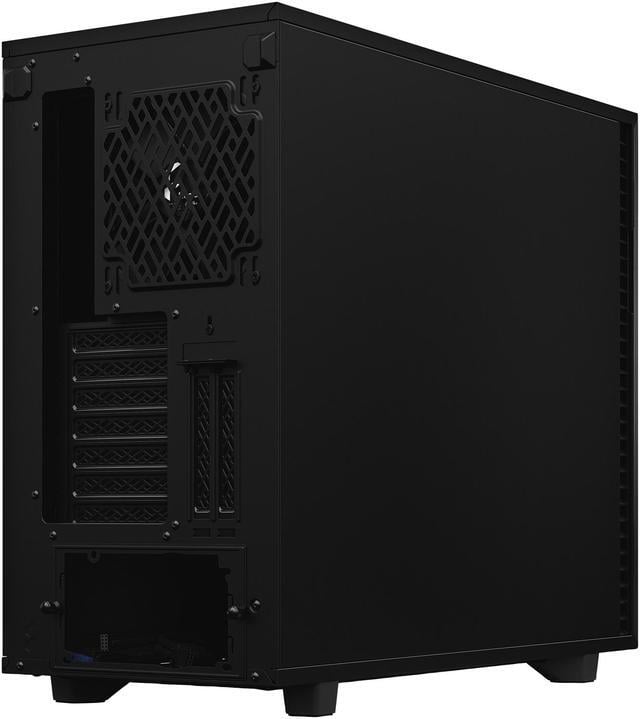
The Define 7 is the latest pinnacle of the renowned Define series, setting a new standard for what you should expect from a mid-tower case when it comes to modularity, flexibility and ease of use. The dual-layout interior, industrial sound damping, and classic styling make it an easy choice for any design-conscious PC builder in need of a versatile and dependable case that accommodates ambitious builds and leaves you room to grow.
/11-352-109/3-feature.jpg)
/11-352-109/4-GENEROUS-SPACE.jpg)
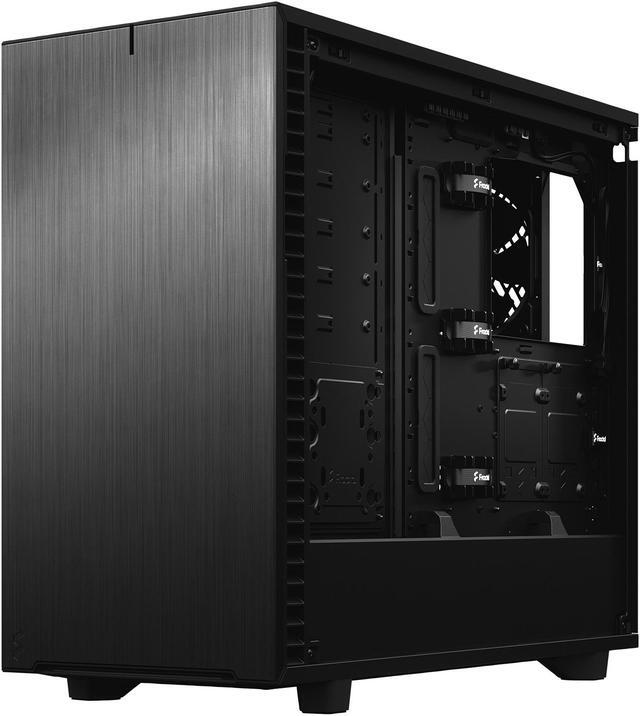
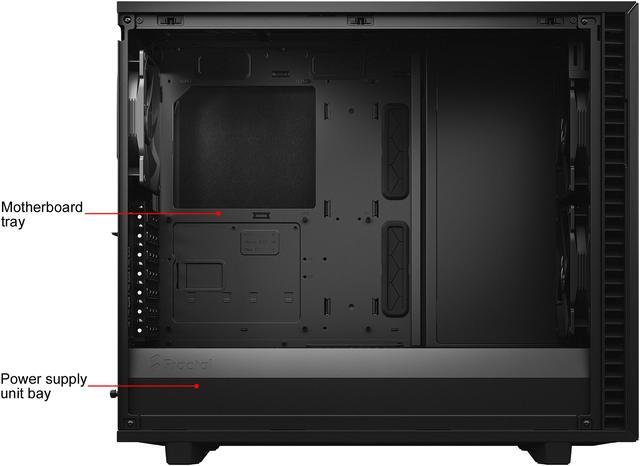
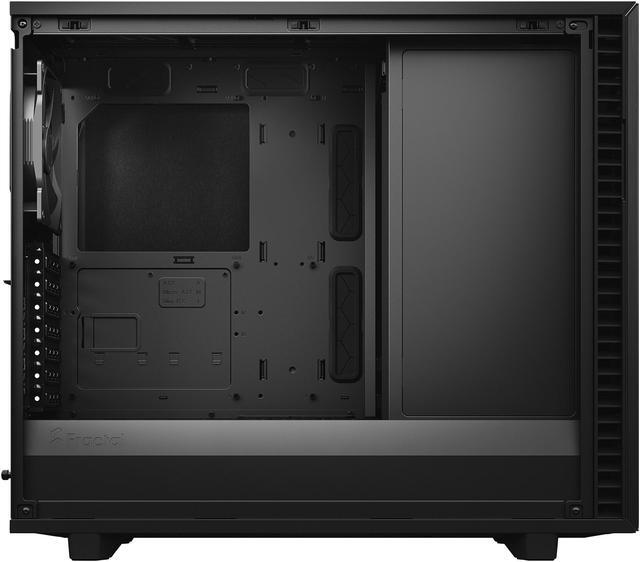
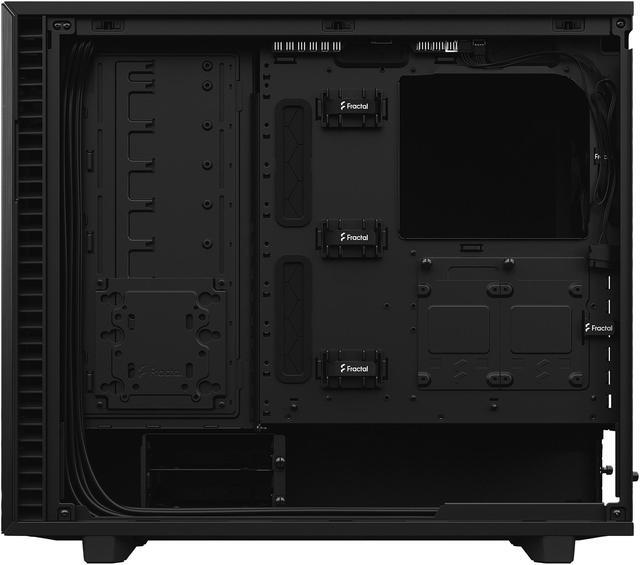
Define 7’s roomy internal layout easily accommodates large motherboards up to and including 285 mm E-ATX.
You’ll find more than enough space for your custom water loop with large reservoirs and radiators up to 420 mm in the default Open Layout.
/11-352-109/5-FLEXIBLE-DUAL-LAYOUT-DESIGN.jpg)
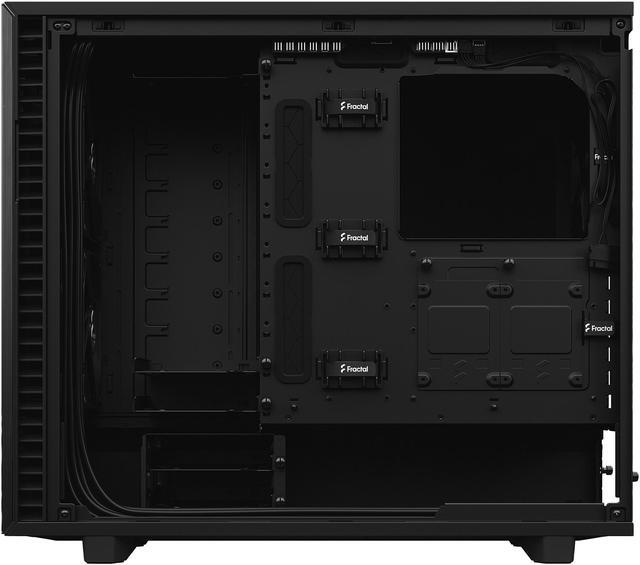
Convert to Storage Layout and install up to 14 HDDs alongside four dedicated SSDs mounts.
(6 HDD/SSD trays + 2 SSD brackets + 1 multi-brackets included)
/11-352-109/6-SUPERLATIVE-STORAGE.jpg)
/11-352-109/7-Side-Top_BK-Solid.jpg)
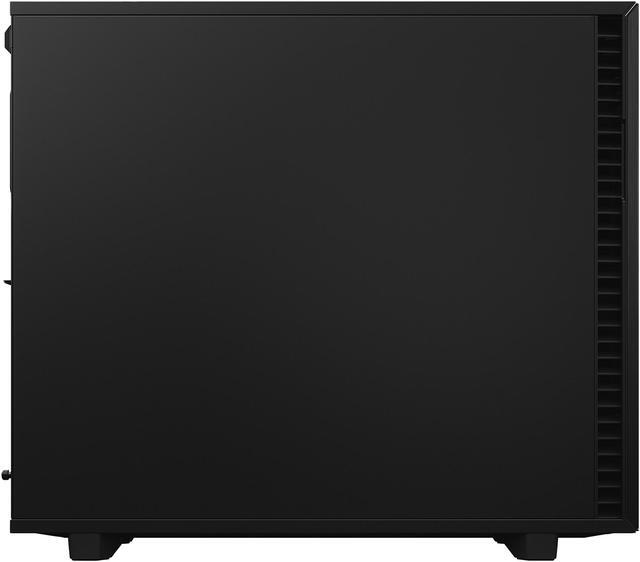
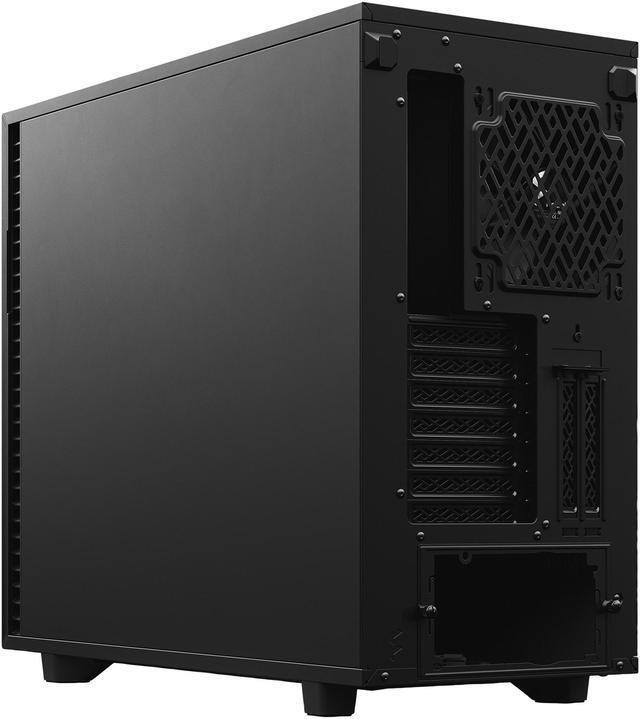
Solid construction with industrial high-density sound damping helps maintain whisper silent operation.
/11-352-109/8-EXCEPTIONALLY-SILENT.jpg)
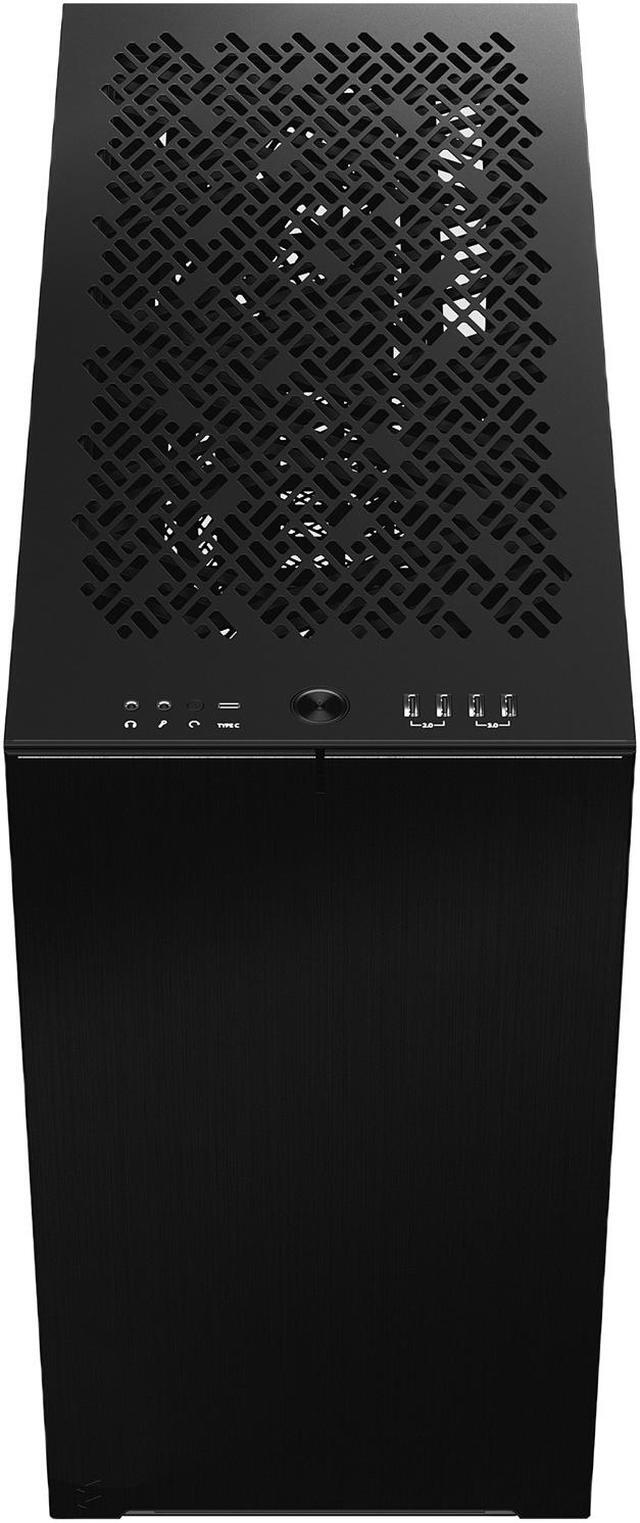
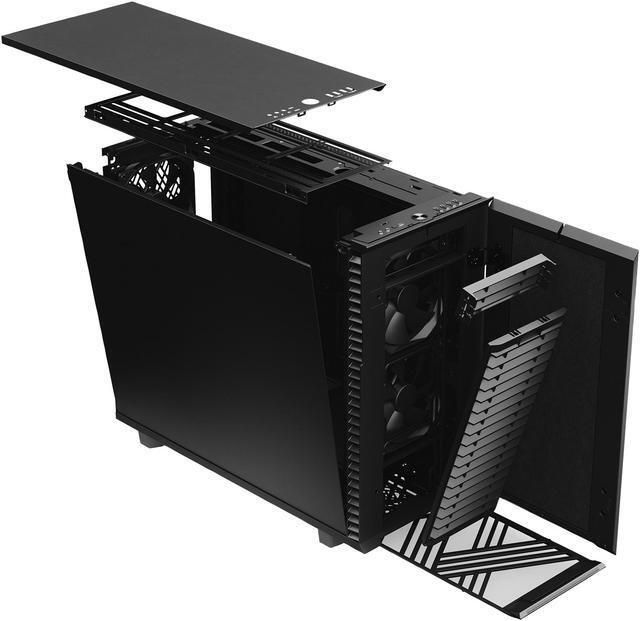
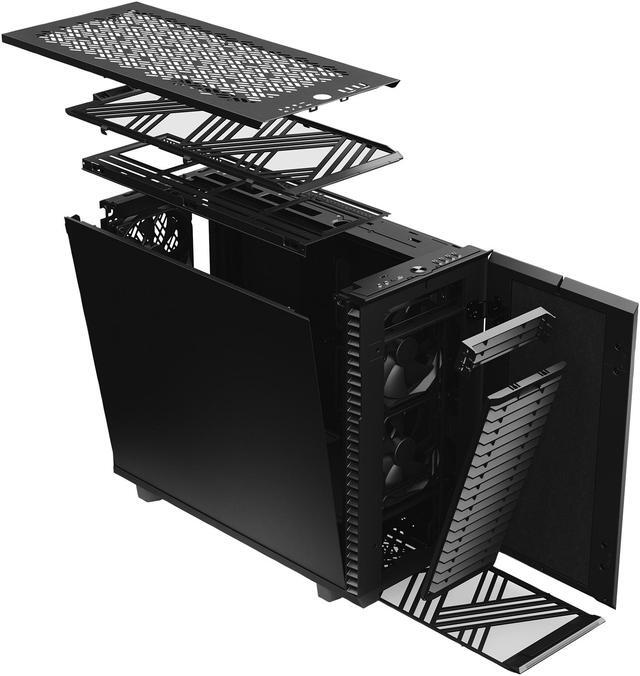
Remove the entire top to build and route with zero hindrance. Swap in the ventilated panel to add three filtered fan positions.
/11-352-109/9-OPEN-AND-INTERCHANGEABLE.jpg)
/11-352-109/10-ELEGANT-NEW-FRONT-DESIGN.jpg)
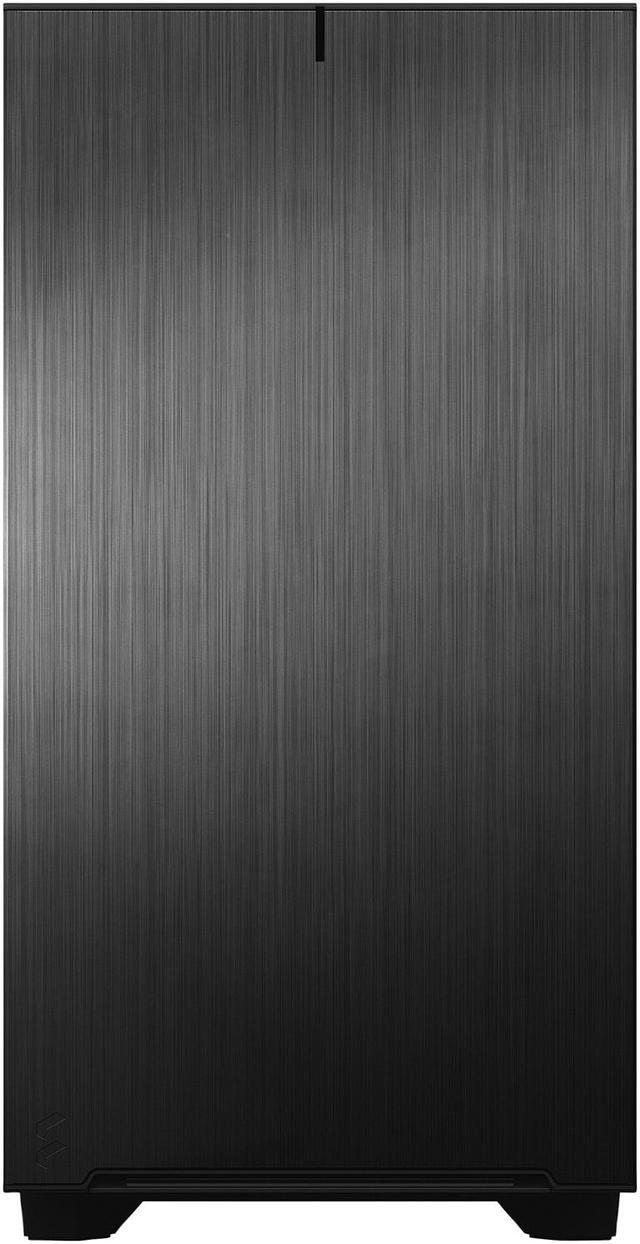
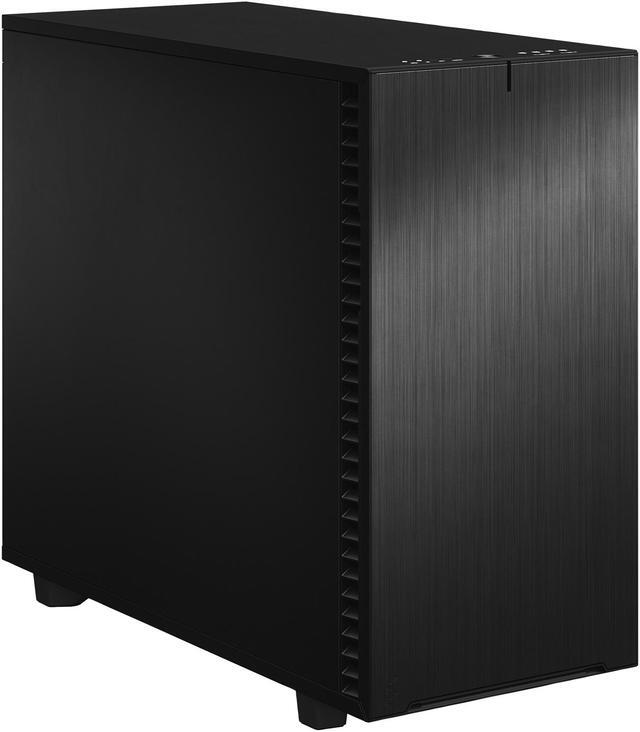
Brushed aluminum encases a refined front door design with reversible dual-handed hinges and magnetic latching.
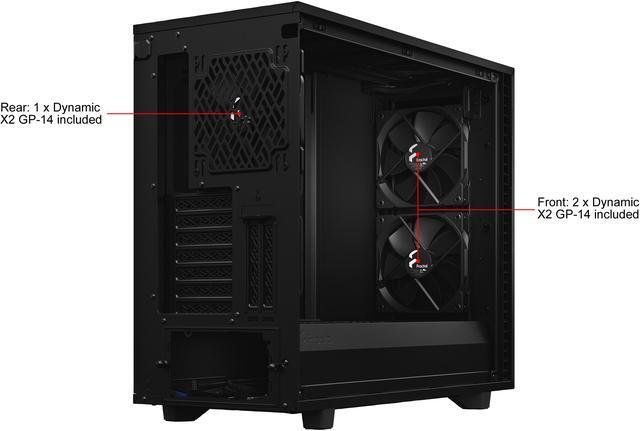
Three Dynamic X2 GP-14 fans come preinstalled with room to expand up to a total of nine fans.
/11-352-109/11-SUPERIOR-AIRFLOW.jpg)
/11-352-109/12-VERSATILE-NEW-MULTI-BRACKETS.jpg)
The included multi-bracket lets you convert any unused fan position or one of several dedicated mounting locations.
The sturdy build and vibration damped trays means secure fastening and silent operation for all your storage devices.
/11-352-109/13-REDESIGNED-HDD-CAGES.jpg)
/11-352-109/14-TYPE-C-INTERFACE.jpg)
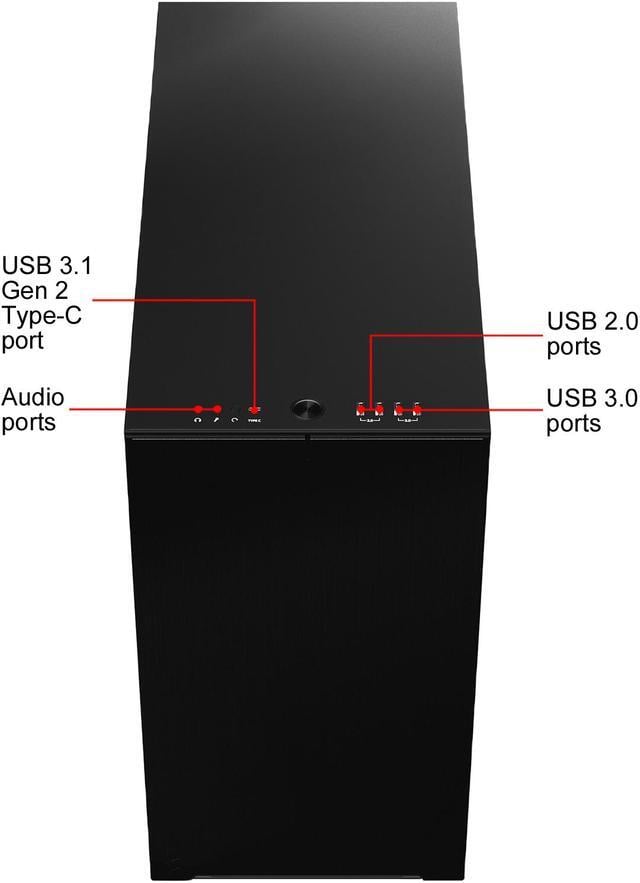
USB 3.2 Gen 2x2 Type-C front I/O offers quick access to fast charging and speeds up to 20Gbps.
/11-352-109/15-Extra-feature_BK-Solid.jpg)
/11-352-109/16-what's-included.jpg)
/11-352-109/17-front-look_Define-7-BK-Solid.jpg)
/11-352-109/18-Fan_parts_Define-7-BK-solid.jpg)
/11-352-109/19-Acc-box-contents_Define-7.jpg)
/11-352-109/20-Available-Upgrades_Define-7.jpg)
The Fractal Design Define 7 is a silent-focused mid-tower PC case for builders who want a clean black chassis with broad compatibility, fitting up to 285 mm E-ATX boards, large air coolers, long GPUs, and flexible storage or liquid-cooling layouts.
| Attribute | Value |
|---|---|
| Best For | Builders who need an E-ATX-capable mid-tower that supports extensive water-cooling and large storage arrays while prioritizing quieter operation |
| Chassis & Materials | Steel chassis with an anodized aluminum front panel, black finish, and a non-windowed side panel with sound-damped panels for quieter operation |
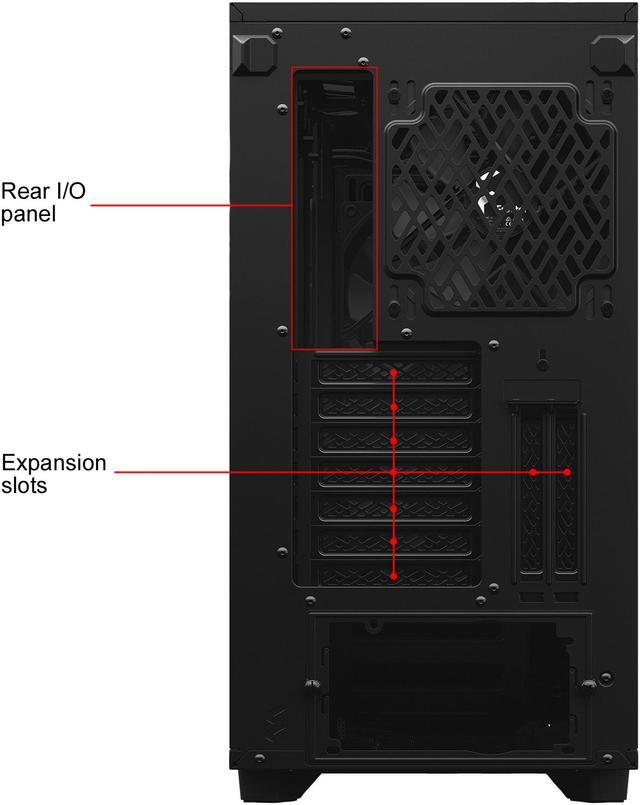
| Motherboard And Expansion | Supports ATX, E-ATX (up to 285 mm), microATX and Mini-ITX with 7 standard expansion slots plus 2 vertical slots for riser-mounted GPUs |
| Drive Bays And Storage | Modular dual-layout: convert between a storage layout (up to 14 x 3.5" HDD positions and 4 x 2.5" SSD positions) and a standard layout with one external 5.25" bay; includes multiple HDD/SSD trays and brackets |
| Cooling And Fans | Nine fan mounts total with three Dynamic X2 GP-14 fans preinstalled (two front 140 mm, one rear 140 mm) plus support for additional fans and an internal fan hub for PWM/3-pin fans |
| Radiator Support | Front up to 360 mm, top up to 420 mm (also supports 360 mm), rear 120 mm, bottom up to 240/280 mm — supports large custom AIO/loop configurations |
| Front I/O And USB | Five front USB ports including one Type-C high-speed port (internal lists USB 3.2 Gen 2x2 Type-C) plus additional USB 3.0 and USB 2.0 ports and dual audio jacks |
| Compatibility & Clearance | Maximum GPU length 491 mm, CPU cooler height up to 185 mm, and PSU length up to 250 mm with HDD cage installed |
| Power Supply And Mounting | No included power supply; supports standard ATX PSUs mounted at the bottom with a ventilated two-part PSU shroud for front radiator clearance |
| Filters, Panels And Access | Top panel swaps between sound-damped steel and filtered ventilation; removable high-airflow nylon filters on front, top and base; tool-less top-latching panels for quick access |
| Notable Features | Dual-layout interior that opens on three sides for easier installation and cable routing, reversible hinged aluminum front, multi-brackets for converting fan positions to pump/HDD/SSD mounts, bridgeless expansion slots, and an internal Nexus+ 2 fan hub |
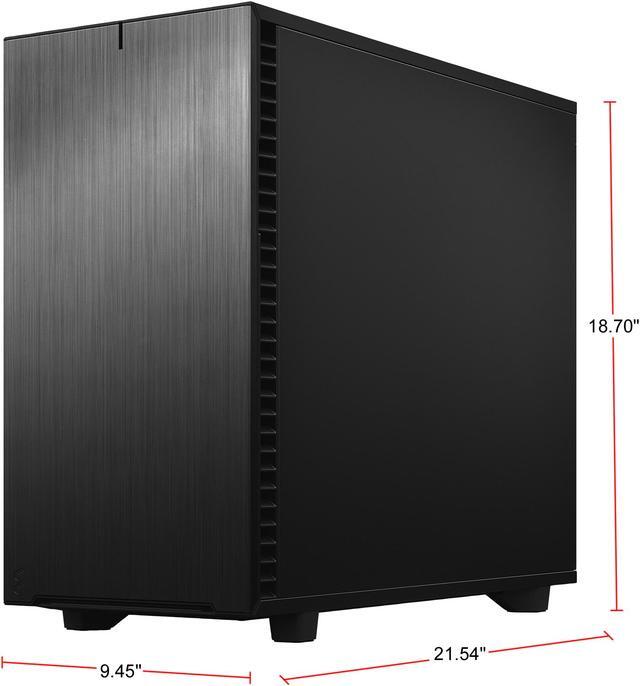
| Dimensions & Weight | External dimensions 21.54" x 9.45" x 18.70" and weight 29.65 lbs |
| Package Contents | Case with accessory box, user manual, ventilated top, and included HDD/SSD trays/brackets (Define 7 package items listed) |
| Model Identifiers | Fractal Design Define 7 series, model FD-C-DEF7A-01 |
Q: Should I buy the Fractal Design Define 7 or the Fractal Meshify 2?
A: Choose the Fractal Design Define 7 if you want a quieter build, more enclosed styling, and stronger focus on storage flexibility. Choose the Meshify 2 if your priority is higher airflow for hotter gaming or workstation parts. Multiple reviews and community comparisons treat them as closely related designs with the main difference being front-panel airflow versus sound-damped panels, so the Define 7 fits noise-conscious and storage-heavy builds while the Meshify 2 fits performance-first cooling setups.
Q: Is the Define 7 worth it over the Define 7 Compact?
A: Buy the full Define 7 if you need more expansion room for large GPUs, more radiator headroom, or a higher-drive storage layout. Buy the Define 7 Compact if you want the same general quiet-case design language in a smaller footprint for a standard ATX build. The full Define 7 is the better choice when flexibility matters more than desk space, especially for custom cooling or multi-drive systems.
Q: Is the Define 7 a better upgrade than the older Define R6?
A: The Define 7 is the better upgrade if you want newer front I/O, easier access panels, and a more refined modular interior while keeping the same quiet-focused Define concept. The Define R6 already offered strong silence and flexibility, so the upgrade is most useful for builders who want the updated layout, Type-C front connectivity, and improved serviceability rather than a completely different thermal profile.
Q: Should I get the Define 7 or be quiet! Silent Base 802 for a quiet high-end PC?
A: Choose the Define 7 if you want stronger storage flexibility and Fractal's dual-layout approach for switching between open and storage-focused builds. Choose the Silent Base 802 if you want a quiet case that also emphasizes panel-swapping versatility, including its airflow-oriented configuration and inverted-layout option. Both target quiet enthusiast builds, but the Define 7 is a better fit for users who value modular storage and a more traditional closed-front Define design.
Q: Is the Fractal Design Define 7 a good choice if I want a quiet PC more than maximum airflow?
A: Yes. The Define 7 is best for buyers who prioritize low noise, clean design, and flexible internal layout over maximum stock airflow. Its sound-damped steel panels, solid side panel, and included solid top panel are built for quieter operation, while the alternate ventilated top lets you trade some silence for better cooling. If your priority is the coolest possible GPU temperatures at the same price, a mesh-front airflow case is usually the better fit.
Q: Who is the Define 7 most suitable for?
A: The Define 7 is most suitable for workstation, creator, home server, and quiet enthusiast builds. It fits large components, supports E-ATX boards, has room for extensive storage, and allows either a cooling-focused or storage-focused layout. It is less suitable for buyers who mainly want a compact case, a glass-showcase look, or the highest airflow-per-dollar for gaming.
Q: Can the Define 7 handle large GPUs, big air coolers, and liquid cooling without major fit issues?
A: Yes. The Define 7 is designed for large hardware and is a strong fit for high-end builds that need clearance. Based on the provided specs, it supports GPUs up to 491 mm, CPU coolers up to 185 mm, and radiators up to 420 mm on top, which is more flexible than many mainstream mid-towers. The main trade-off is that storage cages and quieter closed panels can limit airflow compared with a more open mesh case, so planning the layout still matters.
Q: Is the Define 7 better than an airflow-focused case like the Corsair 4000D Airflow?
A: It depends on your priority. Choose the Define 7 if you want quieter operation, more storage flexibility, an optical drive bay, and more modular layout options. Choose an airflow-focused case like the 4000D Airflow if you care more about lower thermals, simpler gaming builds, and better airflow value. In short: Define 7 is the better quiet modular case; 4000D Airflow is usually the better pure airflow case.
Q: Is the Define 7 a good buy for a storage-heavy build or NAS-style desktop?
A: Yes, if you want a tower case that can hold many drives without moving to a full server chassis. The Define 7 supports up to 14 total 3.5-inch drive positions in Storage Layout and also keeps room for SSDs, making it unusually flexible for storage-heavy desktop builds. The trade-off is size and weight: it is much larger and heavier than typical mid-tower gaming cases, so it makes more sense for stationary systems than for simple mainstream builds.
Q: Is the Fractal Design Define 7 a good buy if I want a quiet workstation or storage-focused PC?
A: Yes, if your priority is low noise, strong dust filtering, and flexible internal layout. The Define 7 is better suited to workstation, NAS, or multi-drive builds than to maximum-airflow gaming builds. It supports up to 14 hard drives in Storage Layout, includes sound-damped panels, and has broad motherboard and radiator support. The main trade-off is that quieter solid-panel design generally gives up some cooling performance versus mesh-front cases.
Q: Is the Define 7 a good case for a high-airflow gaming build?
A: Usually not as a first choice if cooling is the main goal. The Define 7 can handle powerful hardware, but its solid, silence-oriented design is commonly discussed as a thermal trade-off compared with mesh cases. It makes more sense for users who value quieter operation, cleaner looks, or extra drive capacity more than peak airflow.
Q: Who is the Define 7 best suited for?
A: It is best suited for buyers who want a subdued, non-windowed case with high build flexibility: quiet PCs, creator workstations, home servers, and builds needing many drives or large components. It is less ideal for buyers who mainly want showcase aesthetics or the best possible stock airflow.
Q: Does the Define 7 actually make a PC quiet?
A: It can help reduce noise, but it does not guarantee a quiet system by itself. The case uses sound-damped panels and a closed design, which can help with overall noise control, but actual noise still depends heavily on your fans, fan curves, cooler, GPU behavior, and coil whine. Buyers choosing it mainly for silence should still plan the whole build around low-noise parts.
Q: Are the stock fans and default configuration enough, or should I expect to tweak it?
A: For many users, the included three 140 mm fans and flexible top-panel options are enough for a standard quiet build. However, repeated discussion suggests enthusiasts often tweak fan setup or prioritize alternative airflow-oriented cases when running hotter parts. If you are building a very quiet studio PC or a high-heat gaming system, you should expect to tune fan placement, fan curves, or panel configuration.


