here!
here!
I’m your shopping assistant for PC builds, upgrades, and everything tech.
Got questions? Ask away!
Start a conversation
here!
I’m your shopping assistant for PC builds, upgrades, and everything tech.
Got questions? Ask away!
Start a conversationShipped by Newegg
 Top Rated







Any questions? Ask CelesteSM will help you find out quickly.
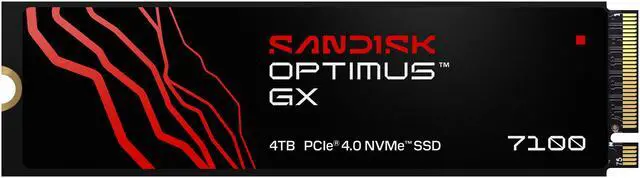
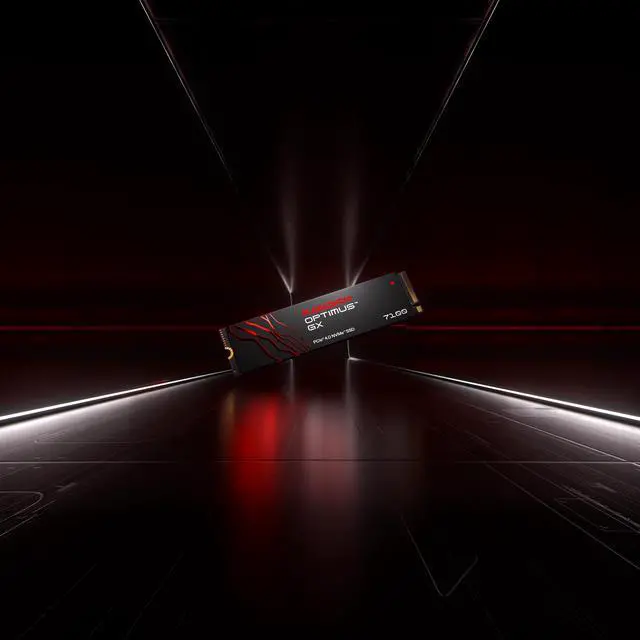
The SanDisk Optimus GX 7100 is a 4TB M.2 2280 PCIe 4.0 x4 NVMe SSD with read speeds up to 7,000 MB/s and write speeds up to 6,700 MB/s, suited to PC gamers who want fast game storage and room for a large library.
| Attribute | Value |
|---|---|
| Best For | PC gaming and personal or business use in a desktop or laptop that supports an internal 4TB M.2 NVMe SSD |
| Capacity | 4TB of 3D NAND TLC storage |
| Interface And Form Factor | M.2 2280-S3-M form factor with PCIe 4.0 x4 and NVMe 2.0 connectivity |
| Read And Write Performance | Sequential speeds up to 7,000 MB/s read and 6,700 MB/s write; 4KB random performance up to 900,000 IOPS read and 1,350,000 IOPS write |
| Endurance And Reliability | Rated for 2,400TB written and an MTBF of 1,750,000 hours |
| Power And Operating Conditions | Idle power is 5mW; average active power is 4.1W reading and 4.0W writing. Operating temperature is 0°C to 85°C; storage temperature is -40°C to 85°C |
| Shock And Vibration Resistance | Shock resistance up to 1,500G at 0.5ms half-sine; operating vibration is 5gRMS and non-operating vibration is 4.9gRMS |
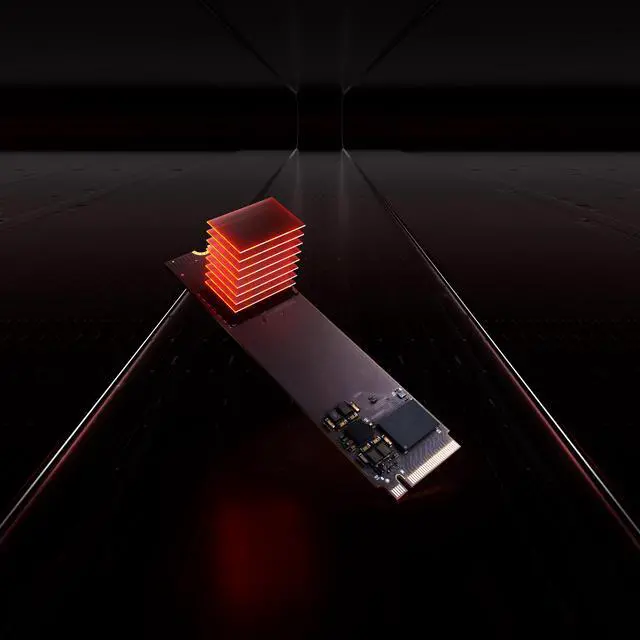
| Physical Specifications | 80 × 22 × 2.38mm and weighs 5.8g; supplied without a heatsink |
| Platform Compatibility | Listed for desktop and laptop use, with Sony PlayStation 5 and Microsoft Xbox Series S also listed as compatible models |
| Model Identifiers | SanDisk Optimus GX 7100; model SDSP71400TAN-000E0 (third-party model number SDSP71400TAN) |
Q: SanDisk Optimus GX 7100 4TB or Samsung 990 PRO 4TB?
A: Both are 4TB PCIe 4.0 x4 M.2 2280 TLC drives, but the 990 PRO has higher rated peak speeds: 7,450/6,900 MB/s sequential read/write versus 7,000/6,700 MB/s for the GX 7100 4TB. Samsung also specifies onboard DRAM; the GX 7100 uses Host Memory Buffer. Choose the 990 PRO if its higher rated performance and dedicated DRAM are priorities. Choose the GX 7100 if its pricing or SanDisk-specific features better suit your build. An independent review tested the GX 7100 in 2TB form, so its benchmark results should not be treated as a direct 4TB comparison.
Q: Is the GX 7100 4TB worth choosing over the 2TB version?
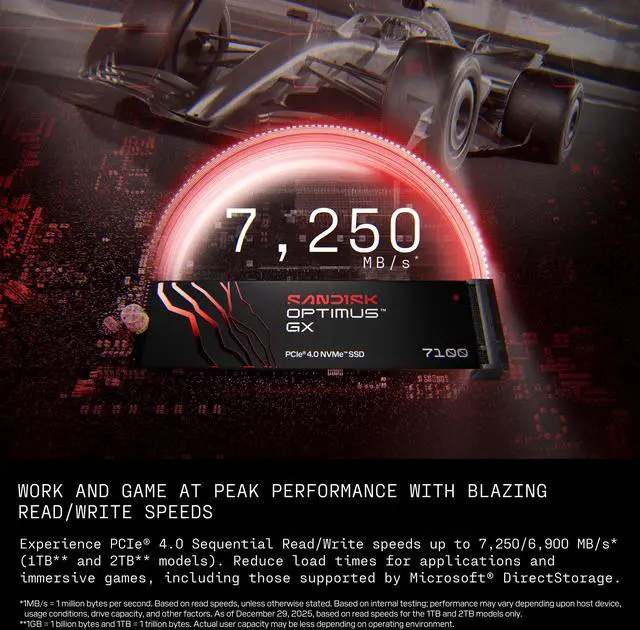
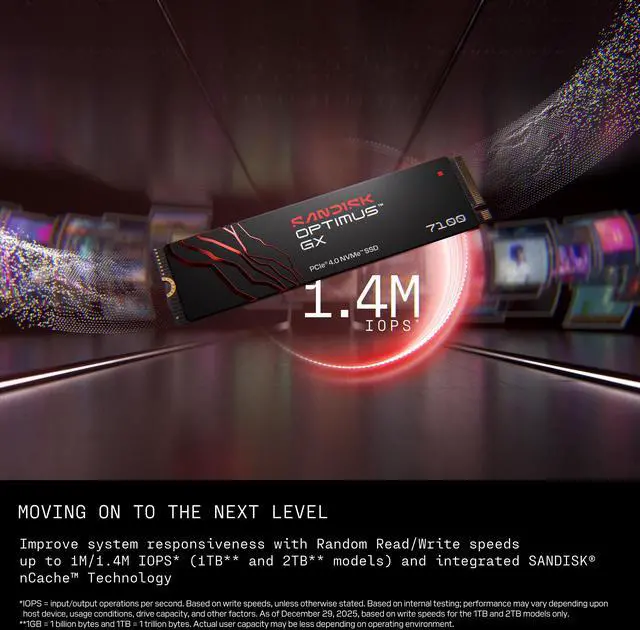
A: Choose the 4TB version when you need more room for games and files: it doubles capacity and is rated for 2,400 TBW, compared with 1,200 TBW for the 2TB model. The 2TB model has higher rated peak performance—up to 7,250/6,900 MB/s sequential read/write and 1.0M/1.4M random read/write IOPS, versus 7,000/6,700 MB/s and 900K/1.35M IOPS for the 4TB model. In short, the 4TB version favors capacity and rated endurance; the 2TB version favors peak specifications.
Q: Should I get the GX 7100 4TB or WD_BLACK SN850X 4TB?
A: Both are 4TB PCIe Gen4 M.2 2280 TLC SSDs, and both are offered without a heatsink. The SN850X has higher rated sequential read speed (7,300 versus 7,000 MB/s), while the GX 7100 has a higher rated sequential write speed (6,700 versus 6,600 MB/s) and random write rating (1.35M versus 1.1M IOPS). Choose based on the workload and specification that matters more; these manufacturer ratings are not a direct real-world 4TB benchmark comparison.
Q: Will this SSD work in my laptop or desktop?
A: It can work in a system with an available M.2 2280 slot that supports PCIe NVMe SSDs. Check the computer’s manual for supported drive type, capacity, and physical clearance before buying; the product specifications alone cannot confirm compatibility with a specific system.
Q: Does this SSD include a heatsink?
A: No. This model is listed without a heatsink. Check the computer or device’s cooling and clearance requirements; if a heatsink is needed, use one that fits the device and the 80 × 22 mm drive.
Q: Will it reach its advertised speed in my computer?
A: The drive is rated for sequential reads up to 7,000 MB/s and writes up to 6,700 MB/s. Actual speeds depend on the system’s M.2 slot, PCIe generation, workload, and other system limits; a slower or different interface may reduce performance.
Q: Who is a 4TB SSD like this suitable for?
A: Its 4TB capacity and PCIe 4.0 x4 interface suit users who need substantial internal storage for games, media, or large work files and have a compatible M.2 2280 NVMe slot. It may be more capacity than needed for lighter storage use.
Q: Is the Optimus GX 7100 a suitable storage upgrade for a Steam Machine?
A: It may be suitable if the Steam Machine supports an M.2 2280 PCIe 4.0 x4 NVMe drive and 4TB capacity. Check the device’s specifications before buying; the product listing does not confirm compatibility with a specific system.
Q: Do the GX 7100’s high read and write speeds make a noticeable difference for gaming?
A: The drive is rated for sequential speeds up to 7,000 MB/s read and 6,700 MB/s write. A Reddit discussion about the GX 7100 says its maximum speeds are unlikely to make a significant difference during gameplay, so capacity and compatibility may matter more for a game-storage upgrade.
Q: Does the GX 7100 need a heatsink in a handheld gaming device?
A: This 4TB model is listed without a heatsink. Whether it needs a thermal pad or heatsink depends on the handheld’s space and cooling design; check the device’s installation guidance and clearance before adding one.
Q: Is a 4TB GX 7100 worth buying for a handheld upgrade?
A: It can make sense if you need 4TB in a compatible M.2 2280 slot. The product data gives its capacity and interface but not its price, so whether it is worth buying depends on the current cost and how much storage you need.