here!
here!
I’m your shopping assistant for PC builds, upgrades, and everything tech.
Got questions? Ask away!
Start a conversation
here!
I’m your shopping assistant for PC builds, upgrades, and everything tech.
Got questions? Ask away!
Start a conversationShipped by Newegg
 Top Rated


Make informed decisions with expert advice. Learn More




Any questions? Ask CelesteSM will help you find out quickly.

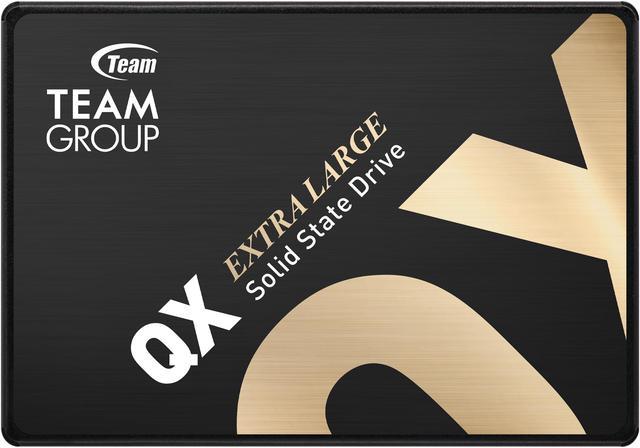
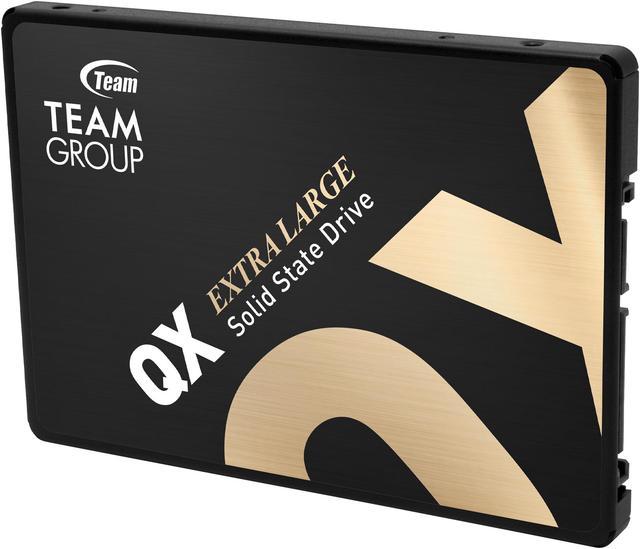
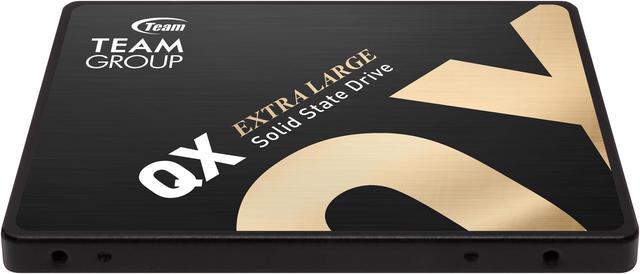
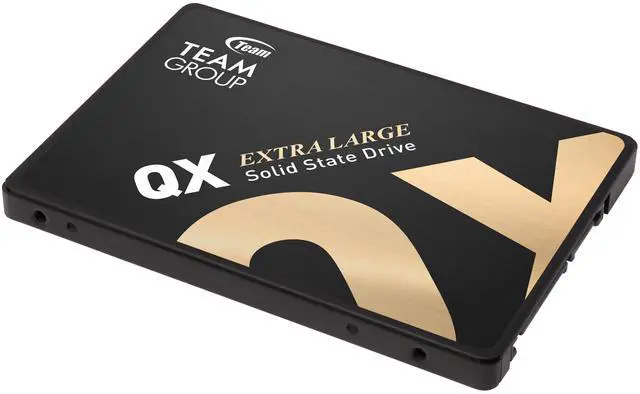
TEAMGROUP QX SSD is a consumer-grade 2.5" SATA SSD with up to 4TB of storage capacity that meets the needs of ultra-large capacity requirements.

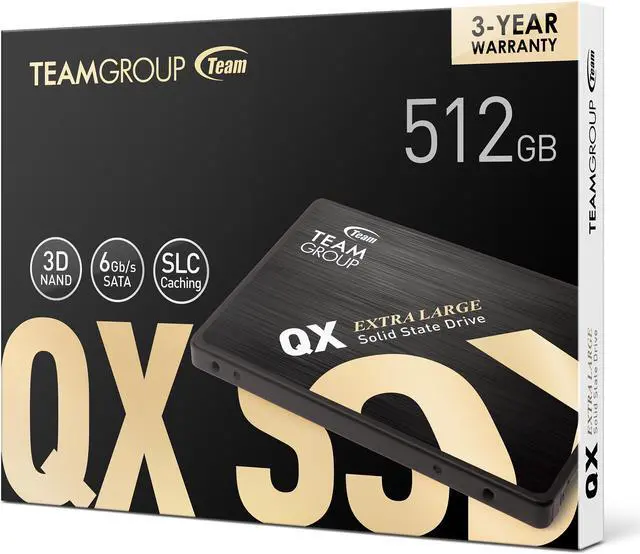
Supports SLC Caching technology and enjoys a smooth user experience with a fast read/write speed of up to 560/500MB/s.

With the latest 3D QLC flash memory, it offers the same terabyte capacity of a mechanical hard drive, as well as features that traditional mechanical hard drives do not have, such as powerful read/write performance, low power consumption, shock resistance and noise-free. The QX is a monster SSD that completely defeats mechanical hard drives.

The Team Group QX T253X7512G0C101 is a 512GB 2.5-inch SATA III SSD for laptop and desktop users upgrading from a hard drive or replacing a compatible SATA drive, with sequential read speeds up to 560MB/s.
| Attribute | Value |
|---|---|
| Best For | Consumer internal storage upgrades for laptops and desktop PCs |
| Capacity | 512GB |
| Interface And Form Factor | 2.5-inch internal SSD with a SATA III interface and SATA protocol |
| Storage Technology And Cache | 3D NAND with no-DRAM HMB cache |
| Read Write Performance | Sequential read speeds up to 560 MB/s and write speeds up to 550 MB/s |
| Endurance And Operating Conditions | 120TB TBW and 1,500,000-hour MTBF; operates from 0°C to +70°C, with 1500G maximum shock resistance and 20G maximum non-operating vibration resistance |
| Physical Dimensions | 100.00 mm deep × 69.90 mm wide × 7.00 mm high |
| Model Identifiers | Team Group QX, model T253X7512G0C101 |
Q: Should I get the 512GB TEAMGROUP QX or a 256GB QX?
A: Choose the 512GB QX if you need more room for an operating system, apps, and games: TEAMGROUP rates it for up to 560 MB/s read, 500 MB/s write, and 120 TBW, compared with 520/450 MB/s and 80 TBW for the 256GB model. The 256GB model is the capacity-saving option if it meets your storage needs.
Q: Is the 512GB TEAMGROUP QX a better choice than keeping a hard drive?
A: For a compatible 2.5-inch SATA drive bay, the QX is the more suitable choice for an operating system and frequently used apps when responsiveness matters: it is an SSD rated for up to 560 MB/s read and 500 MB/s write. A hard drive may suit users prioritizing high-capacity storage; check the device’s interface and available space before upgrading.
Q: Should I buy the 512GB TEAMGROUP QX or the 1TB QX?
A: Choose the 1TB QX if you need twice the listed capacity and higher rated write endurance: TEAMGROUP specifies 200 TBW for the 1TB model versus 120 TBW for the 512GB model, with the same rated sequential speeds of up to 560 MB/s read and 500 MB/s write. The 512GB version is suitable when that capacity is enough.
Q: Should I choose the TEAMGROUP QX or an M.2 NVMe SSD?
A: Choose the QX for a system that needs a 2.5-inch SATA SSD or has no available M.2 slot. Choose an M.2 NVMe drive when the computer supports it and higher transfer performance is a priority; the QX uses SATA III and is rated for up to 560 MB/s read and 500 MB/s write. User discussions also identify SATA drives as a practical option when M.2 slots are already occupied.
Q: Can this SSD replace a laptop hard drive?
A: It can replace a drive in a laptop that supports a 2.5-inch SATA drive. Check your laptop’s drive type and installation requirements first; an M.2 or NVMe-only system is not compatible with this 2.5-inch SATA model.
Q: Can I use this 2.5-inch SSD in a desktop PC?
A: Yes, if the desktop has a compatible SATA connection and power connection. Check how the drive will be secured: a desktop with only 3.5-inch mounting bays may need a 2.5-to-3.5-inch mounting adapter.
Q: Is this a worthwhile upgrade from a mechanical hard drive?
A: It may be a worthwhile upgrade if the computer currently uses a mechanical hard drive and supports 2.5-inch SATA. The drive is rated for sequential reads up to 560 MB/s and writes up to 550 MB/s; actual performance depends on the system and workload. Moving to a new drive does not automatically transfer your files or operating system, so plan to clone or reinstall them.
Q: Is the Team Group QX suitable as a game-storage drive?
A: It can suit a SATA-equipped PC as a secondary game drive. A Reddit discussion about the QX describes it as suitable for game storage, while noting that large writes may be a trade-off. The supplied specifications list sequential speeds up to 560 MB/s read and 550 MB/s write; actual results depend on the system and workload.
Q: Does the 512GB QX have a DRAM cache?
A: The provided specifications say this 512GB model has no DRAM and uses HMB. Reddit discussions show that cache information can be confusing across QX capacities, so check the exact model number rather than assuming every QX version has the same configuration.
Q: Is the QX a good choice for frequent large file transfers?
A: It may be less suitable if your workload involves frequent, sustained large writes. The supplied specifications state peak sequential speeds, but do not give a sustained-write rate. Reddit discussion of other QX capacities also raises large-write performance as a potential limitation, so consider a drive with documented sustained-write performance for that workload.