

Your Browsing History
- In Stock
- Sold by Newegg
- AI Ready
- New

Any questions? Our AI mode will help you find out quickly.
Try me now
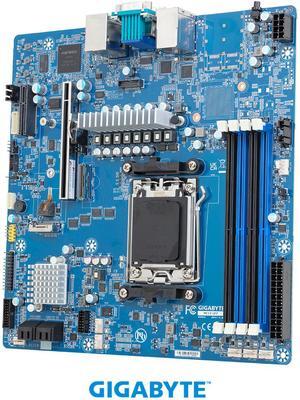
Quick View

- Brand: GIGABYTE
- CPU Socket Type: Socket AM5
- CPU Type: AMD EPYC 4004 Series / AMD EPYC 4005 Series / AMD Ryzen 7000 Series / AMD Ryzen 9000 Series
- Number of Processor Support: 1
- Model #: MC13-LE2
- $347.99
- $251.99 –
- Save: $96.00 (27%)
- $9.62 Shipping
Quick View
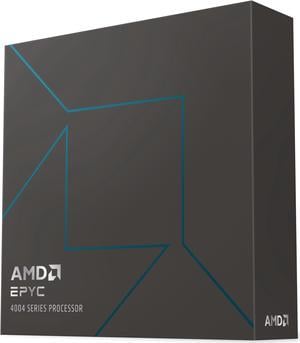
AMD EPYC 4004 (4th Gen) 4564P Hexadeca-core (16 Core) 4.50 GHz Processor - 64 MB L3 Cache - 64-bit Processing - 5.70 GHz Server / Workstation Processor 100-100001476WOF.
OUT OF STOCK
- Brand: AMD
- Name: EPYC 4564P
- Operating Frequency: 4.5 GHz
- CPU Socket Type: Socket AM5
- Model #: 100-100001476WOF
- $667.99 –
- More options from $595.55 - $667.99
- Free Shipping
Quick View
AMD EPYC 4004 (4th Gen) 4244P Hexa-core (6 Core) 3.80 GHz Processor - 32 MB L3 Cache - 64-bit Processing - 5.10 GHz Overclocking Speed - Socket AM5 - 65 W - 12 Threads 100-100001480WOF
OUT OF STOCK
- Brand: AMD
- Name: EPYC 4244P
- Operating Frequency: 3.8 GHz
- CPU Socket Type: Socket AM5
- Model #: 100-100001480WOF
- $249.99 –
- Free Shipping
Quick View
AMD EPYC 4004 (4th Gen) 4364P Octa-core (8 Core) 4.50 GHz Processor - 32 MB L3 Cache - 64-bit Processing - 5.40 GHz Overclocking Speed - Socket AM5 - 105 W - 16 Threads 100-100001477WOF
OUT OF STOCK
- Brand: AMD
- Name: EPYC 4364P
- Operating Frequency: 4.5 GHz
- CPU Socket Type: Socket AM5
- Model #: 100-100001477WOF
- $328.18 –
- More options from $328.18 - $438.83
- Free Shipping
Quick View
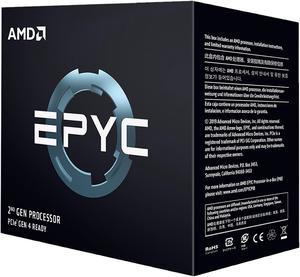
AMD EPYC 7002 7542 Dotriaconta-core (32 Core) 2.90 GHz Processor - 128 MB L3 Cache - 16 MB L2 Cache - 64-bit Processing - 3.40 GHz Overclocking Speed - Socket SP3 - 225 W - 64 Threads
OUT OF STOCK
- Brand: AMD
- Name: EPYC 7542
- Operating Frequency: 2.9 GHz
- CPU Socket Type: Socket SP3
- Model #: 100-100000075WOF
- $3,679.99 –
- Free Shipping
Quick View
AMD EPYC 4004 (4th Gen) 4464P Dodeca-core (12 Core) 3.70 GHz Processor - 64 MB L3 Cache - 64-bit Processing - 5.40 GHz Overclocking Speed - S Server / Workstation Processor 100-100001478WOF
OUT OF STOCK
- Brand: AMD
- Name: EPYC 4464P
- Operating Frequency: 3.7 GHz
- CPU Socket Type: Socket AM5
- Model #: 100-100001478WOF
- $490.99 –
- More options from $435.55 - $490.99
- Free Shipping
Quick View
AMD EPYC 5th Gen 9005 Series (Forty-Eight-Core) 48 Core - Model 9455P AMD - EPYC - Total Threads: 96 - Socket SP5 - L3 Cache - 256MB Memory
- Brand: AMD
- Name: EPYC 9455P
- Operating Frequency: 3.15 GHz
- CPU Socket Type: Socket SP5
- Model #: 100-000001563
- $4,999.99 –
- More options from $3,699.99 - $6,679.10
- Free Shipping
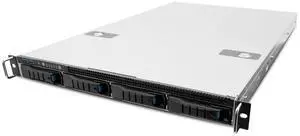
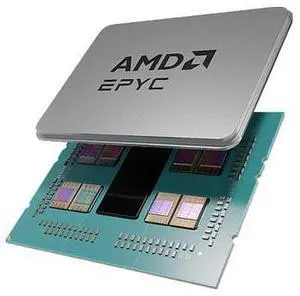
Quick View
100-000001136 EPYC 8024P 2.40GHz 4th Generation 8-Core Processor - Siena
- Model #: TGM-100-000001136
- $1,035.53 –
- More options from $1,034.95 - $1,036.25
- Free Shipping
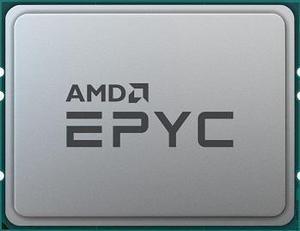
Quick View

- Brand: AMD
- Name: EPYC 9224
- Operating Frequency: 2.5 GHz
- CPU Socket Type: Socket SP5
- Model #: 100-000000939
- $1,549.00 –
- More options from $1,549.00 - $1,928.00
- Free Shipping
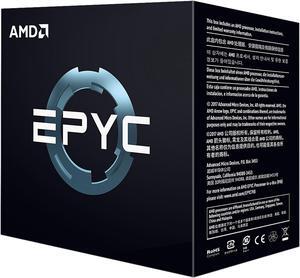
Quick View
AMD EPYC 7551 32-Core 2.0 GHz (3.0 GHz Max Boost) Socket SP3 PS7551BDAFWOF Server Processor
- # of Cores: 32-Core
- Series: AMD EPYC 7001
- L3 Cache: 64MB
- Manufacturing Tech: 14 nm
- Model #: PS7551BDAFWOF
- $259.00 –
- Free Shipping
Quick View
- Brand: AMD
- Name: EPYC 7532
- Operating Frequency: 2.4 GHz
- CPU Socket Type: Socket SP3
- Model #: 100-000000136
- $1,900.10 –
- More options from $1,900.10 - $1,956.99
- Free Shipping
Quick View
- Series: AMD EPYC 7003
- Model #: B-AMD EPYC 7713
- $1,539.98 –
- More options from $1,539.98 - $2,966.00
- Free Shipping
Quick View
- $1,616.85 –
- More options from $696.99 - $1,616.85
- Free Shipping
Quick View
in 30 days

LEAVE A REVIEW AND GET REWARDS
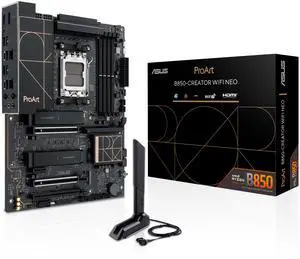
- Brand: ASUS
- CPU Socket Type: AM5
- Chipset: AMD B850
- Serial ATA (SATA): 4 x SATA 6Gb/s
- Model #: ProArt B850-CREATOR WIFI
- $311.99
- $285.99 –
- Save: $26.00 (8%)
- More options from $285.99 - $494.98
- Free Shipping
Quick View
AMD EPYC 4004 (4th Gen) 4464P Dodeca-core (12 Core) 3.70 GHz Processor - OEM Pack - 64 MB L3 Cache - 64-bit Processing - 5.40 GHz Overclocking Speed - Socket AM5 - 65 W - 24 Threads 100-000001478
- Brand: AMD
- Name: EPYC 4464P
- Operating Frequency: 3.7 GHz
- CPU Socket Type: Socket AM5
- Model #: 100-000001478
- $516.24 –
- More options from $490.99 - $1,300.10
- Free Shipping
Quick View
AMD EPYC 4004 (4th Gen) 4564P Hexadeca-core (16 Core) 4.50 GHz Processor - OEM Pack - 64 MB L3 Cache - 64-bit Processing - 5.70 GHz Overclocking Speed - Socket AM5 - 170 W - 32 Threads 100-000001476
- Brand: AMD
- Name: EPYC 4564P
- Operating Frequency: 4.5 GHz
- CPU Socket Type: Socket AM5
- Model #: 100-000001476
- $1,057.50 –
- Free Shipping
Quick View
- Model #: 100000000334-4B
- $616.40 –
Quick View
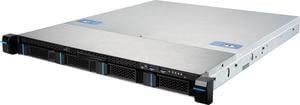
MSI S1102-01 1U Server Barebone (1) AMD Socket 4004/4005 Series Procesor AM5 AMD B650

OUT OF STOCK
- CPU Type: Single AMD Ryzen 7000 Series Processor, up to TDP 105W
- Memory Slots: (4) DDR5 DIMM slots, 2DPC, ECC/non-ECC UDIMM
- Max Memory Supported: Max. Capacity per DIMM: 48GB
- PCI Express: (1) PCIe 4.0 x16 slot from CPU support FHHL PCIe card
- Model #: 939-S336-002
- $1,288.99 –
- Free Shipping
Quick View
- Brand: AMD
- Name: EPYC 9684X
- Operating Frequency: 2.55 GHz
- CPU Socket Type: Socket SP5
- Model #: 100-000001254
- $7,475.10 –
- More options from $7,475.10 - $9,600.10
- Free Shipping
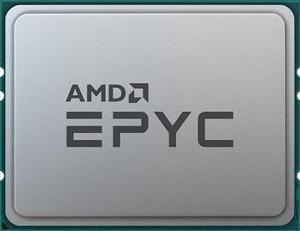
Quick View
- Brand: AMD
- Name: EPYC 9384X
- Operating Frequency: 3.1 GHz
- CPU Socket Type: Socket SP5
- Model #: 100-000001256
- $4,185.99 –
- More options from $4,185.99 - $4,235.99
- Free Shipping
Quick View
AMD EPYC 4004 (4th Gen) 4344P Octa-core (8 Core) 3.80 GHz Processor - OEM Pack - 32 MB L3 Cache - 64-bit Processing - 5.30 GHz Overclocking Speed - Socket AM5 - 65 W - 16 Threads
- Brand: AMD
- Name: EPYC 4344P
- Operating Frequency: 3.8 GHz
- CPU Socket Type: Socket AM5
- Model #: 100-000001479
- $1,020.00 –
- Free Shipping
Quick View
AMD EPYC 4004 (4th Gen) 4244P Hexa-core (6 Core) 3.80 GHz Processor - OEM Pack - 32 MB L3 Cache - 64-bit Processing - 5.10 GHz Overclocking Speed - Socket AM5 - 65 W - 12 Threads 100-000001480
- Brand: AMD
- Name: EPYC 4244P
- Operating Frequency: 3.8 GHz
- CPU Socket Type: Socket AM5
- Model #: 100-000001480
- $248.45 –
- More options from $236.78 - $1,150.00
- Free Shipping
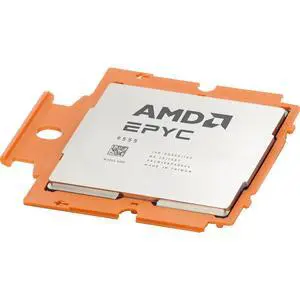
Quick View

- Model #: EPYC9555-AP
- $6,408.40 –
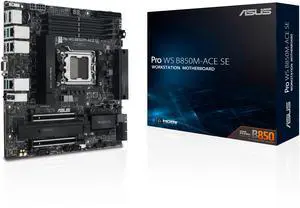
Quick View
- Brand: ASUS
- CPU Socket Type: AM5
- Chipset: AMD B850
- Serial ATA (SATA): 4 x SATA 6Gb/s
- Model #: Pro WS B850M-ACE SE
- $359.99 –
- More options from $359.79 - $899.00
- Free Shipping
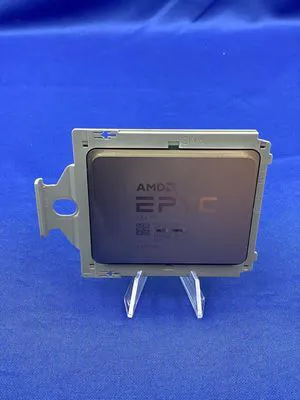
Quick View
- Model #: 100000000341-A7
- $1,650.00 –
Quick View
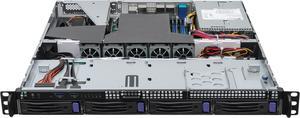
ASRock Rack 1U4LW-B650/2L2T RPUS 1U Rackmount General Purpose Server Barebone AMD Single Socket AM5 (LGA 1718) 4 SATA bays Dual 10G Lan Dual 1G Lan 450W redundant PWS


OUT OF STOCK
- CPU Type: Supports AMD Ryzen 7000 series Processors
- Memory Slots: 4 x DIMM slots (2DPC) DDR5 288-pin ECC/non-ECC UDIMM
- Max Memory Supported: 198GB, Max. Capacity per DIMM (48GB)
- PCI: 1 x FH PCIe4.0 x16 via RB1UX16_G4
- Model #: 1U4LW-B650/2L2T RPSU
- COMING SOON
Quick View
100-000000334 EPYC 7513 2.6GHz 32-Core Processor - Milan
- Model #: TGM2-100-000000334
- $5,297.50 –
- Free Shipping
Quick View

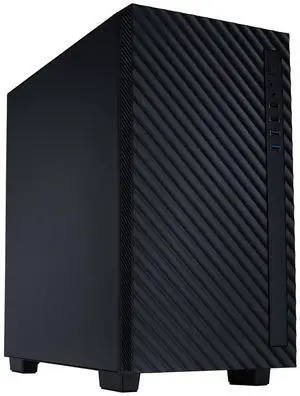
- Brand: ABS
- Series: 1-Socket Tower Server
- Workload: Workstation
- Type: Tower
- Model #: R1315-4585PX
- $2,949.00 –
- Free Shipping
Quick View
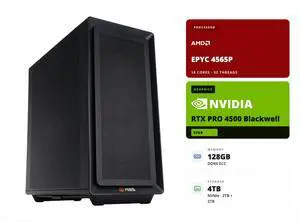
- CPU Type: AMD EPYC 4005 (5th Gen) 4565P
- GPU Type: NVIDIA RTX Pro 4500 Blackwell
- Video Memory: 32GB GDDR7 ECC
- Installed Memory Size: 128GB
- Model #: ZRE4565P-RP4500
- $11,999.00 –
- Free Shipping
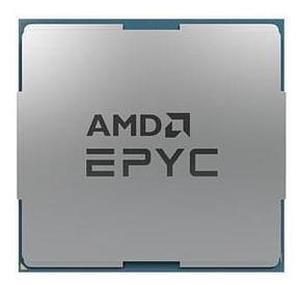
Quick View
100-000000804 EPYC 9554P 3.1GHz 64-Core Processor - Genoa
- Model #: TGM-100-000000804
- $9,493.10 –
- Free Shipping
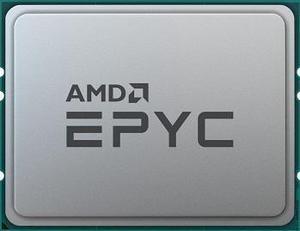
Quick View
- Type: Control Module
- Model #: 100-000000136
- $258.00 –
- Free Shipping
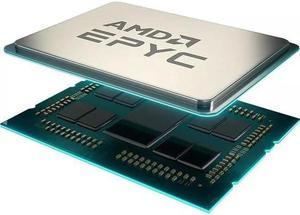
Quick View
- Series: AMD EPYC 7003
- Model #: AMD 100-000000345
- $1,399.10 –
- More options from $1,399.10 - $1,549.81
- Free Shipping
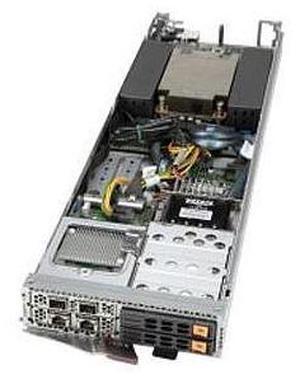
Quick View
SBA-4114S-C2N Blade Barebone Single EPYC 7003/7002 Processors
- Model #: TGM-SBA-4114S-C2N
- $2,683.20 –
- More options from $2,682.40
- Free Shipping
Quick View
- Type: Rackmount
- Model #: 100-100000334WOF-New
- $1,410.00 –
- Free Shipping
| Buying an AMD EPYC 4005 | |
|---|---|
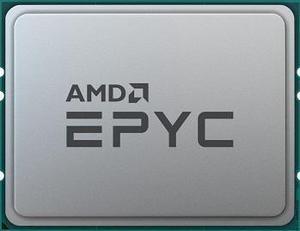
Understanding the AMD EPYC 4005The AMD EPYC 4005 is part of AMD’s EPYC 4000 series, designed for entry-level servers and edge applications. Built on a 7 nm process, the EPYC 4005 features 8 cores and 16 threads, with a base clock of 2.0 GHz and a maximum boost of 3.0 GHz. Its single-socket design offers up to 64 lanes of PCIe 4.0 connectivity, enabling high-bandwidth networking and storage options. With a 120 W TDP, this processor balances performance and power efficiency for tasks such as virtualization, web hosting, and lightweight database workloads. Key technical details include 64 MB of L3 cache, DDR4-3200 support in dual-channel mode (up to 3200 MT/s), and integrated Infinity Fabric for coherent memory access across chiplets. When selecting a compatible motherboard, look for server boards with SP3 sockets, support for ECC memory, and robust VRM designs to ensure stability under sustained loads. Popular board partners include Supermicro , ASRock , which offer a range of options for 1U, 2U, and tower chassis. Before purchasing, verify compatibility with your chassis—many EPYC 4005 motherboards require specific rear I/O layouts and cooling profiles. Standard air-cooled heatsinks supporting SP3 sockets are widely available. If you plan to deploy the EPYC 4005 in a dense rack , consider passive heatsink solutions with direct-to-chassis airflow. For current listings, visit Newegg’s AMD EPYC 4005 category. Filter by seller ratings and review counts to find models with reliable shipping and support. Once you receive your shipment, follow the manufacturer’s installation guide to seat the CPU , install compatible ECC DDR4 DIMMs, and configure the BIOS. |
Getting the Most Out of Your EPYC 4005After installing the EPYC 4005, update your BIOS/UEFI to the latest version provided by the motherboard manufacturer. This ensures full support for memory speed and power management features. Enable “Secure Boot” and verify that your operating system—whether it’s a Linux distribution or Windows Server—recognizes the processor and all installed memory. For Linux deployments, confirm that you’re using a kernel version that supports EPYC 4000-series optimizations. To optimize performance, configure BIOS settings for NUMA mode and PCIe bifurcation if you’re using NVMe RAID or high-port network adapters. Adjust power profiles to “Performance” for maximum throughput in virtualization or database tasks. Monitor core temperatures with IPMI utilities or motherboard-provided software; if you notice sustained high temperatures, improve chassis airflow or switch to higher-capacity fans. FAQs about the AMD EPYC 4005
|